Smart WiFi Doorbell PC
Chuango Security Technology Corporation
ดาวน์โหลด Smart WiFi Doorbell บนพีซีด้วย GameLoop Emulator
Smart WiFi Doorbell บน PC
Smart WiFi Doorbell มาจากผู้พัฒนา Chuango Security Technology Corporation ที่เคยรันบนระบบปฏิบัติการ Android มาก่อน
ตอนนี้คุณสามารถเล่น Smart WiFi Doorbell บนพีซีด้วย GameLoop ได้อย่างราบรื่น
ดาวน์โหลดในไลบรารี GameLoop หรือผลการค้นหา ไม่ต้องสนใจแบตเตอรี่หรือโทรผิดเวลาอีกต่อไป
เพียงเพลิดเพลินกับ Smart WiFi Doorbell PC บนหน้าจอขนาดใหญ่ฟรี!
Smart WiFi Doorbell บทนำ
The completely wire-free Video Doorbell (Battery Plus) is easy to install, for outdoor use. With ultra-low power consumption technology, this Video Doorbell works under normal usage for about 12 months in standby mode with 3 AA batteries. No wiring or cable is required. Just apply the provided bracket and screws to affix the doorbell to your door frame, and then connect the doorbell to your home WiFi network by following the step-by-step instructions in our free app, and you are good to go.
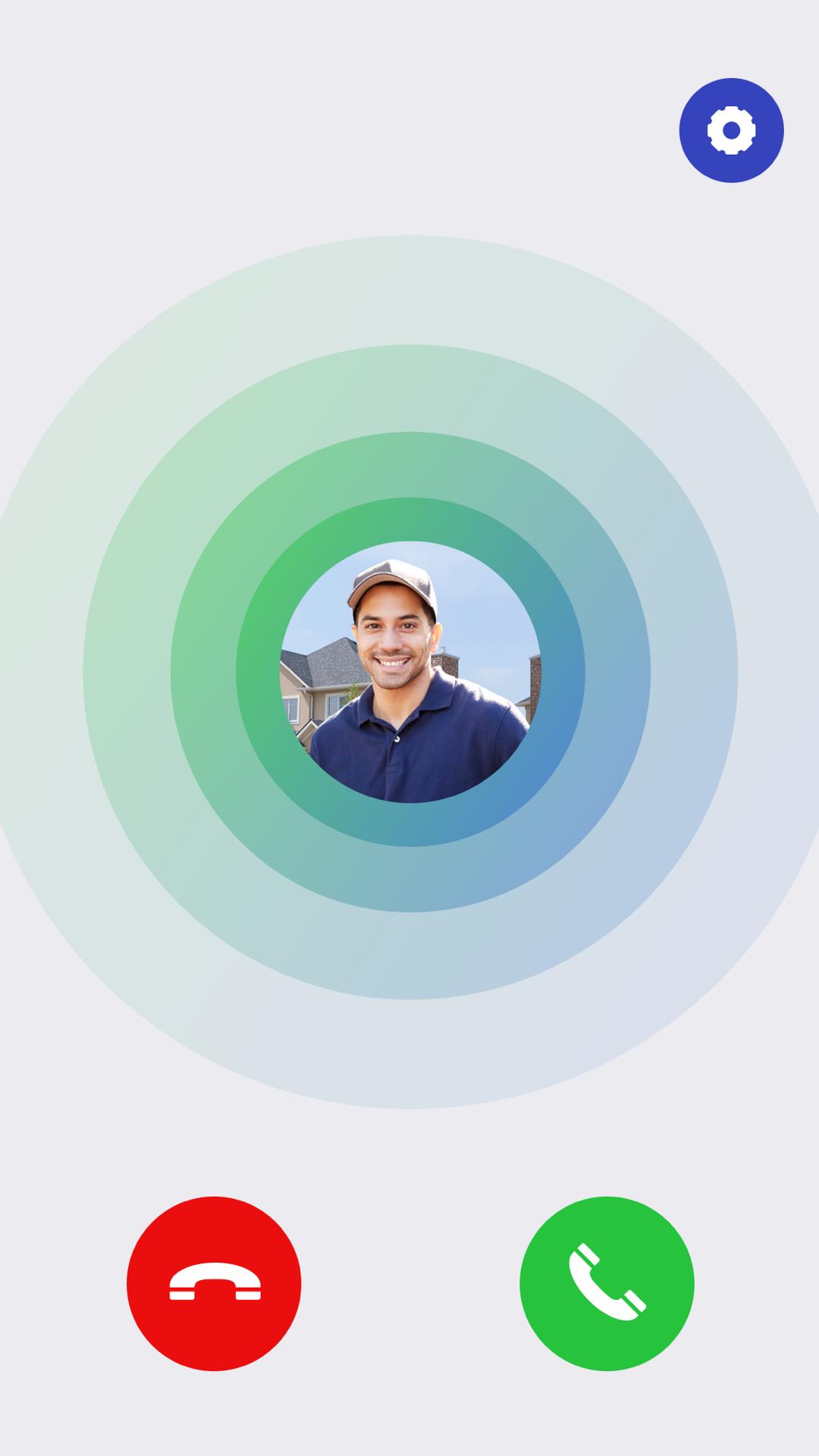
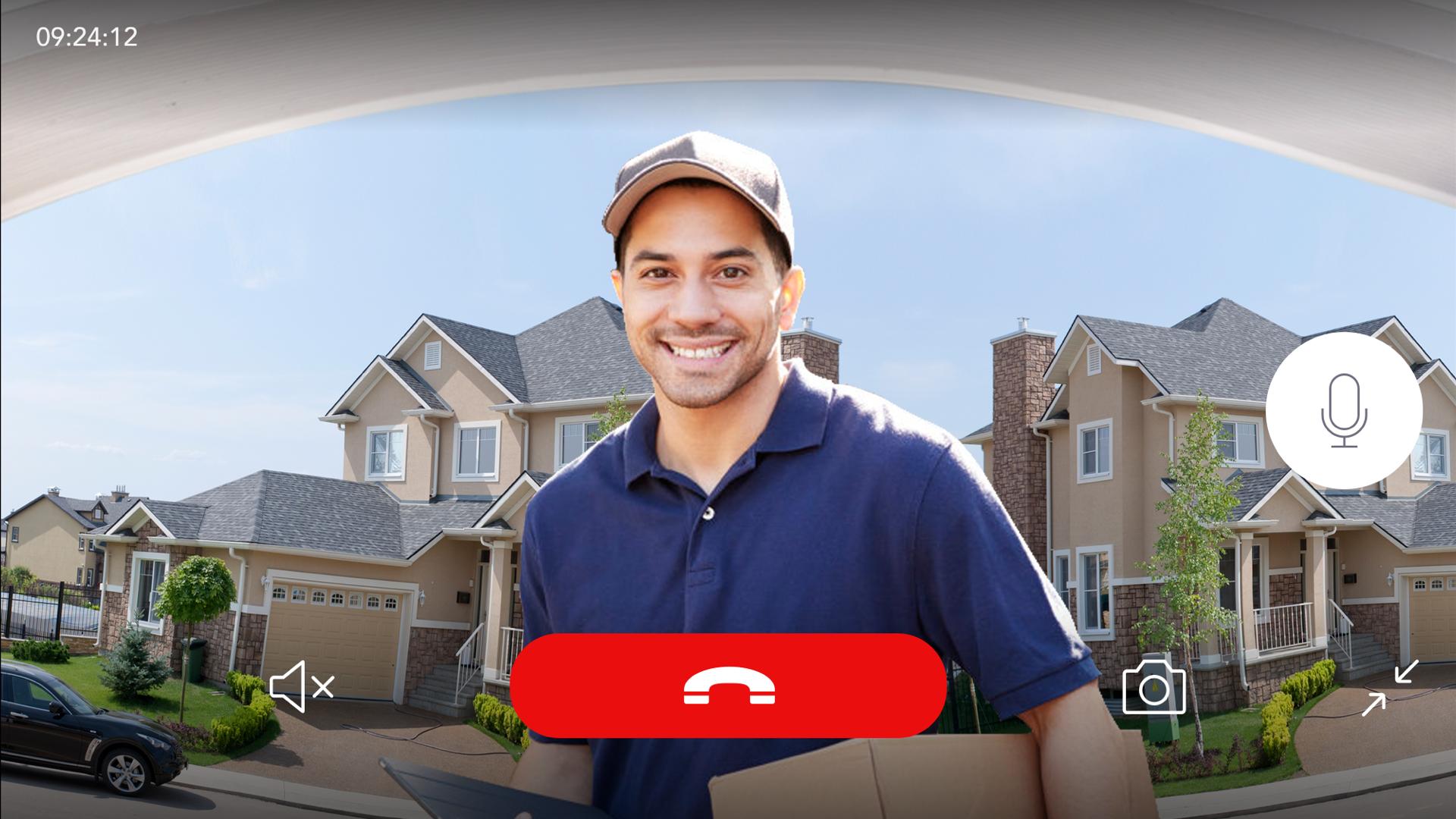
When someone presses on the bell button, the Wireless Chime will ring, and you and your family get an instant notification on your smartphones, enabling you to see and speak with your visitor no matter where you are in the house or in the world.
Statement for the Auto-Renewable Cloud-Based Recording Plans
1. Payment: Auto-renewable subscriptions include “Basic Monthly / Basic Annually / Premium Monthly / Premium Annually”. Payment will be charged to your Apple ID account at the confirmation of purchase.
2. Auto-renewal: Your account will be charged for renewal within 24-hours prior to the end of the current period.
3. Cancel subscription: The subscription automatically renews unless it is canceled at least 24 hours before the end of the current period.
4. You can manage and cancel your subscriptions by going to your App Store account settings after purchase.
5. Any unused portion of a free trial period, if offered, will be forfeited when you purchase a subscription.
ดูตัวอย่าง
แท็ก
ธุรกิจข้อมูล
นักพัฒนา
Chuango Security Technology Corporation
เวอร์ชั่นล่าสุด
3.0.2
อัพเดทล่าสุด
2020-07-15
หมวดหมู่
ธุรกิจ
มีจำหน่ายที่
Google Play
แสดงมากขึ้น
วิธีเล่น Smart WiFi Doorbell ด้วย GameLoop บน PC
1. ดาวน์โหลด GameLoop จากเว็บไซต์ทางการ จากนั้นเรียกใช้ไฟล์ exe เพื่อติดตั้ง GameLoop
2. เปิด GameLoop และค้นหา "Smart WiFi Doorbell" ค้นหา Smart WiFi Doorbell ในผลการค้นหาแล้วคลิก "ติดตั้ง"
3. สนุกกับการเล่น Smart WiFi Doorbell บน GameLoop
Minimum requirements
OS
Windows 8.1 64-bit or Windows 10 64-bit
GPU
GTX 1050
CPU
i3-8300
Memory
8GB RAM
Storage
1GB available space
Recommended requirements
OS
Windows 8.1 64-bit or Windows 10 64-bit
GPU
GTX 1050
CPU
i3-9320
Memory
16GB RAM
Storage
1GB available space