
RSHULLO PC
Unilever Inc
ดาวน์โหลด RSHULLO บนพีซีด้วย GameLoop Emulator
RSHULLO บน PC
RSHULLO มาจากผู้พัฒนา Unilever Inc ที่เคยรันบนระบบปฏิบัติการ Android มาก่อน
ตอนนี้คุณสามารถเล่น RSHULLO บนพีซีด้วย GameLoop ได้อย่างราบรื่น
ดาวน์โหลดในไลบรารี GameLoop หรือผลการค้นหา ไม่ต้องสนใจแบตเตอรี่หรือโทรผิดเวลาอีกต่อไป
เพียงเพลิดเพลินกับ RSHULLO PC บนหน้าจอขนาดใหญ่ฟรี!
RSHULLO บทนำ
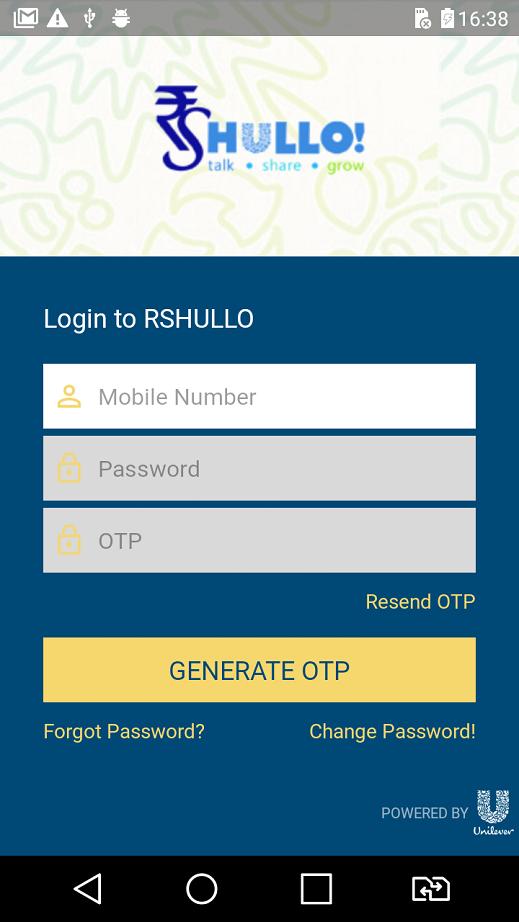
Facing difficulties in managing your business? RS Hullo App is here to make your life easy! You can now manage your entire business with HUL using one simple app!
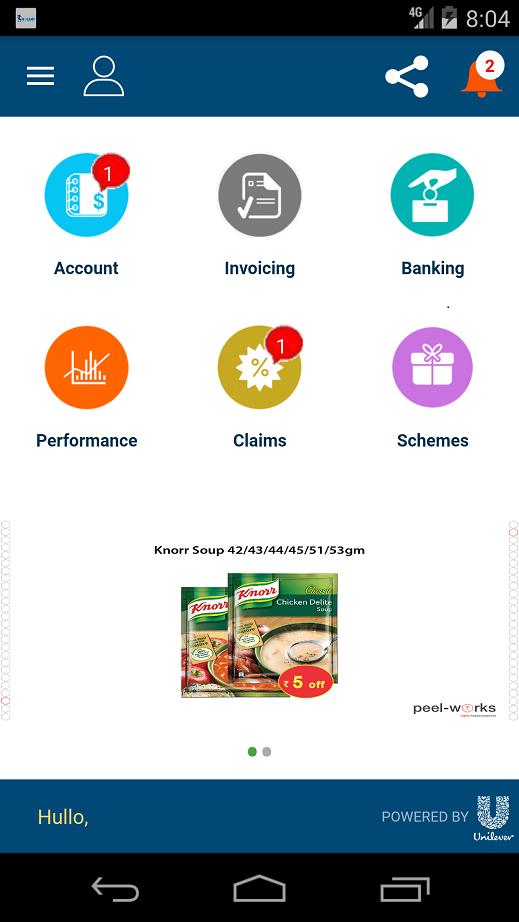
Following are some of the exciting features of the app:
Check Account Balance on-the-go.
View the orders placed, allocated and dispatched to you. Everything under one roof.
Know the payments due to HUL and get notified on failed payments too.
Get immediate notifications about new schemes, payment due, claim acceptance/rejection and more.
Never stay behind. Track your claims and immediately get notified about passed or failed claims.
Get uninterrupted support from the Unilever team – we are just one click away.
Growing your business has never been easier! Get access to all ongoing schemes and product changes conducted by HUL.
Enjoy these features and a lot more on the RS Hullo App built just for your comfort. Download today!
Note: This app is designed exclusively for Redistribution Stockists (RSs) of Unilever.
ดูตัวอย่าง
แท็ก
ธุรกิจข้อมูล
นักพัฒนา
Unilever Inc
เวอร์ชั่นล่าสุด
2.1.8
อัพเดทล่าสุด
2019-10-22
หมวดหมู่
ธุรกิจ
มีจำหน่ายที่
Google Play
แสดงมากขึ้น
วิธีเล่น RSHULLO ด้วย GameLoop บน PC
1. ดาวน์โหลด GameLoop จากเว็บไซต์ทางการ จากนั้นเรียกใช้ไฟล์ exe เพื่อติดตั้ง GameLoop
2. เปิด GameLoop และค้นหา "RSHULLO" ค้นหา RSHULLO ในผลการค้นหาแล้วคลิก "ติดตั้ง"
3. สนุกกับการเล่น RSHULLO บน GameLoop
Minimum requirements
OS
Windows 8.1 64-bit or Windows 10 64-bit
GPU
GTX 1050
CPU
i3-8300
Memory
8GB RAM
Storage
1GB available space
Recommended requirements
OS
Windows 8.1 64-bit or Windows 10 64-bit
GPU
GTX 1050
CPU
i3-9320
Memory
16GB RAM
Storage
1GB available space