
Presentation Link (PowerPoint) PC
ZenUI, ASUS HIT TEAM
ดาวน์โหลด Presentation Link (PowerPoint) บนพีซีด้วย GameLoop Emulator
Presentation Link (PowerPoint) บน PC
Presentation Link (PowerPoint) มาจากผู้พัฒนา ZenUI, ASUS HIT TEAM ที่เคยรันบนระบบปฏิบัติการ Android มาก่อน
ตอนนี้คุณสามารถเล่น Presentation Link (PowerPoint) บนพีซีด้วย GameLoop ได้อย่างราบรื่น
ดาวน์โหลดในไลบรารี GameLoop หรือผลการค้นหา ไม่ต้องสนใจแบตเตอรี่หรือโทรผิดเวลาอีกต่อไป
เพียงเพลิดเพลินกับ Presentation Link (PowerPoint) PC บนหน้าจอขนาดใหญ่ฟรี!
Presentation Link (PowerPoint) บทนำ
We're sorry, Presentation Link will be removed from store soon.
We recommand Remote Link as an alternative tool.
( (https://play.google.com/store/apps/details?id=com.asus.remotelink.full )
Thank you all for your support!
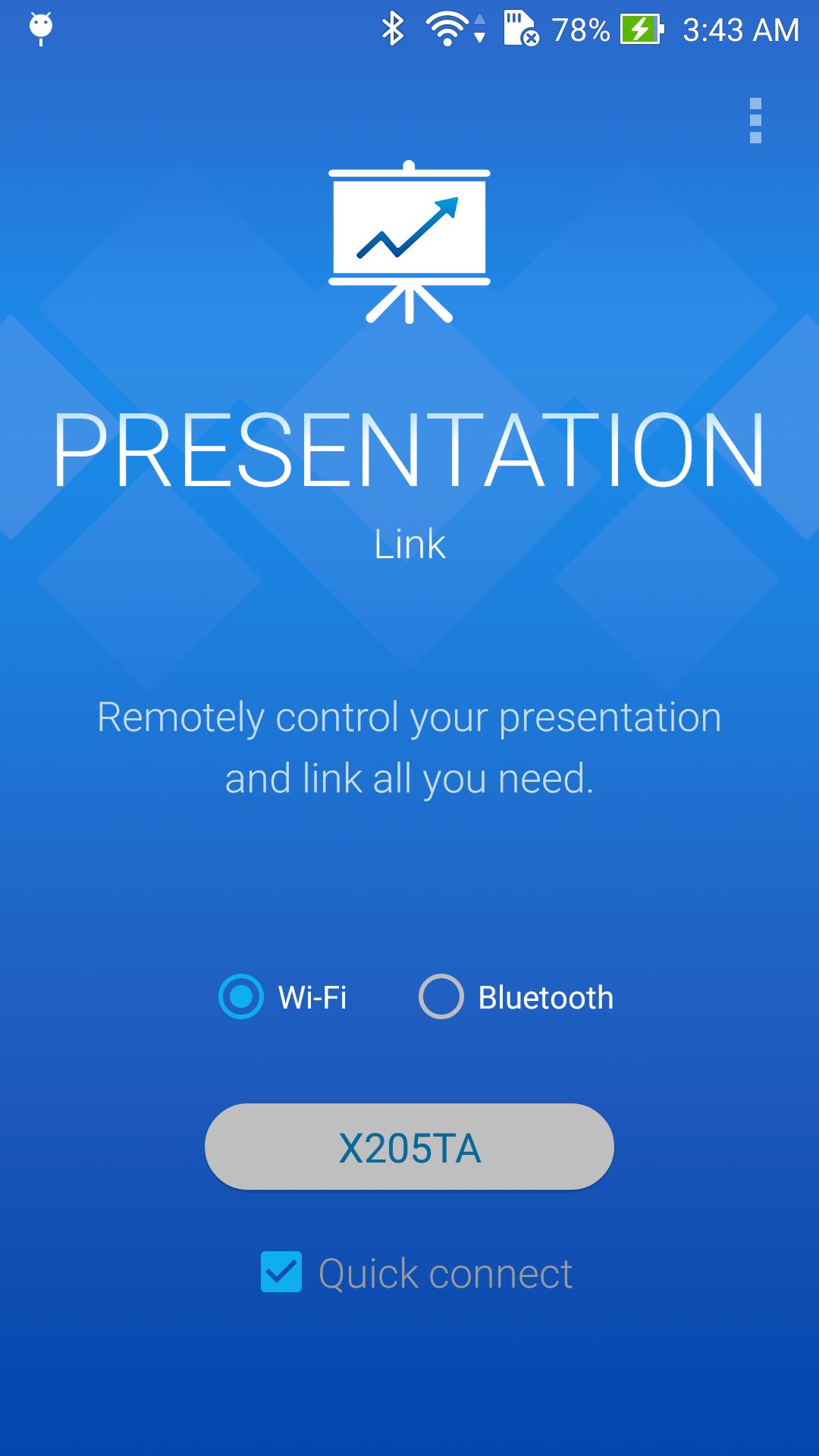
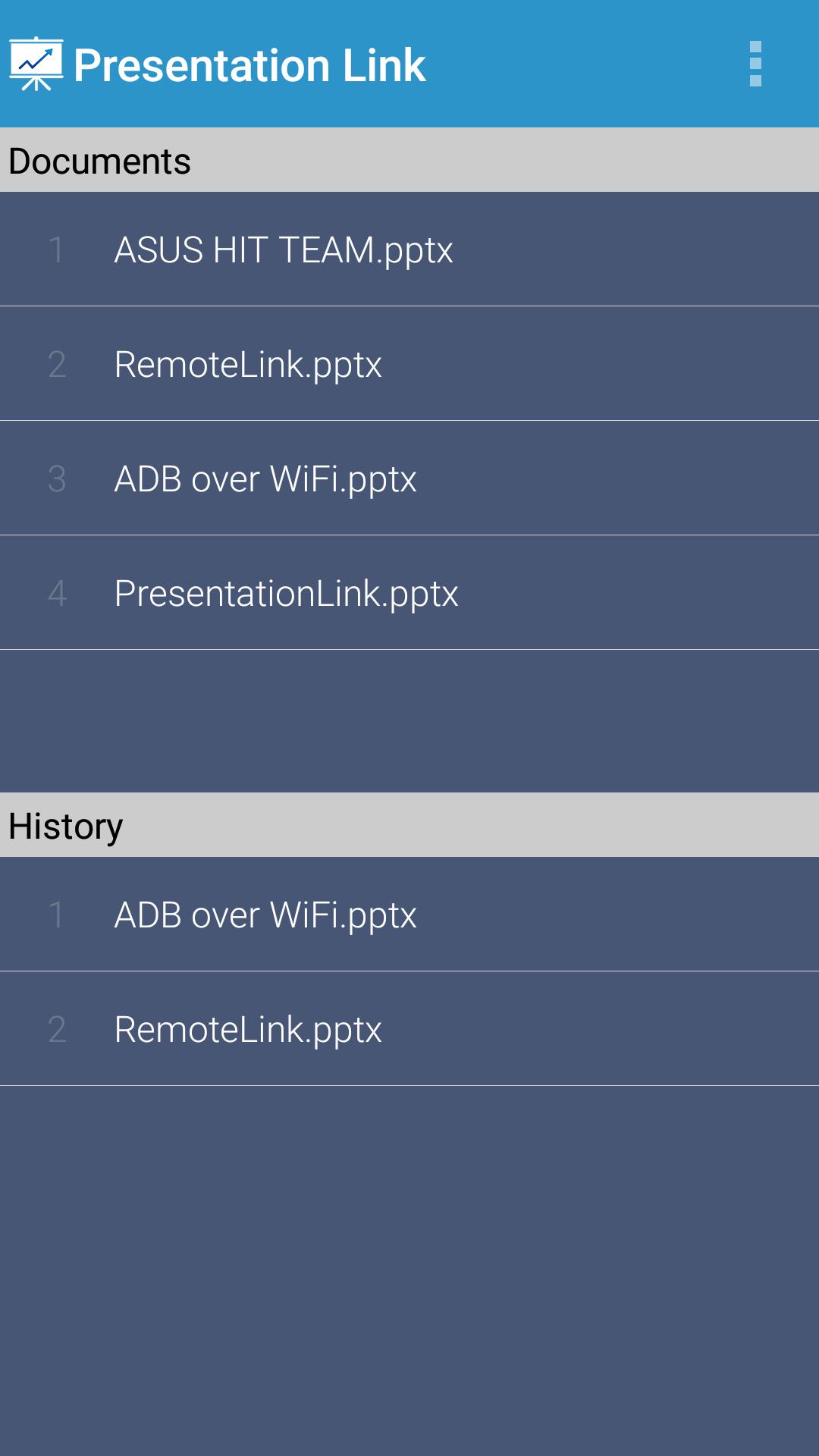
Presentation Link makes giving presentations easier and more efficient. When giving a business presentation or lecture, you can move between slides, keep track of the progress, and keep an eye on the elapsed time all from your mobile device, help you to give polished, effective presentations.
【Key features】
- Bluetooth and WiFi support
- Synchronize and browse your slide files remotely
- Laser point/mouse cursor using touch on your mobile device
- Current slide preview
- Drawing mode and multiple colors support
- View slide thumbnails and jump to a slide
- View notes on your phone
- View presentation timer and slide numbers
- Toggle blank screen
- Volume buttons supported to change slide
- Swipe gesture to change slide
- No slides and presentation time limitation
【Requirements】
- Windows 7 or above
- The server must be installed on your PC: http://remotelink.asus.com
- Visual Studio 2010 Tools for Office Runtime (If you have a problem with synchronizing): http://www.microsoft.com/en-us/download/details.aspx?id=44074
【Contact us】
Email: touchpadhit@gmail.com
【FAQ】
http://www.asus.com/zentalk/forum.php?mod=forumdisplay&fid=51&filter=typeid&typeid=96
ดูตัวอย่าง
ข้อมูล
นักพัฒนา
ZenUI, ASUS HIT TEAM
เวอร์ชั่นล่าสุด
1.2b.0.150806
อัพเดทล่าสุด
2016-11-21
หมวดหมู่
ธุรกิจ
มีจำหน่ายที่
Google Play
แสดงมากขึ้น
วิธีเล่น Presentation Link (PowerPoint) ด้วย GameLoop บน PC
1. ดาวน์โหลด GameLoop จากเว็บไซต์ทางการ จากนั้นเรียกใช้ไฟล์ exe เพื่อติดตั้ง GameLoop
2. เปิด GameLoop และค้นหา "Presentation Link (PowerPoint)" ค้นหา Presentation Link (PowerPoint) ในผลการค้นหาแล้วคลิก "ติดตั้ง"
3. สนุกกับการเล่น Presentation Link (PowerPoint) บน GameLoop
Minimum requirements
OS
Windows 8.1 64-bit or Windows 10 64-bit
GPU
GTX 1050
CPU
i3-8300
Memory
8GB RAM
Storage
1GB available space
Recommended requirements
OS
Windows 8.1 64-bit or Windows 10 64-bit
GPU
GTX 1050
CPU
i3-9320
Memory
16GB RAM
Storage
1GB available space