
MightyCall Classic PC
CallCurrent, Inc.
ดาวน์โหลด MightyCall Classic บนพีซีด้วย GameLoop Emulator
MightyCall Classic บน PC
MightyCall Classic มาจากผู้พัฒนา CallCurrent, Inc. ที่เคยรันบนระบบปฏิบัติการ Android มาก่อน
ตอนนี้คุณสามารถเล่น MightyCall Classic บนพีซีด้วย GameLoop ได้อย่างราบรื่น
ดาวน์โหลดในไลบรารี GameLoop หรือผลการค้นหา ไม่ต้องสนใจแบตเตอรี่หรือโทรผิดเวลาอีกต่อไป
เพียงเพลิดเพลินกับ MightyCall Classic PC บนหน้าจอขนาดใหญ่ฟรี!
MightyCall Classic บทนำ
Managing your business communications shouldn't be a chore. Designed with the small business owner in mind, MightyCall Mobile puts the power of seamless communication in your hands. Whether it's picking a local or toll-free number or handling calls and texts, it's all a breeze. Best of all, it syncs effortlessly across all devices - be it your smartphone or computer. Stay connected, whether you're in the office, relaxing at home, or on the move. Experience the MightyCall Mobile difference today and unlock the potential of truly unified communications.
With the MightyCall Mobile app, you can:
- Secure a professional business phone number for your brand's credibility
- Access an omnichannel customer communication log, keeping all interactions at your fingertips
- Set up a multi-level, multilingual IVR system with business hours for round-the-clock customer engagement
- Record phone calls, ensuring you never miss a detail
- Transcribe voicemails to text for convenient, anytime review
- Stay organized and proactive by adding notes and comments for next steps
- Seamlessly integrate into other apps and ecosystems for a streamlined workflow
- Update your address book with customer contact information, keeping you connected
Download and install the app to access all VoIP features on-the-go and elevate your business communications with MightyCall Mobile.
ดูตัวอย่าง
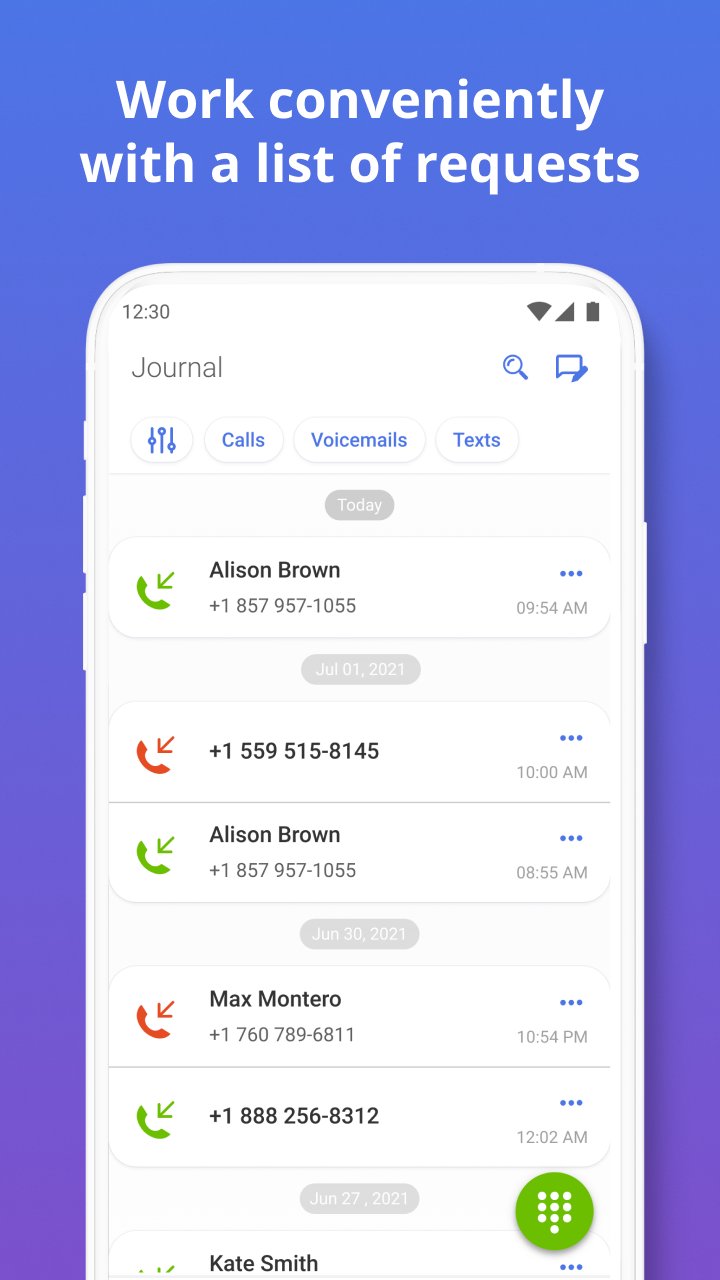
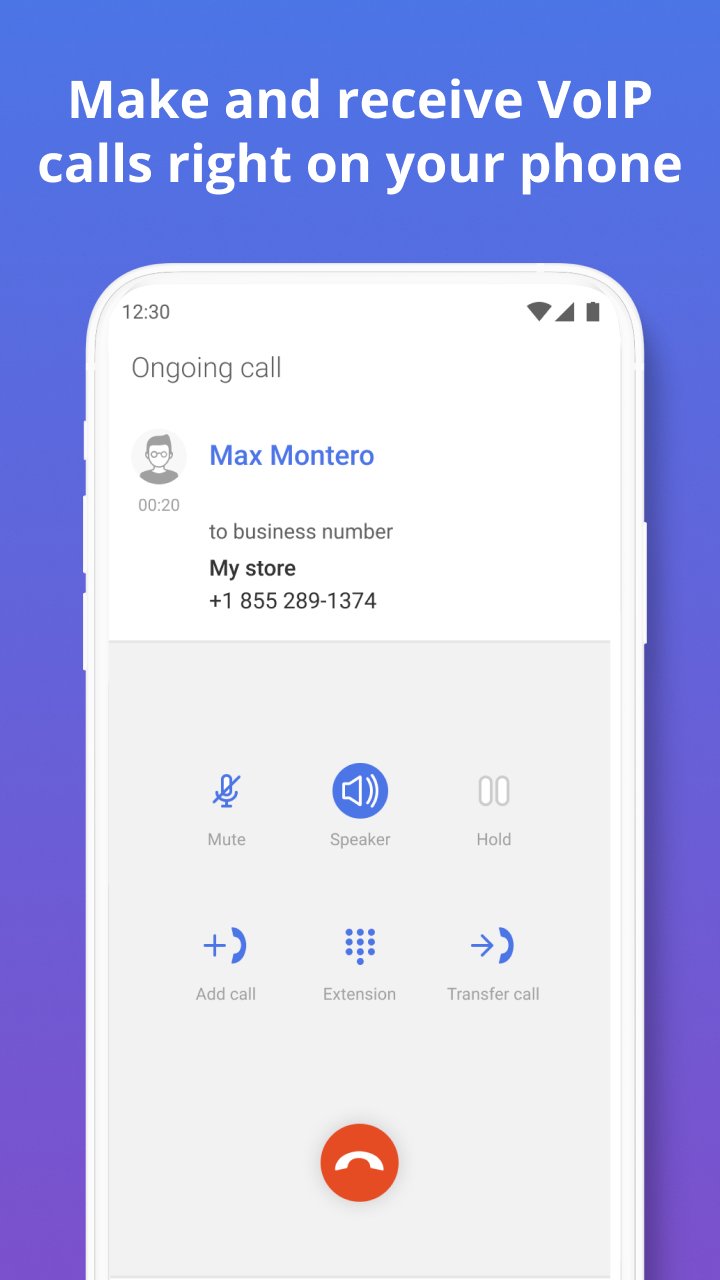
แท็ก
ธุรกิจข้อมูล
นักพัฒนา
CallCurrent, Inc.
เวอร์ชั่นล่าสุด
5.105.0
อัพเดทล่าสุด
2026-05-04
หมวดหมู่
ธุรกิจ
มีจำหน่ายที่
Google Play
แสดงมากขึ้น
วิธีเล่น MightyCall Classic ด้วย GameLoop บน PC
1. ดาวน์โหลด GameLoop จากเว็บไซต์ทางการ จากนั้นเรียกใช้ไฟล์ exe เพื่อติดตั้ง GameLoop
2. เปิด GameLoop และค้นหา "MightyCall Classic" ค้นหา MightyCall Classic ในผลการค้นหาแล้วคลิก "ติดตั้ง"
3. สนุกกับการเล่น MightyCall Classic บน GameLoop
Minimum requirements
OS
Windows 8.1 64-bit or Windows 10 64-bit
GPU
GTX 1050
CPU
i3-8300
Memory
8GB RAM
Storage
1GB available space
Recommended requirements
OS
Windows 8.1 64-bit or Windows 10 64-bit
GPU
GTX 1050
CPU
i3-9320
Memory
16GB RAM
Storage
1GB available space