
Tachiyomi PC
mobile apps studio So
ดาวน์โหลด Tachiyomi บนพีซีด้วย GameLoop Emulator
Tachiyomi บน PC
Tachiyomi มาจากผู้พัฒนา mobile apps studio So ที่เคยรันบนระบบปฏิบัติการ Android มาก่อน
ตอนนี้คุณสามารถเล่น Tachiyomi บนพีซีด้วย GameLoop ได้อย่างราบรื่น
ดาวน์โหลดในไลบรารี GameLoop หรือผลการค้นหา ไม่ต้องสนใจแบตเตอรี่หรือโทรผิดเวลาอีกต่อไป
เพียงเพลิดเพลินกับ Tachiyomi PC บนหน้าจอขนาดใหญ่ฟรี!
Tachiyomi บทนำ
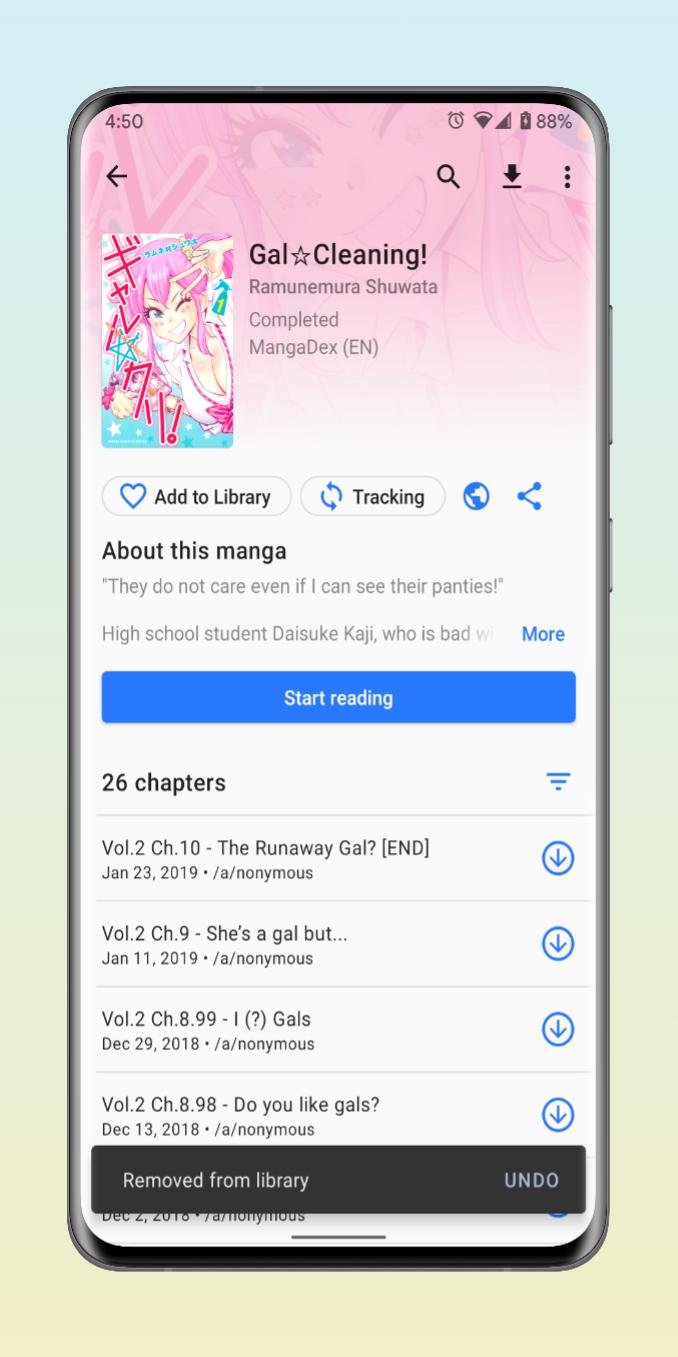
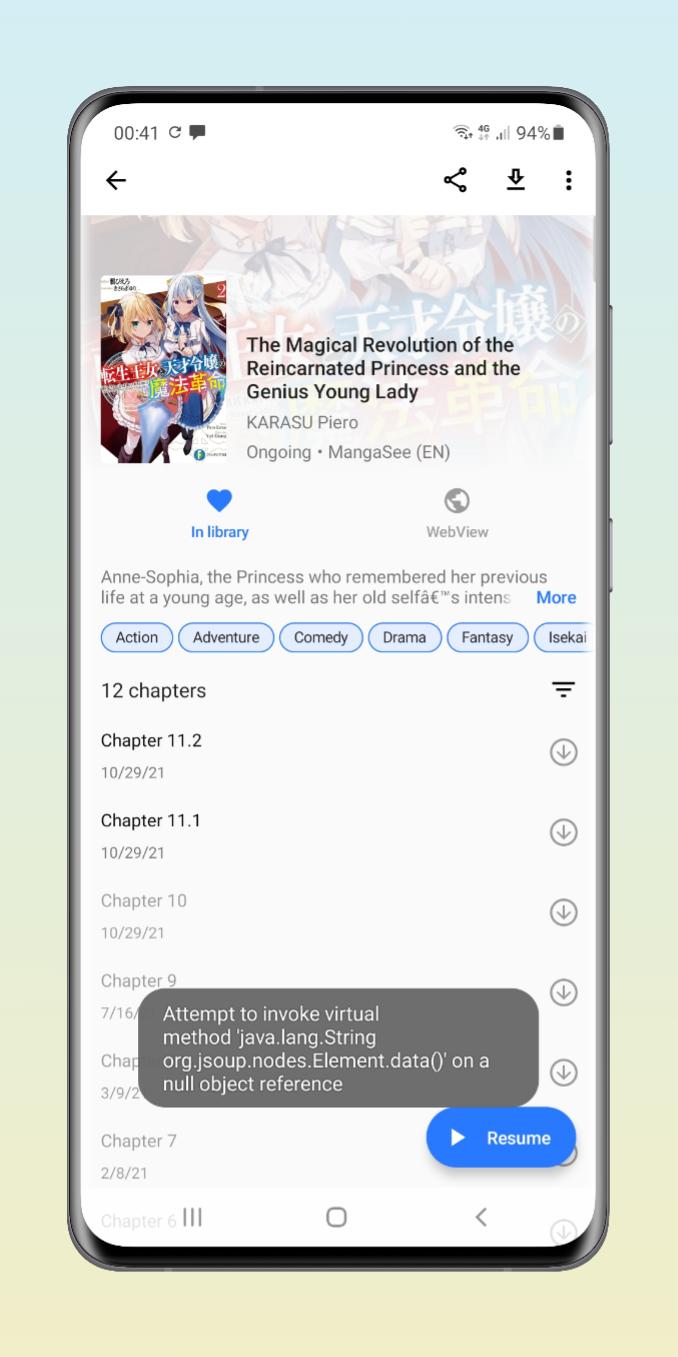
Tachiyomi is an app that lets you read any manga from your smartphone -- faster and easier than ever. All you have to do is pick one from its extensive catalog including titles available through Kissmanga, Mangafox, and mangahere. From there simply use your search tool to find any manga according to its title. In seconds you'll be enjoying your favorite manga.
From the settings area in Tachiyomi, you pick if you'd prefer page sizing to go full screen or set up basic commands like tapping to turn pages. You can even customize your background color. Browse through different topics and easily erase your viewing cache from your settings bar.
Tachiyomi is a great app for enjoying manga. Now you can enjoy literally hundreds of manga titles from your Android smartphone. Plus, you'll find there's a wide number of old manga as well as today's best new manga.
Features include:
Online reading from a variety of sources
Local reading of downloaded content
A configurable reader with multiple viewers, reading directions, and other settings.
Tracker support: MyAnimeList, AniList, Kitsu, MangaUpdates, Shikimori, and Bangumi support
Categories to organize your library
Light and dark themes
Schedule updating your library for new chapters
ดูตัวอย่าง
แท็ก
Books-&ข้อมูล
นักพัฒนา
mobile apps studio So
เวอร์ชั่นล่าสุด
1.0
อัพเดทล่าสุด
2022-09-29
หมวดหมู่
Books-reference
มีจำหน่ายที่
Google Play
แสดงมากขึ้น
วิธีเล่น Tachiyomi ด้วย GameLoop บน PC
1. ดาวน์โหลด GameLoop จากเว็บไซต์ทางการ จากนั้นเรียกใช้ไฟล์ exe เพื่อติดตั้ง GameLoop
2. เปิด GameLoop และค้นหา "Tachiyomi" ค้นหา Tachiyomi ในผลการค้นหาแล้วคลิก "ติดตั้ง"
3. สนุกกับการเล่น Tachiyomi บน GameLoop
Minimum requirements
OS
Windows 8.1 64-bit or Windows 10 64-bit
GPU
GTX 1050
CPU
i3-8300
Memory
8GB RAM
Storage
1GB available space
Recommended requirements
OS
Windows 8.1 64-bit or Windows 10 64-bit
GPU
GTX 1050
CPU
i3-9320
Memory
16GB RAM
Storage
1GB available space