
Coloring Book - Paint & Color PC
DARTCOM-IT S.R.L.
ดาวน์โหลด Coloring Book - Paint & Color บนพีซีด้วย GameLoop Emulator
Coloring Book - Paint & Color บน PC
Coloring Book - Paint & Color มาจากผู้พัฒนา DARTCOM-IT S.R.L. ที่เคยรันบนระบบปฏิบัติการ Android มาก่อน
ตอนนี้คุณสามารถเล่น Coloring Book - Paint & Color บนพีซีด้วย GameLoop ได้อย่างราบรื่น
ดาวน์โหลดในไลบรารี GameLoop หรือผลการค้นหา ไม่ต้องสนใจแบตเตอรี่หรือโทรผิดเวลาอีกต่อไป
เพียงเพลิดเพลินกับ Coloring Book - Paint & Color PC บนหน้าจอขนาดใหญ่ฟรี!
Coloring Book - Paint & Color บทนำ
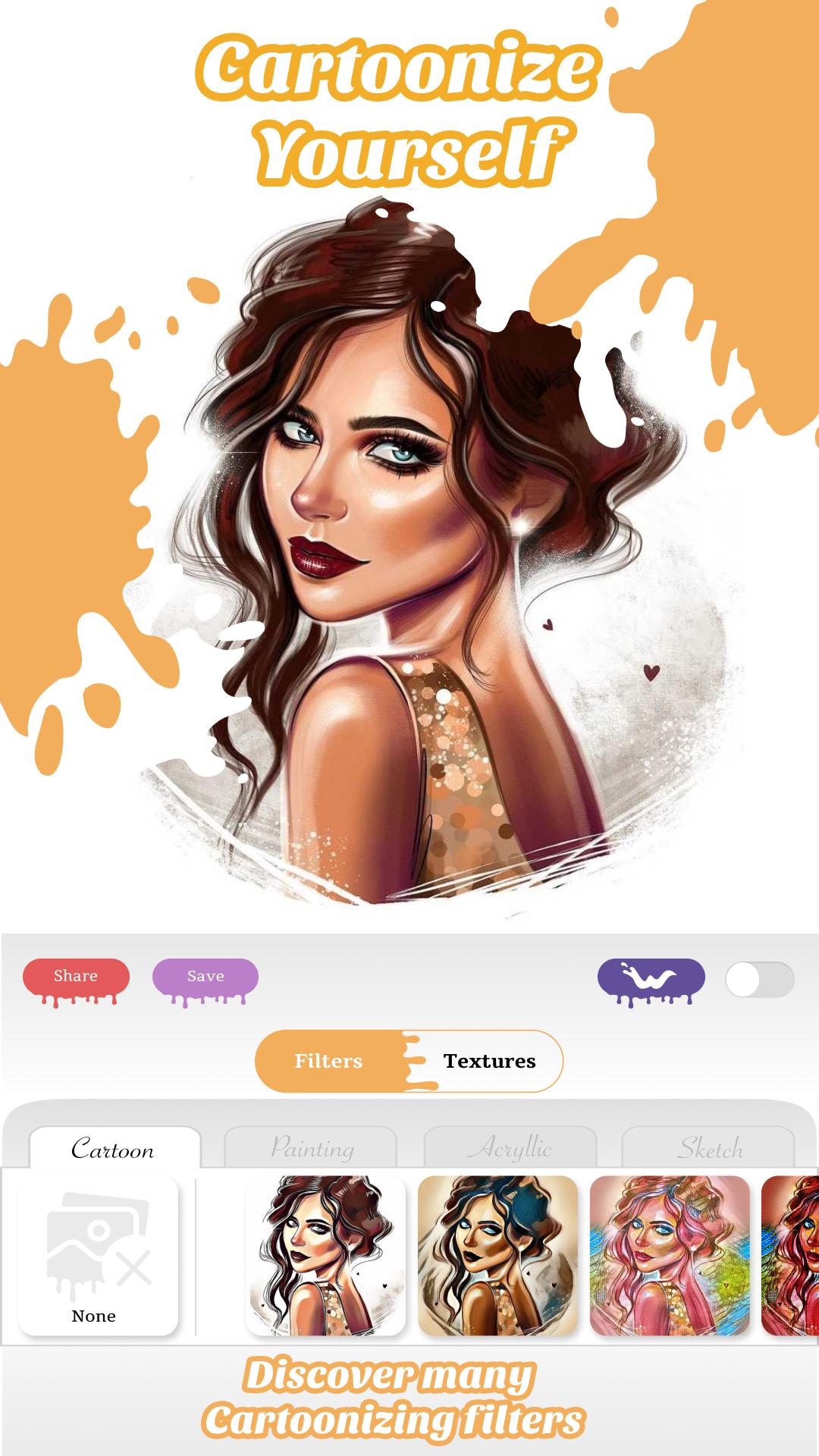
Paint & Color is the newest and the best Coloring Book and Mandala Maker.
Features:
- Create avatars by taking selfies and coloring them.
- Create and color unique Mandalas.
- Take a photo of your image and color it on your iPad or iPhone.
- Biggest database of images.
- New images everyday.
- A lot of free images.
- Much more...
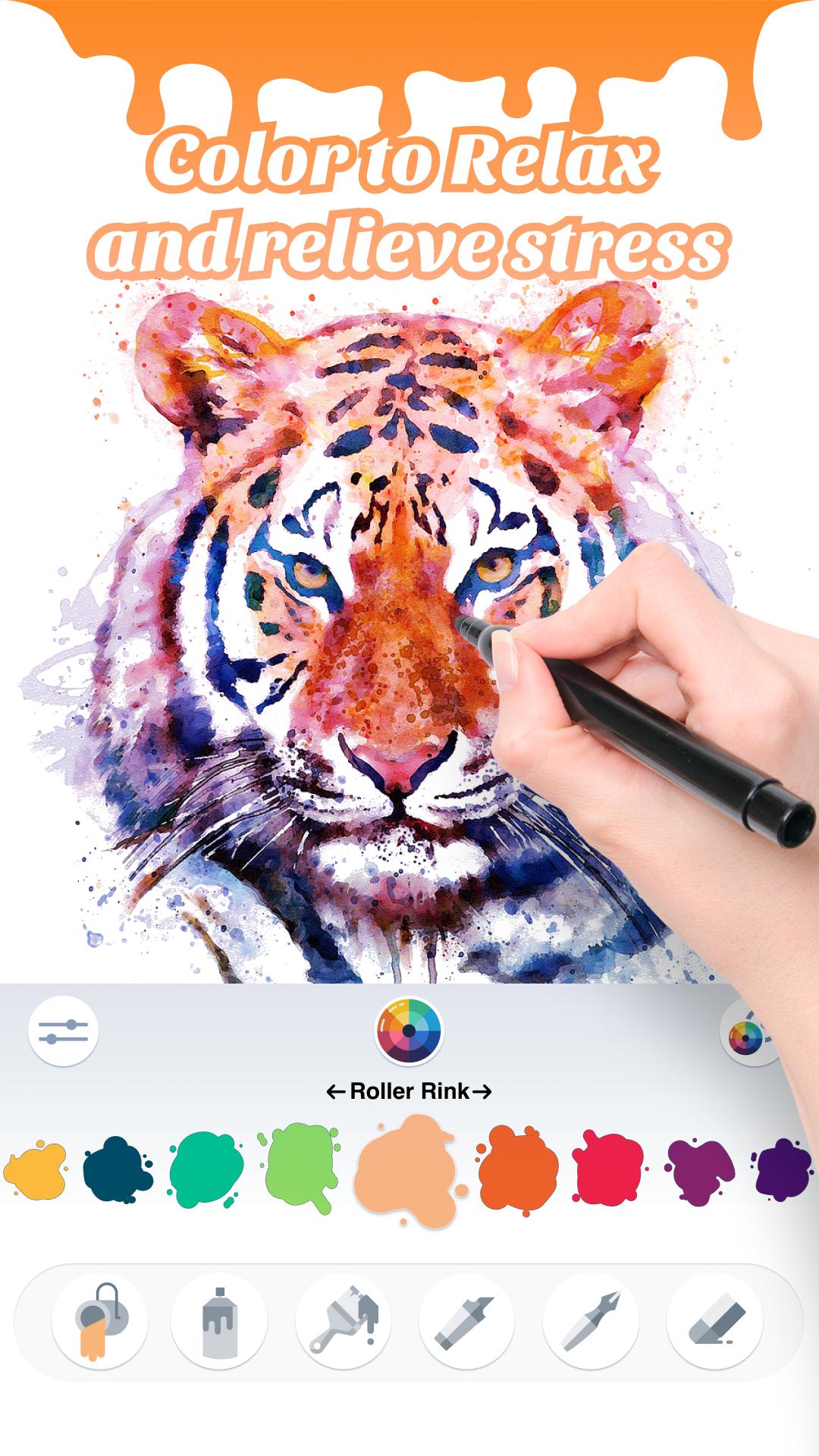
Paint & Color, features color pages with all sorts of unique animals, flowers, places, food, comics, culture and so on. It equals to an electronic color book that you can draw or color everywhere.
Paint & Color is the best therapy for relaxing and for stressing out. It is developed for any age.
Download today Paint & Color for free and enjoy funny and creative moments every day!
ดูตัวอย่าง
ข้อมูล
นักพัฒนา
DARTCOM-IT S.R.L.
เวอร์ชั่นล่าสุด
2.0
อัพเดทล่าสุด
2021-01-11
หมวดหมู่
Books-reference
มีจำหน่ายที่
Google Play
แสดงมากขึ้น
วิธีเล่น Coloring Book - Paint & Color ด้วย GameLoop บน PC
1. ดาวน์โหลด GameLoop จากเว็บไซต์ทางการ จากนั้นเรียกใช้ไฟล์ exe เพื่อติดตั้ง GameLoop
2. เปิด GameLoop และค้นหา "Coloring Book - Paint & Color" ค้นหา Coloring Book - Paint & Color ในผลการค้นหาแล้วคลิก "ติดตั้ง"
3. สนุกกับการเล่น Coloring Book - Paint & Color บน GameLoop
Minimum requirements
OS
Windows 8.1 64-bit or Windows 10 64-bit
GPU
GTX 1050
CPU
i3-8300
Memory
8GB RAM
Storage
1GB available space
Recommended requirements
OS
Windows 8.1 64-bit or Windows 10 64-bit
GPU
GTX 1050
CPU
i3-9320
Memory
16GB RAM
Storage
1GB available space