
SVG Converter Lite PC
Bostan Constantin
ดาวน์โหลด SVG Converter Lite บนพีซีด้วย GameLoop Emulator
SVG Converter Lite บน PC
SVG Converter Lite มาจากผู้พัฒนา Bostan Constantin ที่เคยรันบนระบบปฏิบัติการ Android มาก่อน
ตอนนี้คุณสามารถเล่น SVG Converter Lite บนพีซีด้วย GameLoop ได้อย่างราบรื่น
ดาวน์โหลดในไลบรารี GameLoop หรือผลการค้นหา ไม่ต้องสนใจแบตเตอรี่หรือโทรผิดเวลาอีกต่อไป
เพียงเพลิดเพลินกับ SVG Converter Lite PC บนหน้าจอขนาดใหญ่ฟรี!
SVG Converter Lite บทนำ
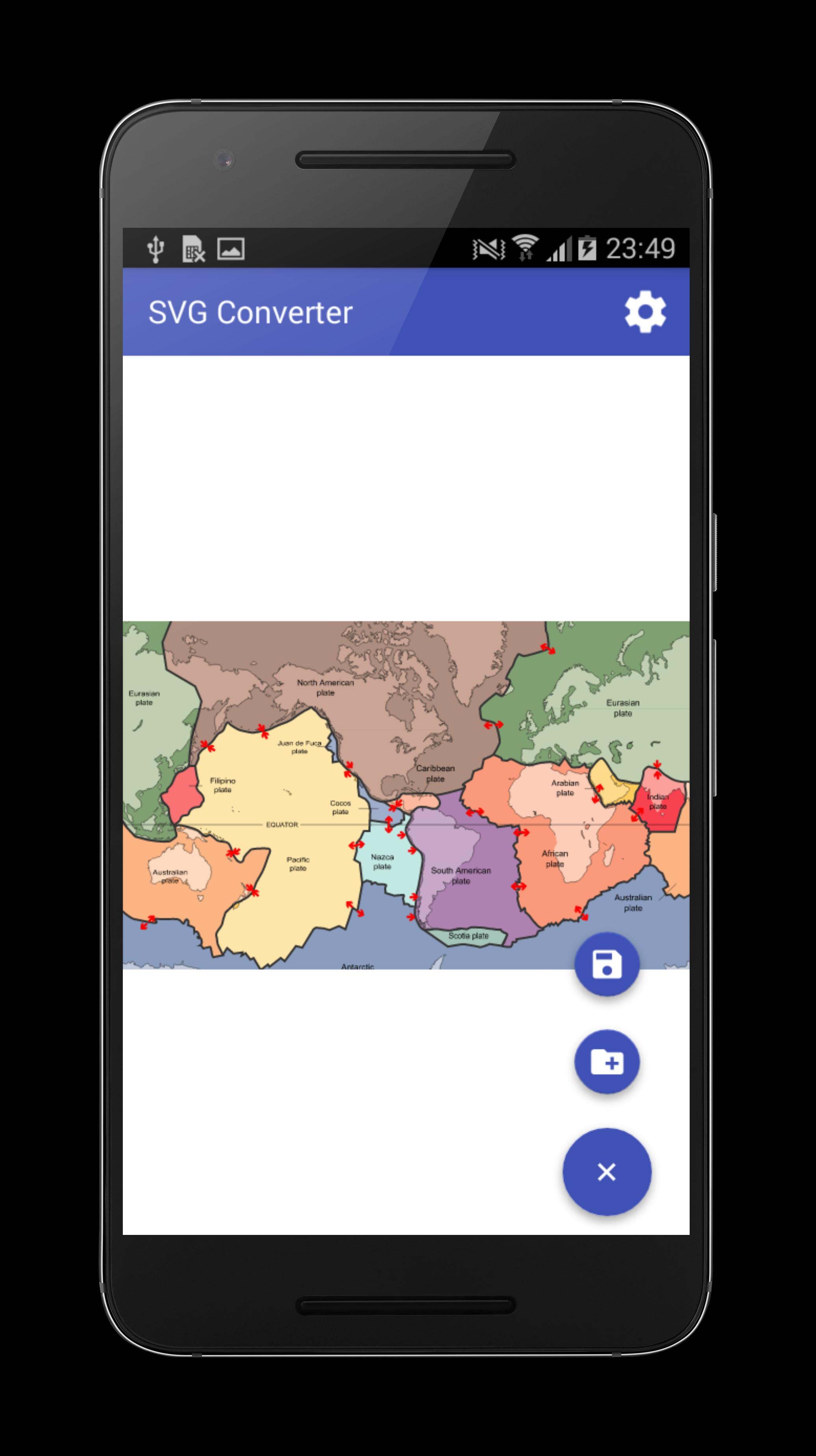
This application allow you to convert SVG file to PNG and save it on the device.
The application is free and can be easily used. The program has the following advantages:
- The converted SVG file can be viewed before converting;
- Application works offline without internet connection;
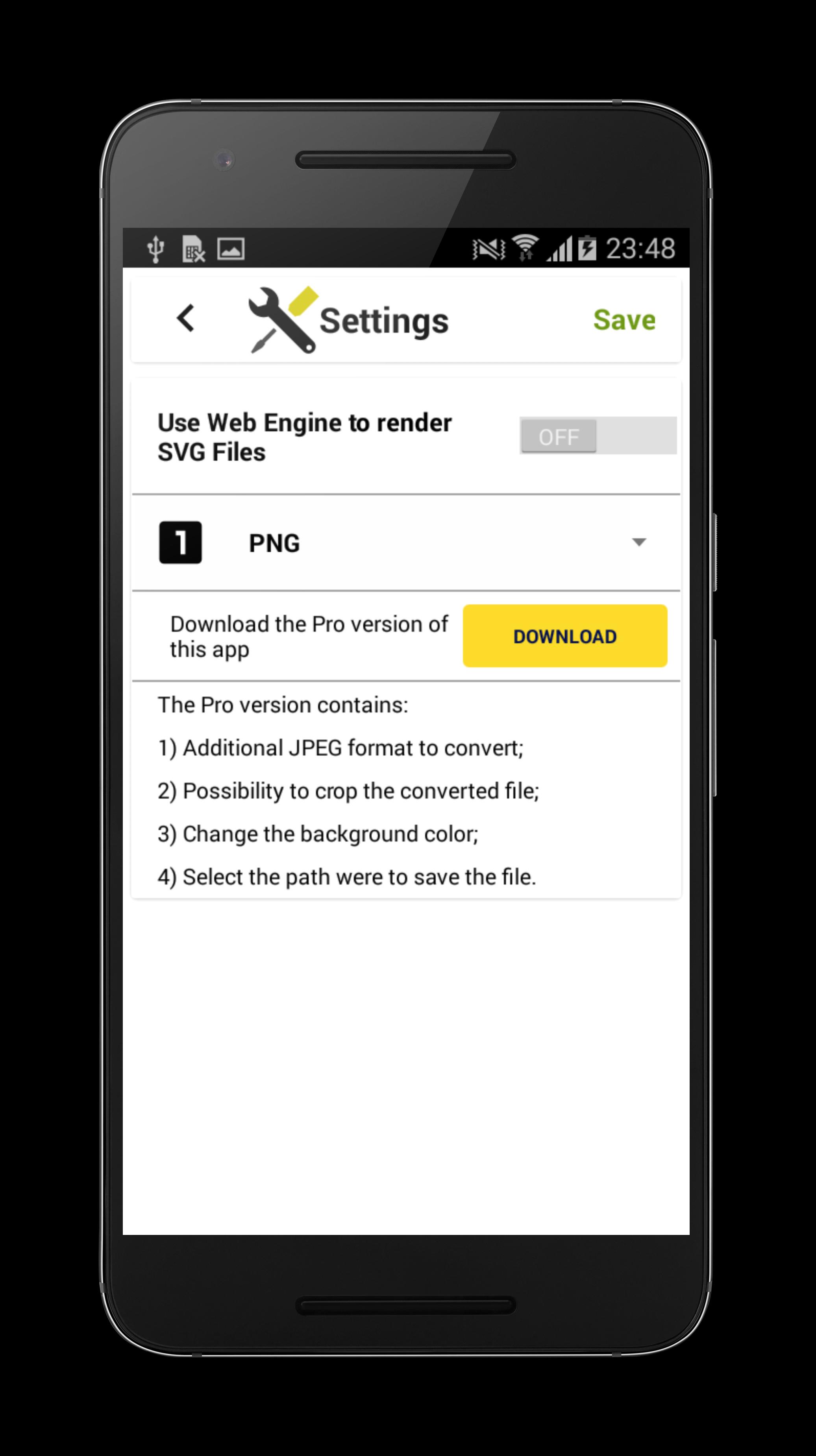
- Settings menu;
Important notes:
1) Application is always in portrait mode because it's only a converter, if you want something more advanced in viewing the SVG documents I suggest to download my other app SVG Viewer;
2) Some SVG files with custom fonts will not be rendered, therefore the best strategy is to use an editor which can export text as independent line curves;
3) Don't select documents stored internally in other apps because of file access restrictive policy therefore sometimes these files may not load at all.
Don't forget to rate this app :) , for bad reviews send me a bug report via email.
ดูตัวอย่าง
ข้อมูล
นักพัฒนา
Bostan Constantin
เวอร์ชั่นล่าสุด
2.2.0
อัพเดทล่าสุด
2016-05-05
หมวดหมู่
Art-design
มีจำหน่ายที่
Google Play
แสดงมากขึ้น
วิธีเล่น SVG Converter Lite ด้วย GameLoop บน PC
1. ดาวน์โหลด GameLoop จากเว็บไซต์ทางการ จากนั้นเรียกใช้ไฟล์ exe เพื่อติดตั้ง GameLoop
2. เปิด GameLoop และค้นหา "SVG Converter Lite" ค้นหา SVG Converter Lite ในผลการค้นหาแล้วคลิก "ติดตั้ง"
3. สนุกกับการเล่น SVG Converter Lite บน GameLoop
Minimum requirements
OS
Windows 8.1 64-bit or Windows 10 64-bit
GPU
GTX 1050
CPU
i3-8300
Memory
8GB RAM
Storage
1GB available space
Recommended requirements
OS
Windows 8.1 64-bit or Windows 10 64-bit
GPU
GTX 1050
CPU
i3-9320
Memory
16GB RAM
Storage
1GB available space