
Online Chinese chess PC
RoyalGame Studio
ดาวน์โหลด Online Chinese chess บนพีซีด้วย GameLoop Emulator
Online Chinese chess บน PC
Online Chinese chess มาจากผู้พัฒนา RoyalGame Studio ที่เคยรันบนระบบปฏิบัติการ Android มาก่อน
ตอนนี้คุณสามารถเล่น Online Chinese chess บนพีซีด้วย GameLoop ได้อย่างราบรื่น
ดาวน์โหลดในไลบรารี GameLoop หรือผลการค้นหา ไม่ต้องสนใจแบตเตอรี่หรือโทรผิดเวลาอีกต่อไป
เพียงเพลิดเพลินกับ Online Chinese chess PC บนหน้าจอขนาดใหญ่ฟรี!
Online Chinese chess บทนำ
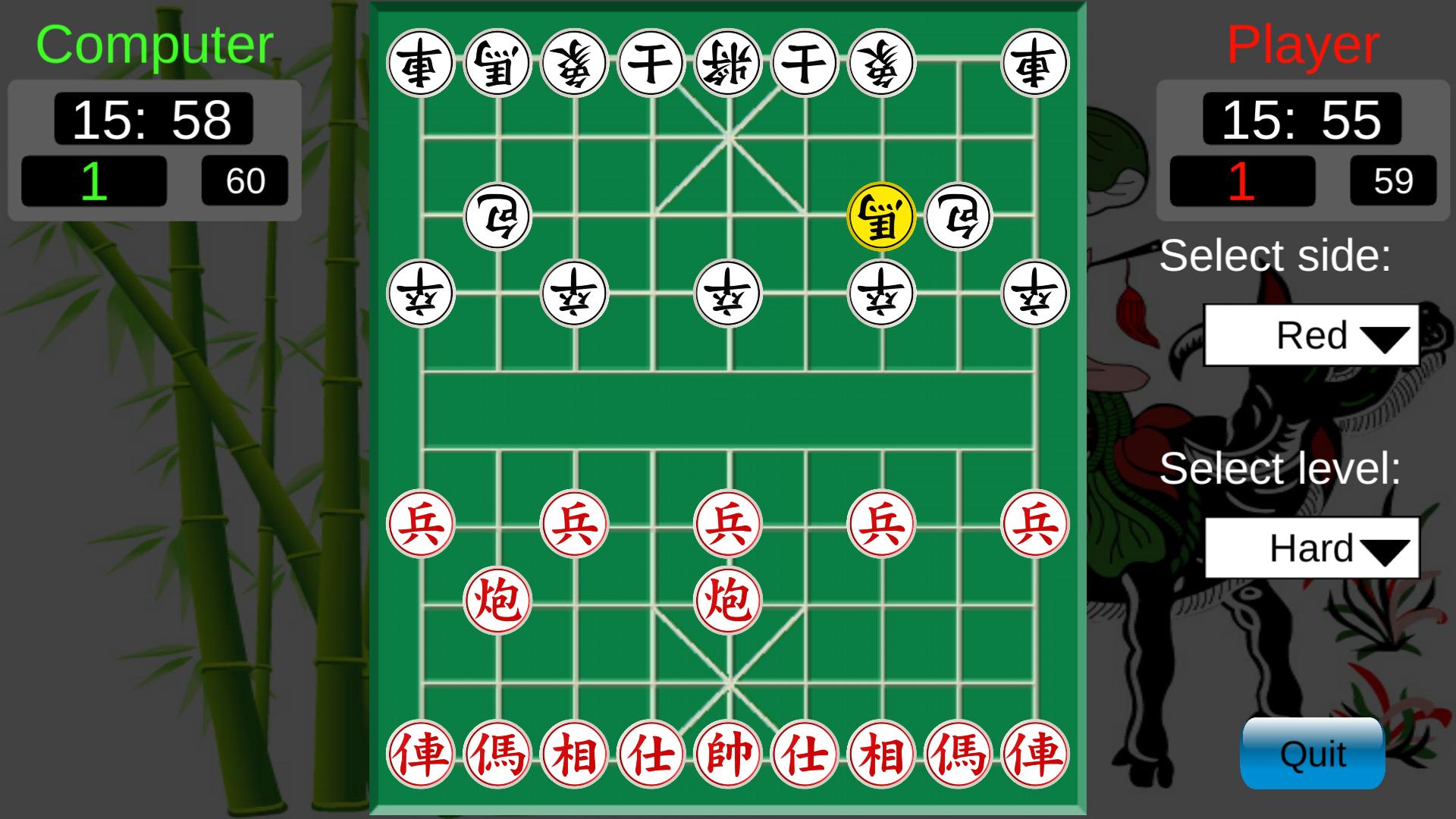
Easy to play, simple and friendly interface.
HOW TO PLAY:
1. Create a personal account with any name
2. Create a new room or joint to an available room
3. Choose start button to play
RULES TO PLAY:
1. The moving not be let king the face to face, must not checkmate more 10 times continuously
2. Player is added one win/lose point with one match win/lose
3. Time to playing a match is 15 minute 59' in default mode or 5 minute 59' in fast mode.
This game is FREE and not register.
ดูตัวอย่าง

แท็ก
อาร์เคดข้อมูล
นักพัฒนา
RoyalGame Studio
เวอร์ชั่นล่าสุด
9.0.0
อัพเดทล่าสุด
2022-10-25
หมวดหมู่
อาร์เคด
มีจำหน่ายที่
Google Play
แสดงมากขึ้น
วิธีเล่น Online Chinese chess ด้วย GameLoop บน PC
1. ดาวน์โหลด GameLoop จากเว็บไซต์ทางการ จากนั้นเรียกใช้ไฟล์ exe เพื่อติดตั้ง GameLoop
2. เปิด GameLoop และค้นหา "Online Chinese chess" ค้นหา Online Chinese chess ในผลการค้นหาแล้วคลิก "ติดตั้ง"
3. สนุกกับการเล่น Online Chinese chess บน GameLoop
Minimum requirements
OS
Windows 8.1 64-bit or Windows 10 64-bit
GPU
GTX 1050
CPU
i3-8300
Memory
8GB RAM
Storage
1GB available space
Recommended requirements
OS
Windows 8.1 64-bit or Windows 10 64-bit
GPU
GTX 1050
CPU
i3-9320
Memory
16GB RAM
Storage
1GB available space