Cloud Arcade - Smart games PC
AhmadHussain
ดาวน์โหลด Cloud Arcade - Smart games บนพีซีด้วย GameLoop Emulator
Cloud Arcade - Smart games บน PC
Cloud Arcade - Smart games มาจากผู้พัฒนา AhmadHussain ที่เคยรันบนระบบปฏิบัติการ Android มาก่อน
ตอนนี้คุณสามารถเล่น Cloud Arcade - Smart games บนพีซีด้วย GameLoop ได้อย่างราบรื่น
ดาวน์โหลดในไลบรารี GameLoop หรือผลการค้นหา ไม่ต้องสนใจแบตเตอรี่หรือโทรผิดเวลาอีกต่อไป
เพียงเพลิดเพลินกับ Cloud Arcade - Smart games PC บนหน้าจอขนาดใหญ่ฟรี!
Cloud Arcade - Smart games บทนำ
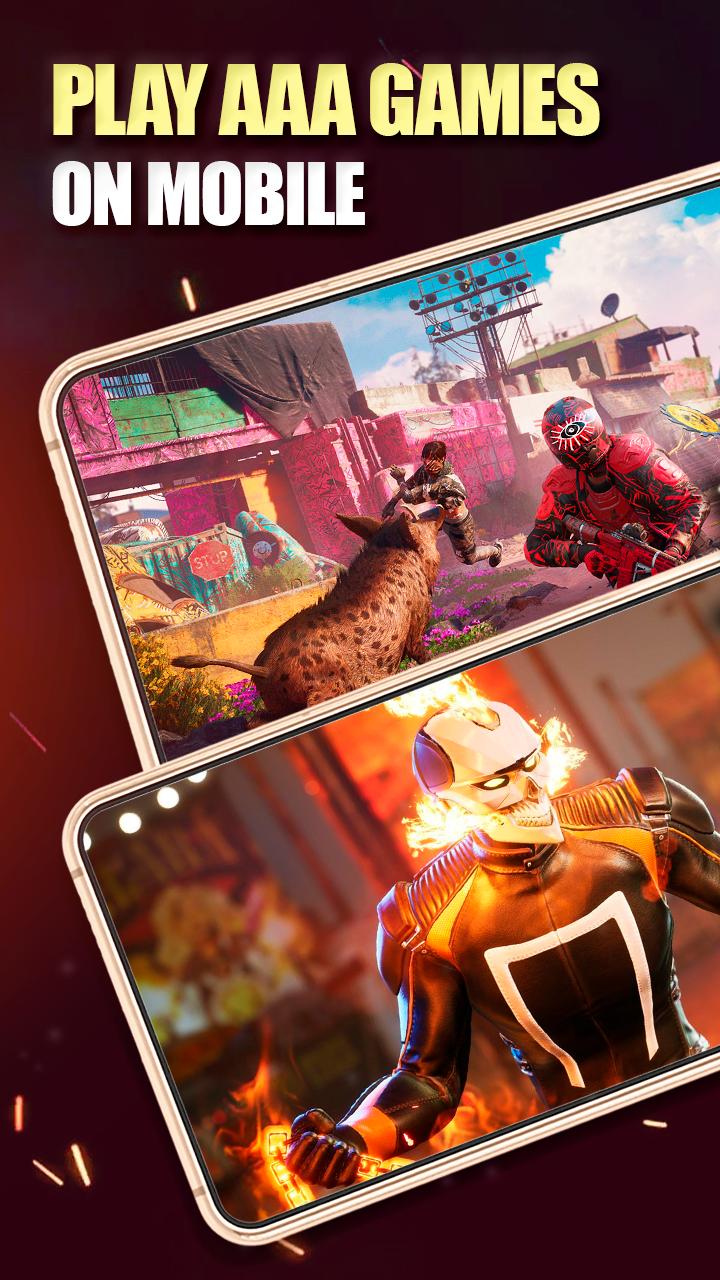
Turn any Android device into a powerful gaming platform with our cloud gaming service Cloud Arcade.
How does it work?
When you launch a game through our service, you run the game through high-powered servers. They're what broadcasts the cloud games to your device.
Game control signals that you send using our screen control technology are sent to the server, allowing you to control your game play with minimal delay.
As a result, you can play PC games on any smartphone at any time using the cloud.
What games can you play in the cloud?
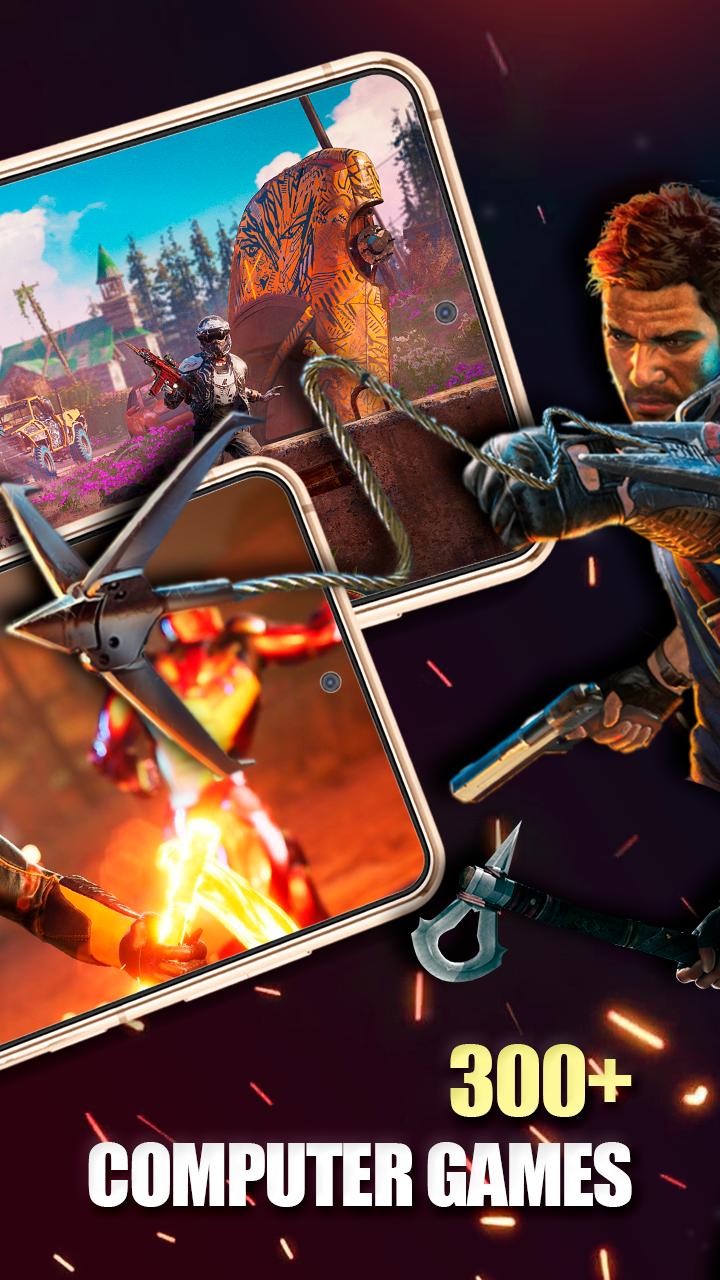
Thanks to cloud technology, which uses high-powered servers that far surpass the power of personal gaming computers - any game at any setting.
ดูตัวอย่าง
แท็ก
อาร์เคดข้อมูล
นักพัฒนา
AhmadHussain
เวอร์ชั่นล่าสุด
1.1
อัพเดทล่าสุด
2022-08-14
หมวดหมู่
อาร์เคด
มีจำหน่ายที่
Google Play
แสดงมากขึ้น
วิธีเล่น Cloud Arcade - Smart games ด้วย GameLoop บน PC
1. ดาวน์โหลด GameLoop จากเว็บไซต์ทางการ จากนั้นเรียกใช้ไฟล์ exe เพื่อติดตั้ง GameLoop
2. เปิด GameLoop และค้นหา "Cloud Arcade - Smart games" ค้นหา Cloud Arcade - Smart games ในผลการค้นหาแล้วคลิก "ติดตั้ง"
3. สนุกกับการเล่น Cloud Arcade - Smart games บน GameLoop
Minimum requirements
OS
Windows 8.1 64-bit or Windows 10 64-bit
GPU
GTX 1050
CPU
i3-8300
Memory
8GB RAM
Storage
1GB available space
Recommended requirements
OS
Windows 8.1 64-bit or Windows 10 64-bit
GPU
GTX 1050
CPU
i3-9320
Memory
16GB RAM
Storage
1GB available space