
Kameram PC
Eagle Eye Networks B.V.
قم بتنزيل Kameram على جهاز الكمبيوتر باستخدام GameLoop Emulator
Kameram على الكمبيوتر الشخصي
Kameram ، القادم من المطور Eagle Eye Networks B.V. ، يعمل على نظام Android في الماضي.
الآن ، يمكنك لعب Kameram على جهاز الكمبيوتر باستخدام GameLoop بسلاسة.
قم بتنزيله في مكتبة GameLoop أو في نتائج البحث. لا مزيد من الانتباه إلى البطارية أو المكالمات المحبطة في الوقت الخطأ بعد الآن.
ما عليك سوى الاستمتاع بجهاز Kameram على الشاشة الكبيرة مجانًا!
Kameram مقدمة
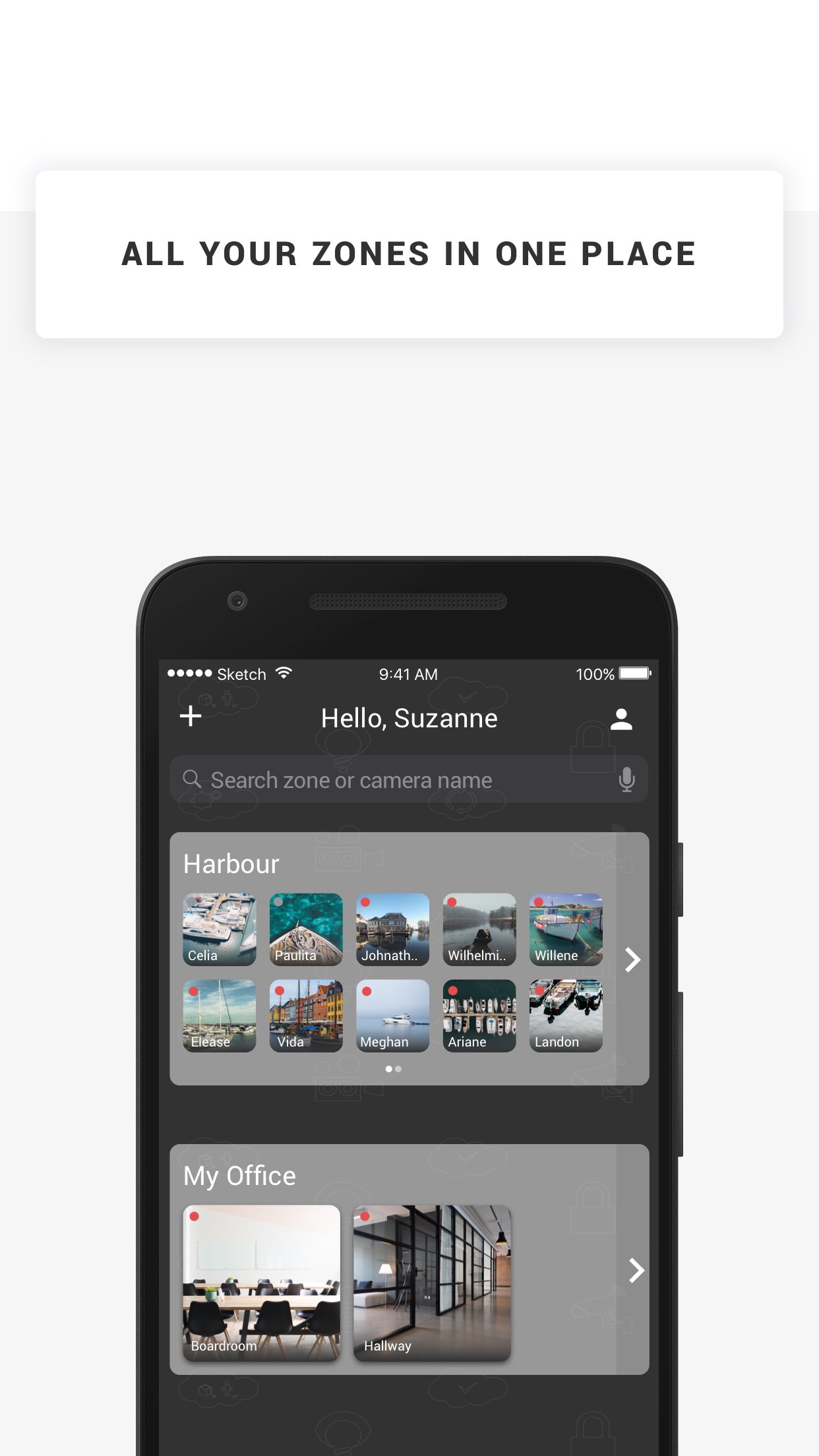
Kameram is the nr. 1 mobile IP camera application for Axis and Panasonic IP cameras. You can easily watch your house, office, shop or whatever you want to see! You just need an Axis, Hikvision or Panasonic IP camera and... Kameram.
Kameram contains a list of public cams so even when you don't have your own IP camera you can watch some of the cams we made public for you!
How does it work?
1. Login with your existing Kameram account. No account yet? Register for you trial.
2. After you've registered you can login with your Kameram username and password.
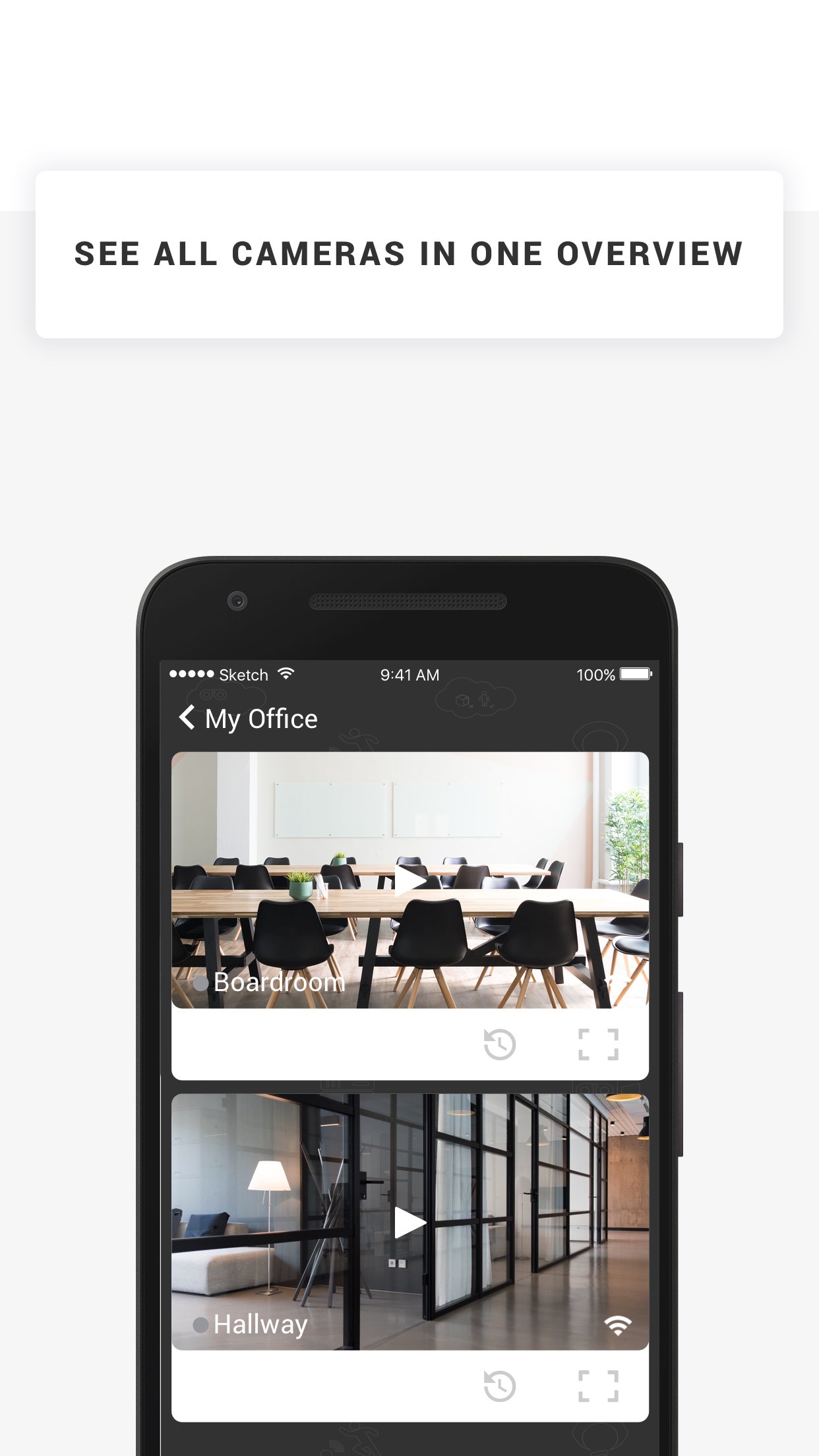
3. Click on the camera in the camera list to start live viewing. In the live viewing screen you can change PTZ of your camera, take a snapshot, go to fullscreen mode or start a recording.
4. For public demo cameras click the 'Take a tour' button
5. If your account supports online recording, click the 'Footage' button to playback your recordings
Supported features
* Live viewing
* Playback recordings MJPEG, MPEG-4, H.264 (old version MJPEG only)
* Pan-tilt-zoom
* I/O triggering
* Snapshots
* Recording trigger button
* Demo camera list
* Add, edit and delete cameras
* Fullscreen option
* IP camera status
* Support for Axis, Hikvision and Panasonic
* Delete Recordings
(supported features might differ per camera brand / model and for some features a subscription is needed, like online recording)
IMPORTANT NOTES
- Kameram mobile app supports MJPEG, MPEG-4 and H.264 streams.
معاينة
العلامات
Video-Playersمعلومة
مطور
Eagle Eye Networks B.V.
احدث اصدار
26.1.0
آخر تحديث
2026-03-18
فئة
Video-players-editors
متاح على
Google Play
أظهر المزيد
كيف تلعب Kameram مع GameLoop على جهاز الكمبيوتر
1. قم بتنزيل GameLoop من الموقع الرسمي ، ثم قم بتشغيل ملف exe لتثبيت GameLoop.
2. افتح GameLoop وابحث عن "Kameram" ، وابحث عن Kameram في نتائج البحث وانقر على "تثبيت".
3. استمتع بلعب Kameram على GameLoop.
Minimum requirements
OS
Windows 8.1 64-bit or Windows 10 64-bit
GPU
GTX 1050
CPU
i3-8300
Memory
8GB RAM
Storage
1GB available space
Recommended requirements
OS
Windows 8.1 64-bit or Windows 10 64-bit
GPU
GTX 1050
CPU
i3-9320
Memory
16GB RAM
Storage
1GB available space