FFmpeg Media Encoder PC
SilentLexx UA
قم بتنزيل FFmpeg Media Encoder على جهاز الكمبيوتر باستخدام GameLoop Emulator
FFmpeg Media Encoder على الكمبيوتر الشخصي
FFmpeg Media Encoder ، القادم من المطور SilentLexx UA ، يعمل على نظام Android في الماضي.
الآن ، يمكنك لعب FFmpeg Media Encoder على جهاز الكمبيوتر باستخدام GameLoop بسلاسة.
قم بتنزيله في مكتبة GameLoop أو في نتائج البحث. لا مزيد من الانتباه إلى البطارية أو المكالمات المحبطة في الوقت الخطأ بعد الآن.
ما عليك سوى الاستمتاع بجهاز FFmpeg Media Encoder على الشاشة الكبيرة مجانًا!
FFmpeg Media Encoder مقدمة
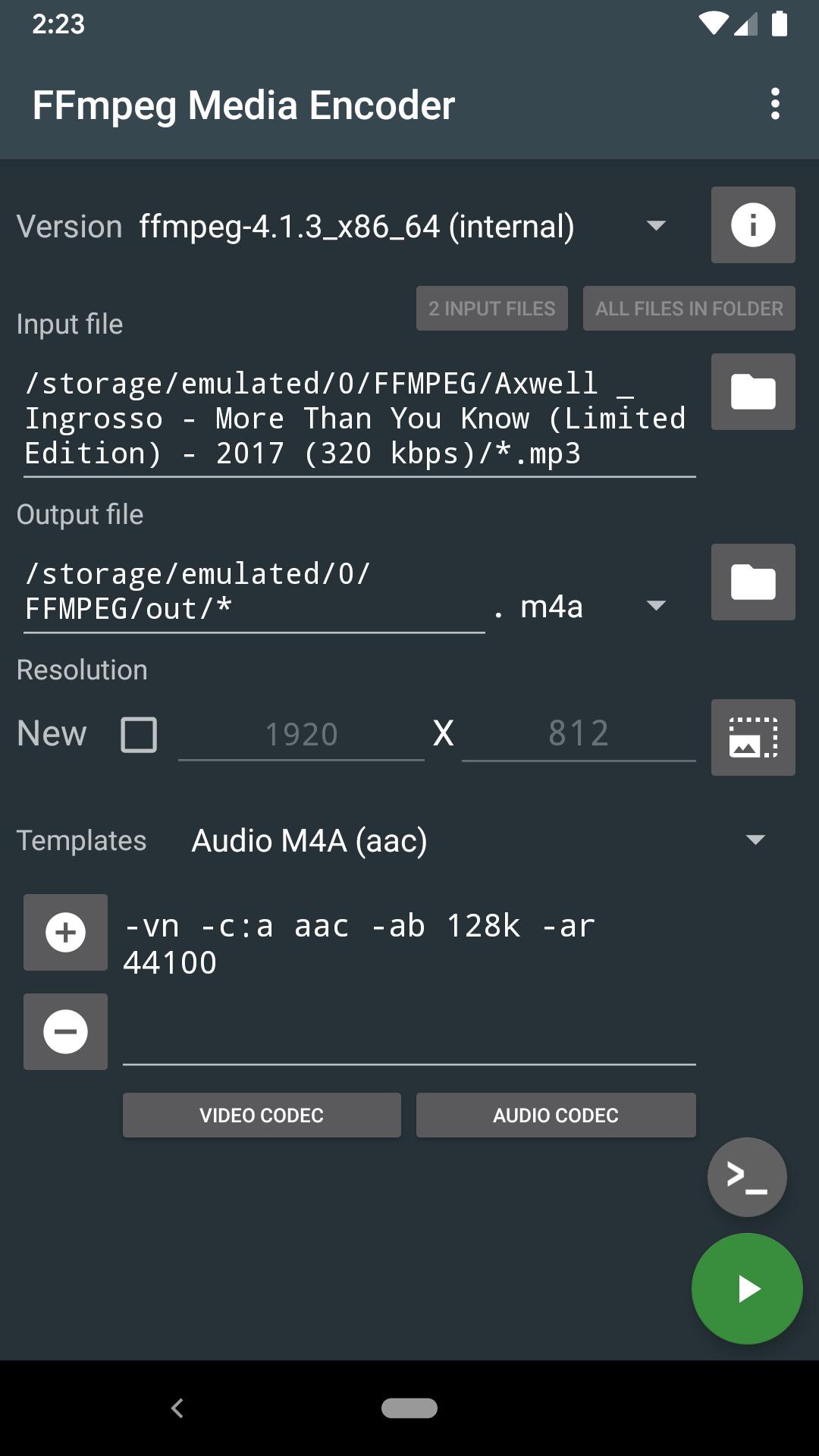
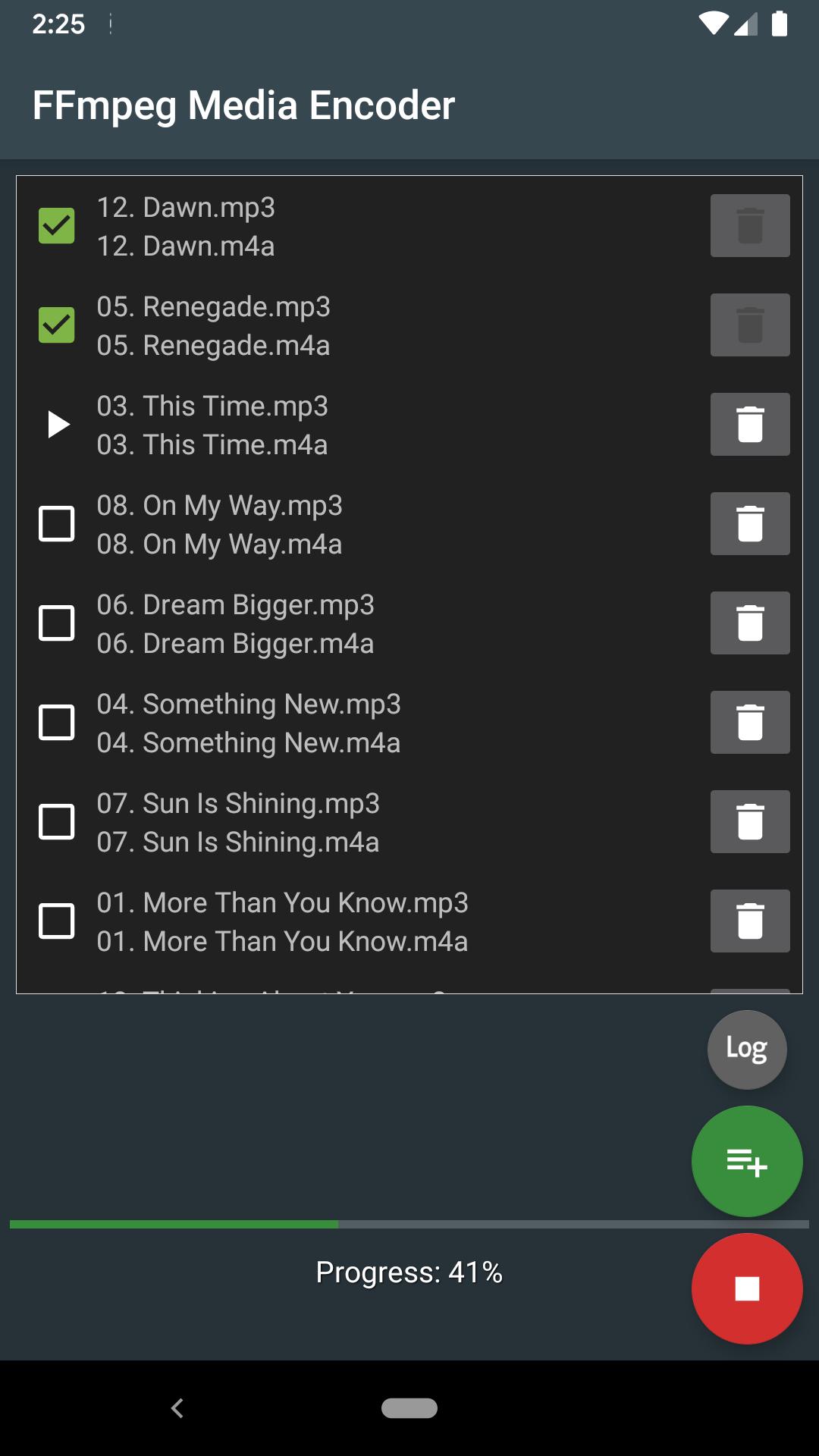
Convert audio and video directly on the device using FFmpeg http://ffmpeg.org/
FFmpeg is a set of open source libraries that allow you to record, convert digital audio and video recordings in various formats. It includes libavcodec, a library for encoding and decoding audio and video, and libavformat, a library for multiplexing and demultiplexing into a media container. The name comes from the name of the MPEG and FF expert group, meaning fast forward.
FFmpeg is already built into the program and does not require downloading additional codecs.
The conversion takes place directly on the device (the Internet is not required), and the conversion speed depends on the processor speed of the device.
Supports: MPEG4, h265, h264, mp3, 3gp, aac, ogg (vorbis and theora), opus, vp8, vp9 and many other formats (you will find the list in the app).
Requirements: Android 4.4 and the availability of the processor ARMv7, ARMv8, x86, x86_64.
FFmpeg with x264, x265, ogg, vorbis, theora, opus, vp8, vp9, mp3lame, libxvid, libfdk_aac, libvo_amrwbenc, libopencore-amr, speex, libsox, libwavpack, libwebp, librtmp
More options can be found in the help pages for FFmpeg.
For Android 11 users: New rules require the application to use more confidential methods of working with files on your device. You will have to copy/move the input files to a shared folder, such as DCIM, Movie, Music, Download. Sorry for the inconvenience
معاينة
العلامات
Video-Playersمعلومة
مطور
SilentLexx UA
احدث اصدار
6.0.0_11
آخر تحديث
2024-10-24
فئة
Video-players-editors
متاح على
Google Play
أظهر المزيد
كيف تلعب FFmpeg Media Encoder مع GameLoop على جهاز الكمبيوتر
1. قم بتنزيل GameLoop من الموقع الرسمي ، ثم قم بتشغيل ملف exe لتثبيت GameLoop.
2. افتح GameLoop وابحث عن "FFmpeg Media Encoder" ، وابحث عن FFmpeg Media Encoder في نتائج البحث وانقر على "تثبيت".
3. استمتع بلعب FFmpeg Media Encoder على GameLoop.
Minimum requirements
OS
Windows 8.1 64-bit or Windows 10 64-bit
GPU
GTX 1050
CPU
i3-8300
Memory
8GB RAM
Storage
1GB available space
Recommended requirements
OS
Windows 8.1 64-bit or Windows 10 64-bit
GPU
GTX 1050
CPU
i3-9320
Memory
16GB RAM
Storage
1GB available space