
Edits: Video Editor PC
قم بتنزيل Edits: Video Editor على جهاز الكمبيوتر باستخدام GameLoop Emulator
Edits: Video Editor على الكمبيوتر الشخصي
Edits: Video Editor ، القادم من المطور Instagram ، يعمل على نظام Android في الماضي.
الآن ، يمكنك لعب Edits: Video Editor على جهاز الكمبيوتر باستخدام GameLoop بسلاسة.
قم بتنزيله في مكتبة GameLoop أو في نتائج البحث. لا مزيد من الانتباه إلى البطارية أو المكالمات المحبطة في الوقت الخطأ بعد الآن.
ما عليك سوى الاستمتاع بجهاز Edits: Video Editor على الشاشة الكبيرة مجانًا!
Edits: Video Editor مقدمة
Edits is a free video editor that makes it easy for creators to turn their ideas into videos, right on their phone. It has all the tools you need to support your creation process, all in one place.
Simplify your creative process
- Export your videos in 4K with no watermark and share to any platform.
- Keep track of all your drafts and videos in one place.
- Capture high-quality clips up to 10 minutes long and start editing right away.
- Easily share to Instagram with high-quality playback.
Create and edit with powerful tools
- Edit videos with single-frame precision.
- Get the look you want with camera settings for resolution, frame rate and dynamic range, plus upgraded flash and zoom controls.
- Bring images to life with AI animation.
- Change up your background using green screen, cutout or add a video overlay.
- Choose from a variety of fonts, sound and voice effects, video filters and effects, stickers and more.
- Enhance audio to make voices clearer and remove background noise.
- Generate captions automatically and customize how they appear in your video.
Inform your next creative decisions
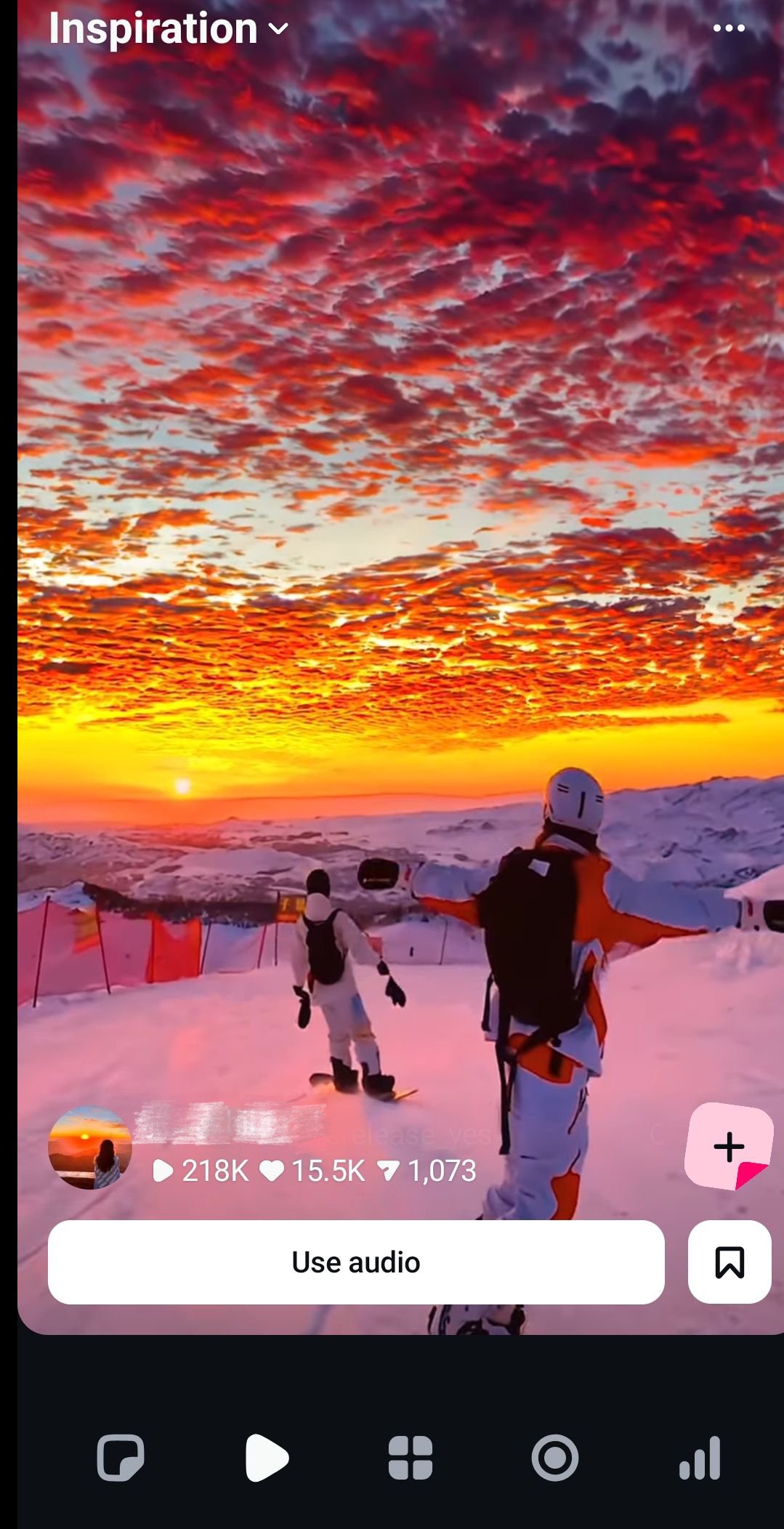
- Get inspired by browsing reels with trending audio.
- Keep track of ideas and content you’re excited by until you're ready to create.
- Track how your reels are performing with a live insights dashboard.
- Understand what affects your reels engagement.
معاينة
العلامات
Video-Playersمعلومة
مطور
Instagram
احدث اصدار
419.0.0.49.71
آخر تحديث
2026-03-02
فئة
Video-players-editors
متاح على
Google Play
أظهر المزيد
كيف تلعب Edits: Video Editor مع GameLoop على جهاز الكمبيوتر
1. قم بتنزيل GameLoop من الموقع الرسمي ، ثم قم بتشغيل ملف exe لتثبيت GameLoop.
2. افتح GameLoop وابحث عن "Edits: Video Editor" ، وابحث عن Edits: Video Editor في نتائج البحث وانقر على "تثبيت".
3. استمتع بلعب Edits: Video Editor على GameLoop.
Minimum requirements
OS
Windows 8.1 64-bit or Windows 10 64-bit
GPU
GTX 1050
CPU
i3-8300
Memory
8GB RAM
Storage
1GB available space
Recommended requirements
OS
Windows 8.1 64-bit or Windows 10 64-bit
GPU
GTX 1050
CPU
i3-9320
Memory
16GB RAM
Storage
1GB available space