
Shaw Go WiFi Finder PC
Shaw Communications Inc.
قم بتنزيل Shaw Go WiFi Finder على جهاز الكمبيوتر باستخدام GameLoop Emulator
Shaw Go WiFi Finder على الكمبيوتر الشخصي
Shaw Go WiFi Finder ، القادم من المطور Shaw Communications Inc. ، يعمل على نظام Android في الماضي.
الآن ، يمكنك لعب Shaw Go WiFi Finder على جهاز الكمبيوتر باستخدام GameLoop بسلاسة.
قم بتنزيله في مكتبة GameLoop أو في نتائج البحث. لا مزيد من الانتباه إلى البطارية أو المكالمات المحبطة في الوقت الخطأ بعد الآن.
ما عليك سوى الاستمتاع بجهاز Shaw Go WiFi Finder على الشاشة الكبيرة مجانًا!
Shaw Go WiFi Finder مقدمة
Please click “Read More” for a description of the functions and features!
With Shaw Go WiFi, you can extend your Internet experience beyond your home into public areas such as malls, parks, coffee shops, restaurants and gyms.
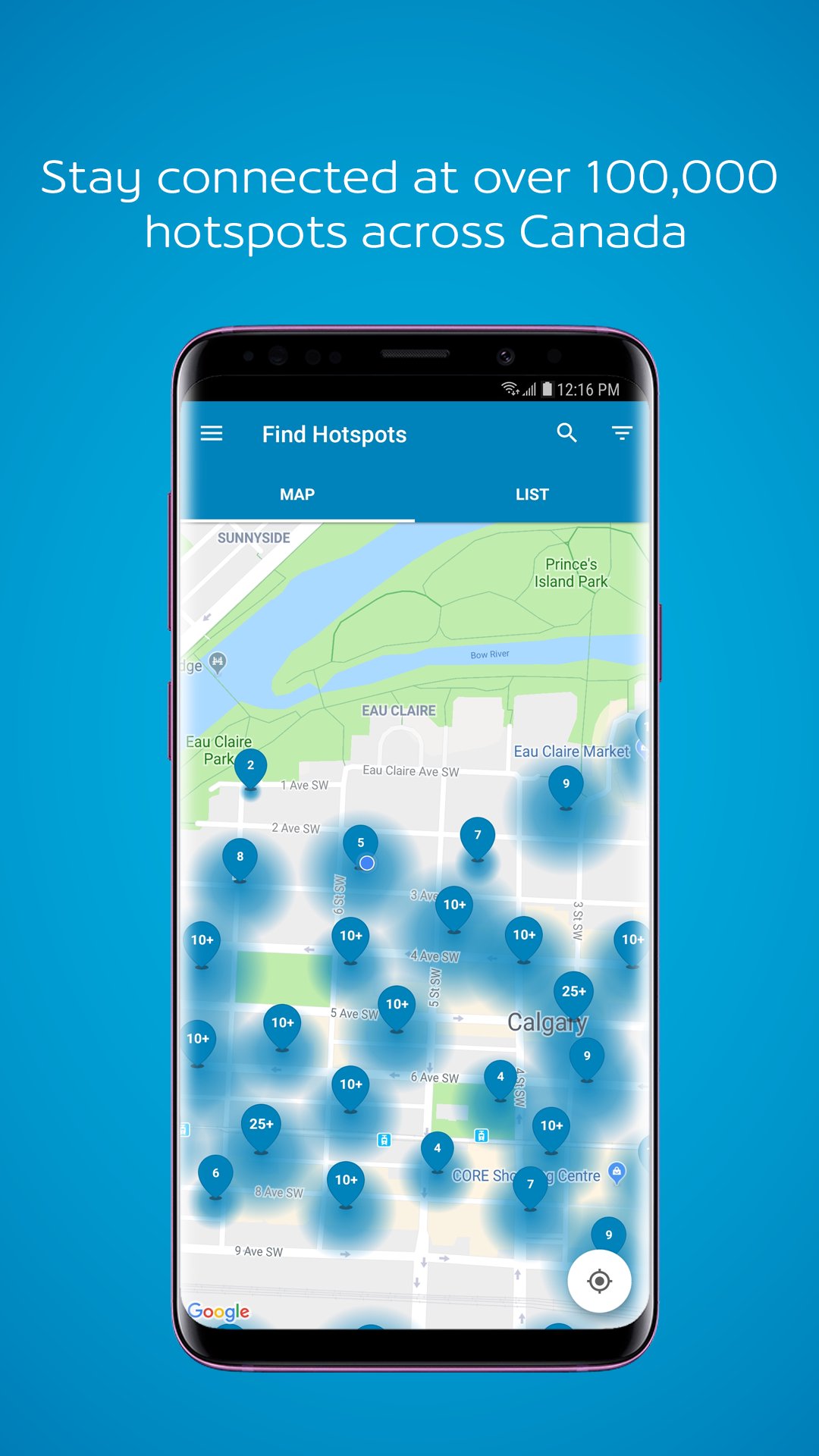
With over 100,000 existing Shaw Go WiFi hotspots across Western Canada and hundreds of new ones popping up every month, the Shaw Go WiFi Finder App makes it easy to locate a convenient location to get your WiFi fix.
Enjoy high speed WiFi access and bypass expensive mobile data charges! Stream video, wage online battles and use data-intensive applications on all your wireless devices just as smoothly around town as at home. Use the app to register your device and connect in any of our hotspots for free*. Best of all, once your device is registered and connected to the network, you’ll automatically connect every time you’re in a Shaw Go WiFi hotspot.
The following clearly explains all the Functions and Features of the app as required by the Canadian Anti-Spam Legislation. This is simply a more detailed version than is provided by app store permissions acceptance.
*For current Shaw Internet Subscribers, Guest accounts and temporary access code users.
Functions
The Shaw Go WiFi Finder App will:
- Use your Location Services (GPS and Network-based), to determine and display your location
- Temporarily store, modify or delete the contents of your locally stored data on the device or externally as needed for caching data used by Google / Apple Maps, and storing user specific data (ie favourites)
- Receive data from the Internet, to enable search results, push notifications and configuration updates
- Read local service configuration data for troubleshooting
- Display an Augmented Reality view, when the feature is selected from the main menu, using the device's camera to show where near-by hotspots are.
When “Send Anonymous Usage Data” is allowed, the Shaw Go WiFi Finder App will also:
- Collect anonymous usage data for determining additional locations for Go WiFi
- Perform low impact, network performance quality tests
- Launch immediately after the device starts in order to collect data
- Send collected anonymous usage data, and test results via Wifi connection only
Features
- Search for Shaw Go WiFi hotspots and filter search results by category, including cafés, entertainment venues, transportation venues and more
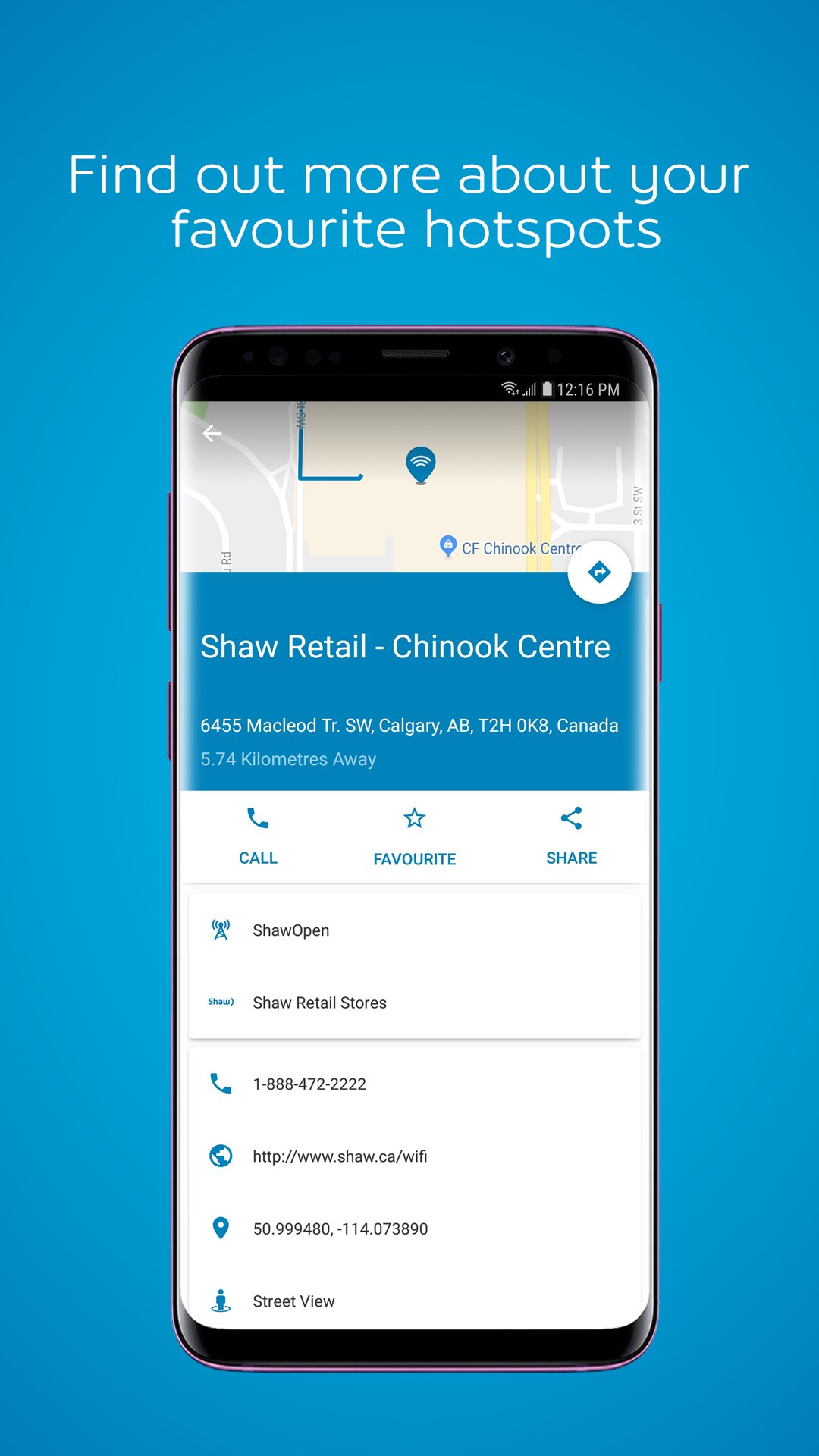
- Get direction and distance details from your current location to Shaw Go WiFi hotspots
- View Shaw Go WiFi hotspots on a map or in a list view for full network access
- Share locations with friends via email, Facebook and Twitter
- Save favourite Go WiFi hotspots to a list for easy reference
- Find information about Shaw Go WiFi hotspots including address, phone number and website
- Register your device for Shaw Go WiFi auto connect directly from the app
معاينة
العلامات
Travel-&معلومة
مطور
Shaw Communications Inc.
احدث اصدار
8.1.0
آخر تحديث
2021-07-02
فئة
Travel-local
متاح على
Google Play
أظهر المزيد
كيف تلعب Shaw Go WiFi Finder مع GameLoop على جهاز الكمبيوتر
1. قم بتنزيل GameLoop من الموقع الرسمي ، ثم قم بتشغيل ملف exe لتثبيت GameLoop.
2. افتح GameLoop وابحث عن "Shaw Go WiFi Finder" ، وابحث عن Shaw Go WiFi Finder في نتائج البحث وانقر على "تثبيت".
3. استمتع بلعب Shaw Go WiFi Finder على GameLoop.
Minimum requirements
OS
Windows 8.1 64-bit or Windows 10 64-bit
GPU
GTX 1050
CPU
i3-8300
Memory
8GB RAM
Storage
1GB available space
Recommended requirements
OS
Windows 8.1 64-bit or Windows 10 64-bit
GPU
GTX 1050
CPU
i3-9320
Memory
16GB RAM
Storage
1GB available space