
Yuz-Iran IP PC
Yuz Developer Team
قم بتنزيل Yuz-Iran IP على جهاز الكمبيوتر باستخدام GameLoop Emulator
Yuz-Iran IP على الكمبيوتر الشخصي
Yuz-Iran IP ، القادم من المطور Yuz Developer Team ، يعمل على نظام Android في الماضي.
الآن ، يمكنك لعب Yuz-Iran IP على جهاز الكمبيوتر باستخدام GameLoop بسلاسة.
قم بتنزيله في مكتبة GameLoop أو في نتائج البحث. لا مزيد من الانتباه إلى البطارية أو المكالمات المحبطة في الوقت الخطأ بعد الآن.
ما عليك سوى الاستمتاع بجهاز Yuz-Iran IP على الشاشة الكبيرة مجانًا!
Yuz-Iran IP مقدمة
🌍 Yuz – Premium Secure Access to Iran from Abroad
⚠️ Important: Yuz is intended only for Iranians living outside Iran.
It is not designed or recommended for use inside Iran.
Yuz is a premium VPN app created specifically for Iranians living abroad who need secure, stable access to online services back home. 🧩
Many Iranian banks, government portals, and local platforms only work properly with Iranian IP addresses – Yuz bridges this gap so you can stay connected to your homeland from anywhere in the world. 🌎
With Yuz, you can:
🌐 Connect to high-quality Iran-based servers from abroad
🏦 Access bank portals, government systems, and local services that require Iran IP
🔒 Enjoy an encrypted, private, and reliable connection while staying close to home
For more information about our services and the technology we use, visit our official website:
🔗 https://yuzapp.com
💳 Premium, Subscription-Based Service
Yuz is a subscription-based premium app.
To use Yuz, you need an active paid subscription. ✅
By subscribing, you get:
✨ Uninterrupted Connection
Access to exclusive, premium servers
Less crowded infrastructure for faster and more stable connections ⚡️
🚀 Unrestricted Access
Servers optimized for a wide range of Iranian websites and services
Designed specifically around the needs of Iranians living outside Iran 🌍
Stay securely connected to Iran — with a premium experience built just for you. 💙
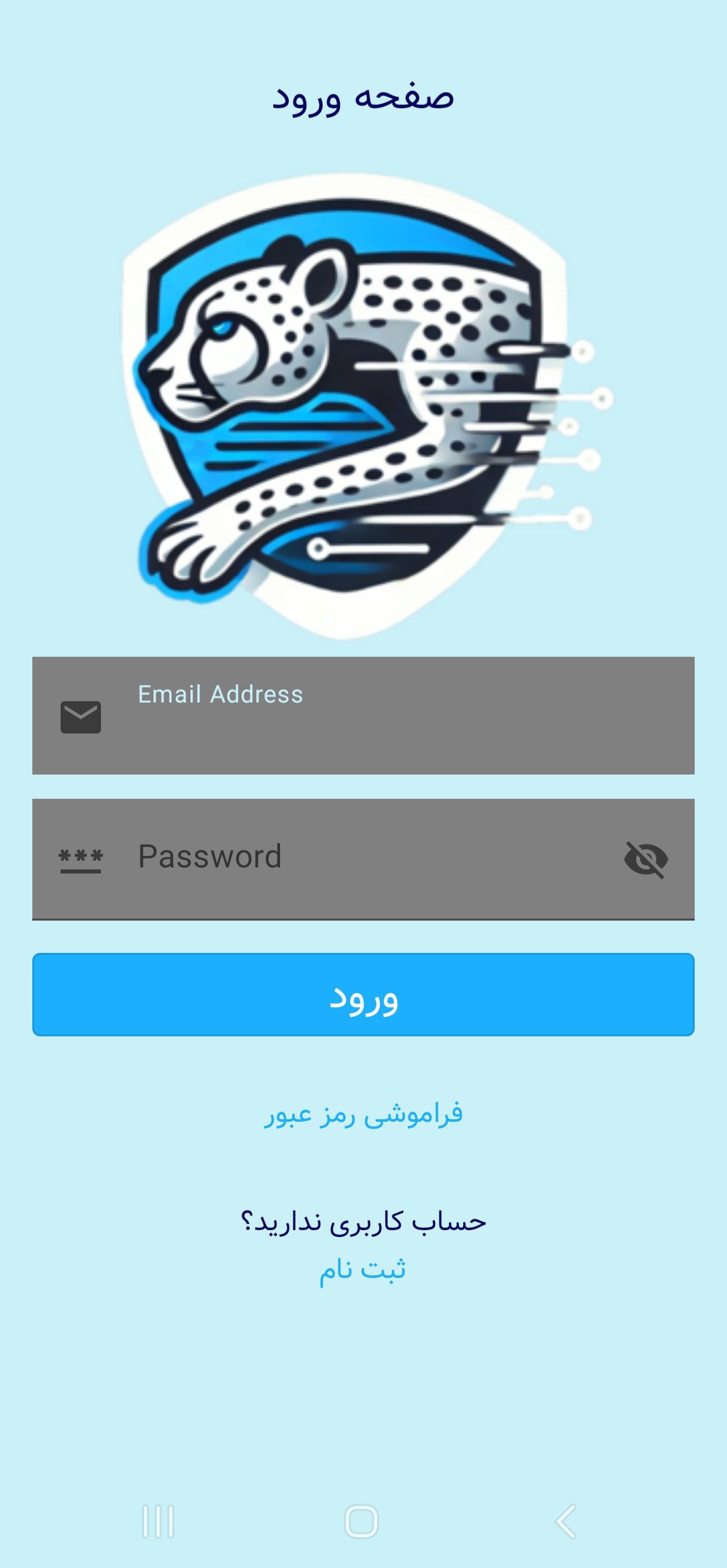
معاينة

العلامات
أدواتمعلومة
مطور
Yuz Developer Team
احدث اصدار
3.7.6
آخر تحديث
2025-12-11
فئة
أدوات
متاح على
Google Play
أظهر المزيد
كيف تلعب Yuz-Iran IP مع GameLoop على جهاز الكمبيوتر
1. قم بتنزيل GameLoop من الموقع الرسمي ، ثم قم بتشغيل ملف exe لتثبيت GameLoop.
2. افتح GameLoop وابحث عن "Yuz-Iran IP" ، وابحث عن Yuz-Iran IP في نتائج البحث وانقر على "تثبيت".
3. استمتع بلعب Yuz-Iran IP على GameLoop.
Minimum requirements
OS
Windows 8.1 64-bit or Windows 10 64-bit
GPU
GTX 1050
CPU
i3-8300
Memory
8GB RAM
Storage
1GB available space
Recommended requirements
OS
Windows 8.1 64-bit or Windows 10 64-bit
GPU
GTX 1050
CPU
i3-9320
Memory
16GB RAM
Storage
1GB available space