XLSX viewer: read XLS PC
win std (smart apps)
قم بتنزيل XLSX viewer: read XLS على جهاز الكمبيوتر باستخدام GameLoop Emulator
XLSX viewer: read XLS على الكمبيوتر الشخصي
XLSX viewer: read XLS ، القادم من المطور win std (smart apps) ، يعمل على نظام Android في الماضي.
الآن ، يمكنك لعب XLSX viewer: read XLS على جهاز الكمبيوتر باستخدام GameLoop بسلاسة.
قم بتنزيله في مكتبة GameLoop أو في نتائج البحث. لا مزيد من الانتباه إلى البطارية أو المكالمات المحبطة في الوقت الخطأ بعد الآن.
ما عليك سوى الاستمتاع بجهاز XLSX viewer: read XLS على الشاشة الكبيرة مجانًا!
XLSX viewer: read XLS مقدمة
You need the application to read Excel files anytime, anywhere, or immediately view XLSX, and XLS data analysis documents directly on mobile devices.
Use this app XLSX Reader - XLS, Excel viewer
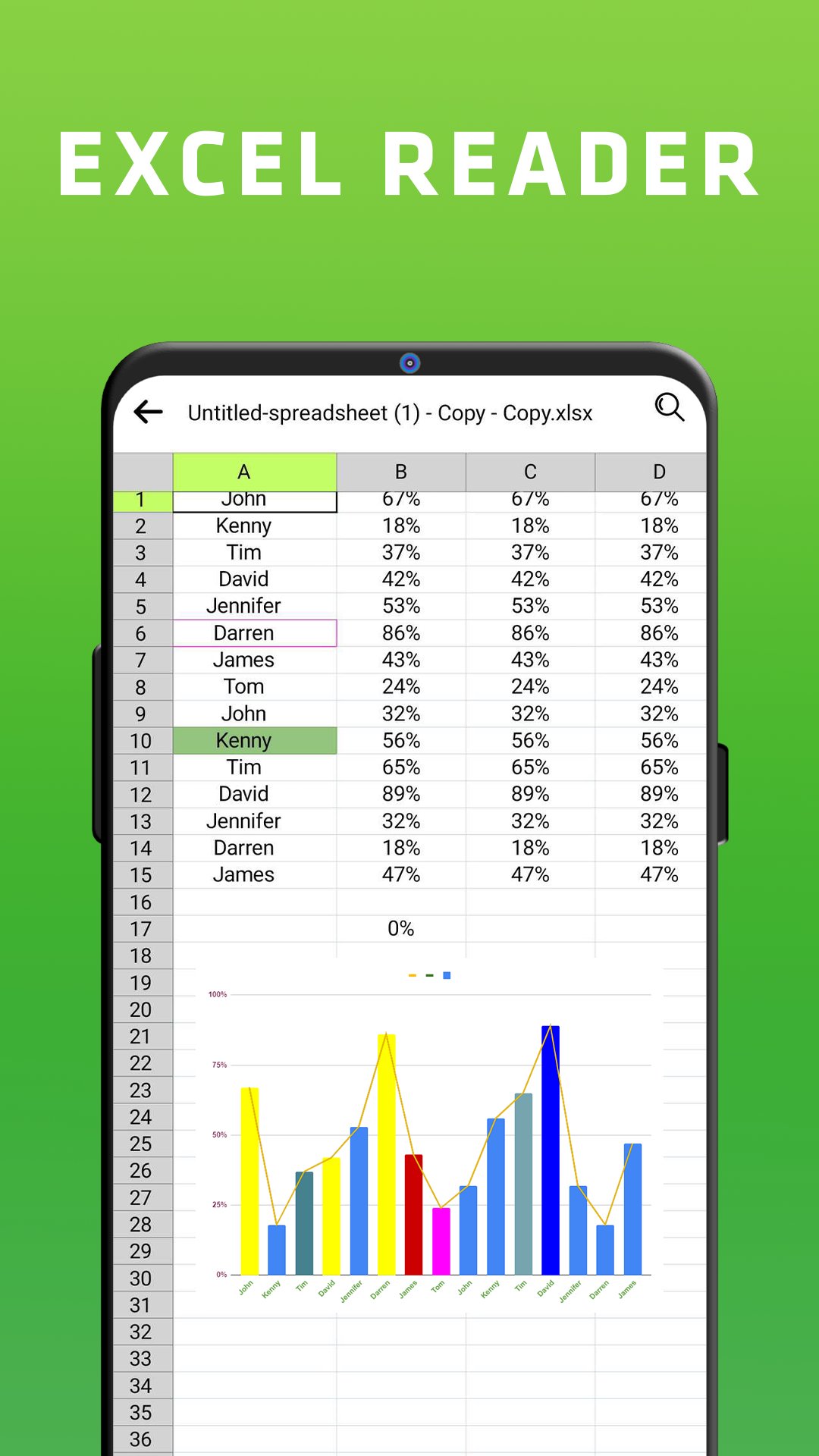
XLSX Viewer is a fast way to read documents on your device. You can browse all your XLSX spreadsheet files in a single place right on your Android device.
XLSX viewer - XLS, Excel reader allows you to smoothly scroll pages from Excel files with improved compatibility, smart features, an intuitive interface, and more!
Main features of XLSX Viewer - XLS, Excel reader:
✅ Open data analysis file reader directly from the File manager
✅ Easily open, manage sheets and read documents without the Internet.
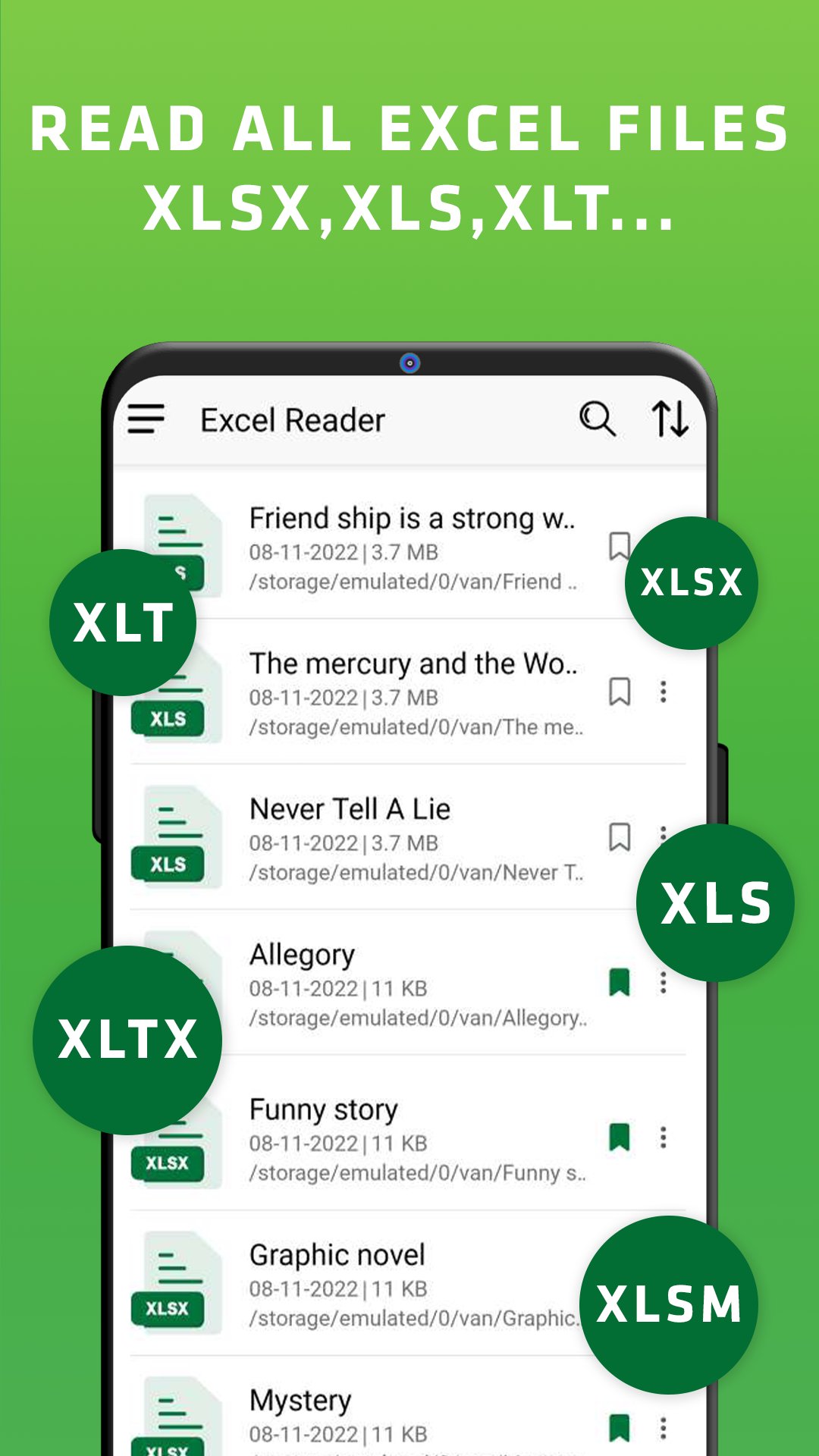
✅ Read all documents, excel spreadsheets: .XLS/.XLSX/.XLSM/ .XLT/.XLTX in the device
✅ Save to bookmarks for later viewing.
✅ Browse recent files and Excel files by folder.
✅ High-quality office tools
✅ Simple interface: open an excel file with a simple and elegant reading screen with necessary control buttons.
✅ Easy to share excel file reader.
✅ Scroll the excel spreadsheet document pages.
If you already have any Excel files on your device, use this XLSX reader to start working right away. We will update regularly to give you the best experience.
If you have any questions or queries that need answers, contact us via developer email. Thank you! ❤️
معاينة
العلامات
أدواتمعلومة
مطور
win std (smart apps)
احدث اصدار
3.6
آخر تحديث
2025-11-19
فئة
أدوات
متاح على
Google Play
أظهر المزيد
كيف تلعب XLSX viewer: read XLS مع GameLoop على جهاز الكمبيوتر
1. قم بتنزيل GameLoop من الموقع الرسمي ، ثم قم بتشغيل ملف exe لتثبيت GameLoop.
2. افتح GameLoop وابحث عن "XLSX viewer: read XLS" ، وابحث عن XLSX viewer: read XLS في نتائج البحث وانقر على "تثبيت".
3. استمتع بلعب XLSX viewer: read XLS على GameLoop.
Minimum requirements
OS
Windows 8.1 64-bit or Windows 10 64-bit
GPU
GTX 1050
CPU
i3-8300
Memory
8GB RAM
Storage
1GB available space
Recommended requirements
OS
Windows 8.1 64-bit or Windows 10 64-bit
GPU
GTX 1050
CPU
i3-9320
Memory
16GB RAM
Storage
1GB available space