Xiaomi TV Remote Control PC
AYYAN
قم بتنزيل Xiaomi TV Remote Control على جهاز الكمبيوتر باستخدام GameLoop Emulator
Xiaomi TV Remote Control على الكمبيوتر الشخصي
Xiaomi TV Remote Control ، القادم من المطور AYYAN ، يعمل على نظام Android في الماضي.
الآن ، يمكنك لعب Xiaomi TV Remote Control على جهاز الكمبيوتر باستخدام GameLoop بسلاسة.
قم بتنزيله في مكتبة GameLoop أو في نتائج البحث. لا مزيد من الانتباه إلى البطارية أو المكالمات المحبطة في الوقت الخطأ بعد الآن.
ما عليك سوى الاستمتاع بجهاز Xiaomi TV Remote Control على الشاشة الكبيرة مجانًا!
Xiaomi TV Remote Control مقدمة
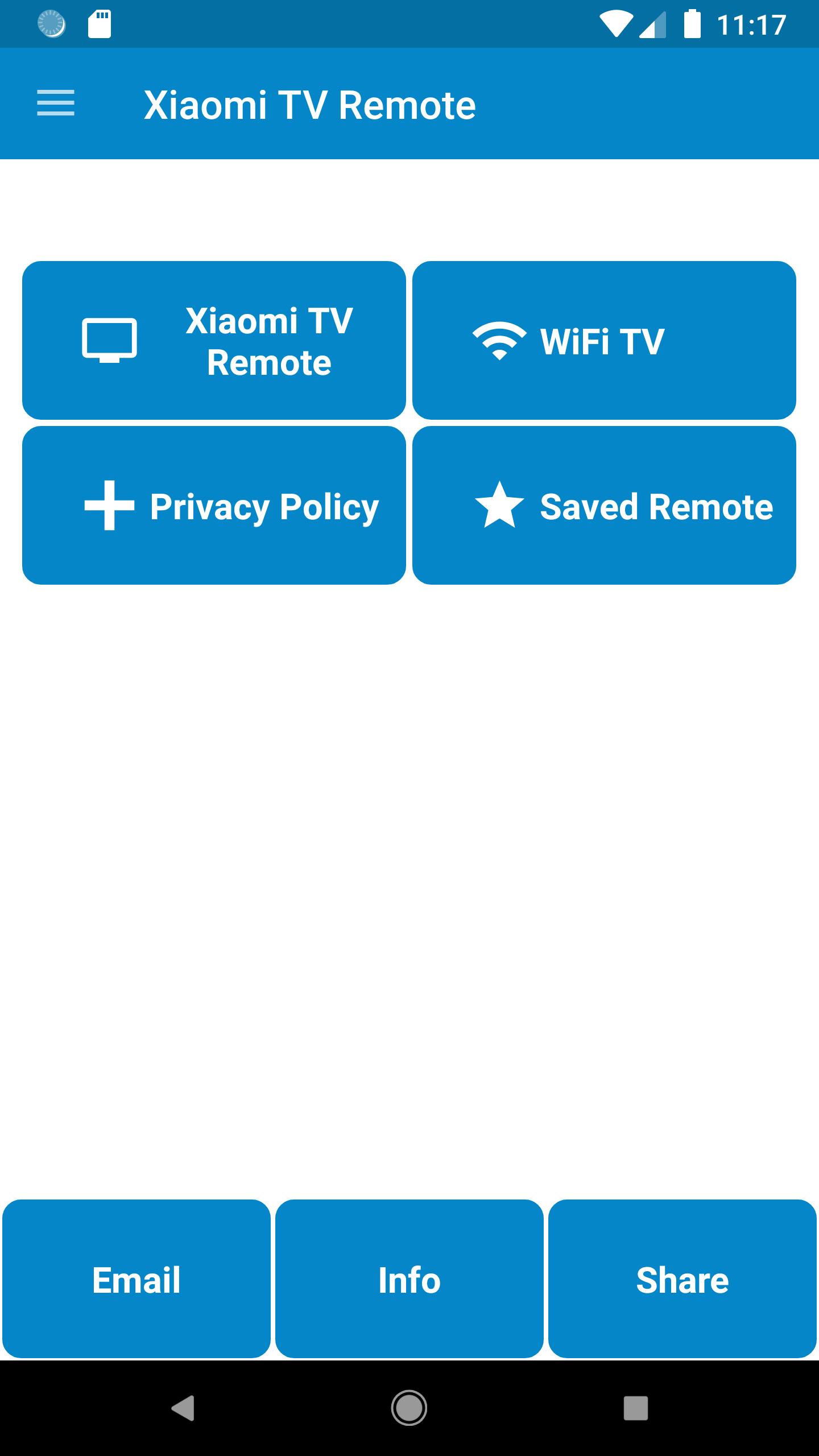
Xiaomi TV Remote Control build by AYYAN is used to control Xiaomi TV's LED's and Smart TV's
----Disclaimer----
This App does not belong to Offical Xiaomi Company, we have just gathered the data and presented in a better form for user convenience.
----Features----
-> Plug and Play Install
-> All Funtionalities in Plastic Remote is available in this Xiaomi TV Remote
-> WiFi Functionality is available for Android Smart TV Casting
-> Any Last Used Xiaomi Remote is easily reached via Saved Option
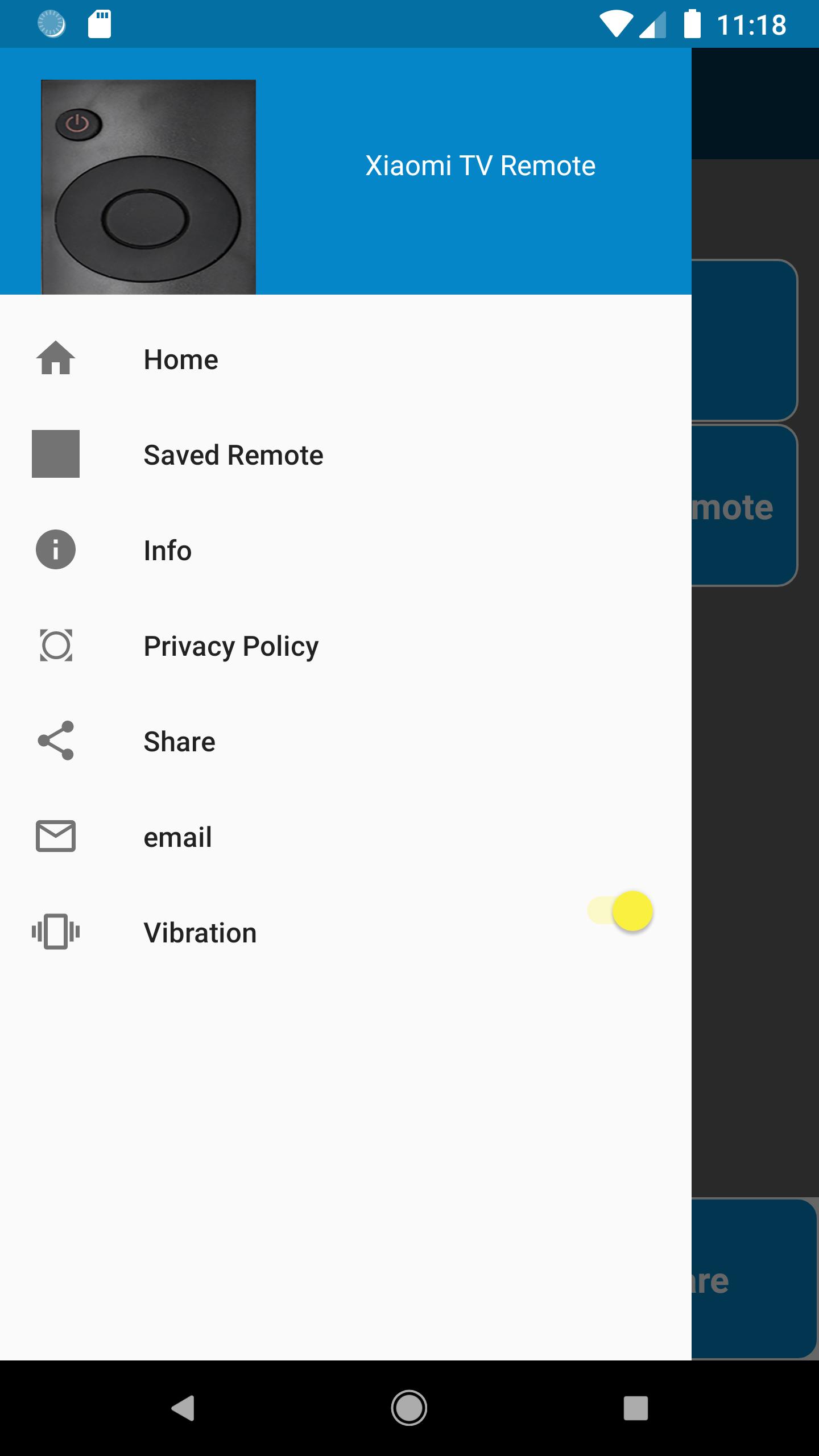
-> Vibration ON/OFF Options are available in Drawer Menu
----Usage----
-> IR Blaster is required to control your Xiaomi TV via this Xiaomi Remote, if you do not have knowledge of IR Blaster then
Install the App to check remotes in this Xiaomi TV App and let us know via email we will help you
-> For WiFi Connectivity with your Android TV your Smart Phone and Android TV must be on the same network
----How to Use----
-> For WiFi Connectivity simply connect your phone with the same WiFi Device with which your Smart TV is connected
-> For Normal connectivity Press the Power Button and select YES or NO upon the response, try same process your Xiaomi TV responds
----Query----
-> If you have any query we will be happy to assist, reach us at airmk2000@gmail.com
معاينة
معلومة
مطور
AYYAN
احدث اصدار
1.1.10
آخر تحديث
2025-09-09
فئة
أدوات
متاح على
Google Play
أظهر المزيد
كيف تلعب Xiaomi TV Remote Control مع GameLoop على جهاز الكمبيوتر
1. قم بتنزيل GameLoop من الموقع الرسمي ، ثم قم بتشغيل ملف exe لتثبيت GameLoop.
2. افتح GameLoop وابحث عن "Xiaomi TV Remote Control" ، وابحث عن Xiaomi TV Remote Control في نتائج البحث وانقر على "تثبيت".
3. استمتع بلعب Xiaomi TV Remote Control على GameLoop.
Minimum requirements
OS
Windows 8.1 64-bit or Windows 10 64-bit
GPU
GTX 1050
CPU
i3-8300
Memory
8GB RAM
Storage
1GB available space
Recommended requirements
OS
Windows 8.1 64-bit or Windows 10 64-bit
GPU
GTX 1050
CPU
i3-9320
Memory
16GB RAM
Storage
1GB available space