Files and SD Card manager PC
Speed Test by WiFi5g4g3gSpeedTest.com
قم بتنزيل Files and SD Card manager على جهاز الكمبيوتر باستخدام GameLoop Emulator
Files and SD Card manager على الكمبيوتر الشخصي
Files and SD Card manager ، القادم من المطور Speed Test by WiFi5g4g3gSpeedTest.com ، يعمل على نظام Android في الماضي.
الآن ، يمكنك لعب Files and SD Card manager على جهاز الكمبيوتر باستخدام GameLoop بسلاسة.
قم بتنزيله في مكتبة GameLoop أو في نتائج البحث. لا مزيد من الانتباه إلى البطارية أو المكالمات المحبطة في الوقت الخطأ بعد الآن.
ما عليك سوى الاستمتاع بجهاز Files and SD Card manager على الشاشة الكبيرة مجانًا!
Files and SD Card manager مقدمة
Files and SD Card manager
Simple tool to manage resource: File manager, folder manager and SD card manager
Want to manage resources and data on your mobile phone?
Do you have any difficulty managing files and folders in the phone memory?
Do you want to back up data from SD card to phone memory?
Do you want to increase the storage capacity of your phone?
... Here, install and use the "Files and SD Card manager" application, it will help you to manage the file and data resources in the folders of your phone and SD card in the best way.
Core features:
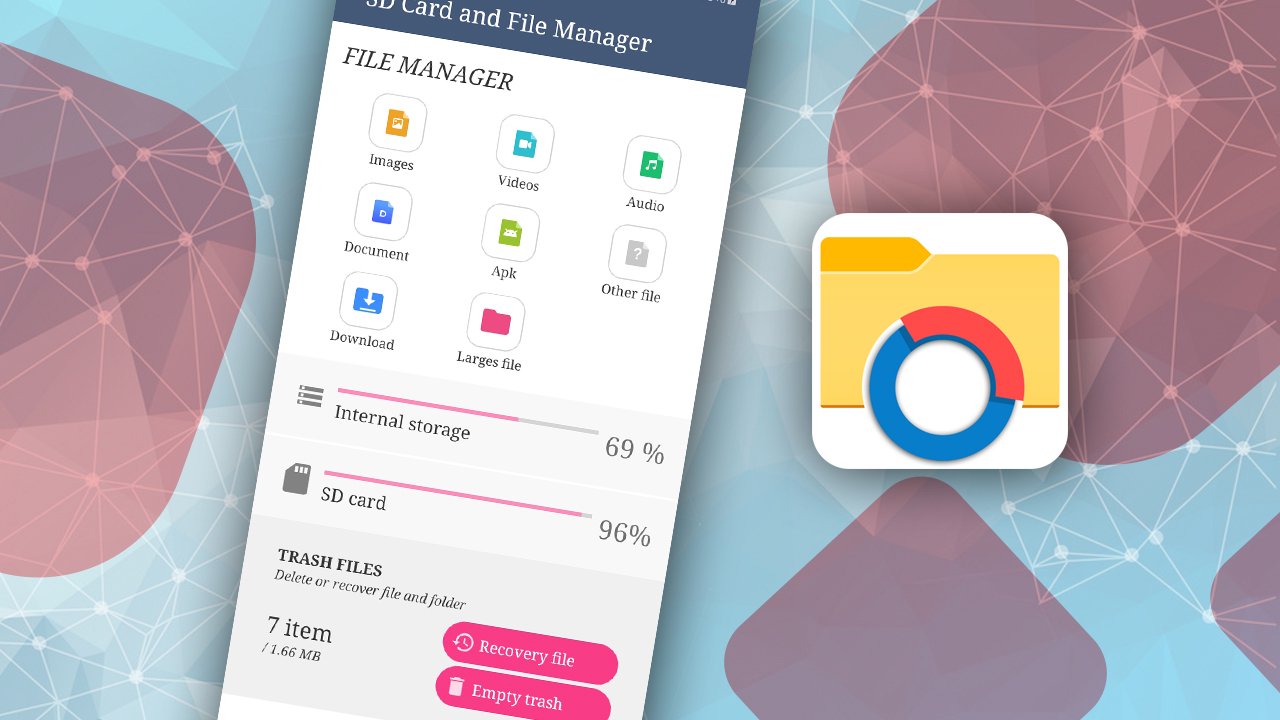
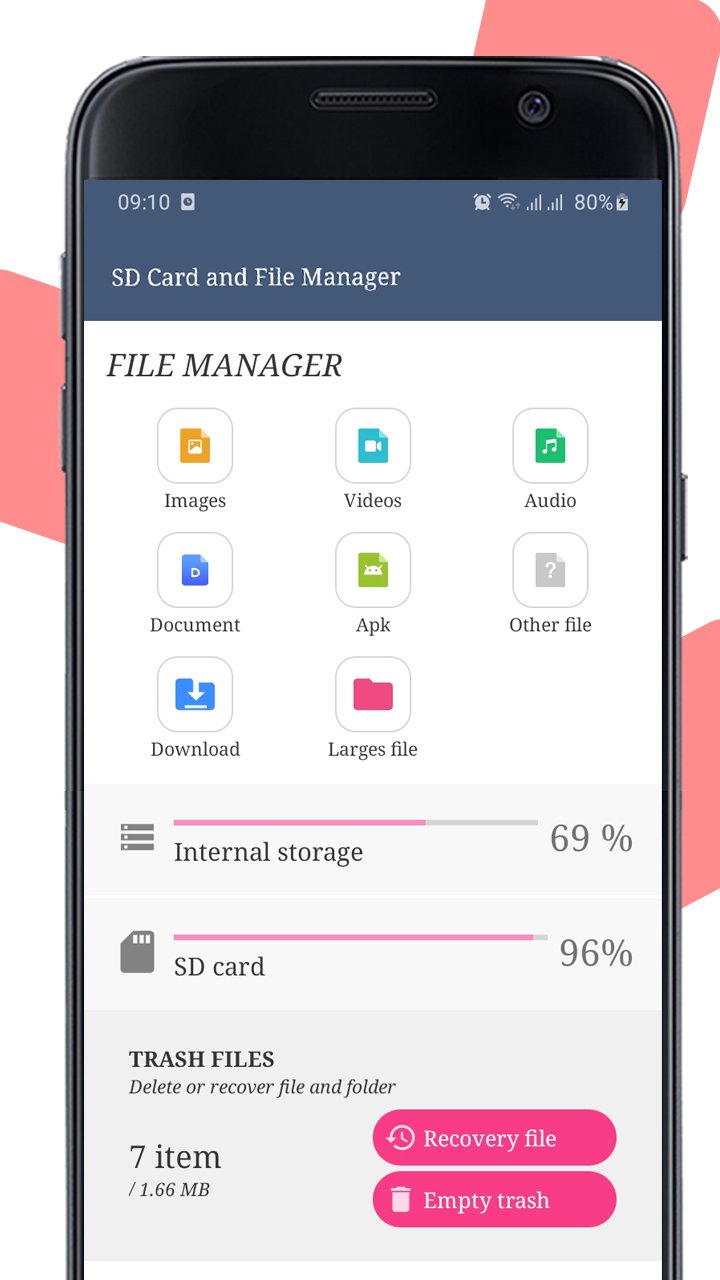
1. Folder manager: Create folders, delete folders and rename folders according to the folder tree in the phone memory or SD card.
2. "Files manager" will be easier for users when sorting files by category to delete files and restore files in Trash by: photo, video, audio, document, apk and other files.
3. Function of "simple manage files": copy/move files and paste files, find file, open file and share file in folders. Also copy and move files between the phone memory via SD card OR from the SD card to the phone's internal storage easily, delete file and restore deted files in Trash folder.
Note "delete files": When the user deletes the file, it will be moved to the Trash folder for storage so that the user can restore it when needed.
4. Manage Download folder: Lists all the files that you have previously downloaded from the internet for easy management.
5. Manage large media files: filtered by media file size from 30MB, 50MB and 100MB.
6. Manage Trash folder: This is where all the files you deleted earlier are located. This section will support users with 2 important main functions:
(a) Select all files in this folder and delete it permanently.
(b) Select all the files in this folder to restore the files to the folder before they were deleted.
7. Manage files and folder in internal storage
This is a file and folder manager in the phone, resources are displayed in an easy-to-see and interactive directory tree that allows us to manipulate functions such as "files manager" and "folder manager"
8. Manage files and folder in SD Card memory: Managing files in SD card is the same as managing files in the phone's internal memory.
(*) The problem here is that if you want to back up data from the SD card, you need to select the files in SD Card and back up them by move file to phone's memory.
(*) Or vice versa, if you want to get more space for internal memory then move large files from internal memory to SD card.
9. Support users to search files quickly by file name.
Besides, the "Files and SD Card manager" application also helps users to backup data or increase storage space by moving files easily from external storage to internal storage or from internal storage to device. peripherals like SD cards on Android phones:
Thanks so much.
معاينة
العلامات
أدواتمعلومة
مطور
Speed Test by WiFi5g4g3gSpeedTest.com
احدث اصدار
1.7
آخر تحديث
2023-04-26
فئة
أدوات
متاح على
Google Play
أظهر المزيد
كيف تلعب Files and SD Card manager مع GameLoop على جهاز الكمبيوتر
1. قم بتنزيل GameLoop من الموقع الرسمي ، ثم قم بتشغيل ملف exe لتثبيت GameLoop.
2. افتح GameLoop وابحث عن "Files and SD Card manager" ، وابحث عن Files and SD Card manager في نتائج البحث وانقر على "تثبيت".
3. استمتع بلعب Files and SD Card manager على GameLoop.
Minimum requirements
OS
Windows 8.1 64-bit or Windows 10 64-bit
GPU
GTX 1050
CPU
i3-8300
Memory
8GB RAM
Storage
1GB available space
Recommended requirements
OS
Windows 8.1 64-bit or Windows 10 64-bit
GPU
GTX 1050
CPU
i3-9320
Memory
16GB RAM
Storage
1GB available space