
WIFI QR Code Scanner & Creator PC
Kings & Queens
قم بتنزيل WIFI QR Code Scanner & Creator على جهاز الكمبيوتر باستخدام GameLoop Emulator
WIFI QR Code Scanner & Creator على الكمبيوتر الشخصي
WIFI QR Code Scanner & Creator ، القادم من المطور Kings & Queens ، يعمل على نظام Android في الماضي.
الآن ، يمكنك لعب WIFI QR Code Scanner & Creator على جهاز الكمبيوتر باستخدام GameLoop بسلاسة.
قم بتنزيله في مكتبة GameLoop أو في نتائج البحث. لا مزيد من الانتباه إلى البطارية أو المكالمات المحبطة في الوقت الخطأ بعد الآن.
ما عليك سوى الاستمتاع بجهاز WIFI QR Code Scanner & Creator على الشاشة الكبيرة مجانًا!
WIFI QR Code Scanner & Creator مقدمة
Tired of typing long WiFi passwords? With WiFi QR Code Scanner & Generator, you can connect to any Wi-Fi network instantly by scanning a QR code—no need to type the password every time!
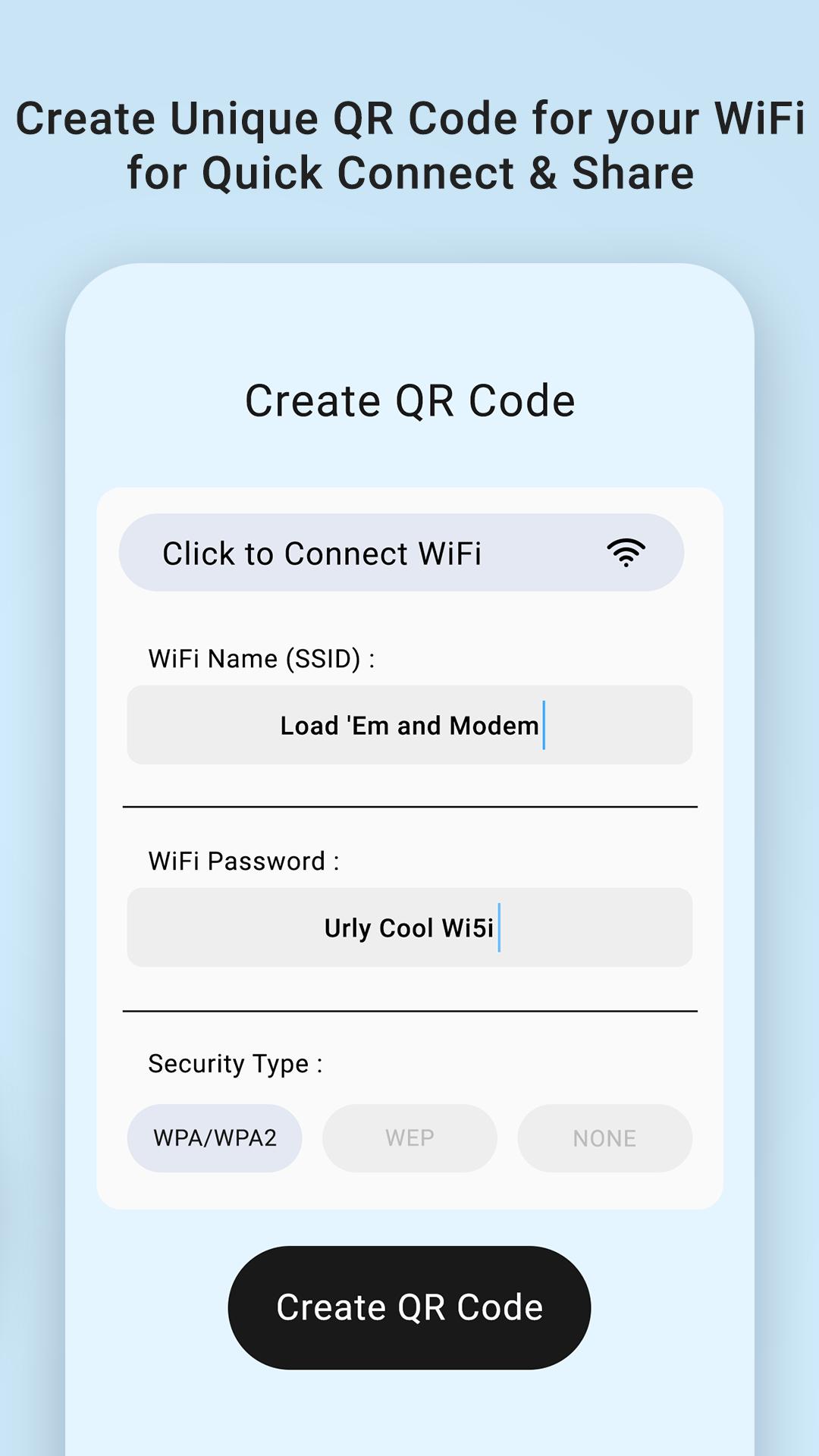
Create stylish and secure WiFi QR codes for your own network and share them with friends, guests, customers or colleagues. Whether at home, office, hotel, café or restaurant, sharing WiFi has never been easier or more professional.
✨ Key Features:
🔑 Instant WiFi Connection – Scan any WiFi QR code to connect directly without typing passwords.
🛠️ Create WiFi QR Codes – Generate QR codes with WPA/WPA2, WEP, SSID, password protection.
📂 Save & Share QR Codes – Store QR codes in history, save as image or share with others.
🎨 Custom QR Code Styles – Choose from multiple colours & stylish templates.
🏨 WiFi QR Templates for Businesses – Perfect for Hotels, Cafés, Restaurants, Offices, Gyms, Salons.
📋 Easy Guest Access – Let your visitors scan & connect without revealing your actual password.
✅ Why Choose Our App?
* Save time by skipping password typing.
* Make your WiFi access secure, stylish & convenient.
* Ideal for both personal and professional use.
📲 Download WiFi QR Code Scanner & Generator today & share your WiFi with ease, style & security!
معاينة

العلامات
أدواتمعلومة
مطور
Kings & Queens
احدث اصدار
1.4
آخر تحديث
2025-09-26
فئة
أدوات
متاح على
Google Play
أظهر المزيد
كيف تلعب WIFI QR Code Scanner & Creator مع GameLoop على جهاز الكمبيوتر
1. قم بتنزيل GameLoop من الموقع الرسمي ، ثم قم بتشغيل ملف exe لتثبيت GameLoop.
2. افتح GameLoop وابحث عن "WIFI QR Code Scanner & Creator" ، وابحث عن WIFI QR Code Scanner & Creator في نتائج البحث وانقر على "تثبيت".
3. استمتع بلعب WIFI QR Code Scanner & Creator على GameLoop.
Minimum requirements
OS
Windows 8.1 64-bit or Windows 10 64-bit
GPU
GTX 1050
CPU
i3-8300
Memory
8GB RAM
Storage
1GB available space
Recommended requirements
OS
Windows 8.1 64-bit or Windows 10 64-bit
GPU
GTX 1050
CPU
i3-9320
Memory
16GB RAM
Storage
1GB available space