
TS School PC
NIC eGov Mobile Apps
قم بتنزيل TS School على جهاز الكمبيوتر باستخدام GameLoop Emulator
TS School على الكمبيوتر الشخصي
TS School ، القادم من المطور NIC eGov Mobile Apps ، يعمل على نظام Android في الماضي.
الآن ، يمكنك لعب TS School على جهاز الكمبيوتر باستخدام GameLoop بسلاسة.
قم بتنزيله في مكتبة GameLoop أو في نتائج البحث. لا مزيد من الانتباه إلى البطارية أو المكالمات المحبطة في الوقت الخطأ بعد الآن.
ما عليك سوى الاستمتاع بجهاز TS School على الشاشة الكبيرة مجانًا!
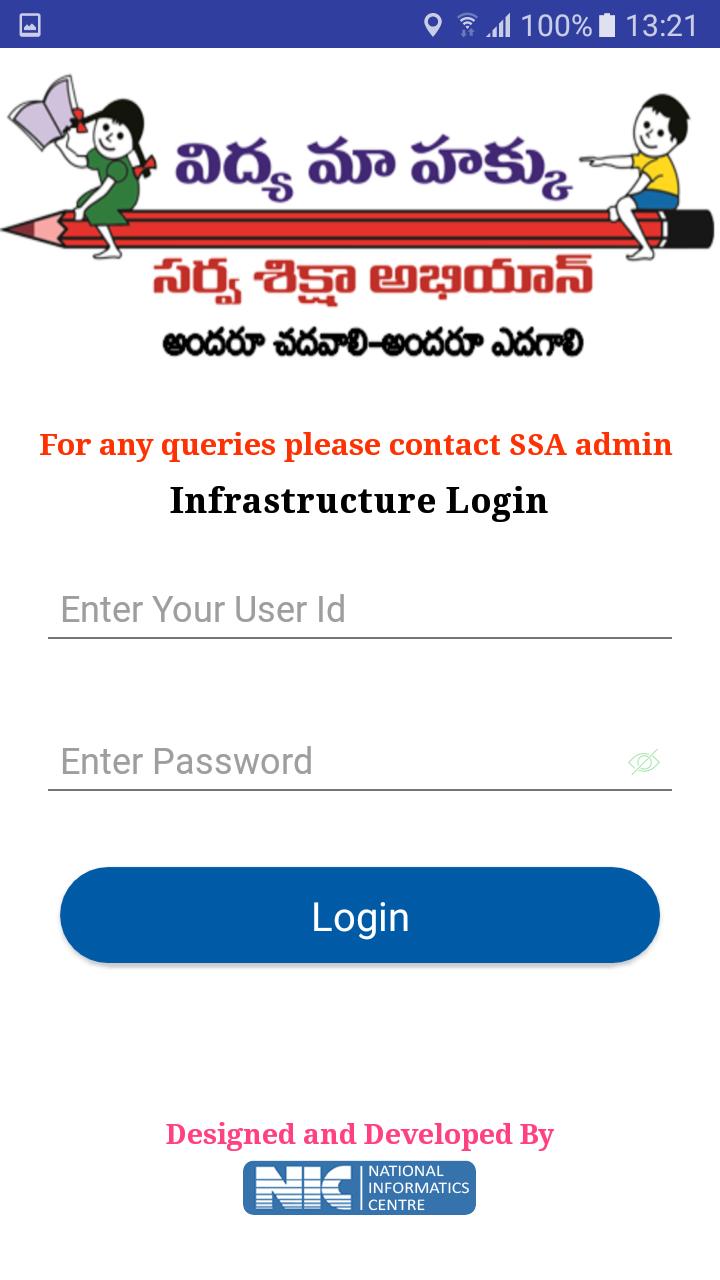
TS School مقدمة
TS School Version 5.5
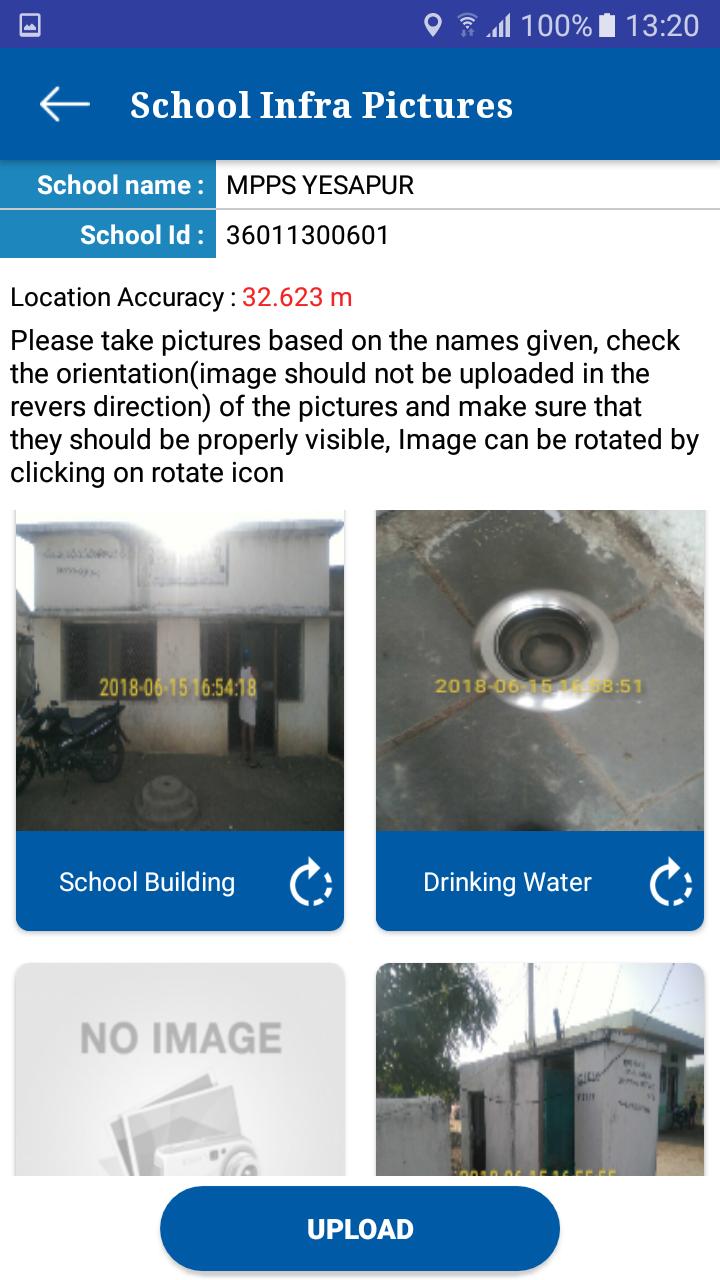
1. School Infrastructure
Visuals of School infrastructure like school building, class rooms, drinking water facility, compound wall, and kitchen shed etc. can be uploaded using this app.
2. School Monitoring
Toilet Monitoring: School HMs can upload the visuals of toilets at regular intervals. Authorities can monitor the functional status of toilets from time to time. It helps to track the status of individual toilets.
Attendance Monitoring: this module helps to school HM to enter the Attendance of the school children’s and employees
3. School Visit
This module allows to capture various school details like enrollment, attendance of children/teachers, syllabus covered, status of toilets, midday meal etc.
These parameters are stored in centralized database for generation of analysis reports for monitoring.
معاينة
معلومة
مطور
NIC eGov Mobile Apps
احدث اصدار
5.5
آخر تحديث
2019-06-26
فئة
أدوات
متاح على
Google Play
أظهر المزيد
كيف تلعب TS School مع GameLoop على جهاز الكمبيوتر
1. قم بتنزيل GameLoop من الموقع الرسمي ، ثم قم بتشغيل ملف exe لتثبيت GameLoop.
2. افتح GameLoop وابحث عن "TS School" ، وابحث عن TS School في نتائج البحث وانقر على "تثبيت".
3. استمتع بلعب TS School على GameLoop.
Minimum requirements
OS
Windows 8.1 64-bit or Windows 10 64-bit
GPU
GTX 1050
CPU
i3-8300
Memory
8GB RAM
Storage
1GB available space
Recommended requirements
OS
Windows 8.1 64-bit or Windows 10 64-bit
GPU
GTX 1050
CPU
i3-9320
Memory
16GB RAM
Storage
1GB available space