
Smart-M PC
Palette
قم بتنزيل Smart-M على جهاز الكمبيوتر باستخدام GameLoop Emulator
Smart-M على الكمبيوتر الشخصي
Smart-M ، القادم من المطور Palette ، يعمل على نظام Android في الماضي.
الآن ، يمكنك لعب Smart-M على جهاز الكمبيوتر باستخدام GameLoop بسلاسة.
قم بتنزيله في مكتبة GameLoop أو في نتائج البحث. لا مزيد من الانتباه إلى البطارية أو المكالمات المحبطة في الوقت الخطأ بعد الآن.
ما عليك سوى الاستمتاع بجهاز Smart-M على الشاشة الكبيرة مجانًا!
Smart-M مقدمة
Technology overview
This application is used for soil analysis by combining a test paper "Midori-kun ®" that develops color according to the nutrient concentration of the soil and "Pico", a device that reads color.
What is Midori-kunⓇ
A simple soil diagnostic test kit developed by Tokyo University of Agriculture.
When purified water is added to the soil and the test paper is dipped directly into the shaken suspension, the color changes depending on the concentration of soil nutrients.
What is Pico (simple colorimeter)
It is a thumb size (18×15×60mm/16g) colorimeter.
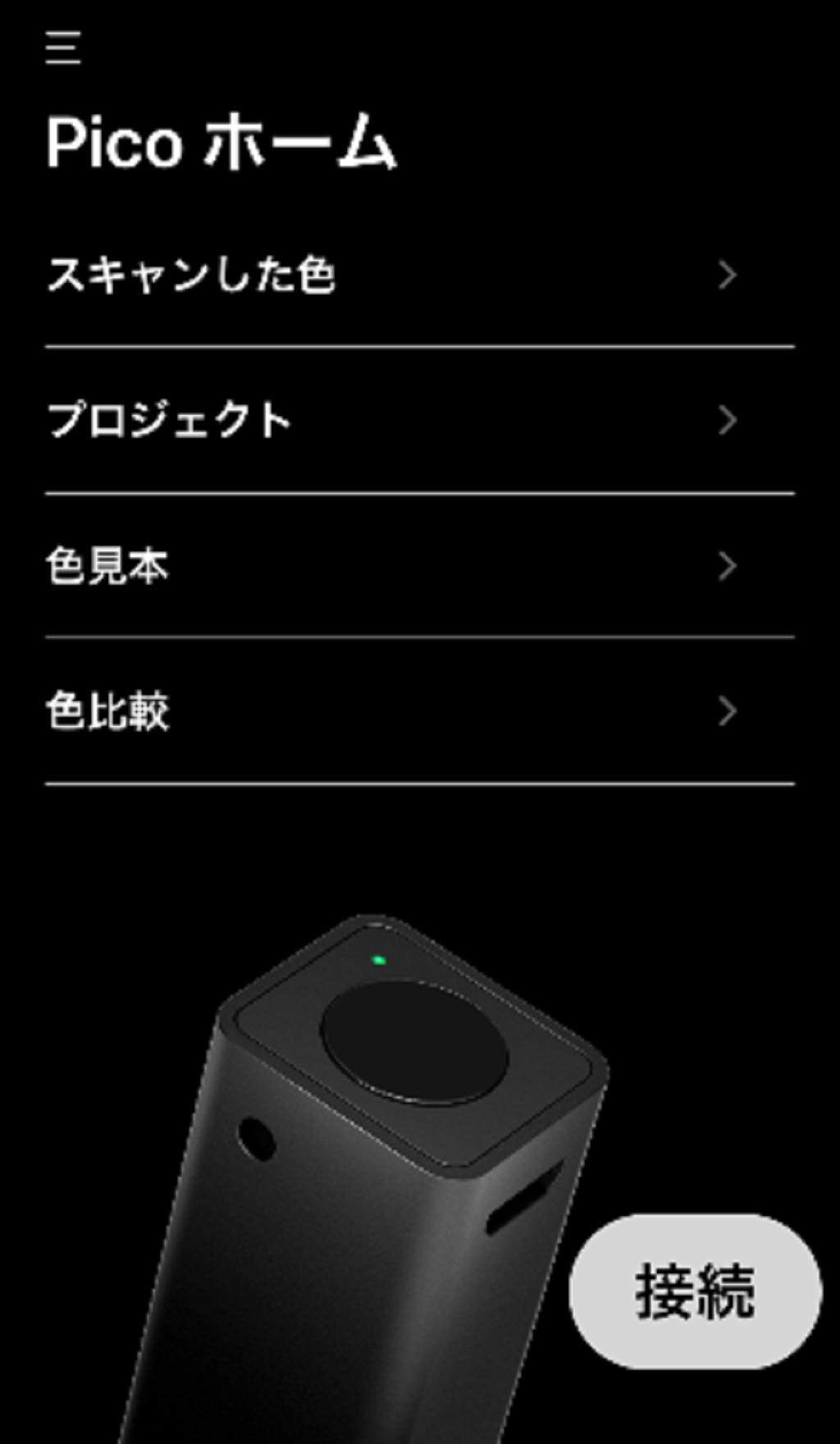
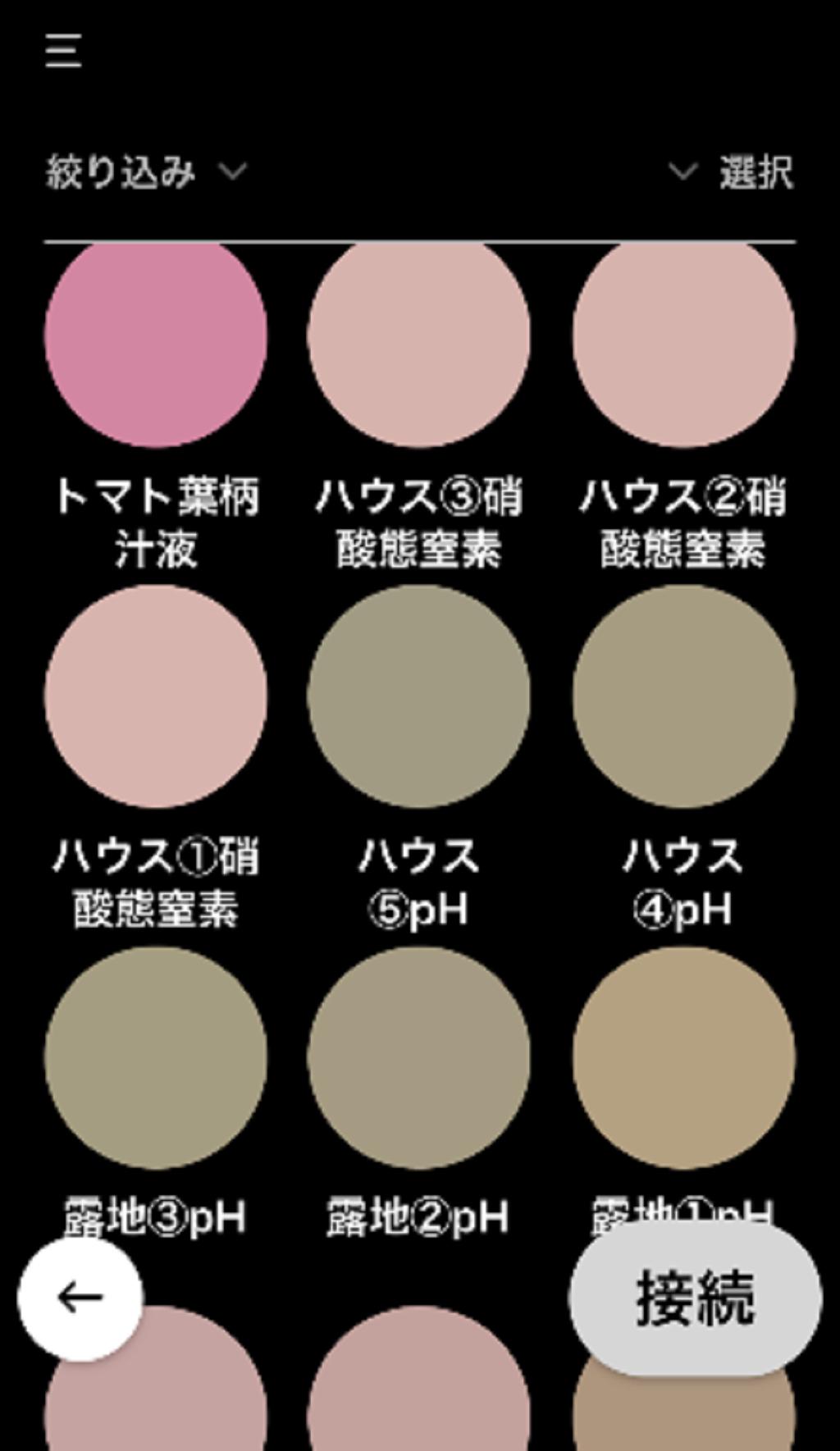
You can read the color from the real thing, transfer the information via Bluetooth connection to the dedicated app installed on the iOS or Android smartphones and tablets, and check it against the color sample book registered in advance.
معاينة
العلامات
أدواتمعلومة
مطور
Palette
احدث اصدار
1.0.6
آخر تحديث
2024-11-17
فئة
أدوات
متاح على
Google Play
أظهر المزيد
كيف تلعب Smart-M مع GameLoop على جهاز الكمبيوتر
1. قم بتنزيل GameLoop من الموقع الرسمي ، ثم قم بتشغيل ملف exe لتثبيت GameLoop.
2. افتح GameLoop وابحث عن "Smart-M" ، وابحث عن Smart-M في نتائج البحث وانقر على "تثبيت".
3. استمتع بلعب Smart-M على GameLoop.
Minimum requirements
OS
Windows 8.1 64-bit or Windows 10 64-bit
GPU
GTX 1050
CPU
i3-8300
Memory
8GB RAM
Storage
1GB available space
Recommended requirements
OS
Windows 8.1 64-bit or Windows 10 64-bit
GPU
GTX 1050
CPU
i3-9320
Memory
16GB RAM
Storage
1GB available space