
Signal Strength PC
Lakshman
قم بتنزيل Signal Strength على جهاز الكمبيوتر باستخدام GameLoop Emulator
Signal Strength على الكمبيوتر الشخصي
Signal Strength ، القادم من المطور Lakshman ، يعمل على نظام Android في الماضي.
الآن ، يمكنك لعب Signal Strength على جهاز الكمبيوتر باستخدام GameLoop بسلاسة.
قم بتنزيله في مكتبة GameLoop أو في نتائج البحث. لا مزيد من الانتباه إلى البطارية أو المكالمات المحبطة في الوقت الخطأ بعد الآن.
ما عليك سوى الاستمتاع بجهاز Signal Strength على الشاشة الكبيرة مجانًا!
Signal Strength مقدمة
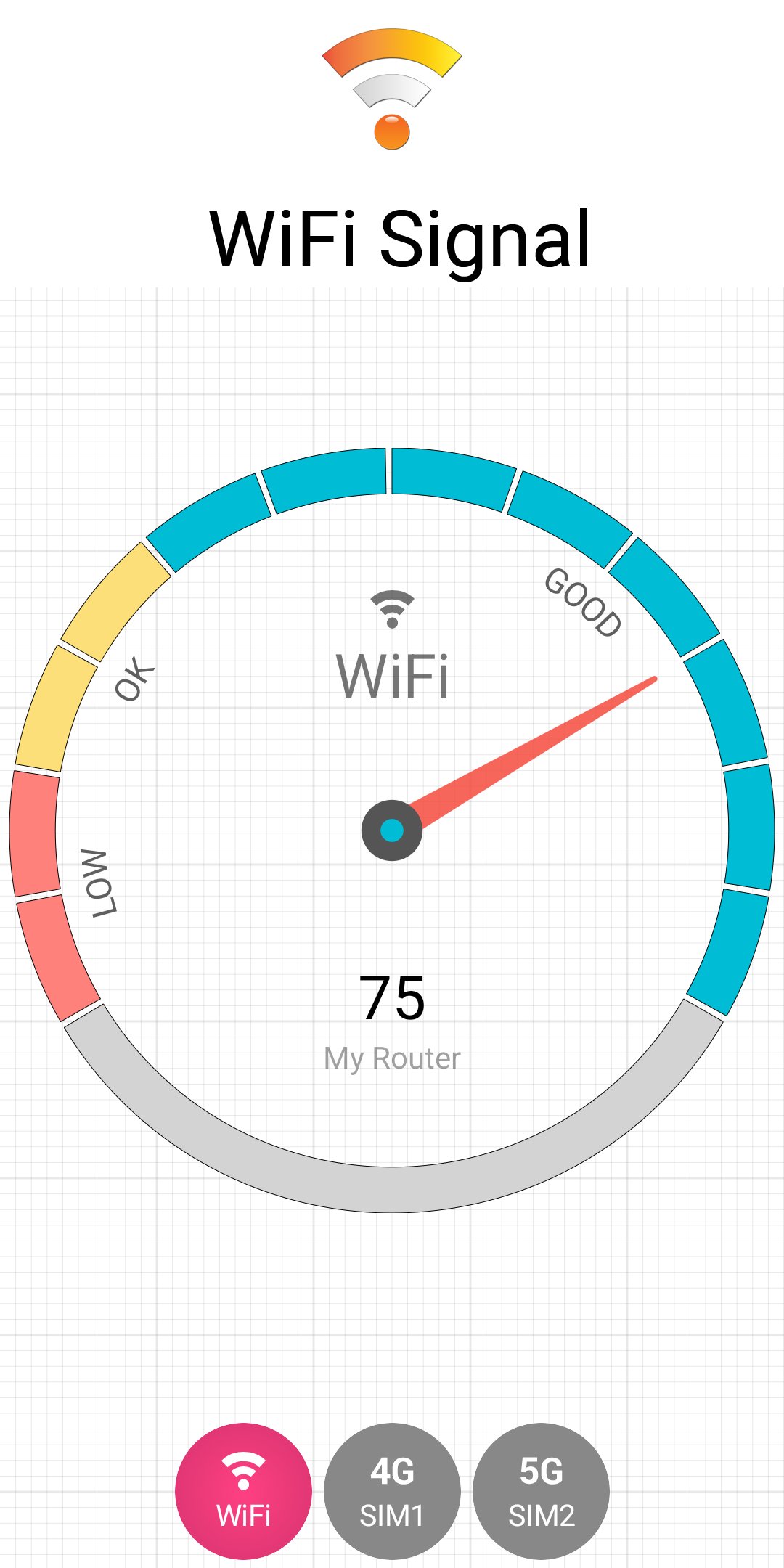
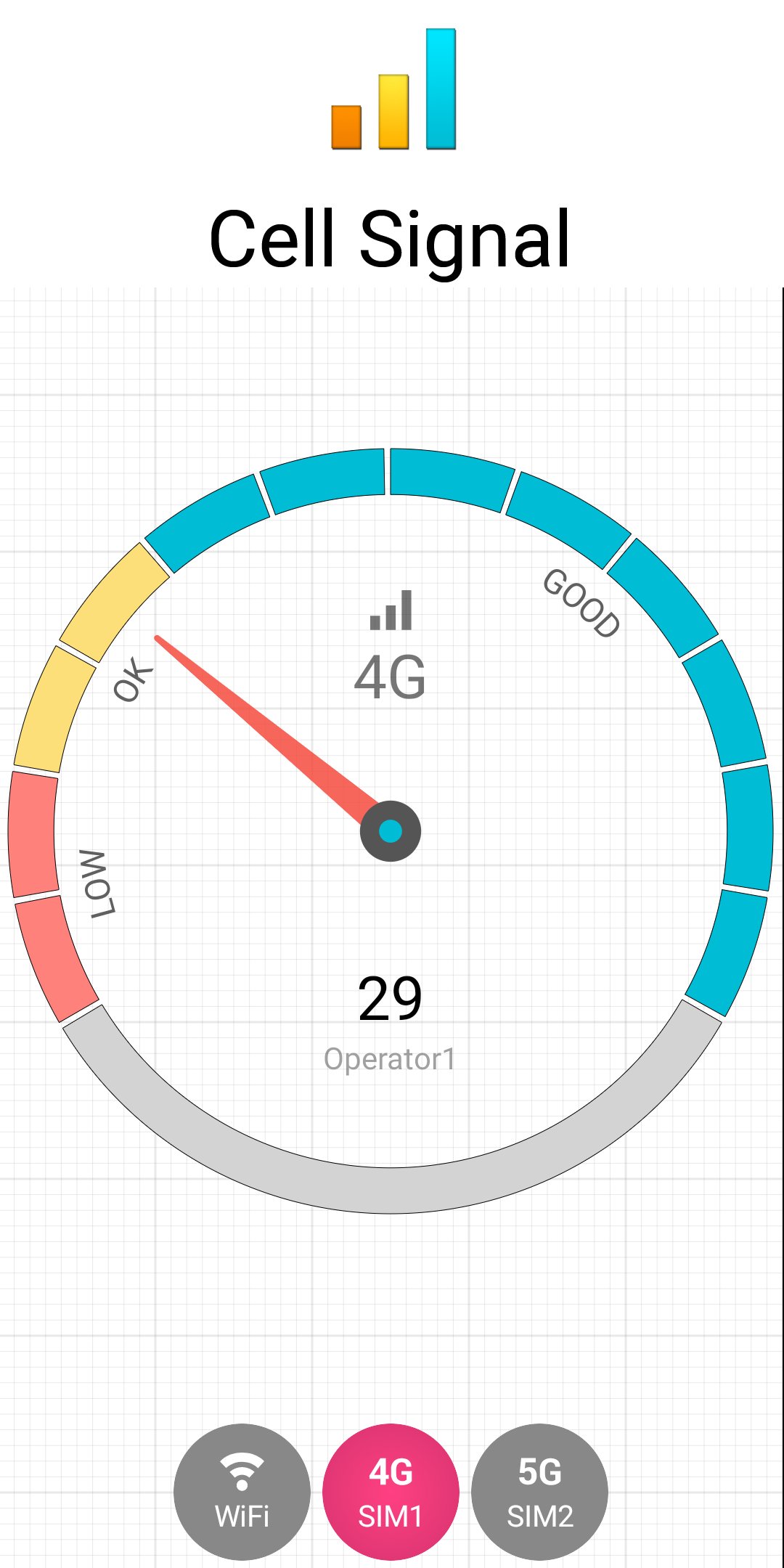
Signal Strength Meter for 4G, 5G & WiFi
Struggling with weak mobile signal or slow internet?
This app helps you measure signal strength, check network connection, and find the best spots for fast 4G, 5G, and WiFi in your home or office.
Get accurate, real-time signal data instead of unreliable signal bars.
Key Features
📶 Signal Strength & Network Tools
• Signal strength meter (2G, 3G, 4G, 5G, WiFi)
• Real-time signal monitoring (dBm)
• Network connection check
• Internet speed test
• WiFi scanner
📊 Advanced Network Info
• Cell tower details
• Channel, bandwidth, frequency
• Link speed & latency
• Network statistics and logging
Why use this app?
• Find the best signal location in your home or office
• Select optimum location for your Wifi router
• Improve internet speed and stability
• Verify real 5G connection
• Diagnose weak network issues
Premium Features
• Ad-free experience
• Home screen signal widgets
Permissions
• Phone – to display network and SIM details
• Location (optional) – required by Android for signal data (not stored)
• Background location (optional) – for home screen widgets which operate in background
Important
A very few devices may report signal data differently. You can send a debug report from the app.
معاينة
العلامات
أدواتمعلومة
مطور
Lakshman
احدث اصدار
29.2.1
آخر تحديث
2026-05-08
فئة
أدوات
متاح على
Google Play
أظهر المزيد
كيف تلعب Signal Strength مع GameLoop على جهاز الكمبيوتر
1. قم بتنزيل GameLoop من الموقع الرسمي ، ثم قم بتشغيل ملف exe لتثبيت GameLoop.
2. افتح GameLoop وابحث عن "Signal Strength" ، وابحث عن Signal Strength في نتائج البحث وانقر على "تثبيت".
3. استمتع بلعب Signal Strength على GameLoop.
Minimum requirements
OS
Windows 8.1 64-bit or Windows 10 64-bit
GPU
GTX 1050
CPU
i3-8300
Memory
8GB RAM
Storage
1GB available space
Recommended requirements
OS
Windows 8.1 64-bit or Windows 10 64-bit
GPU
GTX 1050
CPU
i3-9320
Memory
16GB RAM
Storage
1GB available space