
Restore Deleted Photos RecovMy PC
LookAndFeel Lab
قم بتنزيل Restore Deleted Photos RecovMy على جهاز الكمبيوتر باستخدام GameLoop Emulator
Restore Deleted Photos RecovMy على الكمبيوتر الشخصي
Restore Deleted Photos RecovMy ، القادم من المطور LookAndFeel Lab ، يعمل على نظام Android في الماضي.
الآن ، يمكنك لعب Restore Deleted Photos RecovMy على جهاز الكمبيوتر باستخدام GameLoop بسلاسة.
قم بتنزيله في مكتبة GameLoop أو في نتائج البحث. لا مزيد من الانتباه إلى البطارية أو المكالمات المحبطة في الوقت الخطأ بعد الآن.
ما عليك سوى الاستمتاع بجهاز Restore Deleted Photos RecovMy على الشاشة الكبيرة مجانًا!
Restore Deleted Photos RecovMy مقدمة
RecovMy is a Free Photo Recovery App that helps you to restore deleted photos easily. Our photo recovery algorithm perform a deep scan on your phone storage to retrieve all deleted photos and then give you the ability to restore deleted photos.
If you come to a situation where you deleted all of your photos by mistake, and tried a lot of apps to restore them without any result, then you are at the right place. RecovMy will solve this problem for you. It will scan all your phone storage looking for deleted photos and list them in an easy way that will help you to restore them back to your phone storage.
Restore Deleted Photos: How it works?
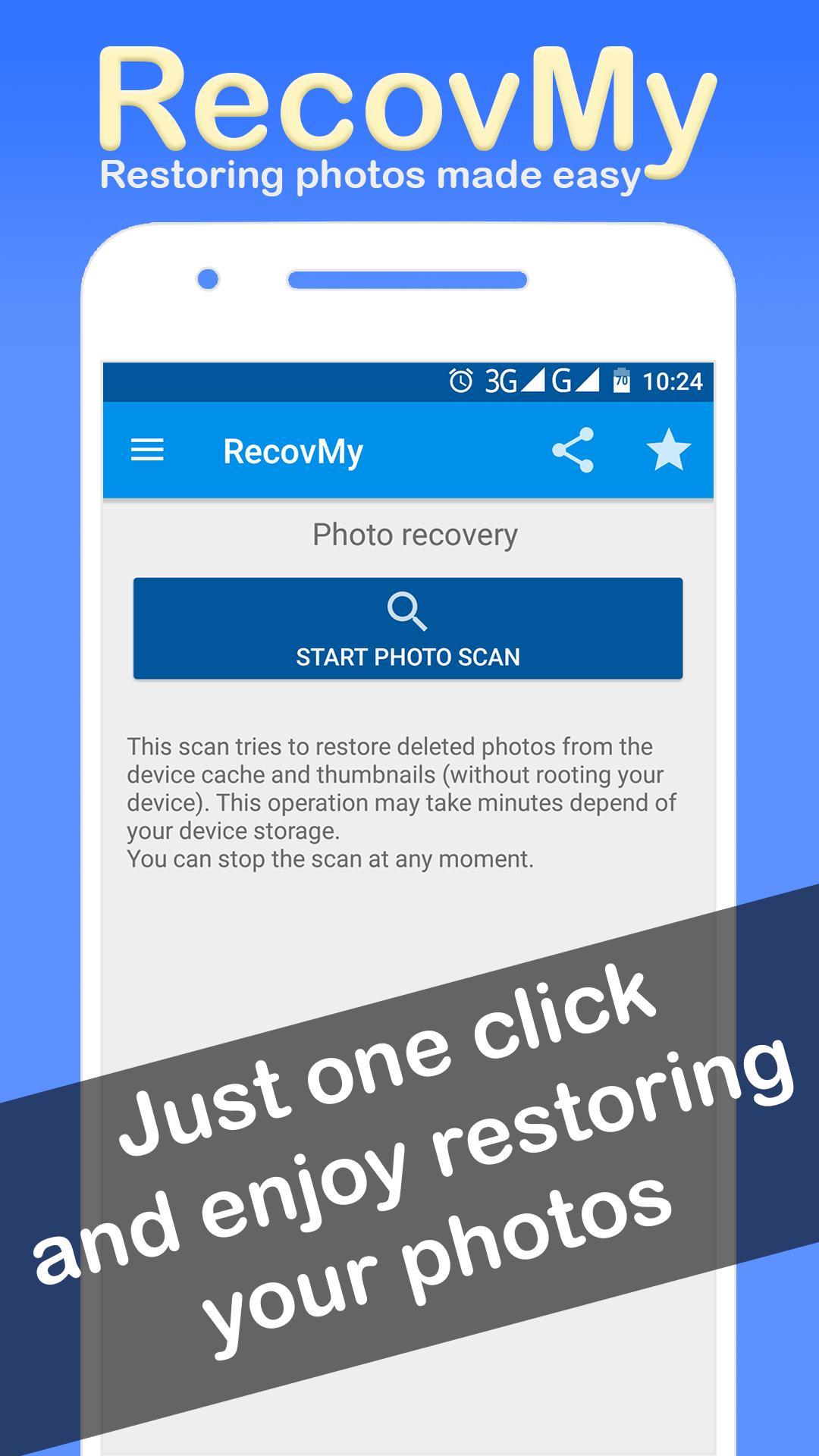
RecovMy scans your device and tries to restore deleted photos from the cache and thumbnails (no root required), this operation may take minutes depend of your device storage.
Operating Steps to restore deleted photos:
★ Install and Open the RecovMy App.
★ In the main window of the RecovMy - restore deleted photos app, click the button « Start photo scan » in « Photo Recovery » section.
★ Wait Until the scan finished.
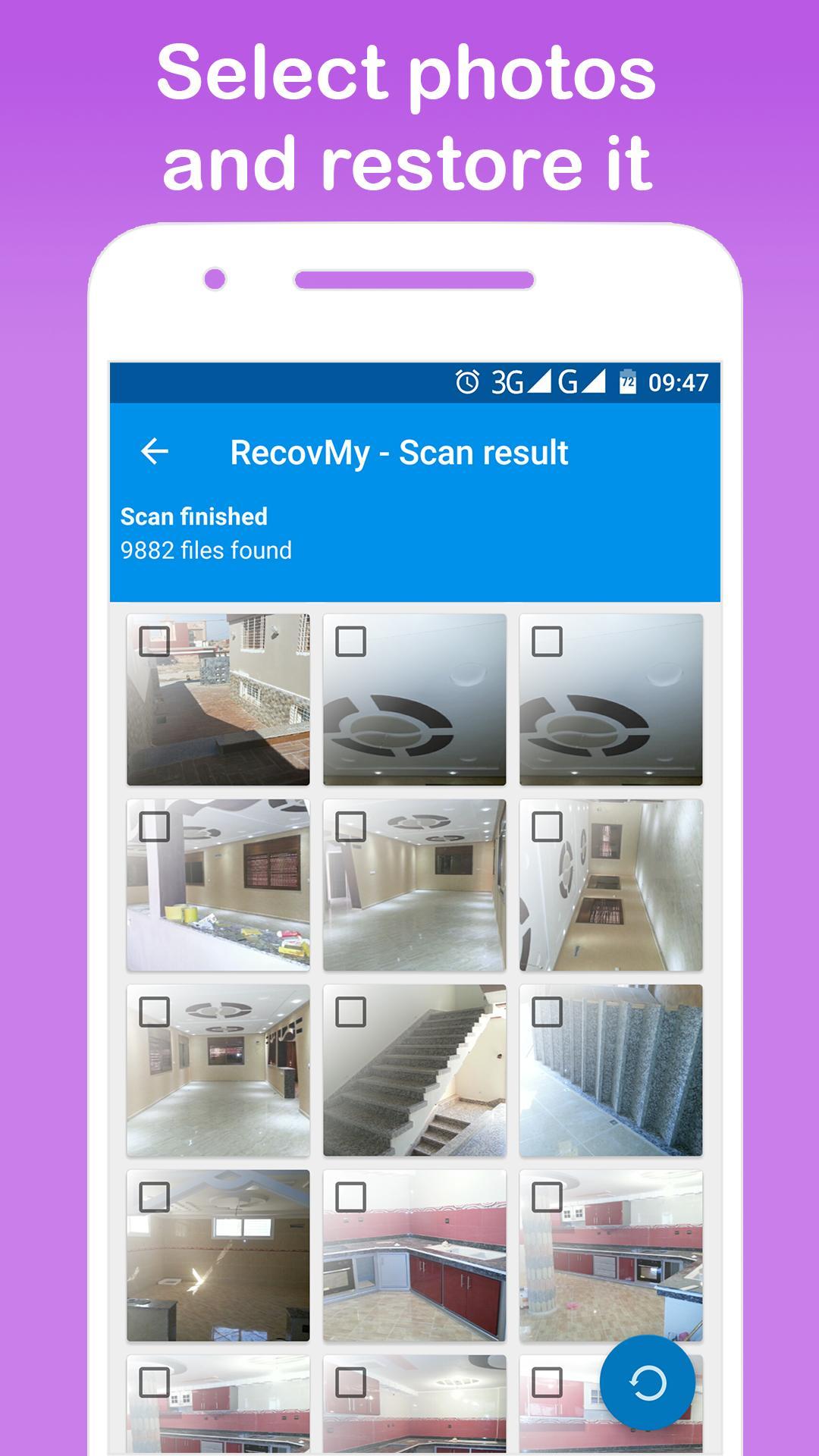
★ You will found deleted and undeleted photos.
★ Select the deleted photos that you want to restore, then, click the « restore » button in the bottom of window.
★ All selected photos will be restored to the RecovMy_photos Folder in your Gallery App.
★ Enjoy the best photo recovery app to restore deleted photos.
Your feedback is extremely appreciated and we act on it!
Please leave review or email me about this photo recovery app at contact@lookfeel.me
معاينة
العلامات
أدواتمعلومة
مطور
LookAndFeel Lab
احدث اصدار
2.1.4
آخر تحديث
2021-07-04
فئة
أدوات
متاح على
Google Play
أظهر المزيد
كيف تلعب Restore Deleted Photos RecovMy مع GameLoop على جهاز الكمبيوتر
1. قم بتنزيل GameLoop من الموقع الرسمي ، ثم قم بتشغيل ملف exe لتثبيت GameLoop.
2. افتح GameLoop وابحث عن "Restore Deleted Photos RecovMy" ، وابحث عن Restore Deleted Photos RecovMy في نتائج البحث وانقر على "تثبيت".
3. استمتع بلعب Restore Deleted Photos RecovMy على GameLoop.
Minimum requirements
OS
Windows 8.1 64-bit or Windows 10 64-bit
GPU
GTX 1050
CPU
i3-8300
Memory
8GB RAM
Storage
1GB available space
Recommended requirements
OS
Windows 8.1 64-bit or Windows 10 64-bit
GPU
GTX 1050
CPU
i3-9320
Memory
16GB RAM
Storage
1GB available space