Roku Remote Control: TV Remote PC
Ngan Tran
قم بتنزيل Roku Remote Control: TV Remote على جهاز الكمبيوتر باستخدام GameLoop Emulator
Roku Remote Control: TV Remote على الكمبيوتر الشخصي
Roku Remote Control: TV Remote ، القادم من المطور Ngan Tran ، يعمل على نظام Android في الماضي.
الآن ، يمكنك لعب Roku Remote Control: TV Remote على جهاز الكمبيوتر باستخدام GameLoop بسلاسة.
قم بتنزيله في مكتبة GameLoop أو في نتائج البحث. لا مزيد من الانتباه إلى البطارية أو المكالمات المحبطة في الوقت الخطأ بعد الآن.
ما عليك سوى الاستمتاع بجهاز Roku Remote Control: TV Remote على الشاشة الكبيرة مجانًا!
Roku Remote Control: TV Remote مقدمة
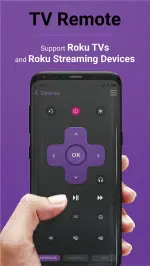
TV Remote brings the best experience with your Roku TV. We support many different products, including:
TCL, Onn, Hisense, Insignia TV
Streaming Players: Express, Streaming Stick, Stream Bar
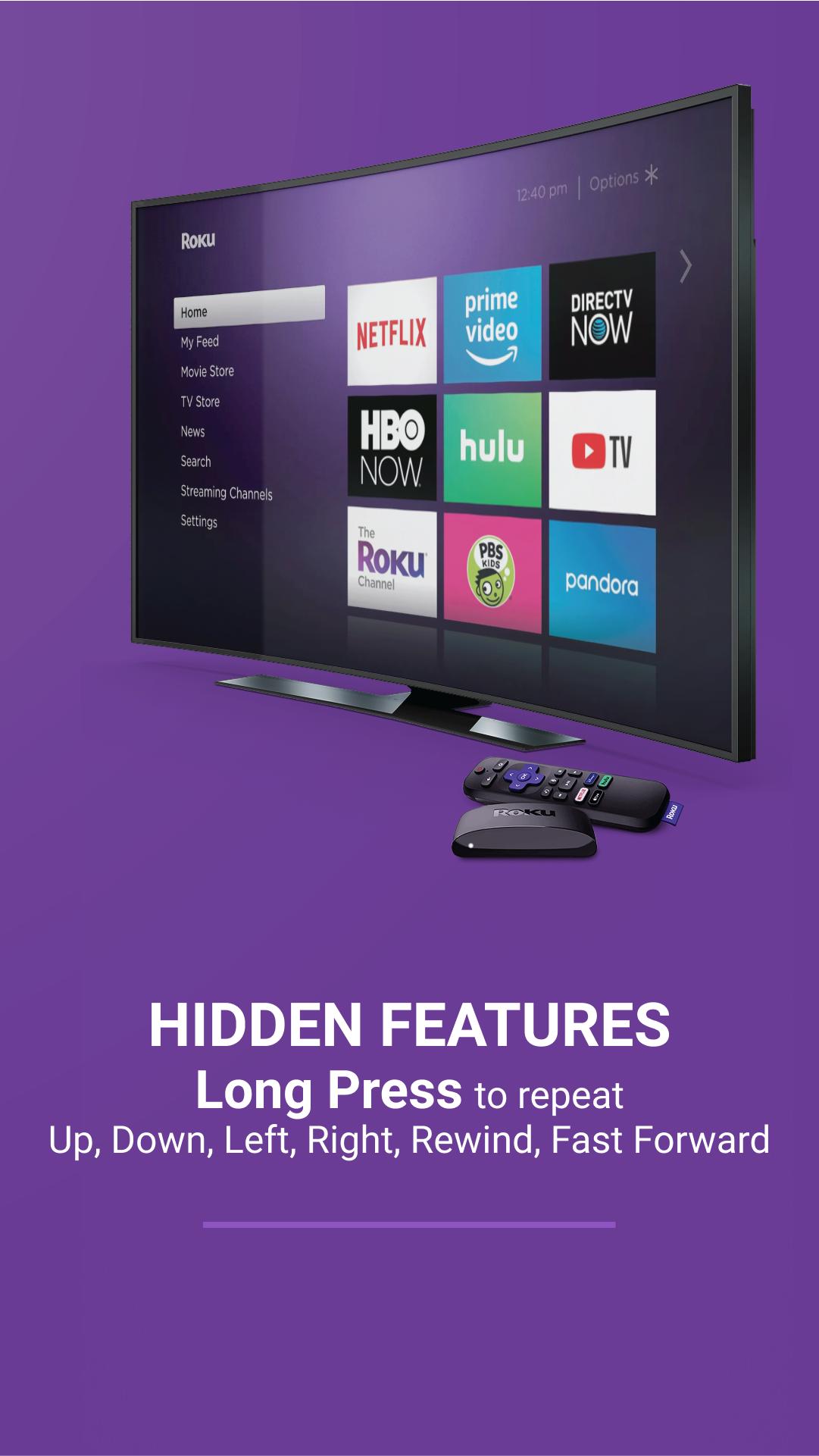
The Roku Channel includes the top watched TV Channels: Peacock, Amazon Video, Crackle, Netflix, Disney Plus, Youtube, HBO, Hulu,... The app will automatically search for nearby devices within your WiFi network to make the connection process as simple as possible. If you own multiple devices, you can easily switch between them.
App main features:
・Auto detect Roku TVs and Streaming Players over WiFi: safe & simple
・All functions from physic TV remote control and extra
・Mirror and streamer for Smart TV with built-in screen mirroring.
・Load current installed streaming channels
・Quick launch any installed streaming channel
・Intuitive keyboard for faster typing experience
Privacy Policy: https://tranthuyquynhngan.com/privacy-policy/
معاينة
العلامات
أدواتمعلومة
مطور
Ngan Tran
احدث اصدار
1.0.9
آخر تحديث
2023-08-24
فئة
أدوات
متاح على
Google Play
أظهر المزيد
كيف تلعب Roku Remote Control: TV Remote مع GameLoop على جهاز الكمبيوتر
1. قم بتنزيل GameLoop من الموقع الرسمي ، ثم قم بتشغيل ملف exe لتثبيت GameLoop.
2. افتح GameLoop وابحث عن "Roku Remote Control: TV Remote" ، وابحث عن Roku Remote Control: TV Remote في نتائج البحث وانقر على "تثبيت".
3. استمتع بلعب Roku Remote Control: TV Remote على GameLoop.
Minimum requirements
OS
Windows 8.1 64-bit or Windows 10 64-bit
GPU
GTX 1050
CPU
i3-8300
Memory
8GB RAM
Storage
1GB available space
Recommended requirements
OS
Windows 8.1 64-bit or Windows 10 64-bit
GPU
GTX 1050
CPU
i3-9320
Memory
16GB RAM
Storage
1GB available space