Real-Time FPS Meter & Display PC
JSK Sol
قم بتنزيل Real-Time FPS Meter & Display على جهاز الكمبيوتر باستخدام GameLoop Emulator
Real-Time FPS Meter & Display على الكمبيوتر الشخصي
Real-Time FPS Meter & Display ، القادم من المطور JSK Sol ، يعمل على نظام Android في الماضي.
الآن ، يمكنك لعب Real-Time FPS Meter & Display على جهاز الكمبيوتر باستخدام GameLoop بسلاسة.
قم بتنزيله في مكتبة GameLoop أو في نتائج البحث. لا مزيد من الانتباه إلى البطارية أو المكالمات المحبطة في الوقت الخطأ بعد الآن.
ما عليك سوى الاستمتاع بجهاز Real-Time FPS Meter & Display على الشاشة الكبيرة مجانًا!
Real-Time FPS Meter & Display مقدمة
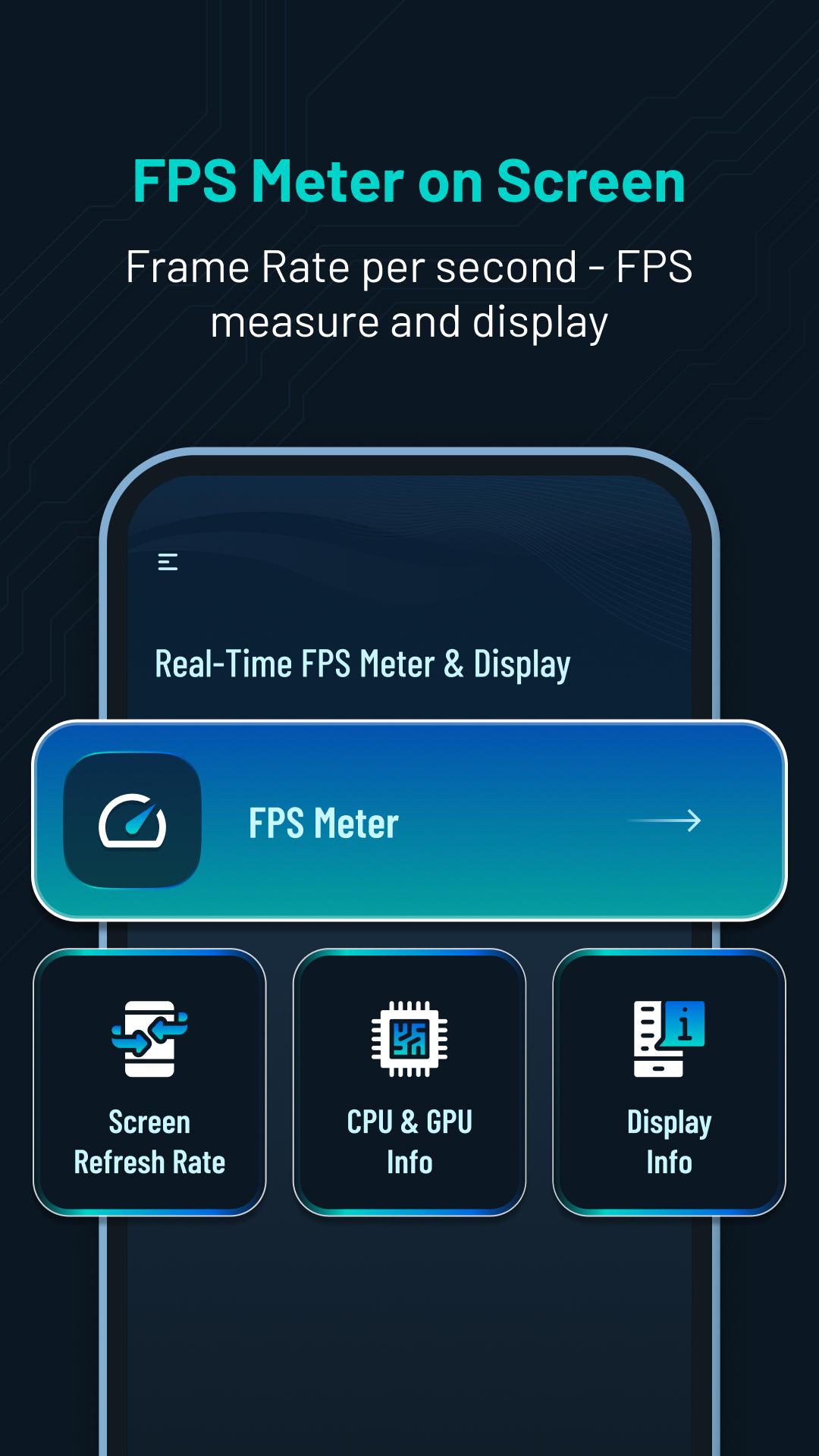
Get real-time performance information and customization for your device. 📲Track FPS rate, screen refresh rate, CPU & GPU info and display details. ⚡️
Main Features:
⏱️FPS Meter Display:
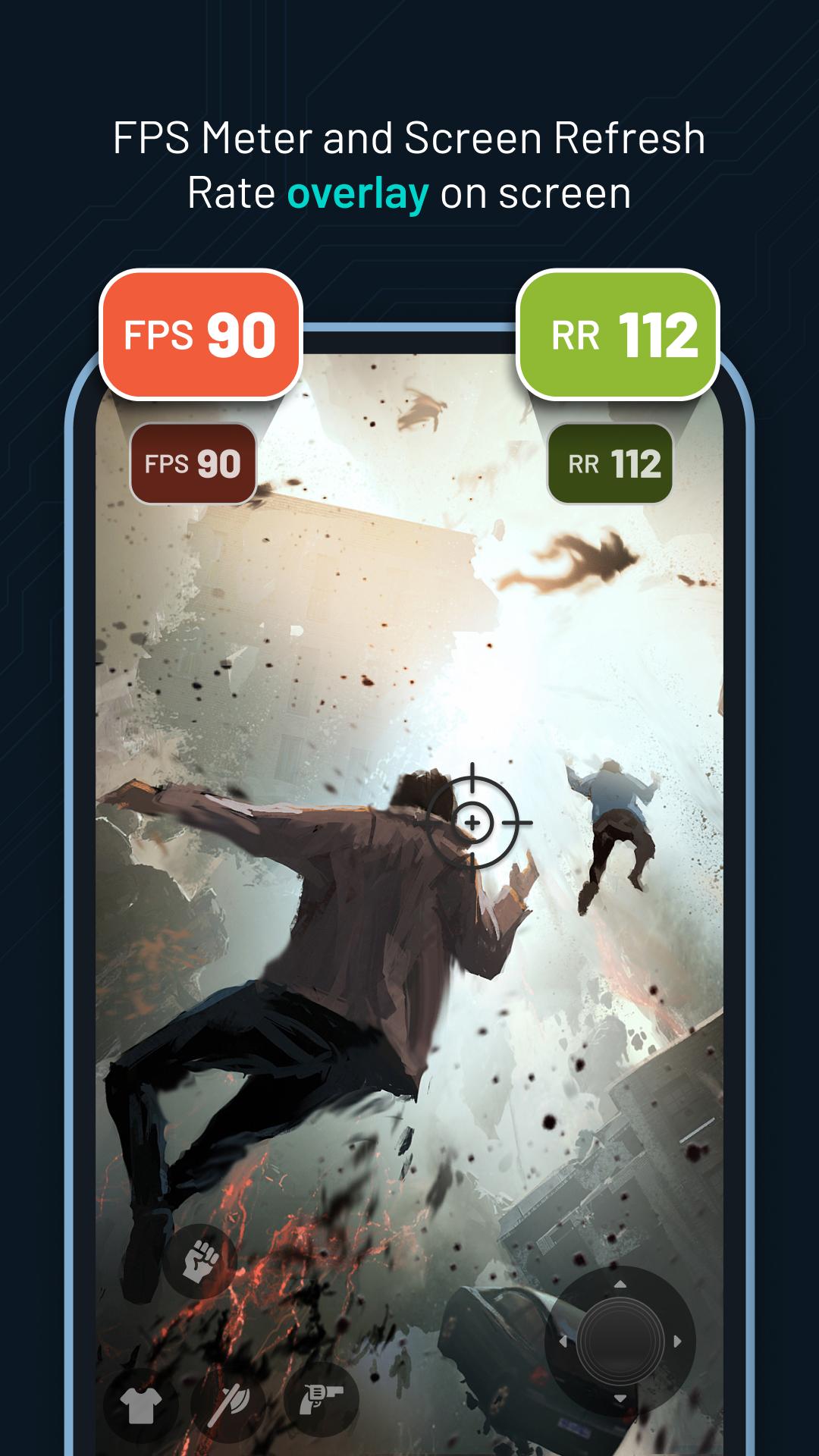
- Display frames per second (FPS) rate🎮 on your screen.
- Customize🎨 the FPS meter's appearance, including overlay and status bar options.
- Set the update interval rate⏱️ for precise monitoring.
- Customize✍️ FPS rate text size, color and position.
- Easily toggle⚙️ the display of FPS rate on or off from the screen.
🔄Screen Refresh Rate Display:
- View the screen refresh rate🔄 on your device's screen.
- Customize the appearance of the refresh rate display🎚️, including overlay and status bar options.
- Set the update interval⌛ for accurate monitoring.
- Customize refresh rate text size✏️, color and position.
- Turn on or off the screen rate display from the screen📲.
💻CPU & 🎮GPU Info:
- Access detailed information and specifications about your device's CPU and GPU.
- Gain insights into the capabilities and performance of your CPU and GPU. 💪
🖥️Display Information:
- Explore micro details📊 related to your device's display.
- View information such as OpenGL version 🖥️, resolution, density, refresh rate and more.
Permission :
Overlay permission :To display FPS and Refresh Rate view above other apps, the app requires the Overlay permission.This allows the app to show the information on top of other apps.
معاينة
العلامات
أدواتمعلومة
مطور
JSK Sol
احدث اصدار
1.0.2
آخر تحديث
2023-10-11
فئة
أدوات
متاح على
Google Play
أظهر المزيد
كيف تلعب Real-Time FPS Meter & Display مع GameLoop على جهاز الكمبيوتر
1. قم بتنزيل GameLoop من الموقع الرسمي ، ثم قم بتشغيل ملف exe لتثبيت GameLoop.
2. افتح GameLoop وابحث عن "Real-Time FPS Meter & Display" ، وابحث عن Real-Time FPS Meter & Display في نتائج البحث وانقر على "تثبيت".
3. استمتع بلعب Real-Time FPS Meter & Display على GameLoop.
Minimum requirements
OS
Windows 8.1 64-bit or Windows 10 64-bit
GPU
GTX 1050
CPU
i3-8300
Memory
8GB RAM
Storage
1GB available space
Recommended requirements
OS
Windows 8.1 64-bit or Windows 10 64-bit
GPU
GTX 1050
CPU
i3-9320
Memory
16GB RAM
Storage
1GB available space