
QField for QGIS PC
OPENGIS.ch
قم بتنزيل QField for QGIS على جهاز الكمبيوتر باستخدام GameLoop Emulator
QField for QGIS على الكمبيوتر الشخصي
QField for QGIS ، القادم من المطور OPENGIS.ch ، يعمل على نظام Android في الماضي.
الآن ، يمكنك لعب QField for QGIS على جهاز الكمبيوتر باستخدام GameLoop بسلاسة.
قم بتنزيله في مكتبة GameLoop أو في نتائج البحث. لا مزيد من الانتباه إلى البطارية أو المكالمات المحبطة في الوقت الخطأ بعد الآن.
ما عليك سوى الاستمتاع بجهاز QField for QGIS على الشاشة الكبيرة مجانًا!
QField for QGIS مقدمة
QField – Professional GIS Data Collection Made Easy
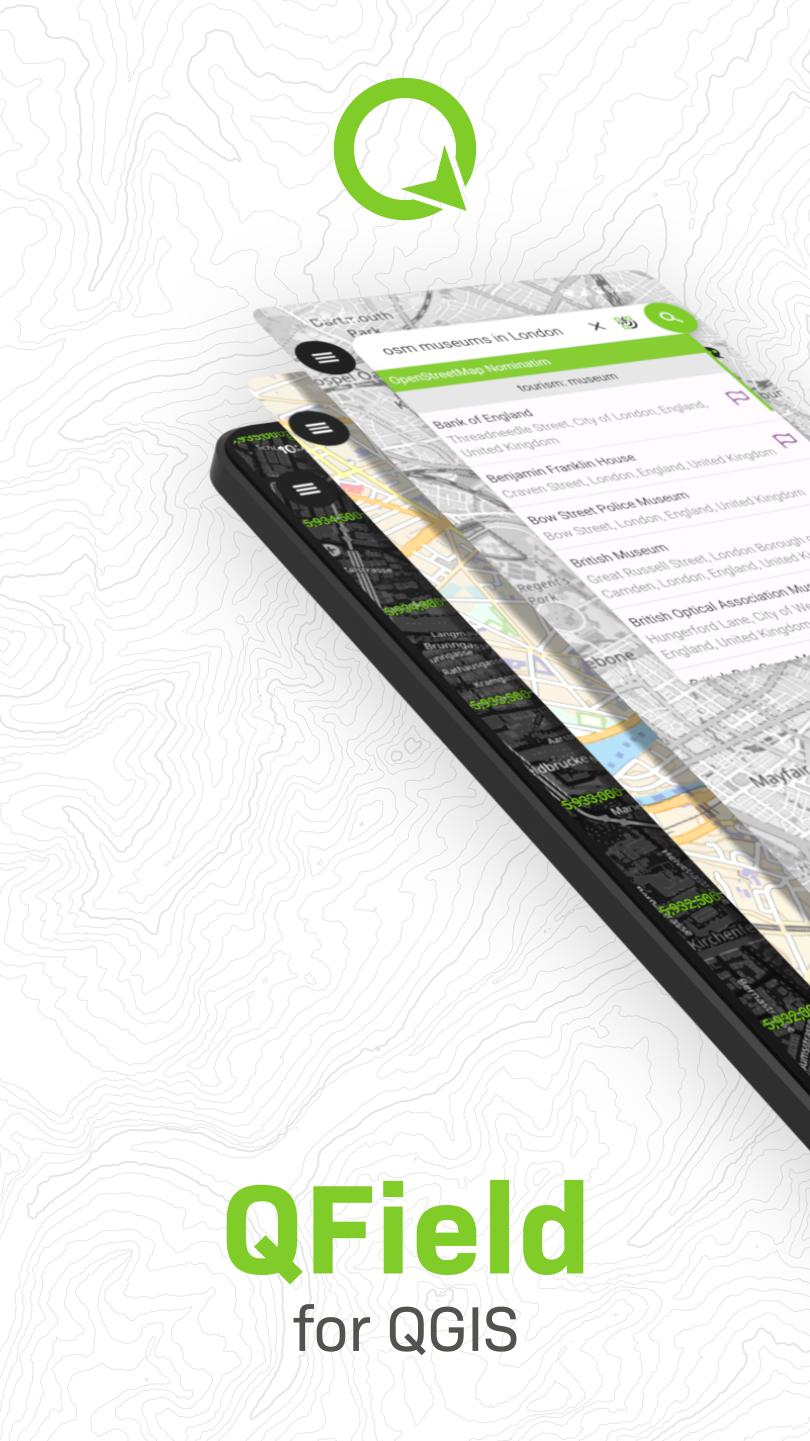
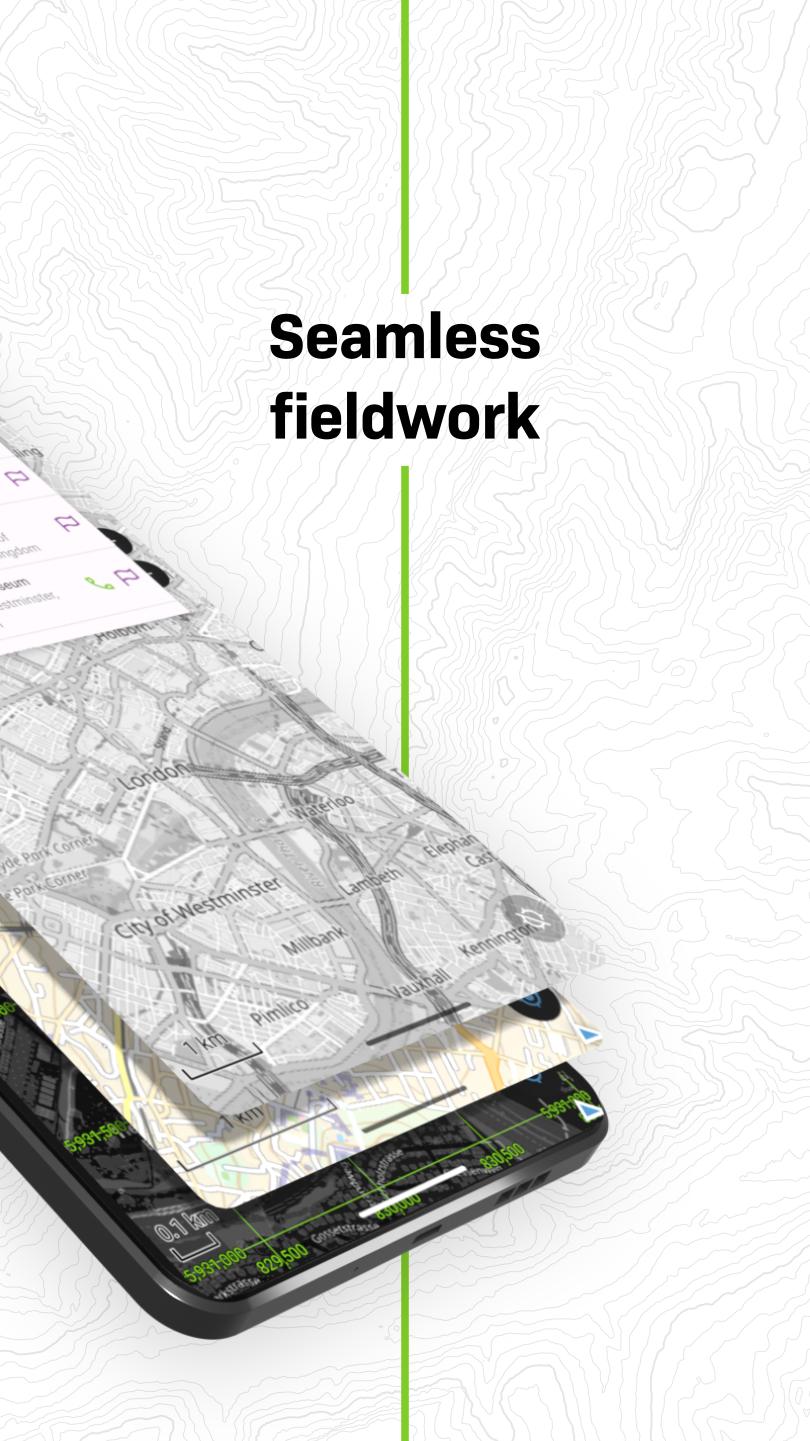
QField is the ultimate mobile app for efficient, professional-grade GIS fieldwork. Built on the power of QGIS, it brings fully configured GIS projects to your fingertips—online or fully offline.
🔄 Seamless Cloud Synchronization
Collaborate in real-time with QFieldCloud—sync data and projects effortlessly between the field and office, even in remote areas. Changes made offline are stored and automatically synced when connectivity is restored.
While QFieldCloud provides the most seamless experience, users are free to work through their preferred methods. QField supports loading data via USB, email, downloads, or SD card.
📡 High-Precision GNSS Support
Capture accurate data using your device’s internal GPS or connect external GNSS receivers via Bluetooth, TCP, UDP, or mock location.
🗺️ Key Features:
• Supports .qgs, .qgz, and embedded QGIS projects
• Custom forms, map themes, and print layouts
• Real-time GPS tracking with altitude, accuracy, and direction
• Offline editing of spatial data anywhere
• Sync projects and updates with QFieldCloud (optional)
📦 Supported Formats:
Vector: GeoPackage, SpatiaLite, GeoJSON, KML, GPX, Shapefiles
Raster: GeoTIFF, Geospatial PDF, WEBP, JPEG2000
🔧 Want to customize or add new features?
Contact us at https://www.opengis.ch/contact/
🔐 Permissions
QField may request location access to display your position and collect spatial data. External GNSS is fully supported for high-precision needs.
❓ Questions or Issues?
Report bugs or request features at: https://qfield.org/issues
معاينة
العلامات
أدواتمعلومة
مطور
OPENGIS.ch
احدث اصدار
3.7.9 - Haida Gwaii
آخر تحديث
2025-10-11
فئة
أدوات
متاح على
Google Play
أظهر المزيد
كيف تلعب QField for QGIS مع GameLoop على جهاز الكمبيوتر
1. قم بتنزيل GameLoop من الموقع الرسمي ، ثم قم بتشغيل ملف exe لتثبيت GameLoop.
2. افتح GameLoop وابحث عن "QField for QGIS" ، وابحث عن QField for QGIS في نتائج البحث وانقر على "تثبيت".
3. استمتع بلعب QField for QGIS على GameLoop.
Minimum requirements
OS
Windows 8.1 64-bit or Windows 10 64-bit
GPU
GTX 1050
CPU
i3-8300
Memory
8GB RAM
Storage
1GB available space
Recommended requirements
OS
Windows 8.1 64-bit or Windows 10 64-bit
GPU
GTX 1050
CPU
i3-9320
Memory
16GB RAM
Storage
1GB available space