
Ping Toolkit:Network Test Tool PC
API Software
قم بتنزيل Ping Toolkit:Network Test Tool على جهاز الكمبيوتر باستخدام GameLoop Emulator
Ping Toolkit:Network Test Tool على الكمبيوتر الشخصي
Ping Toolkit:Network Test Tool ، القادم من المطور API Software ، يعمل على نظام Android في الماضي.
الآن ، يمكنك لعب Ping Toolkit:Network Test Tool على جهاز الكمبيوتر باستخدام GameLoop بسلاسة.
قم بتنزيله في مكتبة GameLoop أو في نتائج البحث. لا مزيد من الانتباه إلى البطارية أو المكالمات المحبطة في الوقت الخطأ بعد الآن.
ما عليك سوى الاستمتاع بجهاز Ping Toolkit:Network Test Tool على الشاشة الكبيرة مجانًا!
Ping Toolkit:Network Test Tool مقدمة
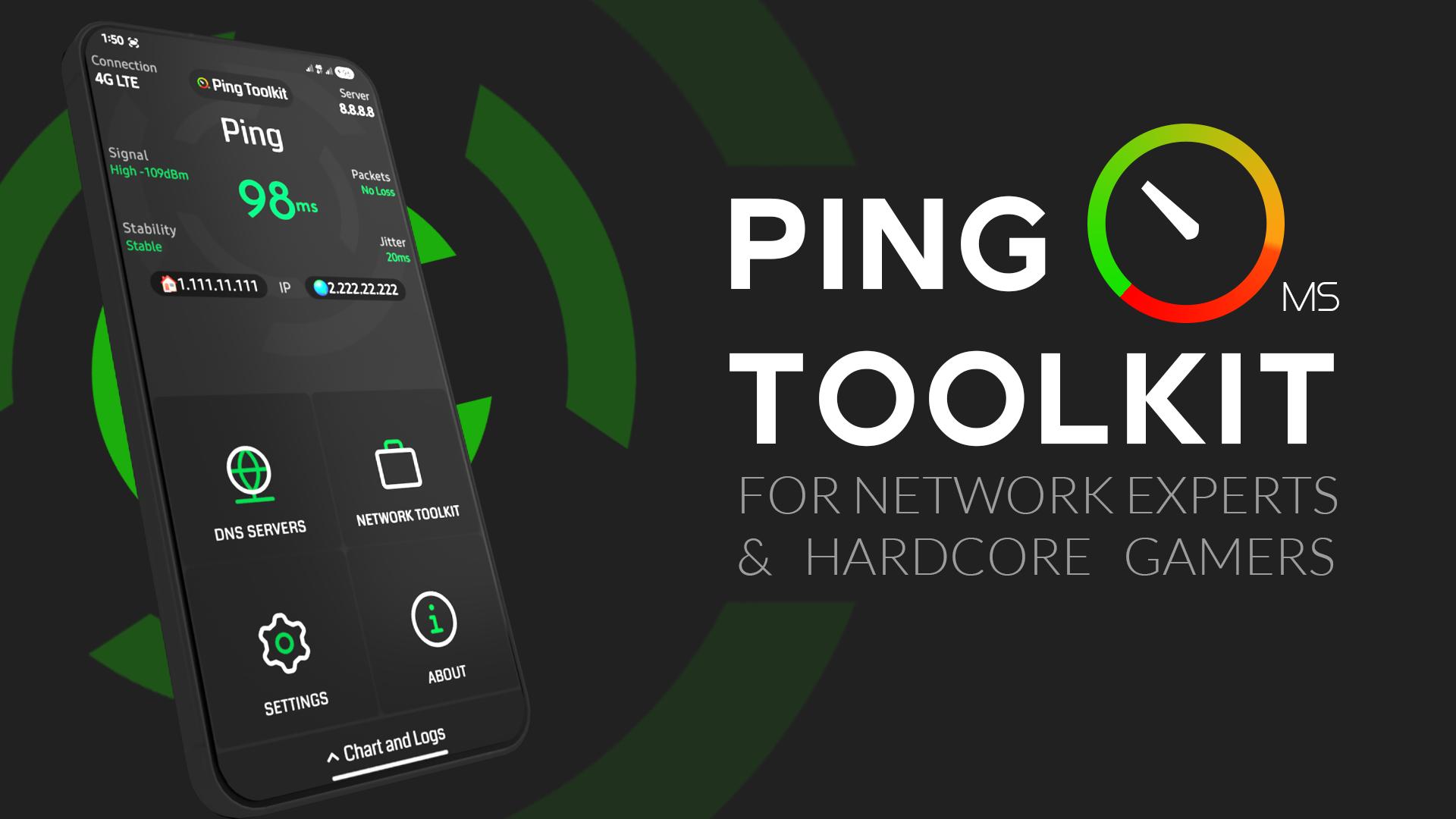
Test Ping and Latency, Calculate Packet Loss and jitter, Ping Servers, Test Network Speed, Test Public DNS Servers, Show Online Games Ping in Real-time, DNS lookup, IP Geolocation, Geolocation ping, Traceroute, MTR, Wifi Scan, Port Scan, Wifi Info Cellular Info, Wifi Call Check, IMEI Check.
✅ Offering all You Need For Internet Quality Testing.
App Features:
• Check Your Internet Ping and signal
• Detect Packet Loss, jitter and network stability
• Check Your Internet Speed download/upload in bits or bytes
• Test Public DNS Servers to know The best For You
• Check online games real Pings with full screen monitor
• Supports Console Terminal (CMD) For Advanced Ping Commands
• Linux Commands Generator included to Set Packets Characteristics Easily
• DNS Lookup
• IP GeoLocation
• Traceroute & MTR
• Wifi Devices Scan & Router Info
• Port Scan
• Cellular Z Info
• Wifi Call Check
• Ping service that shows ping in status bar
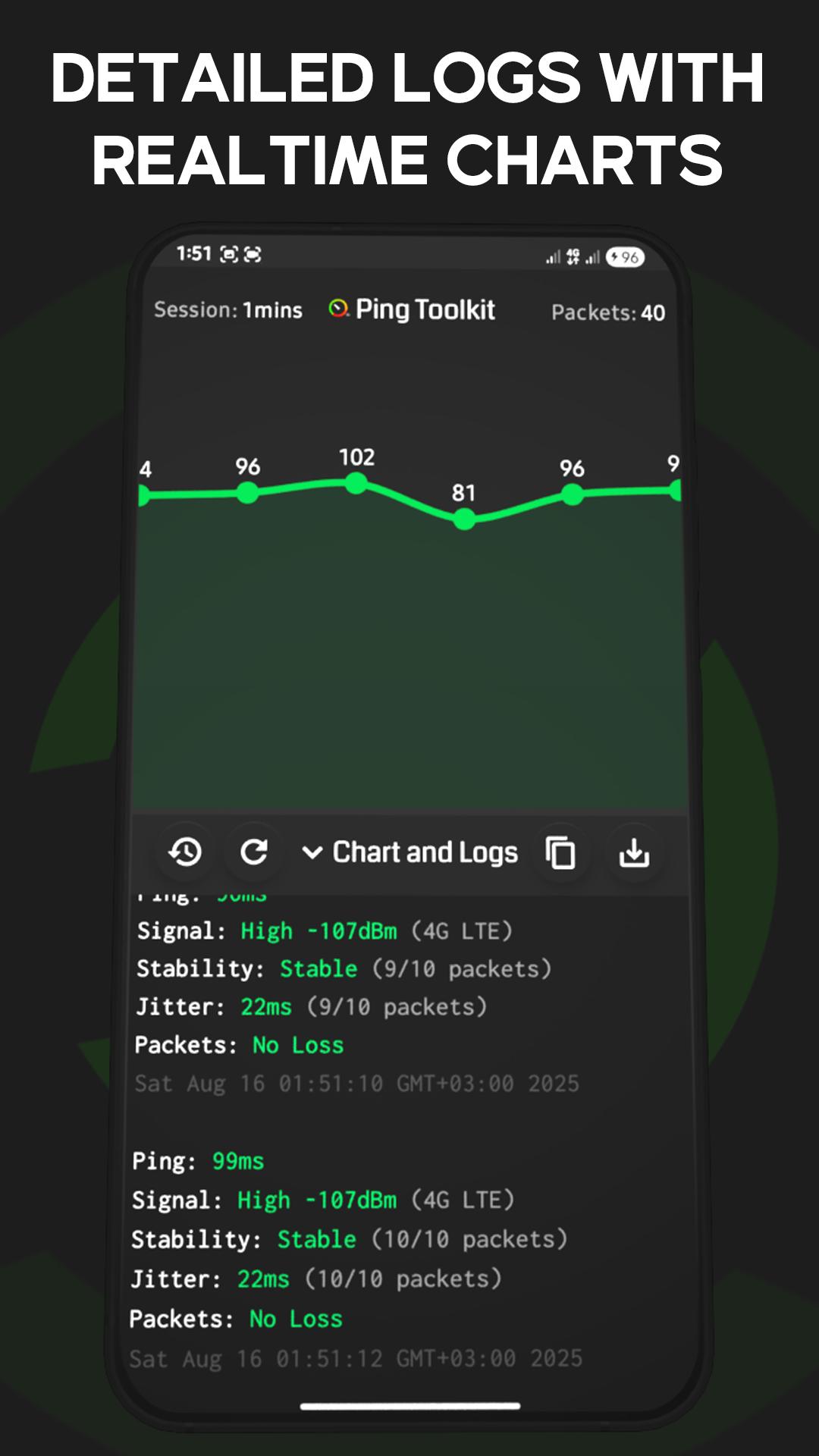
• Detailed logs and charts with auto saved history
🎮 Supported online Games:
- Pubg
- Rocket League
- League of Legends
- Valorant
- Dota 2
- Rainbow SIX Siege
- CS:GO
- Halo Infinite
- OverWatch
- Apex Legends
- Battlefield
- Rogue Company
- FIFA Ultimate Team
- World Of WarCraft
- Fortnite
- World Of Tanks
📌 Note: Phone calls Permission only required for mobile data detection. App will still work without it.
معاينة
العلامات
أدواتمعلومة
مطور
API Software
احدث اصدار
6.0.0
آخر تحديث
2025-08-17
فئة
أدوات
متاح على
Google Play
أظهر المزيد
كيف تلعب Ping Toolkit:Network Test Tool مع GameLoop على جهاز الكمبيوتر
1. قم بتنزيل GameLoop من الموقع الرسمي ، ثم قم بتشغيل ملف exe لتثبيت GameLoop.
2. افتح GameLoop وابحث عن "Ping Toolkit:Network Test Tool" ، وابحث عن Ping Toolkit:Network Test Tool في نتائج البحث وانقر على "تثبيت".
3. استمتع بلعب Ping Toolkit:Network Test Tool على GameLoop.
Minimum requirements
OS
Windows 8.1 64-bit or Windows 10 64-bit
GPU
GTX 1050
CPU
i3-8300
Memory
8GB RAM
Storage
1GB available space
Recommended requirements
OS
Windows 8.1 64-bit or Windows 10 64-bit
GPU
GTX 1050
CPU
i3-9320
Memory
16GB RAM
Storage
1GB available space