PDF Resizer in kb PC
Red Stone Applications
قم بتنزيل PDF Resizer in kb على جهاز الكمبيوتر باستخدام GameLoop Emulator
PDF Resizer in kb على الكمبيوتر الشخصي
PDF Resizer in kb ، القادم من المطور Red Stone Applications ، يعمل على نظام Android في الماضي.
الآن ، يمكنك لعب PDF Resizer in kb على جهاز الكمبيوتر باستخدام GameLoop بسلاسة.
قم بتنزيله في مكتبة GameLoop أو في نتائج البحث. لا مزيد من الانتباه إلى البطارية أو المكالمات المحبطة في الوقت الخطأ بعد الآن.
ما عليك سوى الاستمتاع بجهاز PDF Resizer in kb على الشاشة الكبيرة مجانًا!
PDF Resizer in kb مقدمة
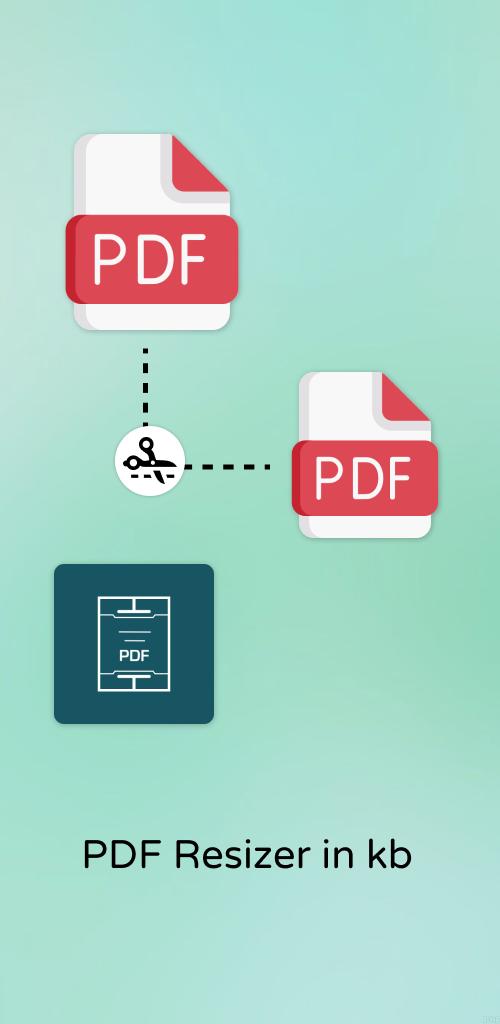
To compress PDF in PDF Resizer is easy as pie. PDF Resizer will allow anyone with a big size file, especially it is beneficial for those who are using high quality into it. As it won’t allow you to sacrifice the quality of your images with the compressed PDF. Compressed PDF will help us to reduce PDF file size without requiring more storage space to store the file in the device. Hundreds of PDFs are getting compressed every single minute and that is how our app works smoothly and will similarly work for you too.
PDF resizer writes again the whole document when once it goes under the compression option and reduces the pdf file size as efficiently as it can be. Many times it happens that some things in the document may not get compressed then there is nothing to worry about as they are already in the perfect size for the compressor.
PDF resizer is perfect PDF reading, editing, and compressing application on android. Once the compressed file is ready then you can directly find it in the history whereas don’t have to find it here and there on your device. PDF compressor is an app that is easy to use and faster in speed for conversion.
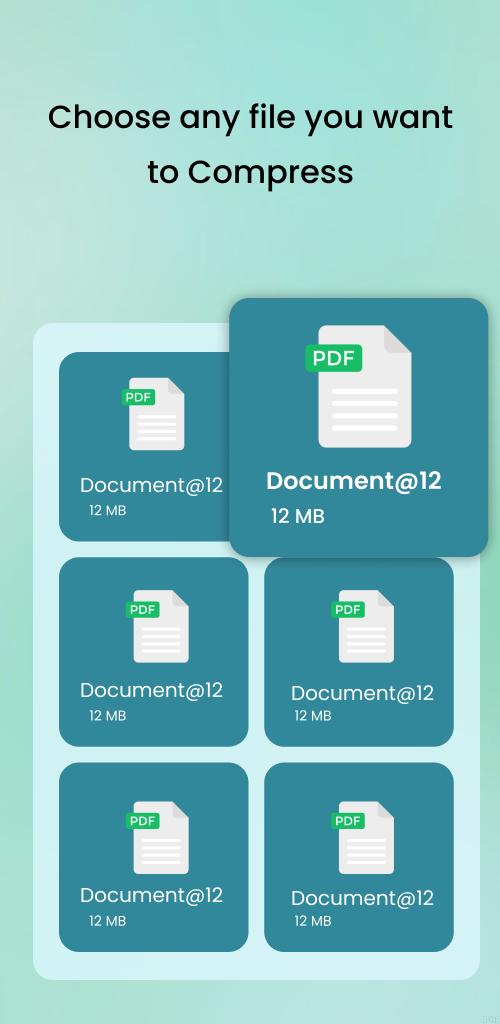
You can also import the files from the Drive, Box, OneDrive, and more. From anywhere you may select it will compress the PDF with excellent quality and resolution. The rename option is also available for better reference to you. Many a time you may get the questions about your privacy that it may safe or not but we provide a service that once you get your compressed file in the next second your file gets deleted from the server. Your privacy is our priority
Essential Features for PDF Resizer:
☘️ Be Smart for Mobile Phone - Compress that PDF!
Some people are not educated that much enough that they don’t know how can they free up the storage space by compressing the files and help them how to use user-friendly applications by saving disk space. Make them mobile-friendly too.
☘️ Emailing PDFs?
Email is always ready with the exceed limit alert but not anymore now. Compress the PDF in PDF resizer and reduce the file size easily and faster. As the huge company had to work on different projects with different mates thereby emailing is the common way for transferring files and when the big size doesn’t fit they lose their patience. Just use the PDF size reducer the only solution for sending files smoothly.
☘️ Perfect quality!
Reduce your scanned PDF files to 144dpi which is perfect for uploading files to the web and through email on mobile phones.
☘️ Balance between image quality and storage size
Fantastic balance between retaining the excellent quality side by side and reducing the size of the image with the compressed PDF file. so, the result will be high quality with the small PDF you get. And many a time for some file deduction undergoes till 90%.
☘️ Speed and space
Shrink PDF file easily by just compressing the file in PDF Resizer and your device will be rid of storage full alert, as it free much storage space, faster email forwarding and decrease the upload and download times after compressing the PDF file.
For what you are waiting for? Install the PDF Resizer rapidly.
You are all welcome here with your feedback for the PDF file size compressor directly in the comment section.
Disclaimer: This app is not affiliated with Facebook, Instagram, Google, OneDrive, or any other trademark mentioned here.
معاينة
العلامات
أدواتمعلومة
مطور
Red Stone Applications
احدث اصدار
1.0.17
آخر تحديث
2023-03-15
فئة
أدوات
متاح على
Google Play
أظهر المزيد
كيف تلعب PDF Resizer in kb مع GameLoop على جهاز الكمبيوتر
1. قم بتنزيل GameLoop من الموقع الرسمي ، ثم قم بتشغيل ملف exe لتثبيت GameLoop.
2. افتح GameLoop وابحث عن "PDF Resizer in kb" ، وابحث عن PDF Resizer in kb في نتائج البحث وانقر على "تثبيت".
3. استمتع بلعب PDF Resizer in kb على GameLoop.
Minimum requirements
OS
Windows 8.1 64-bit or Windows 10 64-bit
GPU
GTX 1050
CPU
i3-8300
Memory
8GB RAM
Storage
1GB available space
Recommended requirements
OS
Windows 8.1 64-bit or Windows 10 64-bit
GPU
GTX 1050
CPU
i3-9320
Memory
16GB RAM
Storage
1GB available space