
Number Roulette - Random Draw PC
ao-system, Inc.
قم بتنزيل Number Roulette - Random Draw على جهاز الكمبيوتر باستخدام GameLoop Emulator
Number Roulette - Random Draw على الكمبيوتر الشخصي
Number Roulette - Random Draw ، القادم من المطور ao-system, Inc. ، يعمل على نظام Android في الماضي.
الآن ، يمكنك لعب Number Roulette - Random Draw على جهاز الكمبيوتر باستخدام GameLoop بسلاسة.
قم بتنزيله في مكتبة GameLoop أو في نتائج البحث. لا مزيد من الانتباه إلى البطارية أو المكالمات المحبطة في الوقت الخطأ بعد الآن.
ما عليك سوى الاستمتاع بجهاز Number Roulette - Random Draw على الشاشة الكبيرة مجانًا!
Number Roulette - Random Draw مقدمة
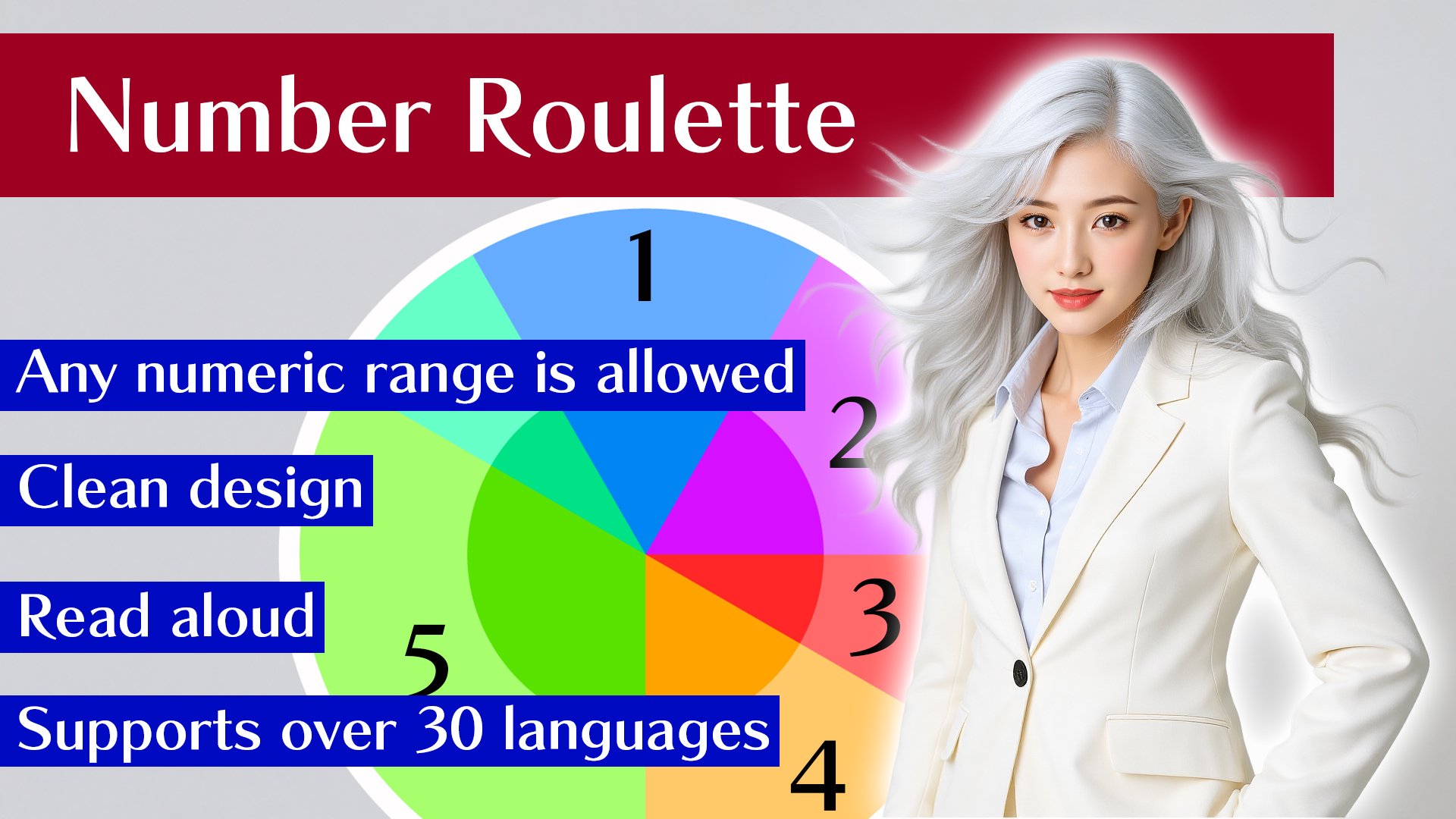
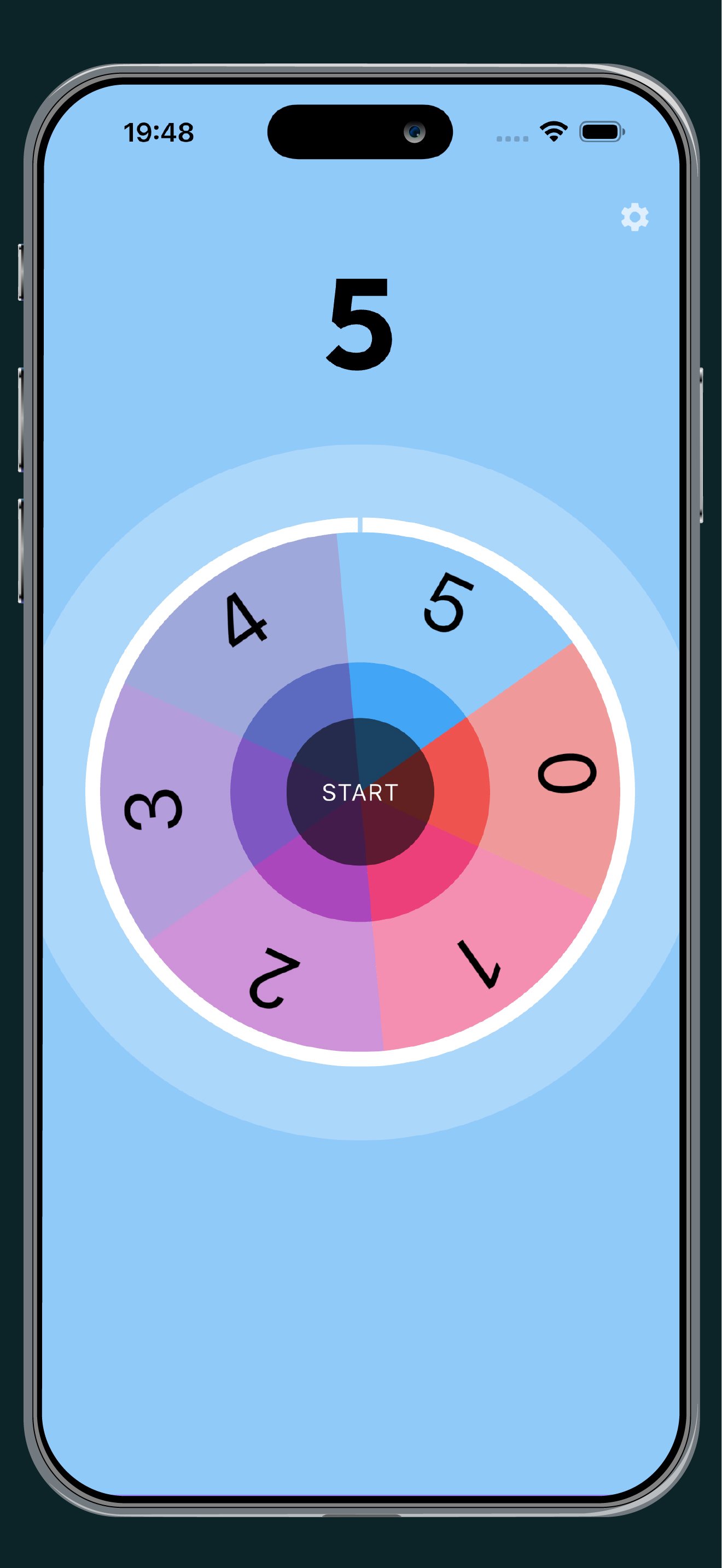
Create your own custom number roulette by specifying a numeric range.
Simply enter the minimum and maximum values (integers 0 or greater) to generate your roulette board. Perfect for raffles, classroom activities, or making quick decisions.
Features:
- Custom Ranges: Set any range (e.g., 0-24 for 25 numbers, 101-150 for 50 numbers).
- Flexible Layout: Numbers can be arranged in ascending, descending (Reverse), or shuffled (Random) order.
- Voice Support: The draw results are read aloud for better engagement.
Quick and easy to set up-your reliable tool for random number selection!
معاينة
العلامات
أدواتمعلومة
مطور
ao-system, Inc.
احدث اصدار
2.16.0
آخر تحديث
2026-06-27
فئة
أدوات
متاح على
Google Play
أظهر المزيد
كيف تلعب Number Roulette - Random Draw مع GameLoop على جهاز الكمبيوتر
1. قم بتنزيل GameLoop من الموقع الرسمي ، ثم قم بتشغيل ملف exe لتثبيت GameLoop.
2. افتح GameLoop وابحث عن "Number Roulette - Random Draw" ، وابحث عن Number Roulette - Random Draw في نتائج البحث وانقر على "تثبيت".
3. استمتع بلعب Number Roulette - Random Draw على GameLoop.
Minimum requirements
OS
Windows 8.1 64-bit or Windows 10 64-bit
GPU
GTX 1050
CPU
i3-8300
Memory
8GB RAM
Storage
1GB available space
Recommended requirements
OS
Windows 8.1 64-bit or Windows 10 64-bit
GPU
GTX 1050
CPU
i3-9320
Memory
16GB RAM
Storage
1GB available space