nRF Toolbox for Bluetooth LE PC
Nordic Semiconductor ASA
قم بتنزيل nRF Toolbox for Bluetooth LE على جهاز الكمبيوتر باستخدام GameLoop Emulator
nRF Toolbox for Bluetooth LE على الكمبيوتر الشخصي
nRF Toolbox for Bluetooth LE ، القادم من المطور Nordic Semiconductor ASA ، يعمل على نظام Android في الماضي.
الآن ، يمكنك لعب nRF Toolbox for Bluetooth LE على جهاز الكمبيوتر باستخدام GameLoop بسلاسة.
قم بتنزيله في مكتبة GameLoop أو في نتائج البحث. لا مزيد من الانتباه إلى البطارية أو المكالمات المحبطة في الوقت الخطأ بعد الآن.
ما عليك سوى الاستمتاع بجهاز nRF Toolbox for Bluetooth LE على الشاشة الكبيرة مجانًا!
nRF Toolbox for Bluetooth LE مقدمة
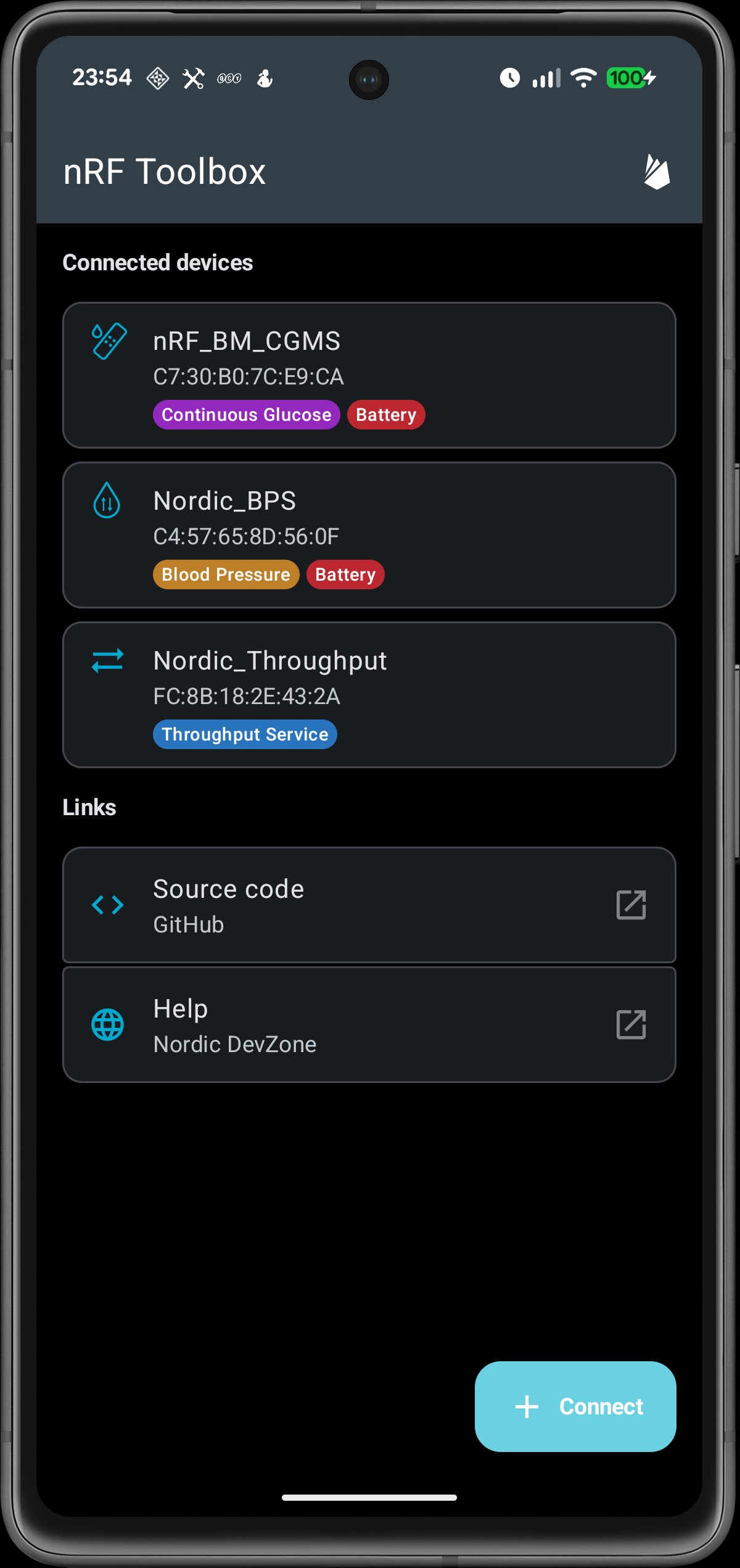
The nRF Toolbox is an easy to use app that supported multiple standard Bluetooth profiles, like Heart Rate or Glucose, as well and several profiles defined by Nordic.
It supports the following Bluetooth LE profiles:
- Cycling Speed and Cadence,
- Running Speed and Cadence,
- Heart Rate Monitor,
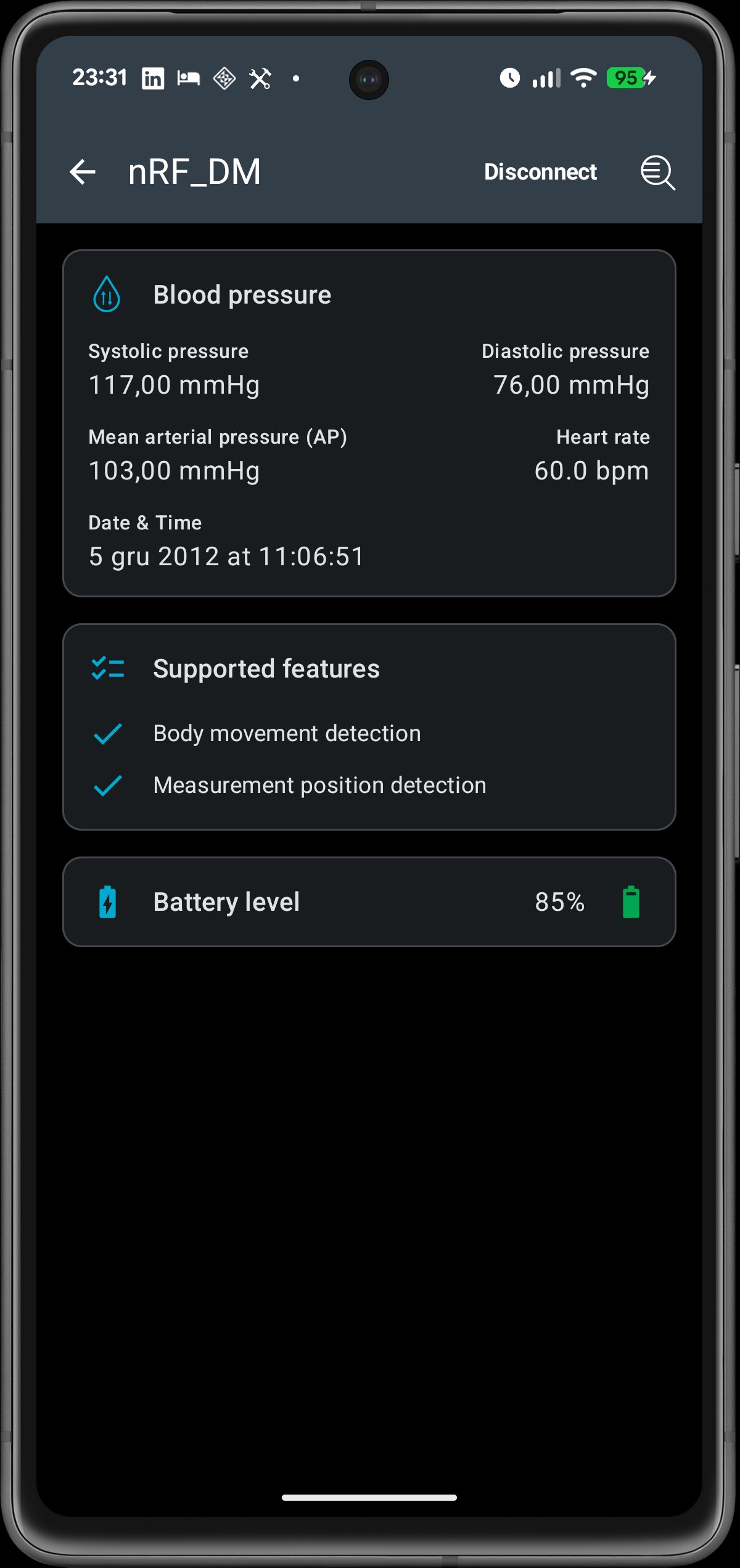
- Blood Pressure Monitor,
- Health Thermometer Monitor,
- Glucose Monitor,
- Continuous Glucose Monitor,
- Nordic UART Service,
- Throughput,
- Channel Sounding (requires Android 16 QPR2 or newer),
- Battery Service.
The source code of nRF Toolbox is available on GitHub: https://github.com/NordicSemiconductor/Android-nRF-Toolbox
معاينة
العلامات
أدواتمعلومة
مطور
Nordic Semiconductor ASA
احدث اصدار
4.2.0
آخر تحديث
2025-12-09
فئة
أدوات
متاح على
Google Play
أظهر المزيد
كيف تلعب nRF Toolbox for Bluetooth LE مع GameLoop على جهاز الكمبيوتر
1. قم بتنزيل GameLoop من الموقع الرسمي ، ثم قم بتشغيل ملف exe لتثبيت GameLoop.
2. افتح GameLoop وابحث عن "nRF Toolbox for Bluetooth LE" ، وابحث عن nRF Toolbox for Bluetooth LE في نتائج البحث وانقر على "تثبيت".
3. استمتع بلعب nRF Toolbox for Bluetooth LE على GameLoop.
Minimum requirements
OS
Windows 8.1 64-bit or Windows 10 64-bit
GPU
GTX 1050
CPU
i3-8300
Memory
8GB RAM
Storage
1GB available space
Recommended requirements
OS
Windows 8.1 64-bit or Windows 10 64-bit
GPU
GTX 1050
CPU
i3-9320
Memory
16GB RAM
Storage
1GB available space