
WiFi Analyzer PC
garakutatoys
قم بتنزيل WiFi Analyzer على جهاز الكمبيوتر باستخدام GameLoop Emulator
WiFi Analyzer على الكمبيوتر الشخصي
WiFi Analyzer ، القادم من المطور garakutatoys ، يعمل على نظام Android في الماضي.
الآن ، يمكنك لعب WiFi Analyzer على جهاز الكمبيوتر باستخدام GameLoop بسلاسة.
قم بتنزيله في مكتبة GameLoop أو في نتائج البحث. لا مزيد من الانتباه إلى البطارية أو المكالمات المحبطة في الوقت الخطأ بعد الآن.
ما عليك سوى الاستمتاع بجهاز WiFi Analyzer على الشاشة الكبيرة مجانًا!
WiFi Analyzer مقدمة
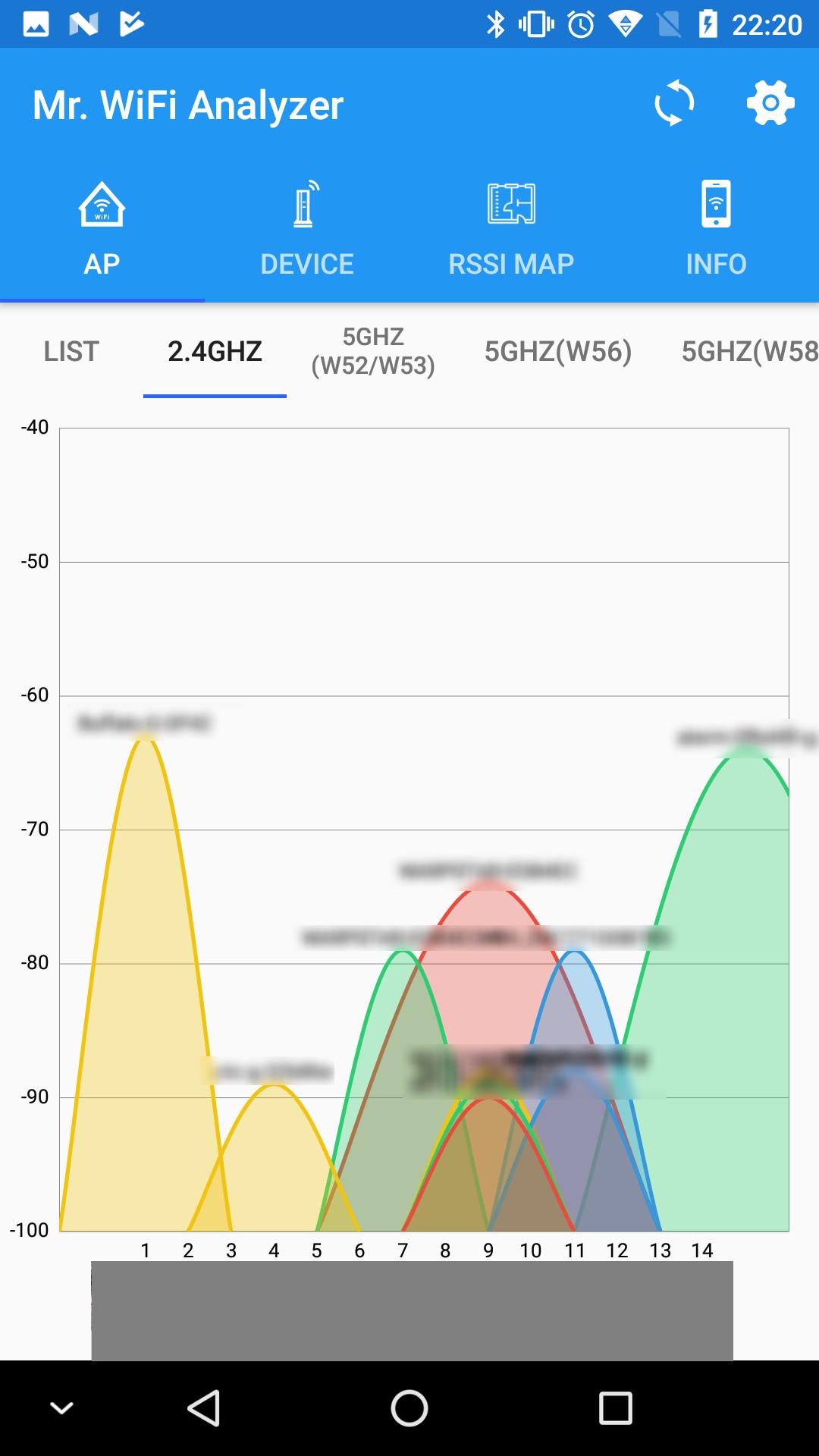
This app measures the radio wave status of Wi-Fi, graphs it, and displays it as a signal strength map. You can search for devices on the Wi-Fi network you are currently connected to and visualize your Wi-Fi network.
Helps realize a more comfortable Wi-Fi environment by displaying Wi-Fi signal status graphs, signal strength maps, displaying a list of devices on the Wi-Fi network, and "visualizing" Wi-Fi information on smartphones. I will
With this app you can:
Show AP list:
View a list of access points (APs) near your Wi-Fi network. You can use this list to make sure you are connected to the strongest signal.
Create a radio map:
Wi-Fi signal strength can be displayed on a map by measuring the signal strength for each location. You can use this to find out where your Wi-Fi is strongest.
Display a list of devices:
Display a list of devices on the same LAN. You can use this list to see all the devices connected to your Wi-Fi network and identify them.
Use when you do not know the IP address of a device on the network.
Show Wi-Fi information:
Displays the IP address of the device connected to Wi-Fi, the SSID/BSSID of the connection destination, signal strength, link rate, etc. You can use it to check the network connection details of your device.
This app is a valuable tool for home users and network administrators.
If you want to know the signal strength of your Wi-Fi network and optimize your connection, this app is for you.
معاينة

العلامات
أدواتمعلومة
مطور
garakutatoys
احدث اصدار
1.7.0
آخر تحديث
2023-10-19
فئة
أدوات
متاح على
Google Play
أظهر المزيد
كيف تلعب WiFi Analyzer مع GameLoop على جهاز الكمبيوتر
1. قم بتنزيل GameLoop من الموقع الرسمي ، ثم قم بتشغيل ملف exe لتثبيت GameLoop.
2. افتح GameLoop وابحث عن "WiFi Analyzer" ، وابحث عن WiFi Analyzer في نتائج البحث وانقر على "تثبيت".
3. استمتع بلعب WiFi Analyzer على GameLoop.
Minimum requirements
OS
Windows 8.1 64-bit or Windows 10 64-bit
GPU
GTX 1050
CPU
i3-8300
Memory
8GB RAM
Storage
1GB available space
Recommended requirements
OS
Windows 8.1 64-bit or Windows 10 64-bit
GPU
GTX 1050
CPU
i3-9320
Memory
16GB RAM
Storage
1GB available space