iR XBOX ONE - X & S Remote PC
newdroid
قم بتنزيل iR XBOX ONE - X & S Remote على جهاز الكمبيوتر باستخدام GameLoop Emulator
iR XBOX ONE - X & S Remote على الكمبيوتر الشخصي
iR XBOX ONE - X & S Remote ، القادم من المطور newdroid ، يعمل على نظام Android في الماضي.
الآن ، يمكنك لعب iR XBOX ONE - X & S Remote على جهاز الكمبيوتر باستخدام GameLoop بسلاسة.
قم بتنزيله في مكتبة GameLoop أو في نتائج البحث. لا مزيد من الانتباه إلى البطارية أو المكالمات المحبطة في الوقت الخطأ بعد الآن.
ما عليك سوى الاستمتاع بجهاز iR XBOX ONE - X & S Remote على الشاشة الكبيرة مجانًا!
iR XBOX ONE - X & S Remote مقدمة
Multimedia Infrared Remote Controller for Xbox One - Series X & S
YOUR PHONE / TABLET must have an IR transmitter (IR BLASTER)
If you have an Xbox 360 download
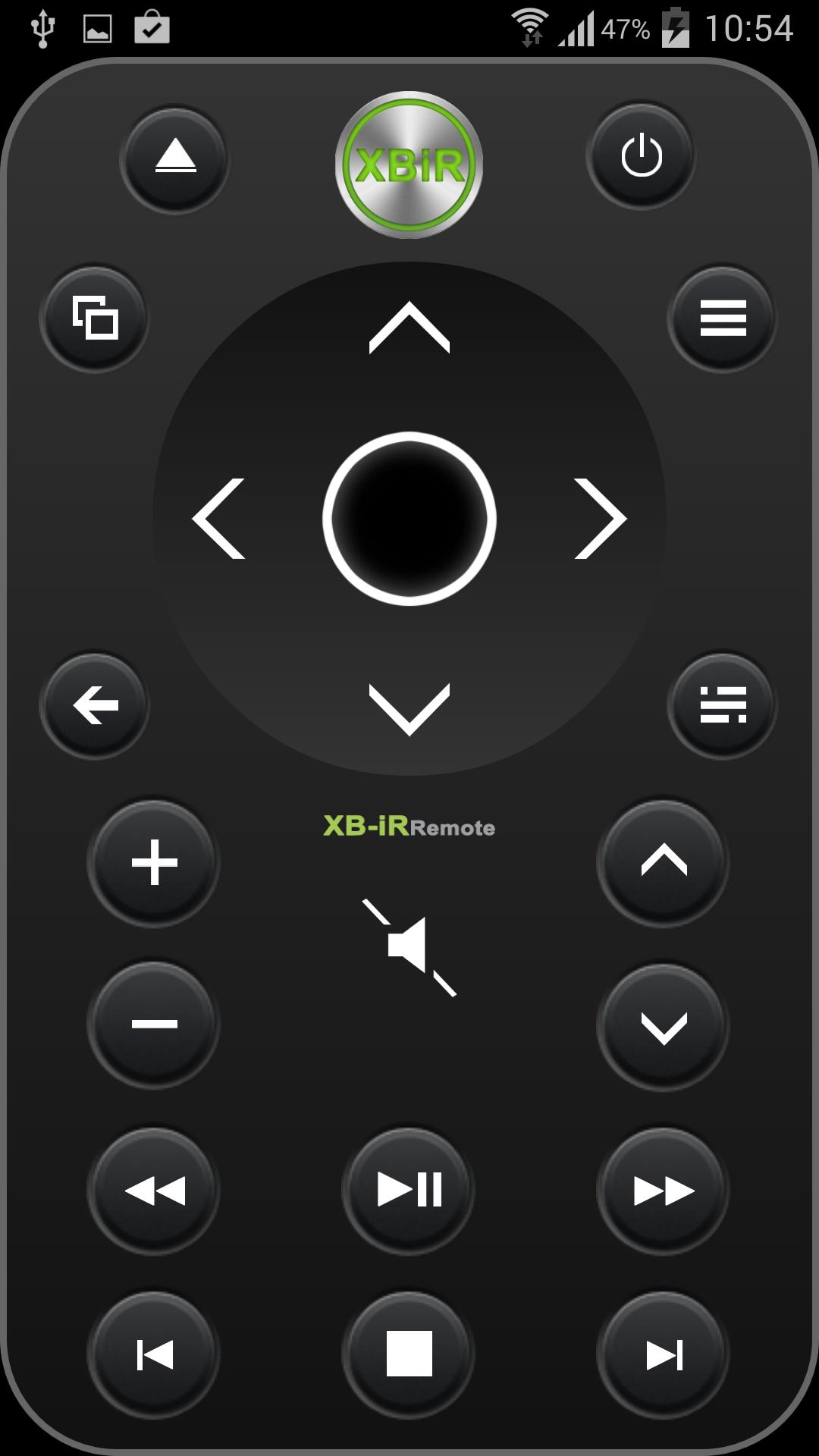
iR Remote XBOX ONE - Series X & S is designed to easily control your Blu-ray / DVD movies, streaming video, Netflix, apps, Xbox dashboard, Windows Mediacenter, TV power and volume.
You can immediately control your Xbox One
You do not have to wirelessly sync it to the console.
iR Remote XBOX ONE uses Infrared (IR) technology to communicate with the console. For your remote to best communicate with your console, your phone ir transmitter should be pointed at the front of the console.
Note: The IR receiver is on the console (approximately behind the eject button!)
not the Kinect sensor, which has separate IR cameras and emitters.
The Kinect sensor sends IR signals to your device (TV) to change channels and volume.
OneGuide allows you to change channels on your compatible cable or satellite boxes.
To control your TV power and volume, you’ll need to configure your console to control your TV. You’ll also have to make sure that your Kinect sensor is on because controlling these functions is enabled by the Xbox One Console software and the Kinect sensor.
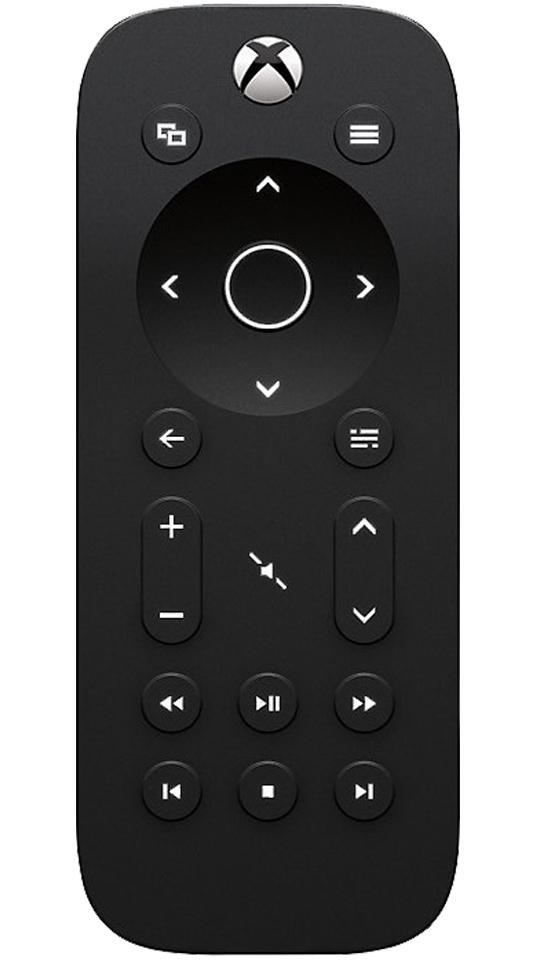
*Power on/Home button.
Will turn your console
*View button.
Works the same as the View button on your Xbox One Controller.
Use this button to focus on an activity in a game or app, like pulling up a map during a role-playing game or accessing the address bar in Internet Explorer.
The functions of this button vary depending on the app or game.
*Menu button.
Similar to the Menu button on your Xbox One controller, you can use this button to access game and app menu options like Settings or Help. This button also works for other commands, including as the Enter key on the Xbox One virtual keyboard.
*Select button.
Used to select an item on screen, similar to pressing the A button on the controller.
*Navigation button.
Used to navigate the dashboard or menus much like the directional pad on the controller.
*Back button.
Pressing this button will take you back to the previous screen.
*OneGuide button.
Opens OneGuide for your TV. If you haven’t set up OneGuide yet, pressing this button will open the setup screen.
*Volume button.
Used to turn volume up and down on your TV.
You must first set up your console to control your TV.
*Channel button.
Used to change channels on your TV.
You must first set up your console to control your TV.
*Mute button.
Used to mute your TV.
You must first set up your console to control your TV.
*Media control buttons.
Media control buttons include Play, Pause, Rewind, Fast Forward, Stop, Next Chapter, and Previous Chapter.
You can use these functions when watching media content on a disc or from an app.
External hardware NOT required and NOT used.
No in app configuration required.
معاينة
العلامات
أدواتمعلومة
مطور
newdroid
احدث اصدار
1.2.1
آخر تحديث
2014-11-02
فئة
أدوات
متاح على
Google Play
أظهر المزيد
كيف تلعب iR XBOX ONE - X & S Remote مع GameLoop على جهاز الكمبيوتر
1. قم بتنزيل GameLoop من الموقع الرسمي ، ثم قم بتشغيل ملف exe لتثبيت GameLoop.
2. افتح GameLoop وابحث عن "iR XBOX ONE - X & S Remote" ، وابحث عن iR XBOX ONE - X & S Remote في نتائج البحث وانقر على "تثبيت".
3. استمتع بلعب iR XBOX ONE - X & S Remote على GameLoop.
Minimum requirements
OS
Windows 8.1 64-bit or Windows 10 64-bit
GPU
GTX 1050
CPU
i3-8300
Memory
8GB RAM
Storage
1GB available space
Recommended requirements
OS
Windows 8.1 64-bit or Windows 10 64-bit
GPU
GTX 1050
CPU
i3-9320
Memory
16GB RAM
Storage
1GB available space