Internet & Ping Optimizer Fast PC
TBOOST
قم بتنزيل Internet & Ping Optimizer Fast على جهاز الكمبيوتر باستخدام GameLoop Emulator
Internet & Ping Optimizer Fast على الكمبيوتر الشخصي
Internet & Ping Optimizer Fast ، القادم من المطور TBOOST ، يعمل على نظام Android في الماضي.
الآن ، يمكنك لعب Internet & Ping Optimizer Fast على جهاز الكمبيوتر باستخدام GameLoop بسلاسة.
قم بتنزيله في مكتبة GameLoop أو في نتائج البحث. لا مزيد من الانتباه إلى البطارية أو المكالمات المحبطة في الوقت الخطأ بعد الآن.
ما عليك سوى الاستمتاع بجهاز Internet & Ping Optimizer Fast على الشاشة الكبيرة مجانًا!
Internet & Ping Optimizer Fast مقدمة
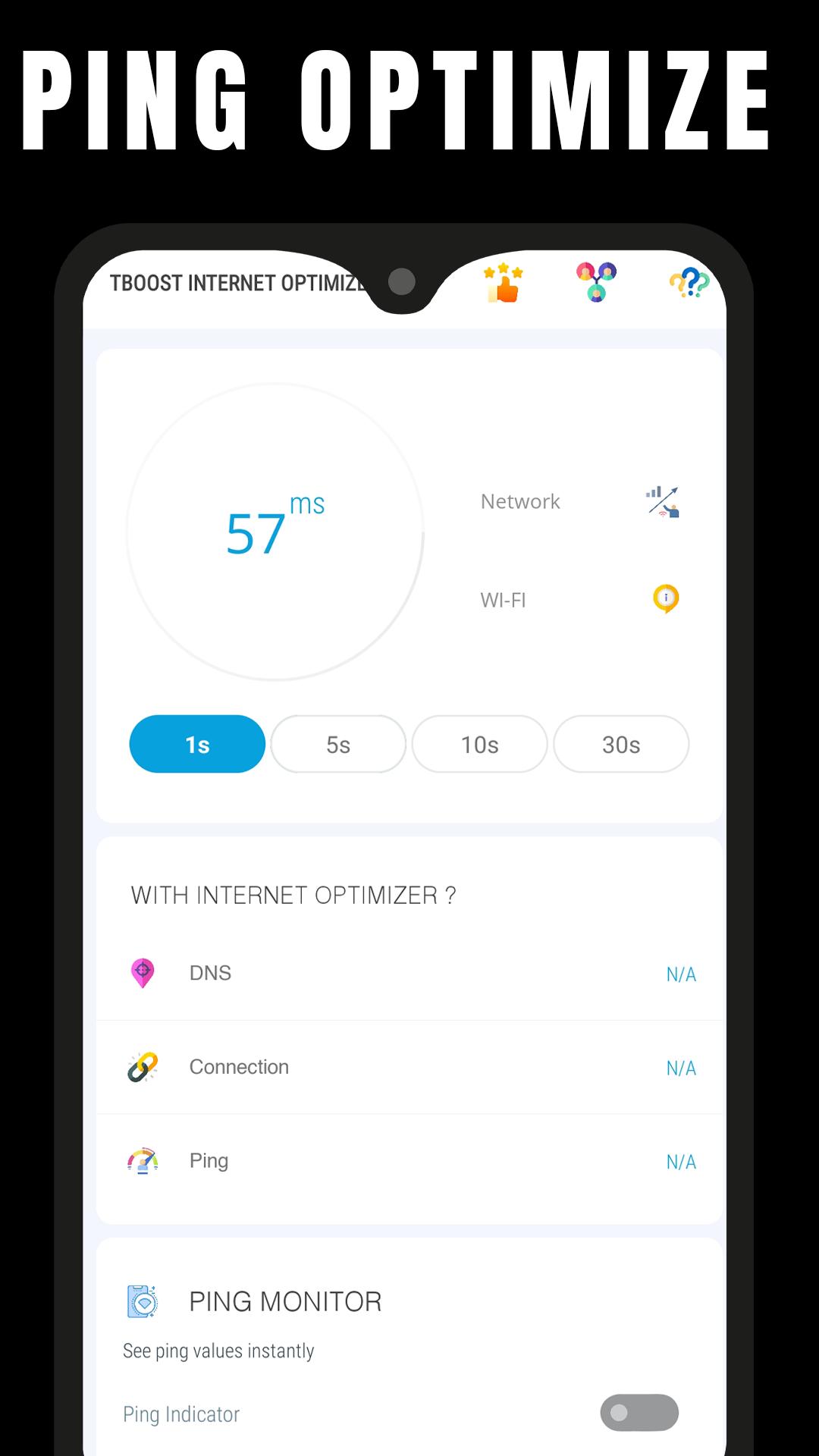
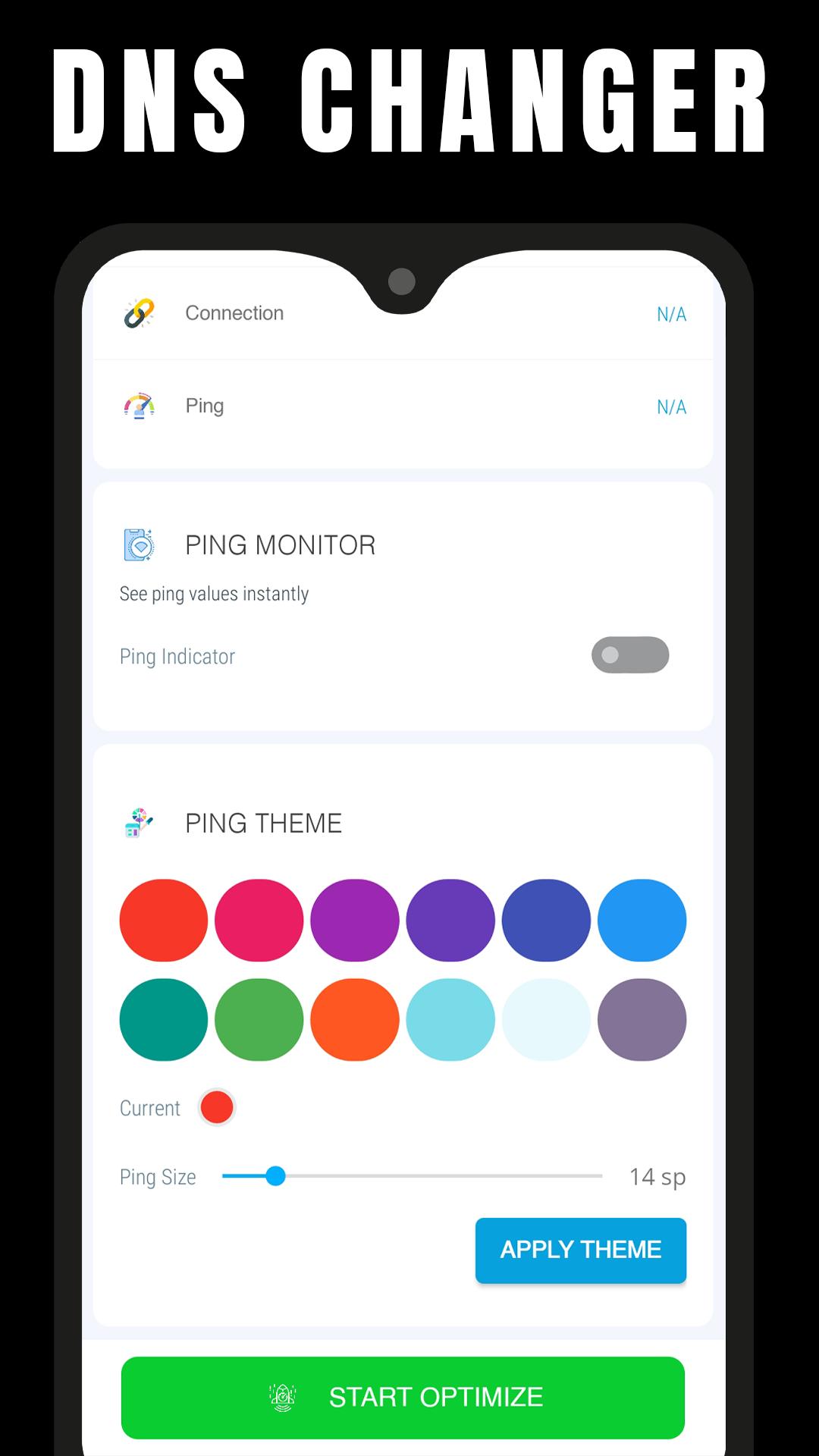
Ping & Net Optimize - Fast DNS is a mobile tool app that allows you to optimize your internet connection by changing your Android DNS server.
When you change the default DNS servers, you are changing the servers that your ISP has assigned to your device to convert hostnames to IP addresses.
You can have the following features with this app:
- Reduced Ping in Multiplayer Games (Online Games)
- Reduced Lag
- Decrease Video Buffering
- Quick browsing
Changing DNS servers can help with certain Internet connection issues. It may make your web browsing more secure and private, and it may even allow you to access websites that your ISP has blocked. some users have reported improved online gaming performance (lower ping) after changing DNS servers.
If you feel that we have violated your intellectual property rights or any other agreement, please contact us by e-mail gfxtoolapp@tboost.xyz, we will immediately take the necessary measures.
معاينة
العلامات
أدواتمعلومة
مطور
TBOOST
احدث اصدار
0.6
آخر تحديث
2022-09-02
فئة
أدوات
متاح على
Google Play
أظهر المزيد
كيف تلعب Internet & Ping Optimizer Fast مع GameLoop على جهاز الكمبيوتر
1. قم بتنزيل GameLoop من الموقع الرسمي ، ثم قم بتشغيل ملف exe لتثبيت GameLoop.
2. افتح GameLoop وابحث عن "Internet & Ping Optimizer Fast" ، وابحث عن Internet & Ping Optimizer Fast في نتائج البحث وانقر على "تثبيت".
3. استمتع بلعب Internet & Ping Optimizer Fast على GameLoop.
Minimum requirements
OS
Windows 8.1 64-bit or Windows 10 64-bit
GPU
GTX 1050
CPU
i3-8300
Memory
8GB RAM
Storage
1GB available space
Recommended requirements
OS
Windows 8.1 64-bit or Windows 10 64-bit
GPU
GTX 1050
CPU
i3-9320
Memory
16GB RAM
Storage
1GB available space