
HIKMICRO Viewer PC
Hangzhou Microimage Software Co.Ltd
قم بتنزيل HIKMICRO Viewer على جهاز الكمبيوتر باستخدام GameLoop Emulator
HIKMICRO Viewer على الكمبيوتر الشخصي
HIKMICRO Viewer ، القادم من المطور Hangzhou Microimage Software Co.Ltd ، يعمل على نظام Android في الماضي.
الآن ، يمكنك لعب HIKMICRO Viewer على جهاز الكمبيوتر باستخدام GameLoop بسلاسة.
قم بتنزيله في مكتبة GameLoop أو في نتائج البحث. لا مزيد من الانتباه إلى البطارية أو المكالمات المحبطة في الوقت الخطأ بعد الآن.
ما عليك سوى الاستمتاع بجهاز HIKMICRO Viewer على الشاشة الكبيرة مجانًا!
HIKMICRO Viewer مقدمة
HIKMICRO Viewer is a powerful and intuitive HIKMICRO thermal camera app.
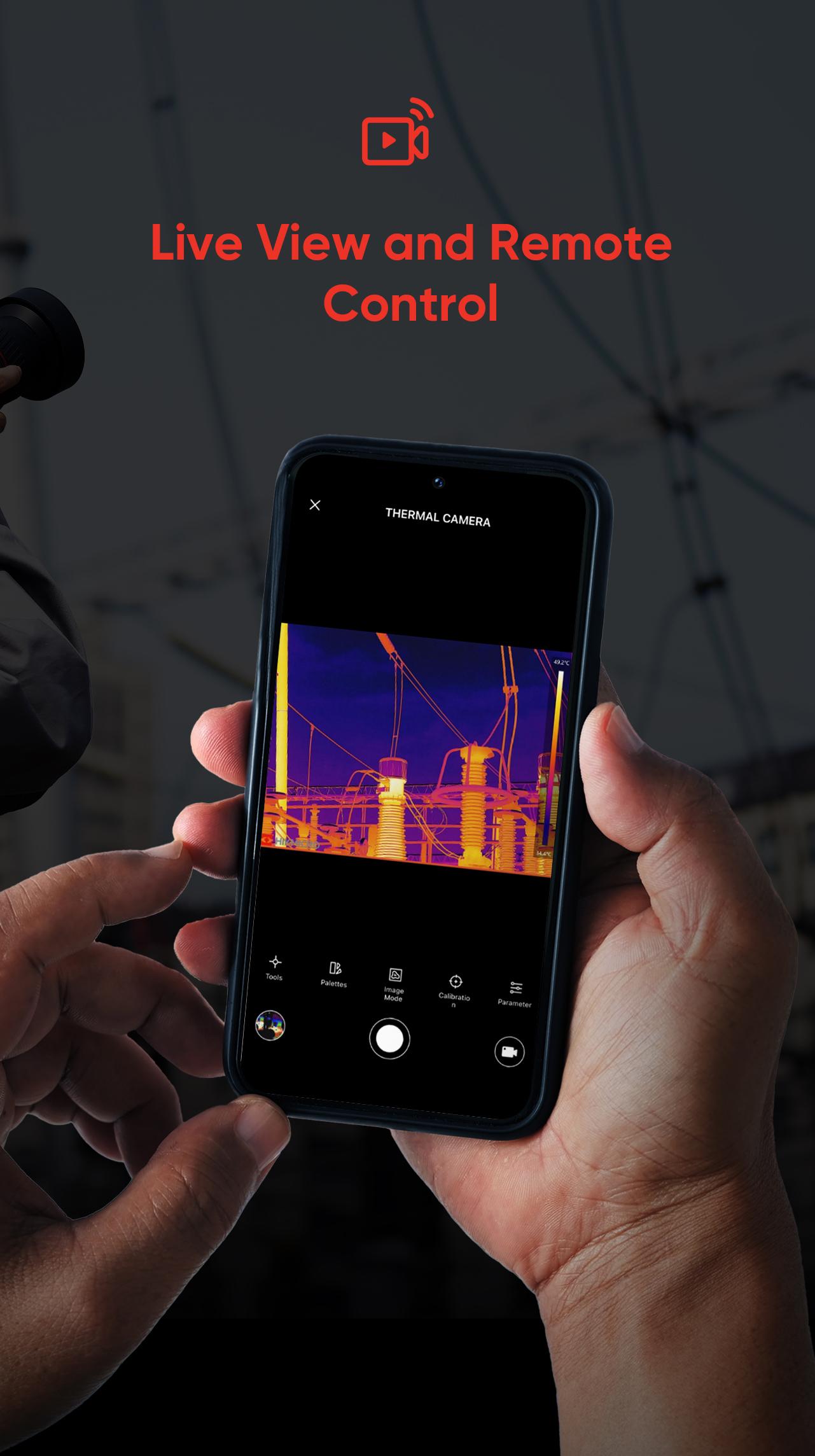
It allows thermographers to view and capture live streaming infrared video and still images from select HIKMICRO thermal imaging cameras using a mobile device.
With the HIKMICRO Viewer, the thermal imager can be placed in an area and operated wirelessly from a distance - helping infrared detection work safely in hard-to-reach locations and harsh work environments. Streaming video and remote access also provide opportunities for decision-makers and others on the team to observe and collaborate during IR surveys. With a powerful reports function, you can efficiently generate reports for your clients in the field.
You can do the followings with the HIKMICRO Viewer app:
• Scan and Connect Easily
• Device Firmware Upgrade
• Download On-Device Images and Sharing
• Screen Stream Mirroring from your HIKMICRO camera
• Remotely control your HIKMICRO camera
• Image manipulation and analysis
• Quickly generate reports and share them via email
• Turn screen rotation on and off
• Get Online Support Services
and more.
معاينة

العلامات
أدواتمعلومة
مطور
Hangzhou Microimage Software Co.Ltd
احدث اصدار
2.4.3
آخر تحديث
2024-11-19
فئة
أدوات
متاح على
Google Play
أظهر المزيد
كيف تلعب HIKMICRO Viewer مع GameLoop على جهاز الكمبيوتر
1. قم بتنزيل GameLoop من الموقع الرسمي ، ثم قم بتشغيل ملف exe لتثبيت GameLoop.
2. افتح GameLoop وابحث عن "HIKMICRO Viewer" ، وابحث عن HIKMICRO Viewer في نتائج البحث وانقر على "تثبيت".
3. استمتع بلعب HIKMICRO Viewer على GameLoop.
Minimum requirements
OS
Windows 8.1 64-bit or Windows 10 64-bit
GPU
GTX 1050
CPU
i3-8300
Memory
8GB RAM
Storage
1GB available space
Recommended requirements
OS
Windows 8.1 64-bit or Windows 10 64-bit
GPU
GTX 1050
CPU
i3-9320
Memory
16GB RAM
Storage
1GB available space