PDFtoIMG: PDF to JPG Converter PC
Futuretech Apps
قم بتنزيل PDFtoIMG: PDF to JPG Converter على جهاز الكمبيوتر باستخدام GameLoop Emulator
PDFtoIMG: PDF to JPG Converter على الكمبيوتر الشخصي
PDFtoIMG: PDF to JPG Converter ، القادم من المطور Futuretech Apps ، يعمل على نظام Android في الماضي.
الآن ، يمكنك لعب PDFtoIMG: PDF to JPG Converter على جهاز الكمبيوتر باستخدام GameLoop بسلاسة.
قم بتنزيله في مكتبة GameLoop أو في نتائج البحث. لا مزيد من الانتباه إلى البطارية أو المكالمات المحبطة في الوقت الخطأ بعد الآن.
ما عليك سوى الاستمتاع بجهاز PDFtoIMG: PDF to JPG Converter على الشاشة الكبيرة مجانًا!
PDFtoIMG: PDF to JPG Converter مقدمة
📄 PDFtoIMG: PDF to JPG Converter
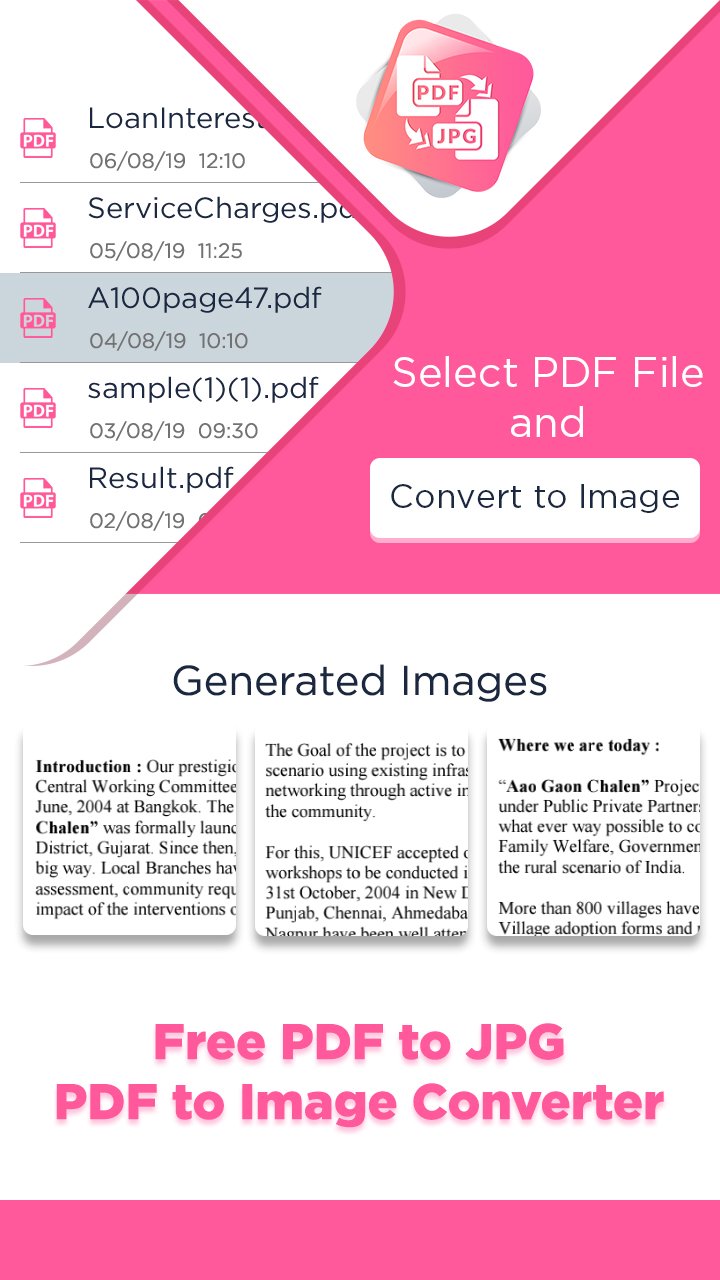
PDFtoIMG: PDF to JPG Converter is your ultimate tool to convert PDF files into high-quality images (JPG & PNG) in seconds. Whether you’re a student, professional, or frequent PDF user, this fast, lightweight, and easy-to-use PDF to Image converter helps you get results instantly — no internet required, no ads, no registration!
Easily convert all pages of a PDF to images or extract embedded images from PDF files — all in just a few taps. Enjoy batch conversion, HD output, custom image quality, and powerful file management tools, making this one of the best PDF utility apps of 2025.
🔥 Key Features of PDFtoIMG:
✅ PDF to JPG & PNG Converter – Quickly convert entire PDF documents to image formats.
🖼️ Extract Images from PDF – Pull out embedded images in original quality.
📂 Batch Conversion – Convert multiple PDFs to images at once.
⚡ Fast & Offline – Works without internet. Superfast image generation.
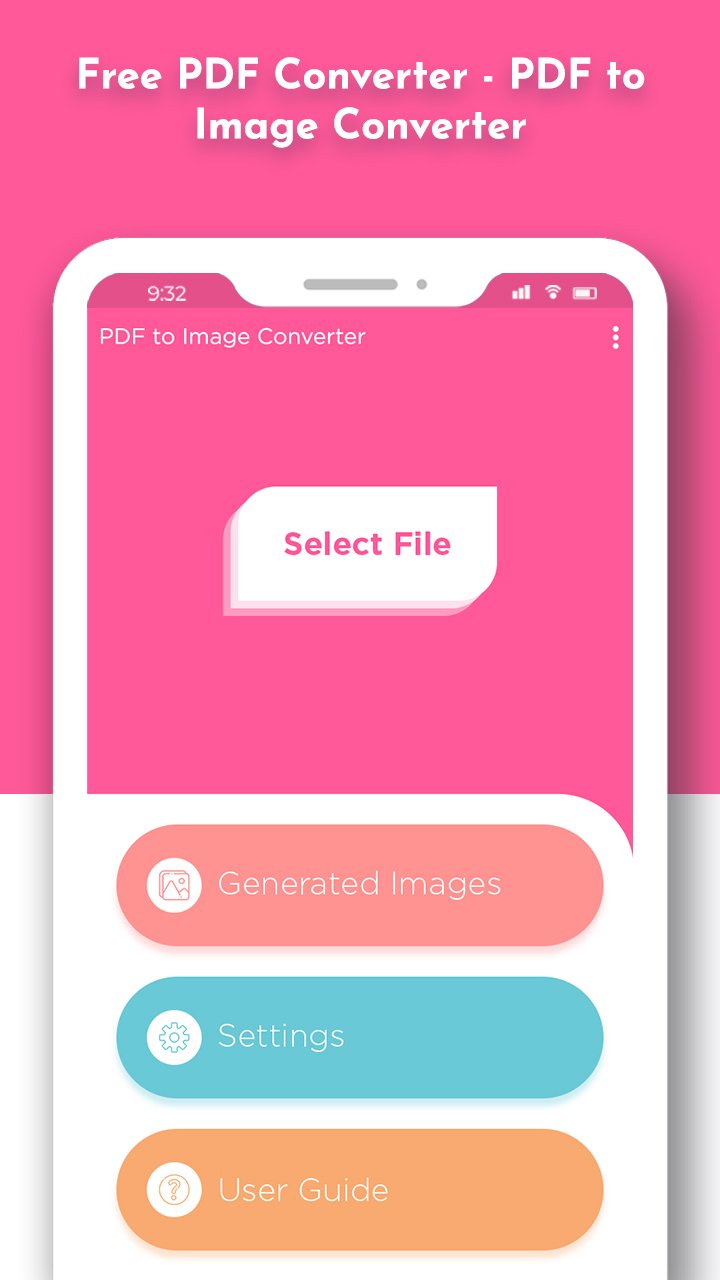
🔍 Built-in PDF Viewer – Preview before converting any document.
🎯 Custom Image Quality – Select desired output quality from 10% to 100%.
🗃️ Smart File Manager – Easily organize, delete, or share converted images.
🔒 Secure & Private – All conversions are done on your device. No uploads.
🌐 Multi-language Support – Accessible to users worldwide.
🎯 Why Choose PDFtoIMG?
Perfect for corporate use, students, freelancers, and daily productivity.
No watermarks, no file size limits.
Works on low-end phones smoothly.
Clean and intuitive UI/UX design for all age groups.
Convert PDF to Image without registration or sign-up.
💼 Ideal for:
Sharing slides, infographics, or book pages as JPG/PNG
Archiving documents as images
Printing documents in image format
Extracting and reusing PDF content
Download PDFtoIMG: PDF to JPG Converter today and enjoy the best offline PDF to Image converter app of 2025 — simple, fast, and completely free!
معاينة
العلامات
أدواتمعلومة
مطور
Futuretech Apps
احدث اصدار
1.16
آخر تحديث
2026-02-10
فئة
أدوات
متاح على
Google Play
أظهر المزيد
كيف تلعب PDFtoIMG: PDF to JPG Converter مع GameLoop على جهاز الكمبيوتر
1. قم بتنزيل GameLoop من الموقع الرسمي ، ثم قم بتشغيل ملف exe لتثبيت GameLoop.
2. افتح GameLoop وابحث عن "PDFtoIMG: PDF to JPG Converter" ، وابحث عن PDFtoIMG: PDF to JPG Converter في نتائج البحث وانقر على "تثبيت".
3. استمتع بلعب PDFtoIMG: PDF to JPG Converter على GameLoop.
Minimum requirements
OS
Windows 8.1 64-bit or Windows 10 64-bit
GPU
GTX 1050
CPU
i3-8300
Memory
8GB RAM
Storage
1GB available space
Recommended requirements
OS
Windows 8.1 64-bit or Windows 10 64-bit
GPU
GTX 1050
CPU
i3-9320
Memory
16GB RAM
Storage
1GB available space