![App Freezer - Ice Box [ROOT]](https://static.gameloop.com/img/29cff4471472356980395f960bf07240.png?imageMogr2/thumbnail/172.8x172.8/format/webp)
App Freezer - Ice Box [ROOT] PC
EXA Lab
قم بتنزيل App Freezer - Ice Box [ROOT] على جهاز الكمبيوتر باستخدام GameLoop Emulator
App Freezer - Ice Box [ROOT] على الكمبيوتر الشخصي
App Freezer - Ice Box [ROOT] ، القادم من المطور EXA Lab ، يعمل على نظام Android في الماضي.
الآن ، يمكنك لعب App Freezer - Ice Box [ROOT] على جهاز الكمبيوتر باستخدام GameLoop بسلاسة.
قم بتنزيله في مكتبة GameLoop أو في نتائج البحث. لا مزيد من الانتباه إلى البطارية أو المكالمات المحبطة في الوقت الخطأ بعد الآن.
ما عليك سوى الاستمتاع بجهاز App Freezer - Ice Box [ROOT] على الشاشة الكبيرة مجانًا!
App Freezer - Ice Box [ROOT] مقدمة
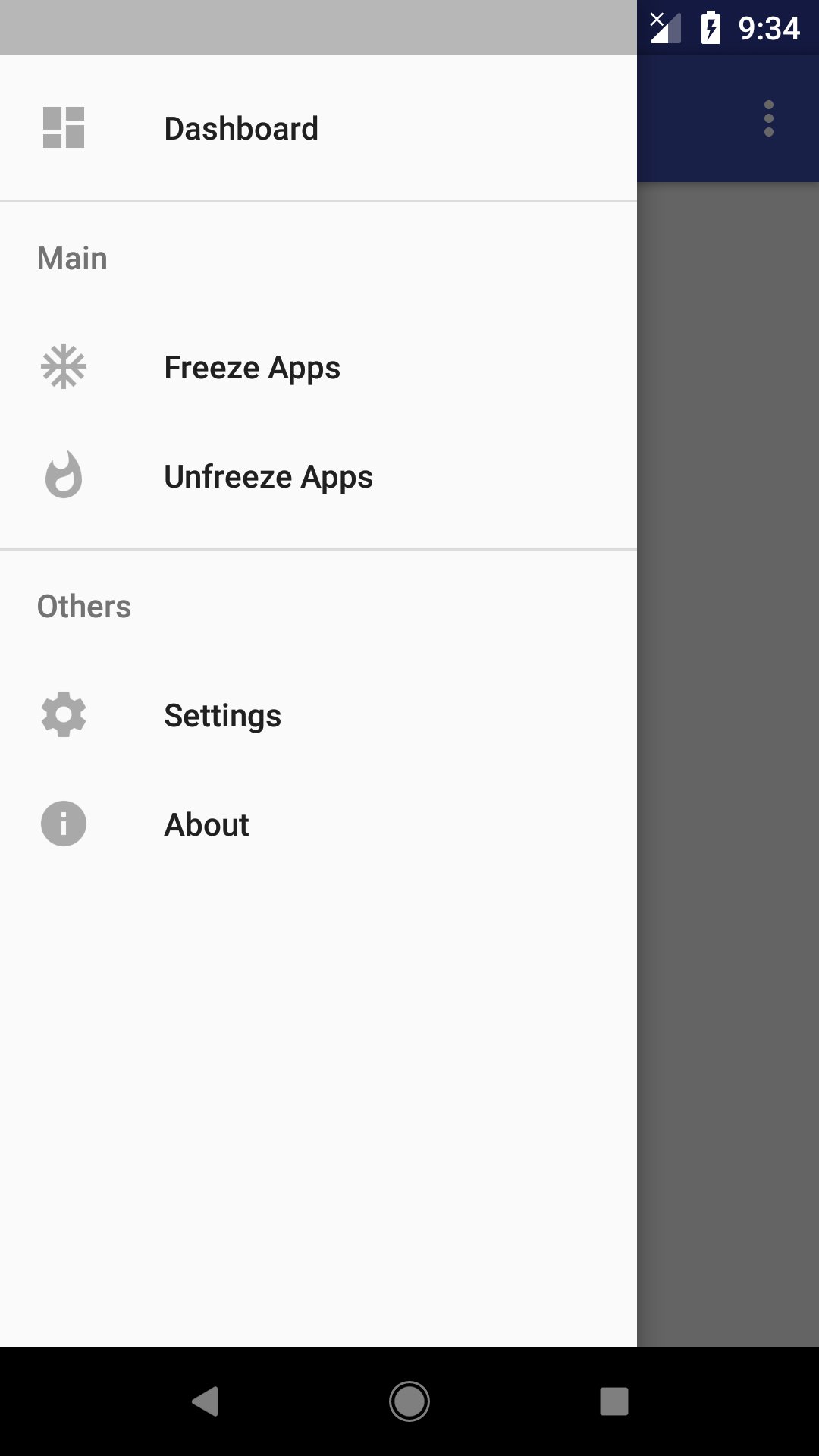
Almost all modern smart phone device come with system application pre installed, including which we don't want. This application could help freeze (disable) application easily, so it wont run in background to waste system resource, feature to unfreeze (enable) application is also included so user could choose to enable it when needed.
This app also detects apps that are frozen by other app that use the same method!
Root access is required to run this app.
Feature:
Works on all device:
Works on all device, including popular phone brand such as: Samsung, Asus, Xiaomi, Huawei, Sony and etc.
One tap to freeze/unfreeze:
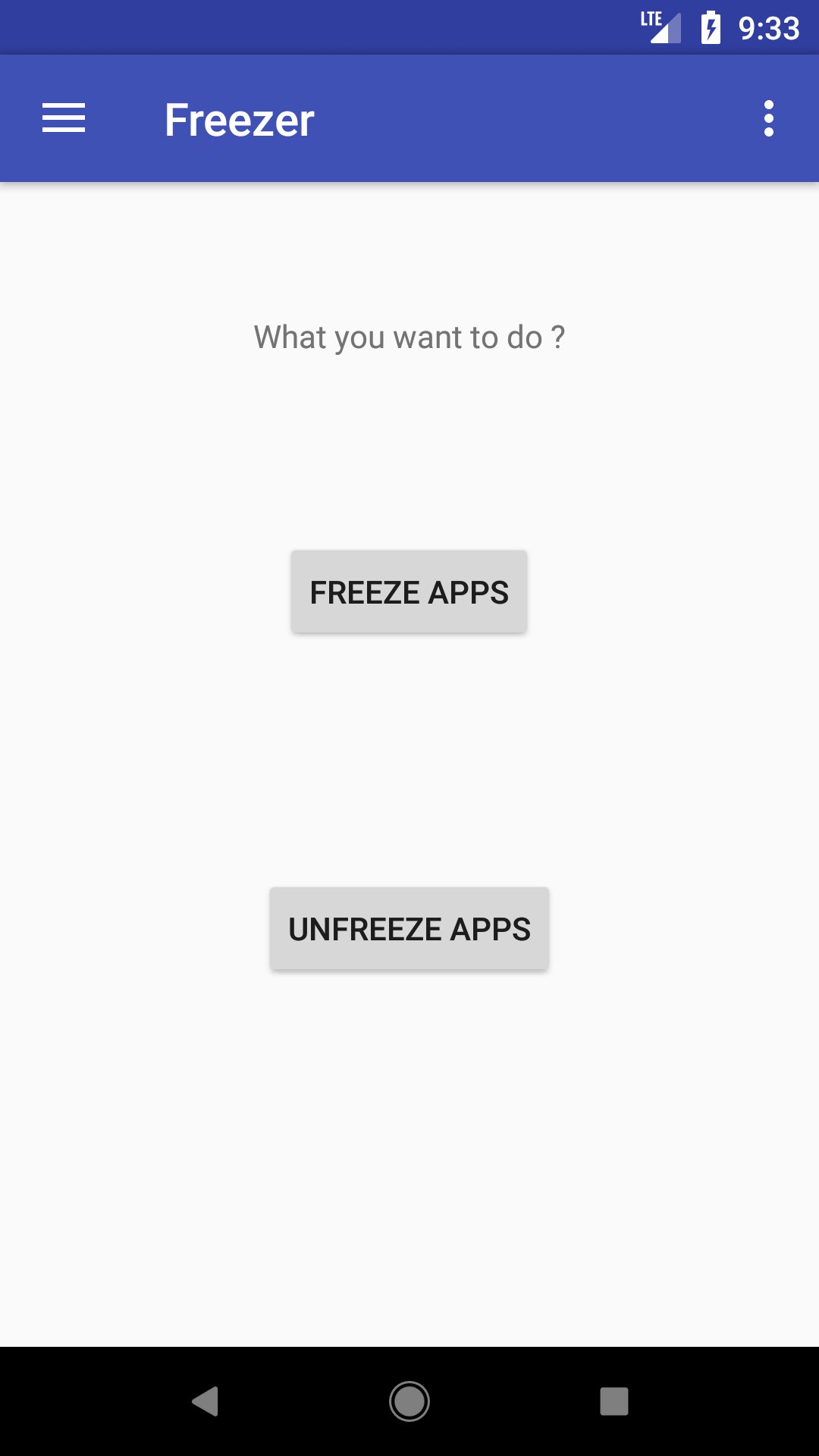
Select the apps to freeze or unfreeze and click on the button to proceed, simple and effective.
Detect apps frozen by other app:
The only freezer app you ever need! It can detect apps that are frozen by other app using the same method, and you can choose to unfreeze them if needed.
Faster and smoother device:
Freezing unused apps prevent them from running in the background, which will make your device run faster and smoother.
Privacy Caring App:
Frozen apps wont appear on launcher, which means it won't be discovered easily, which is good for hiding some apps you wanted to keep private. You can unfreeze the apps in this app for it to reappear on the launcher.
Have Full Control of Your Device:
By using freezer, you will have full control over your device with freezing the apps you don't need or don't want to use. We believe that every phone owner should be able to decide what apps they allow or not allowed to run on their phone.
How To Use:
Just select the application you want to freeze or unfreeze from the list, and hit the button. Selected application will be processed base on your request. If you found out that the application you want to freeze is not listed, please try to adjust it in Settings.
EULA: https://exalab.github.io/eula/f/
معاينة
العلامات
أدواتمعلومة
مطور
EXA Lab
احدث اصدار
3.9
آخر تحديث
2025-12-03
فئة
أدوات
متاح على
Google Play
أظهر المزيد
كيف تلعب App Freezer - Ice Box [ROOT] مع GameLoop على جهاز الكمبيوتر
1. قم بتنزيل GameLoop من الموقع الرسمي ، ثم قم بتشغيل ملف exe لتثبيت GameLoop.
2. افتح GameLoop وابحث عن "App Freezer - Ice Box [ROOT]" ، وابحث عن App Freezer - Ice Box [ROOT] في نتائج البحث وانقر على "تثبيت".
3. استمتع بلعب App Freezer - Ice Box [ROOT] على GameLoop.
Minimum requirements
OS
Windows 8.1 64-bit or Windows 10 64-bit
GPU
GTX 1050
CPU
i3-8300
Memory
8GB RAM
Storage
1GB available space
Recommended requirements
OS
Windows 8.1 64-bit or Windows 10 64-bit
GPU
GTX 1050
CPU
i3-9320
Memory
16GB RAM
Storage
1GB available space