
Eagle VPN - Safe & Stable VPN PC
Fascinland Workshop
قم بتنزيل Eagle VPN - Safe & Stable VPN على جهاز الكمبيوتر باستخدام GameLoop Emulator
Eagle VPN - Safe & Stable VPN على الكمبيوتر الشخصي
Eagle VPN - Safe & Stable VPN ، القادم من المطور Fascinland Workshop ، يعمل على نظام Android في الماضي.
الآن ، يمكنك لعب Eagle VPN - Safe & Stable VPN على جهاز الكمبيوتر باستخدام GameLoop بسلاسة.
قم بتنزيله في مكتبة GameLoop أو في نتائج البحث. لا مزيد من الانتباه إلى البطارية أو المكالمات المحبطة في الوقت الخطأ بعد الآن.
ما عليك سوى الاستمتاع بجهاز Eagle VPN - Safe & Stable VPN على الشاشة الكبيرة مجانًا!
Eagle VPN - Safe & Stable VPN مقدمة
Eagle VPN is bring you a safe, stable, and quickly feeling of experience!
By logging in the VPN, you can surf the internet anonymously, log in blocked websites and apps, unlock content, and speed up mobile games, and make everyone to surf the online world easily, quickly and safely!
Everything you need is in Eagle VPN!
No network or speed limitations!
Quickly & Stable
Encryption protects your privacy and safety
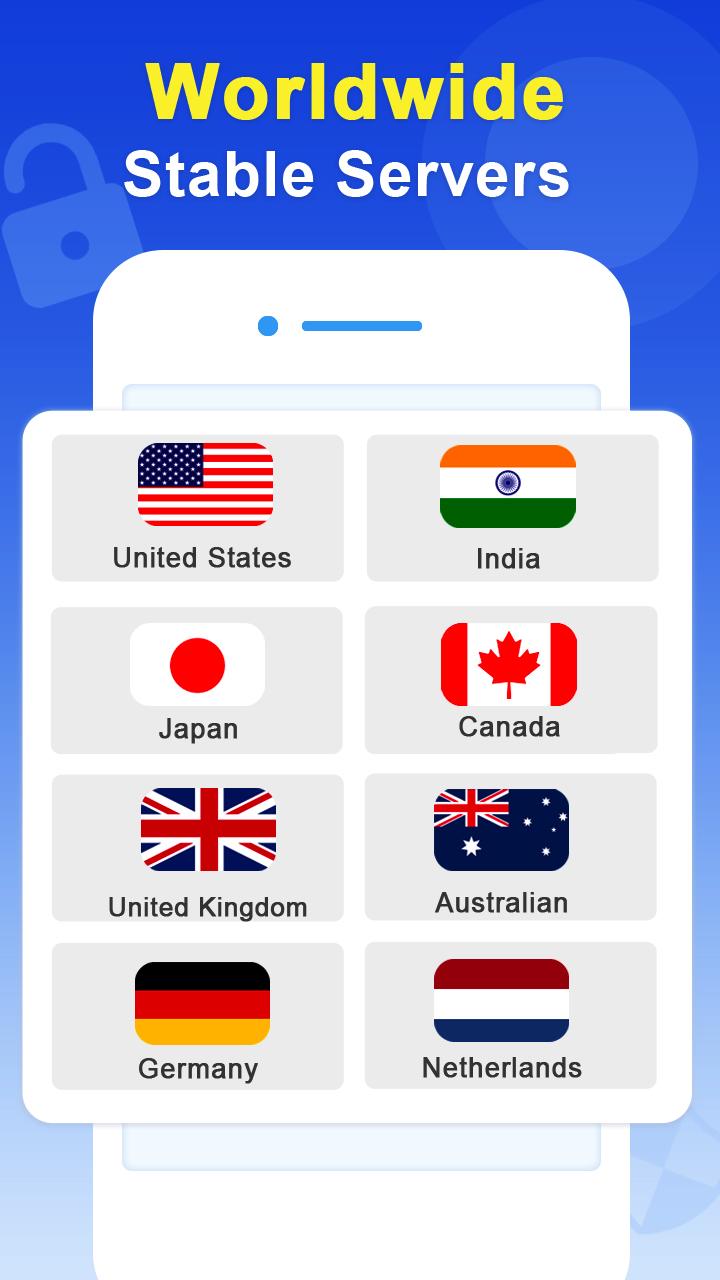
Eagle VPN is available in many countries around the world
Reliable and simple one-click connection
Anonymous internet access to unblocked content
You can redeem VPN usage time by doing simple tasks
Daily check-ins: get gold coins rewards
Common things: read and watch videos for gold coins
Play games: there are many attractive mini-games inside
Open treasure chests for surprises
Obtained rewards are used to redeem VPN usage time.
Invite friends: invite 1 friend to redeem 1 day of usage time
User Terms:
By downloading and using this product, you acknowledge and agree to the User Agreement and Privacy Statement:https://www.vpnflyfast.com/privacy.
We value feedback from every user, please contact us at any time : service@vpnflyfast.com.
معاينة

العلامات
أدواتمعلومة
مطور
Fascinland Workshop
احدث اصدار
2.1.0.022
آخر تحديث
2022-11-30
فئة
أدوات
متاح على
Google Play
أظهر المزيد
كيف تلعب Eagle VPN - Safe & Stable VPN مع GameLoop على جهاز الكمبيوتر
1. قم بتنزيل GameLoop من الموقع الرسمي ، ثم قم بتشغيل ملف exe لتثبيت GameLoop.
2. افتح GameLoop وابحث عن "Eagle VPN - Safe & Stable VPN" ، وابحث عن Eagle VPN - Safe & Stable VPN في نتائج البحث وانقر على "تثبيت".
3. استمتع بلعب Eagle VPN - Safe & Stable VPN على GameLoop.
Minimum requirements
OS
Windows 8.1 64-bit or Windows 10 64-bit
GPU
GTX 1050
CPU
i3-8300
Memory
8GB RAM
Storage
1GB available space
Recommended requirements
OS
Windows 8.1 64-bit or Windows 10 64-bit
GPU
GTX 1050
CPU
i3-9320
Memory
16GB RAM
Storage
1GB available space