
E-Scanner PC
Texabit
قم بتنزيل E-Scanner على جهاز الكمبيوتر باستخدام GameLoop Emulator
E-Scanner على الكمبيوتر الشخصي
E-Scanner ، القادم من المطور Texabit ، يعمل على نظام Android في الماضي.
الآن ، يمكنك لعب E-Scanner على جهاز الكمبيوتر باستخدام GameLoop بسلاسة.
قم بتنزيله في مكتبة GameLoop أو في نتائج البحث. لا مزيد من الانتباه إلى البطارية أو المكالمات المحبطة في الوقت الخطأ بعد الآن.
ما عليك سوى الاستمتاع بجهاز E-Scanner على الشاشة الكبيرة مجانًا!
E-Scanner مقدمة
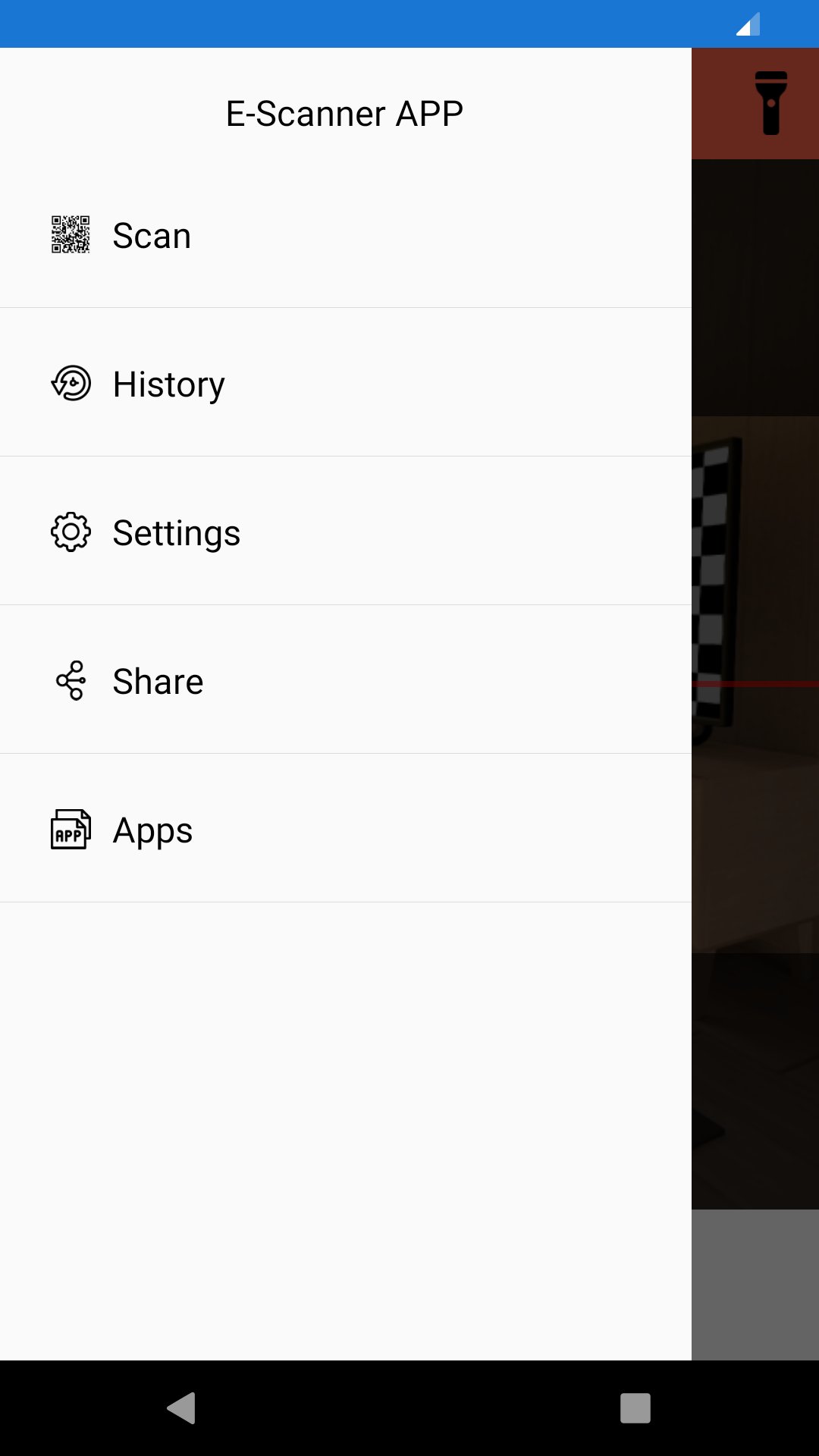
E-Scanner app is the fastest QR and bar code scanner . QR & Barcode Reader is an essential reader for every Android device.
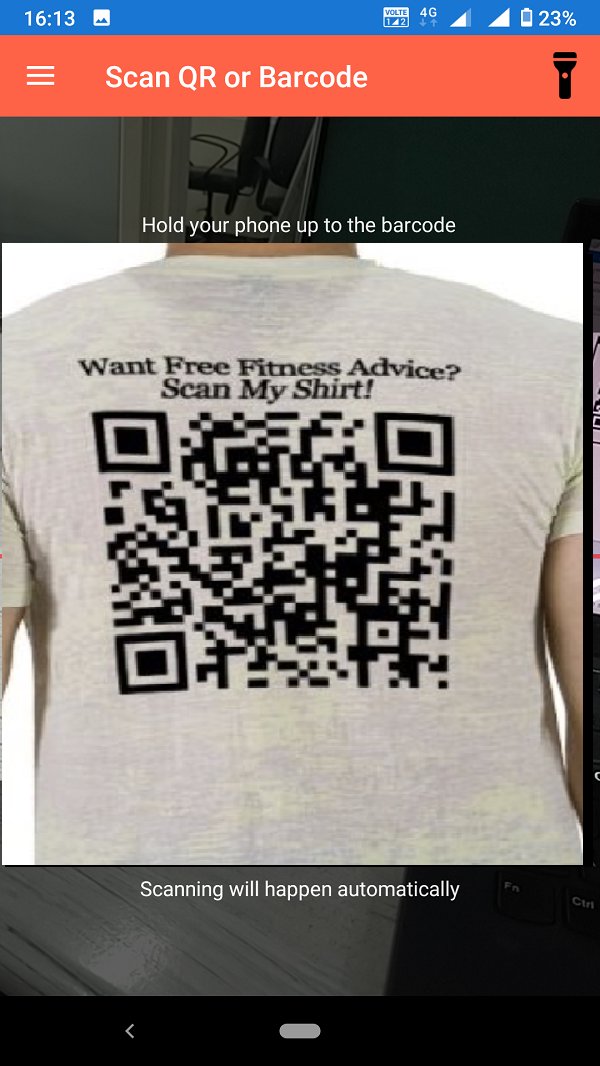
E-Scanner reader is very easy to use; with quick scan built in simply point -QR code scanner or barcode you want to scan and E- scanner will automatically start scanning it. No need to press any buttons, take photos or adjust zoom as barcode reader works automatically.
E-Scanner can scan and read all QR and barcode types including text, url, ISBN, product, contact, email, location and many more formats. After scan and automatic decoding user is provided with only the relevant options for individual QR or Barcode type and can take appropriate action. You can even use E-Scanner to scan coupons / coupon codes to receive discounts and save some money.
QR codes are everywhere! Install qr code reader app to scan QR code or to scan barcode on the go. E-Scanner app is the only free scanner app you will need. Turn on the flashlight for scanning in the dark .
Scan product barcodes or QR code with reader it will be any URL it will aquatically deduct and ask you to open URL in browser.
معاينة
العلامات
أدواتمعلومة
مطور
Texabit
احدث اصدار
1.6.4
آخر تحديث
2025-10-18
فئة
أدوات
متاح على
Google Play
أظهر المزيد
كيف تلعب E-Scanner مع GameLoop على جهاز الكمبيوتر
1. قم بتنزيل GameLoop من الموقع الرسمي ، ثم قم بتشغيل ملف exe لتثبيت GameLoop.
2. افتح GameLoop وابحث عن "E-Scanner" ، وابحث عن E-Scanner في نتائج البحث وانقر على "تثبيت".
3. استمتع بلعب E-Scanner على GameLoop.
Minimum requirements
OS
Windows 8.1 64-bit or Windows 10 64-bit
GPU
GTX 1050
CPU
i3-8300
Memory
8GB RAM
Storage
1GB available space
Recommended requirements
OS
Windows 8.1 64-bit or Windows 10 64-bit
GPU
GTX 1050
CPU
i3-9320
Memory
16GB RAM
Storage
1GB available space