
Cutlist: Video Editor Tool PC
Soft Labs India
قم بتنزيل Cutlist: Video Editor Tool على جهاز الكمبيوتر باستخدام GameLoop Emulator
Cutlist: Video Editor Tool على الكمبيوتر الشخصي
Cutlist: Video Editor Tool ، القادم من المطور Soft Labs India ، يعمل على نظام Android في الماضي.
الآن ، يمكنك لعب Cutlist: Video Editor Tool على جهاز الكمبيوتر باستخدام GameLoop بسلاسة.
قم بتنزيله في مكتبة GameLoop أو في نتائج البحث. لا مزيد من الانتباه إلى البطارية أو المكالمات المحبطة في الوقت الخطأ بعد الآن.
ما عليك سوى الاستمتاع بجهاز Cutlist: Video Editor Tool على الشاشة الكبيرة مجانًا!
Cutlist: Video Editor Tool مقدمة
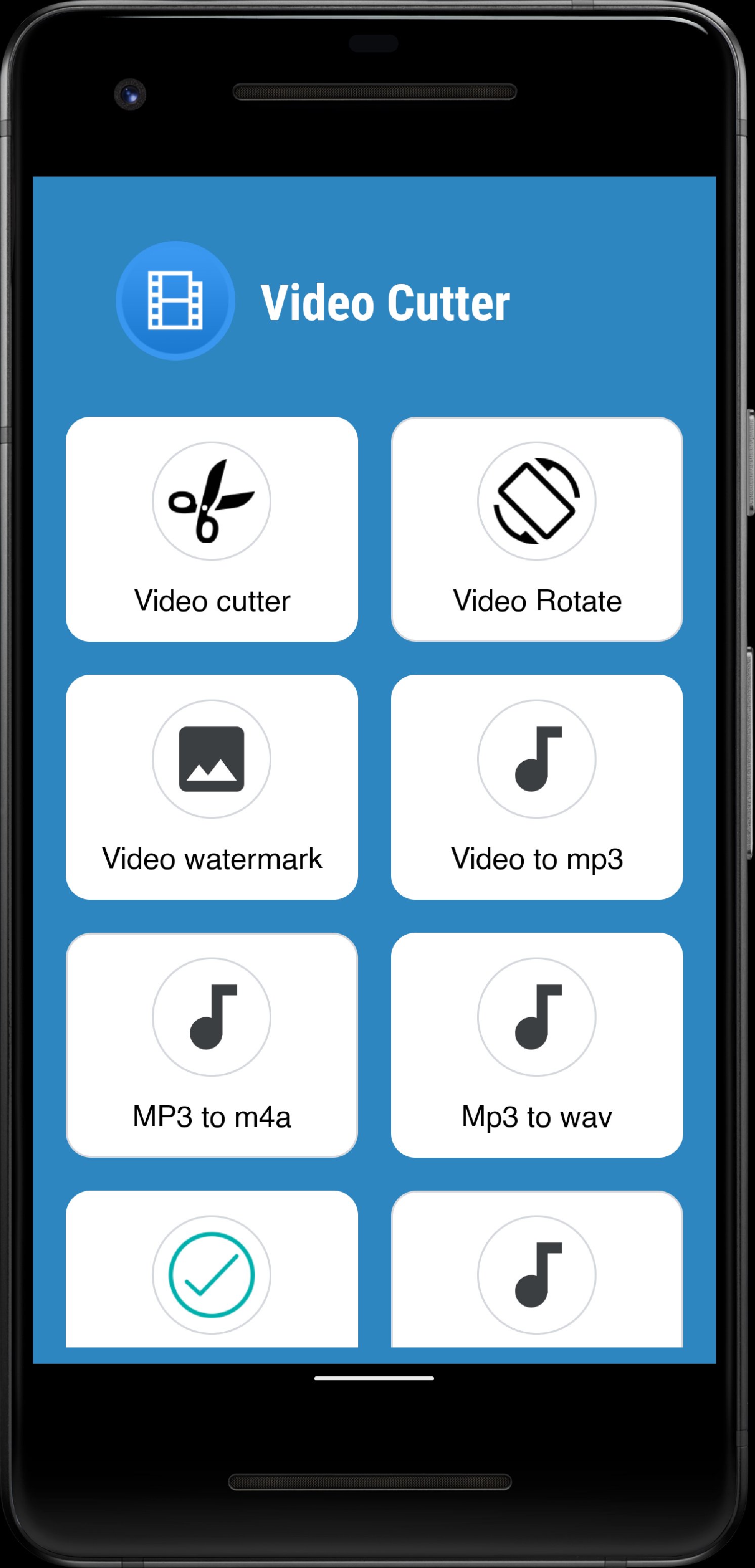
Cutlist is a smart and easy-to-use video editing app that helps you create, customize, and share stunning videos in just a few taps. Whether you want to mute, flip, merge, or brand your videos, Cutlist makes the entire editing process fast and effortless. Perfect for creators, vloggers, influencers, and anyone who wants to make their videos stand out.
🎬 Key Features
⭐ Mute Video
Remove unwanted background sounds instantly. Keep only the visuals and add your own music or effects later.
🎵 Extract Audio
Easily extract the original audio track from any video file. Save it as a separate audio file for reuse or remixing.
🎞️ Video Border
Add stylish borders to your videos for a professional look. Customize border color and thickness to make your clips pop on social media.
🎥 Video Joiner
Merge multiple video clips into one smooth, continuous video. Perfect for creating vlogs, highlight reels, or story compilations.
🖼️ Images to Video
Turn your favorite photos into beautiful slideshows with transitions and background music. Capture memories and share them as short videos.
🔄 Video Flip
Flip or mirror your videos horizontally or vertically. Fix orientation issues or create fun mirrored effects in one click.
📸 Video to Photos
Extract multiple frames or snapshots from your video. Perfect for capturing special moments, thumbnails, or story stills.
🏷️ Video Branding
Add your custom logo, watermark, or brand name to videos to protect your content and build your personal or business brand.
📁 Easy File Access and Sharing
Cutlist makes it super easy to view, manage, and share all your edited files. Every video you create is neatly saved in your local storage, allowing you to quickly find and share your creations with friends, family, or social media platforms like Instagram, YouTube, or WhatsApp.
💡 Why Choose Cutlist?
✅ Simple, modern, and user-friendly interface
✅ Fast processing with high-quality output
✅ Works offline — no internet required
✅ Compatible with all Android devices
✅ Safe — your videos never leave your device
Whether you’re trimming a short clip, merging travel videos, or branding your professional reels, Cutlist gives you all the tools you need in one app.
معاينة
العلامات
أدواتمعلومة
مطور
Soft Labs India
احدث اصدار
1.2.3
آخر تحديث
2025-10-05
فئة
أدوات
متاح على
Google Play
أظهر المزيد
كيف تلعب Cutlist: Video Editor Tool مع GameLoop على جهاز الكمبيوتر
1. قم بتنزيل GameLoop من الموقع الرسمي ، ثم قم بتشغيل ملف exe لتثبيت GameLoop.
2. افتح GameLoop وابحث عن "Cutlist: Video Editor Tool" ، وابحث عن Cutlist: Video Editor Tool في نتائج البحث وانقر على "تثبيت".
3. استمتع بلعب Cutlist: Video Editor Tool على GameLoop.
Minimum requirements
OS
Windows 8.1 64-bit or Windows 10 64-bit
GPU
GTX 1050
CPU
i3-8300
Memory
8GB RAM
Storage
1GB available space
Recommended requirements
OS
Windows 8.1 64-bit or Windows 10 64-bit
GPU
GTX 1050
CPU
i3-9320
Memory
16GB RAM
Storage
1GB available space