
Restart – Auto Reboot (Trial) PC
Vana software
قم بتنزيل Restart – Auto Reboot (Trial) على جهاز الكمبيوتر باستخدام GameLoop Emulator
Restart – Auto Reboot (Trial) على الكمبيوتر الشخصي
Restart – Auto Reboot (Trial) ، القادم من المطور Vana software ، يعمل على نظام Android في الماضي.
الآن ، يمكنك لعب Restart – Auto Reboot (Trial) على جهاز الكمبيوتر باستخدام GameLoop بسلاسة.
قم بتنزيله في مكتبة GameLoop أو في نتائج البحث. لا مزيد من الانتباه إلى البطارية أو المكالمات المحبطة في الوقت الخطأ بعد الآن.
ما عليك سوى الاستمتاع بجهاز Restart – Auto Reboot (Trial) على الشاشة الكبيرة مجانًا!
Restart – Auto Reboot (Trial) مقدمة
Auto reboot planner for routine device maintenance.
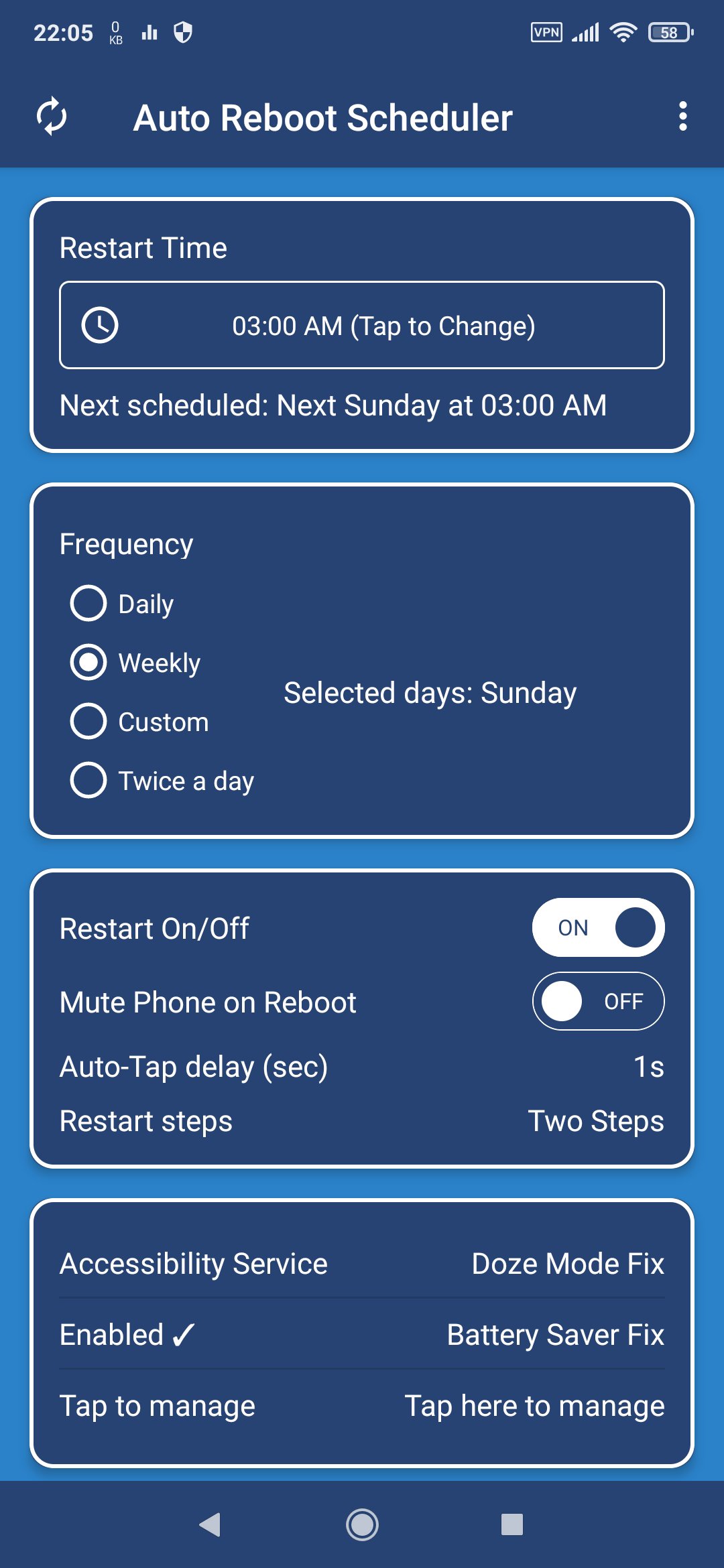
Restart – Auto Reboot Scheduler is a safe, simple tool for routine device maintenance. No root access is required. It is designed to automate restarts for non-rooted devices, but it can be used on rooted devices too.
Android devices that run for many days without restarting may become less stable during everyday use. Apps can remain active in the background, temporary system processes accumulate, and long device uptime can sometimes lead to unpredictable behavior.
For this reason, many Android manufacturers include an automatic restart option in their operating system to help maintain system stability. While results vary between devices, regular restarts may help restore normal responsiveness and make the phone feel faster after extended uptime. Restart – Auto Reboot Scheduler lets you schedule automatic restarts without root access.
Auto-restart functionality built into system settings usually works on a weekly basis. If your device does not include this feature at all, or if you want more flexible scheduling, this app offers a simple and reliable way to plan regular restarts. Unlike most built-in options, this app allows daily, weekly, or fully customized reboot schedules, including multiple restarts per day, if desired.
⭐ What this app does
This app allows you to schedule automatic device restarts at a specific time, daily or weekly. A planned restart helps refresh the system state and reduce issues related to extended uptime during normal daily use.
This app does not modify system files, perform optimization tricks, or promise guaranteed performance improvements. It simply automates a standard Android system restart, the same maintenance practice used by many manufacturers.
⭐ Features
• Schedule automatic restarts (daily or weekly)
• Choose the exact time for the reboot
• Restart-day notification
• No root required
• Simple, clean interface
• All features available during a 15-day trial
⭐ Why schedule routine restarts?
Long system uptime may contribute to:
• Apps becoming unresponsive
• Temporary system inconsistencies
• Background processes remaining active
• Minor issues accumulating over time
A scheduled restart refreshes the system environment. Many manufacturers already use this method to maintain stability—this app provides the same convenience on devices that do not include it.
⭐ How it works
At the scheduled time, the app uses Accessibility Service to open the Android power menu, then simulate a tap on Restart (or Power off, if selected).
This automation is the only method available for non-rooted devices to perform a scheduled reboot. This method can also be used on rooted devices.
Important Privacy Note: The Accessibility Service is used solely for the purpose of interacting with the system power menu to automate the restart. The app does not access, collect, or share any personal content or system data.
⭐ Important notes
• This is a trial version with full functionality for 15 days
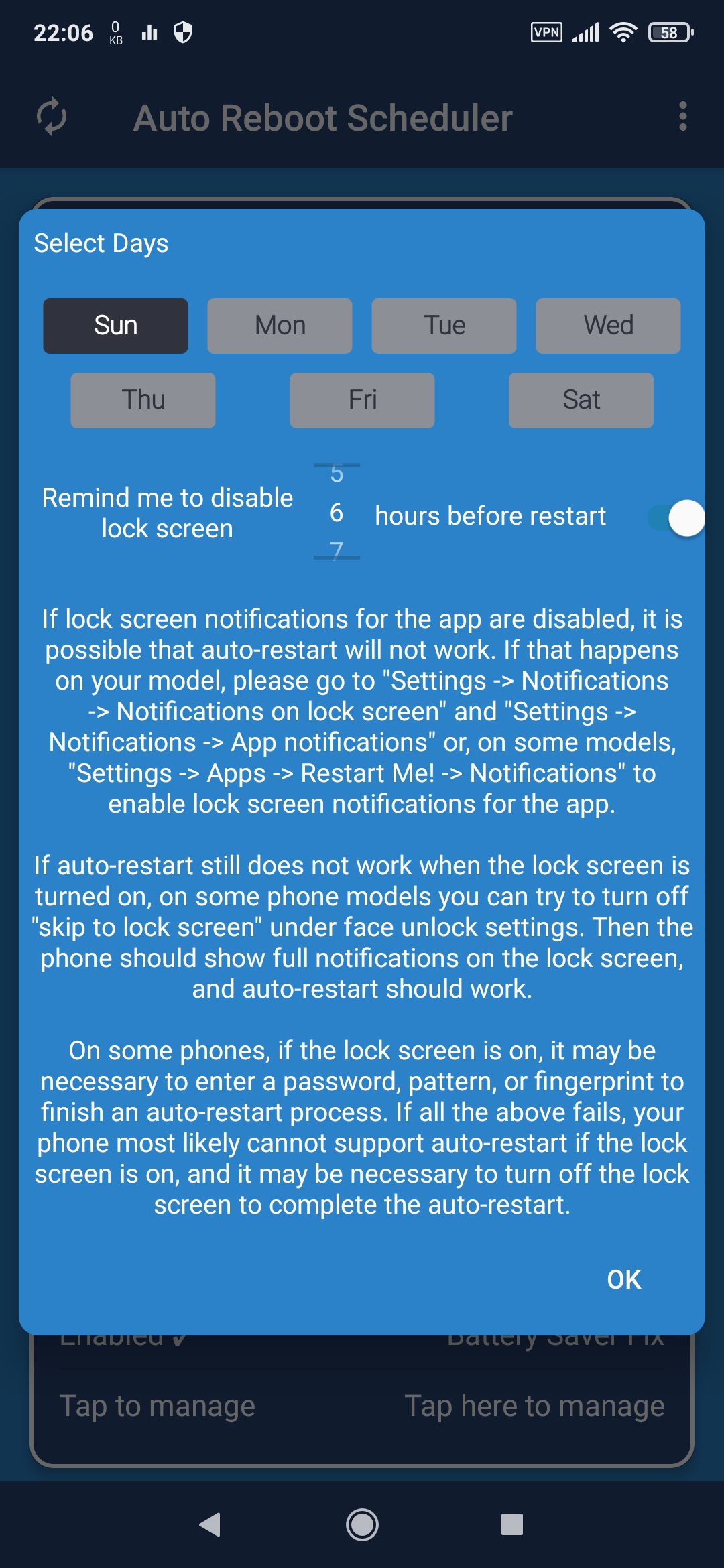
• Some phone models may require disabling the lock screen before the scheduled restart time
• Data Use: A device identifier is used strictly for trial validation.
If you prefer automatic restarts to help maintain system stability, this app provides a safe, easy solution—no root access and no technical setup required. Set it once and let your device restart automatically at the time you choose.
⭐ Additional Use Case: Power-off Timer
If you like listening to music or watching videos before bed and want your phone to turn off automatically after you fall asleep,you can use this app as a power-off timer.
Instead of selecting Restart, configure the app to tap the Power off button in your system power menu. This allows your device to turn off automatically at a scheduled time—ideal when playing audio or video before bedtime.
To enable this, instead text on Reboot buttons, enter the text shown on your device’s menu Power off buttons in the required setup fields.
معاينة
العلامات
أدواتمعلومة
مطور
Vana software
احدث اصدار
1.0
آخر تحديث
2025-12-25
فئة
أدوات
متاح على
Google Play
أظهر المزيد
كيف تلعب Restart – Auto Reboot (Trial) مع GameLoop على جهاز الكمبيوتر
1. قم بتنزيل GameLoop من الموقع الرسمي ، ثم قم بتشغيل ملف exe لتثبيت GameLoop.
2. افتح GameLoop وابحث عن "Restart – Auto Reboot (Trial)" ، وابحث عن Restart – Auto Reboot (Trial) في نتائج البحث وانقر على "تثبيت".
3. استمتع بلعب Restart – Auto Reboot (Trial) على GameLoop.
Minimum requirements
OS
Windows 8.1 64-bit or Windows 10 64-bit
GPU
GTX 1050
CPU
i3-8300
Memory
8GB RAM
Storage
1GB available space
Recommended requirements
OS
Windows 8.1 64-bit or Windows 10 64-bit
GPU
GTX 1050
CPU
i3-9320
Memory
16GB RAM
Storage
1GB available space