
Quick Browser PC
Zoftech divine
قم بتنزيل Quick Browser على جهاز الكمبيوتر باستخدام GameLoop Emulator
Quick Browser على الكمبيوتر الشخصي
Quick Browser ، القادم من المطور Zoftech divine ، يعمل على نظام Android في الماضي.
الآن ، يمكنك لعب Quick Browser على جهاز الكمبيوتر باستخدام GameLoop بسلاسة.
قم بتنزيله في مكتبة GameLoop أو في نتائج البحث. لا مزيد من الانتباه إلى البطارية أو المكالمات المحبطة في الوقت الخطأ بعد الآن.
ما عليك سوى الاستمتاع بجهاز Quick Browser على الشاشة الكبيرة مجانًا!
Quick Browser مقدمة
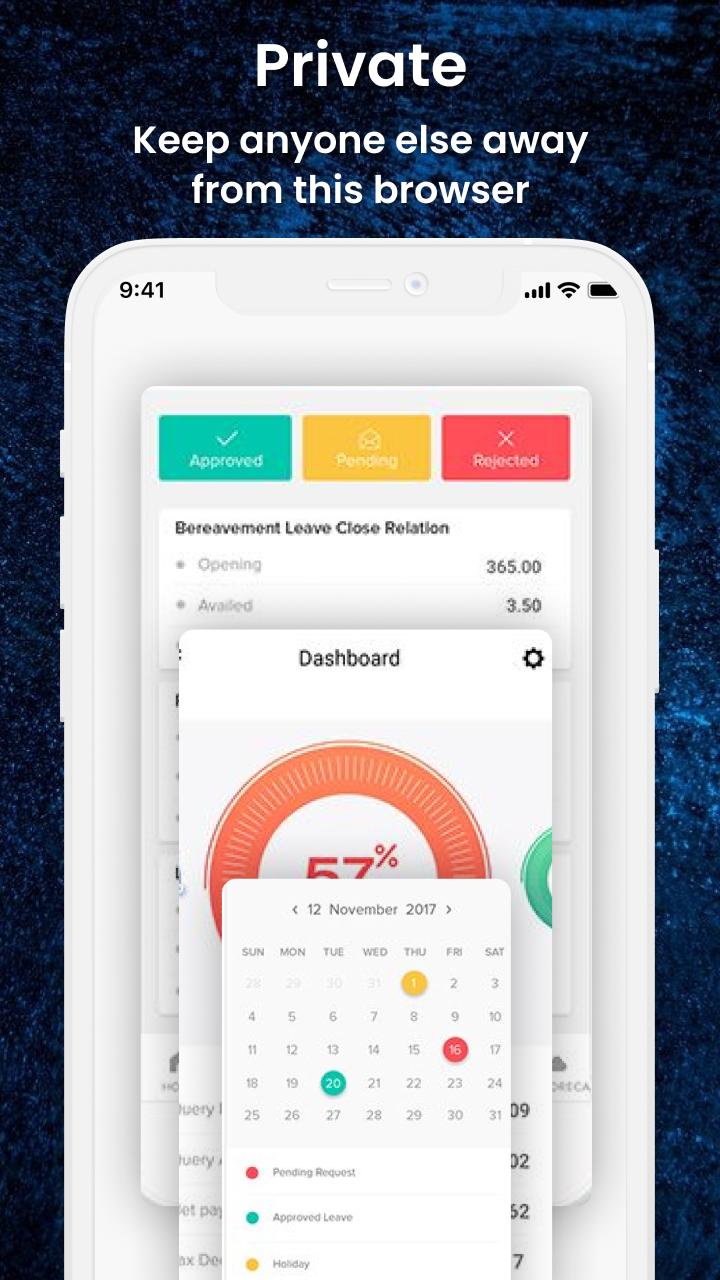
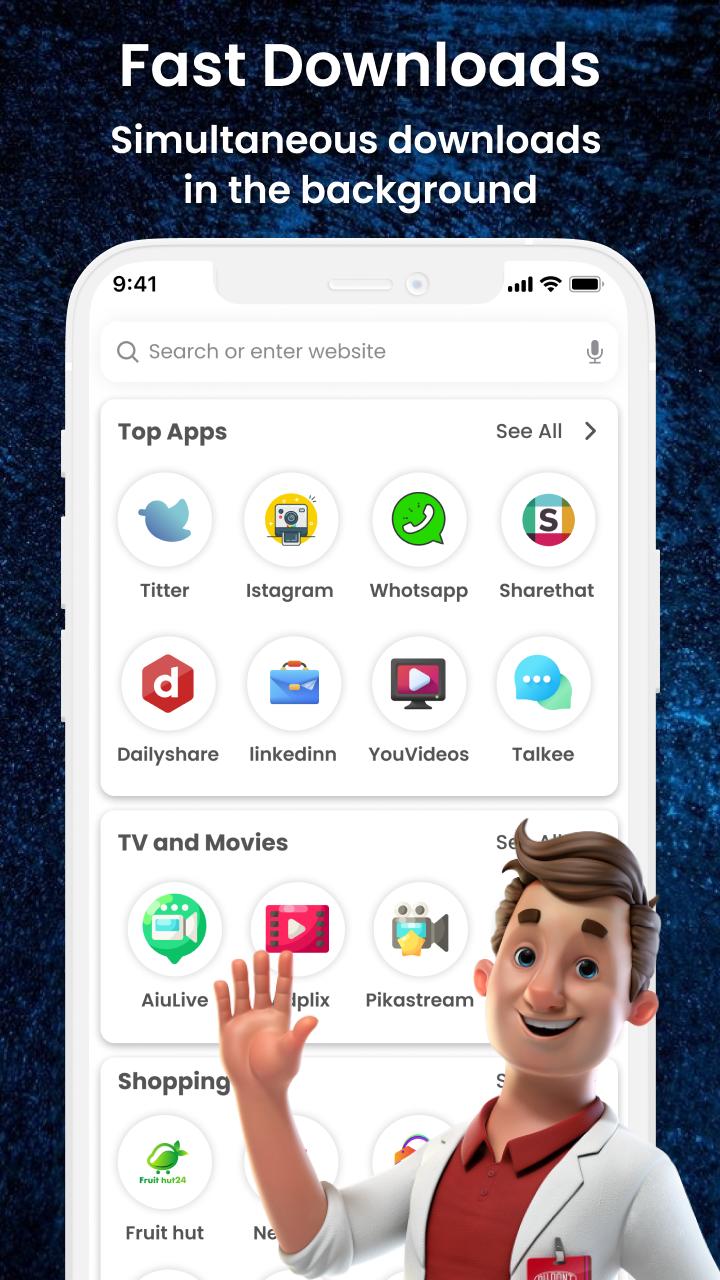
Quick Browser app protects your privacy and gives the best search and browsing experience. Personal Browser app provides a fast and secure surfing experience. This Browser Hub app enables you to have an advertisement-free web experience to see more and more content.
Main Features
• Fast browsing
• Multi-tabs manage
• Font size customized
• Import/export bookmarks
• Faster page load
• Get private mode easily
• Private browsing
• Saves data and battery
This Fast and Secure Browser app has so many functions like private browsing, ad blocking, history, bookmark lock, etc. It is a secure browsing app where you can view whatever you want to see.
Other Features
• Light-weight
• QR code
• Block ad trackers automatically
• Language choice
If you have any suggestions about this application then let us know at: zoftechdivine557@gmail.com
معاينة
العلامات
أدواتمعلومة
مطور
Zoftech divine
احدث اصدار
1.0.3
آخر تحديث
2022-08-07
فئة
أدوات
متاح على
Google Play
أظهر المزيد
كيف تلعب Quick Browser مع GameLoop على جهاز الكمبيوتر
1. قم بتنزيل GameLoop من الموقع الرسمي ، ثم قم بتشغيل ملف exe لتثبيت GameLoop.
2. افتح GameLoop وابحث عن "Quick Browser" ، وابحث عن Quick Browser في نتائج البحث وانقر على "تثبيت".
3. استمتع بلعب Quick Browser على GameLoop.
Minimum requirements
OS
Windows 8.1 64-bit or Windows 10 64-bit
GPU
GTX 1050
CPU
i3-8300
Memory
8GB RAM
Storage
1GB available space
Recommended requirements
OS
Windows 8.1 64-bit or Windows 10 64-bit
GPU
GTX 1050
CPU
i3-9320
Memory
16GB RAM
Storage
1GB available space