
Auto Clicker: Multiple Tapping PC
Higher-Studio
قم بتنزيل Auto Clicker: Multiple Tapping على جهاز الكمبيوتر باستخدام GameLoop Emulator
Auto Clicker: Multiple Tapping على الكمبيوتر الشخصي
Auto Clicker: Multiple Tapping ، القادم من المطور Higher-Studio ، يعمل على نظام Android في الماضي.
الآن ، يمكنك لعب Auto Clicker: Multiple Tapping على جهاز الكمبيوتر باستخدام GameLoop بسلاسة.
قم بتنزيله في مكتبة GameLoop أو في نتائج البحث. لا مزيد من الانتباه إلى البطارية أو المكالمات المحبطة في الوقت الخطأ بعد الآن.
ما عليك سوى الاستمتاع بجهاز Auto Clicker: Multiple Tapping على الشاشة الكبيرة مجانًا!
Auto Clicker: Multiple Tapping مقدمة
Auto Clicker: Multiple Tapping is a tool that simulates clicks repeatedly. NO root access ! Designed for gamers, professionals, and casual users alike, this versatile tool enhances productivity, optimizes gaming performance, and streamlines repetitive tasks on apps, websites, and games. With its user-friendly interface and robust features, Auto Clicker: Multiple Tapping is your go-to solution for achieving precision and efficiency effortlessly.
Feature:
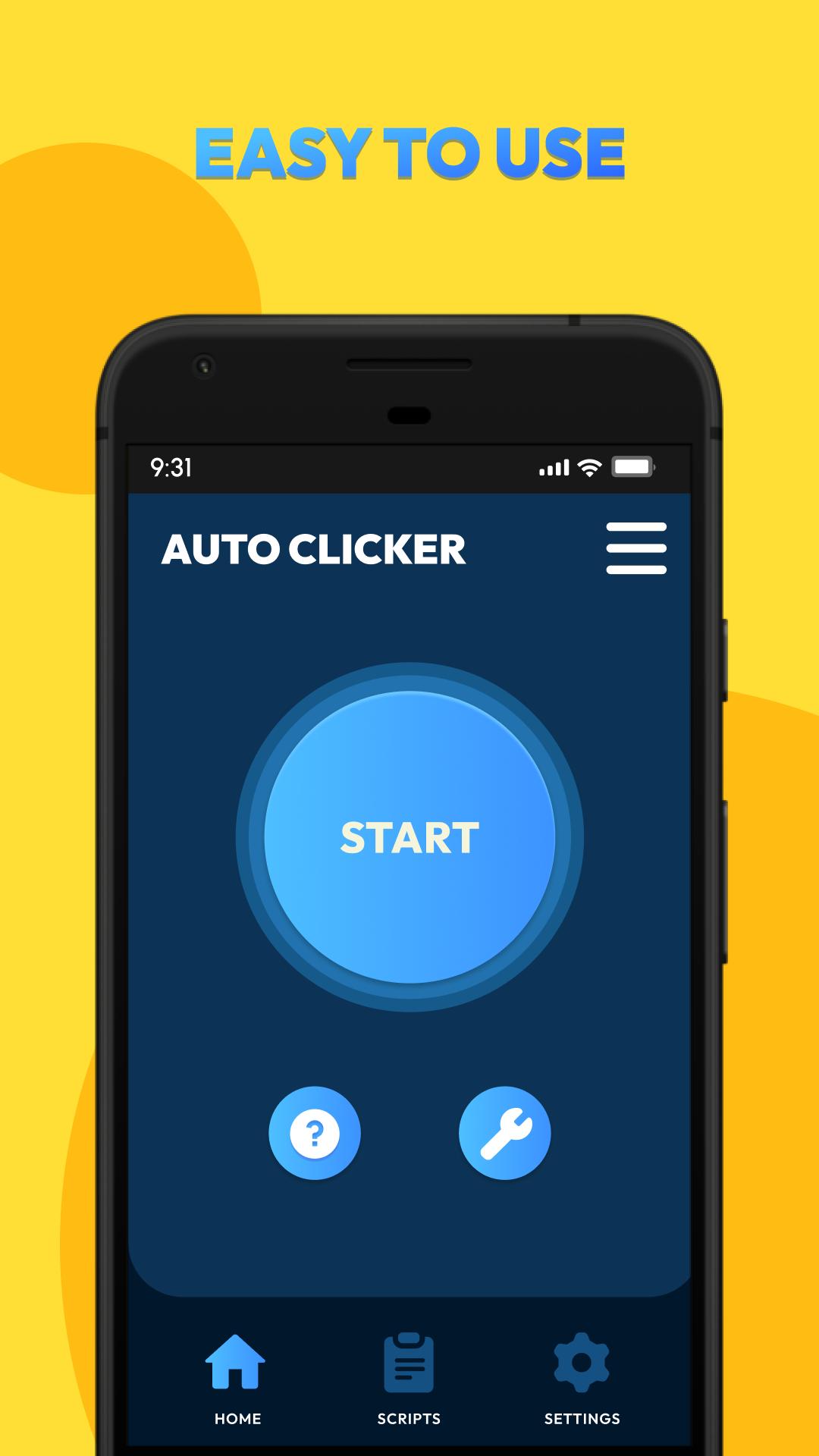
- Easy to use: NOT require root access, press the button to get started
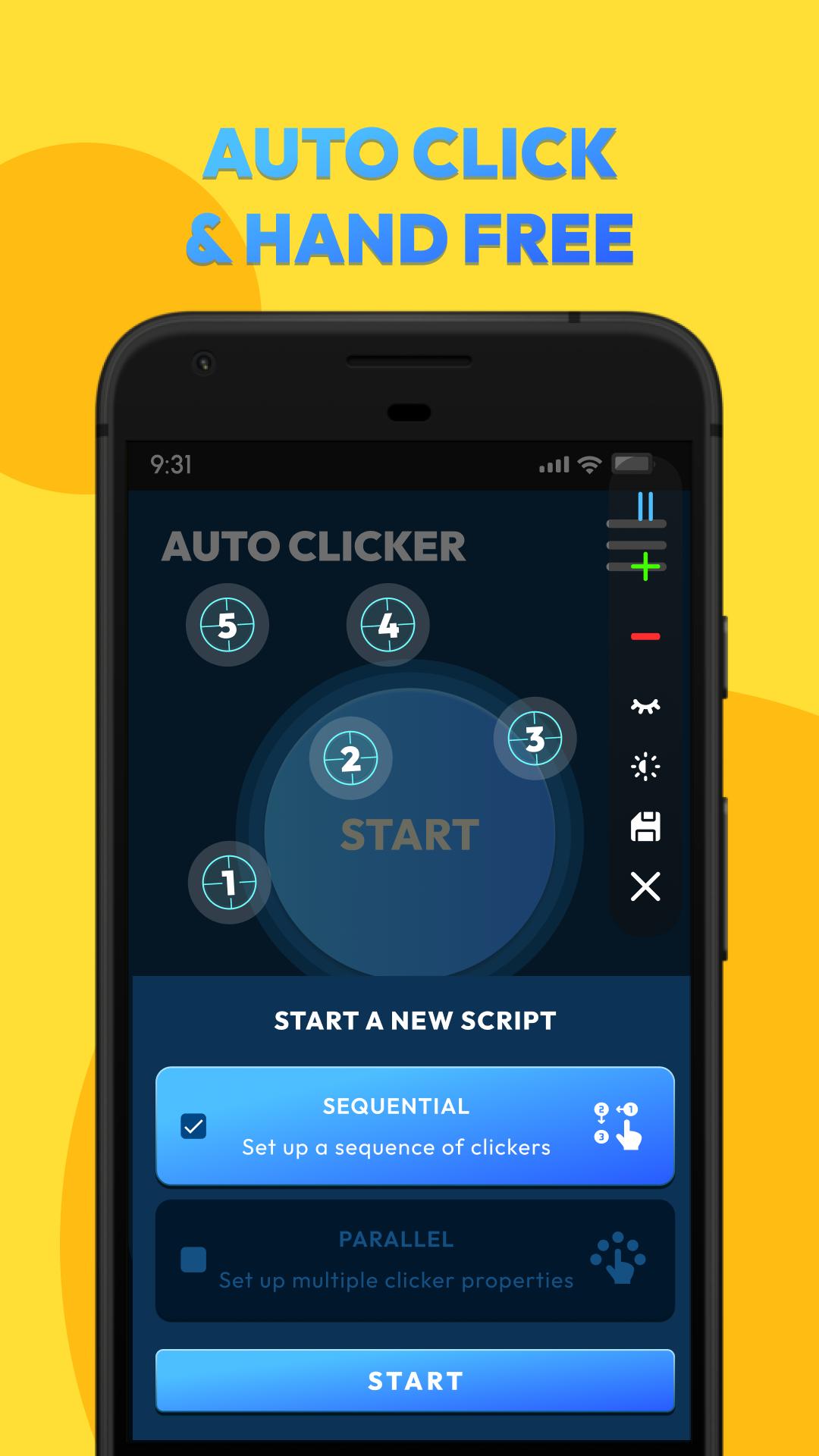
- Automatic clicking: Support click anywhere, free your hands
- Multi-Target Mode: Target multiple areas on your screen simultaneously
- Scheduled tasks: Setting time intervals and click sequences - save your config.
- Easily adjustable : Adjust the parameters of all clickers on the same popup
- Save/load scripts: Stores previous scripts to optimize setting time
- Beginner guide: Full instructions on how to use for first-time users
- Customization: Flexibly adjust UI elements such as: orientation, action point, control bar
Note:
- Available for Android 7.0 or above
- Require Accessibility Service to realize scripts
Important:
- Why do we use AccessibilityService API?
We use API services to help implement our app's main features, such as simulating auto clicks on the screen.
- Do we collect your private data?
We do not collect your private data through this permission.
Unlock the full potential of your device with Auto Clicker: Multiple Tapping. Whether you're looking to level up your gaming experience, increase your speed operation, or simply save time on repetitive tasks, this app is designed to make your life easier.
Download now and experience the difference!
معاينة
العلامات
أدواتمعلومة
مطور
Higher-Studio
احدث اصدار
2.4.2.3
آخر تحديث
2025-04-28
فئة
أدوات
متاح على
Google Play
أظهر المزيد
كيف تلعب Auto Clicker: Multiple Tapping مع GameLoop على جهاز الكمبيوتر
1. قم بتنزيل GameLoop من الموقع الرسمي ، ثم قم بتشغيل ملف exe لتثبيت GameLoop.
2. افتح GameLoop وابحث عن "Auto Clicker: Multiple Tapping" ، وابحث عن Auto Clicker: Multiple Tapping في نتائج البحث وانقر على "تثبيت".
3. استمتع بلعب Auto Clicker: Multiple Tapping على GameLoop.
Minimum requirements
OS
Windows 8.1 64-bit or Windows 10 64-bit
GPU
GTX 1050
CPU
i3-8300
Memory
8GB RAM
Storage
1GB available space
Recommended requirements
OS
Windows 8.1 64-bit or Windows 10 64-bit
GPU
GTX 1050
CPU
i3-9320
Memory
16GB RAM
Storage
1GB available space