Roku Remote Control (WiFi, IR) PC
GreenForestApps
قم بتنزيل Roku Remote Control (WiFi, IR) على جهاز الكمبيوتر باستخدام GameLoop Emulator
Roku Remote Control (WiFi, IR) على الكمبيوتر الشخصي
Roku Remote Control (WiFi, IR) ، القادم من المطور GreenForestApps ، يعمل على نظام Android في الماضي.
الآن ، يمكنك لعب Roku Remote Control (WiFi, IR) على جهاز الكمبيوتر باستخدام GameLoop بسلاسة.
قم بتنزيله في مكتبة GameLoop أو في نتائج البحث. لا مزيد من الانتباه إلى البطارية أو المكالمات المحبطة في الوقت الخطأ بعد الآن.
ما عليك سوى الاستمتاع بجهاز Roku Remote Control (WiFi, IR) على الشاشة الكبيرة مجانًا!
Roku Remote Control (WiFi, IR) مقدمة
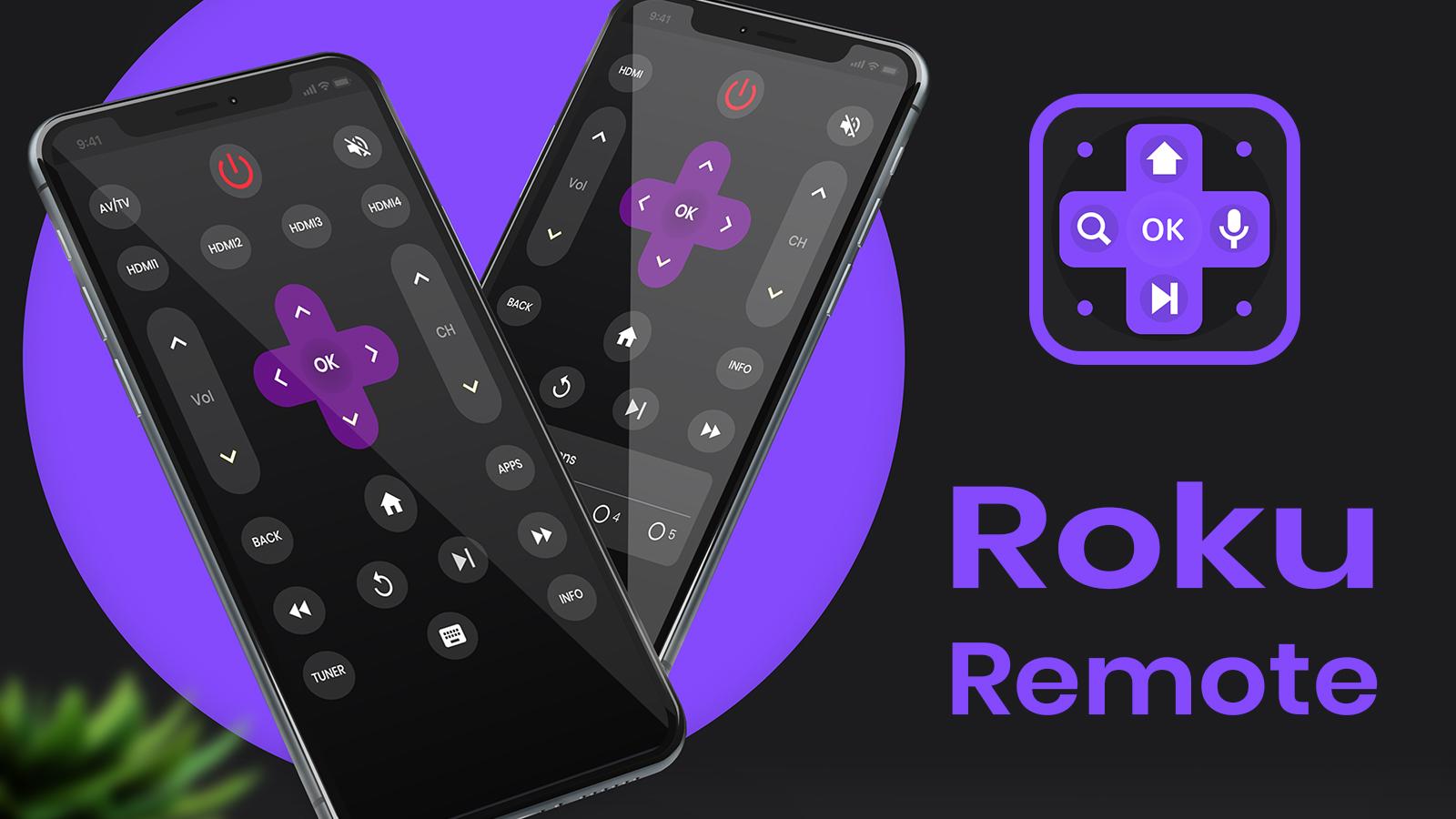
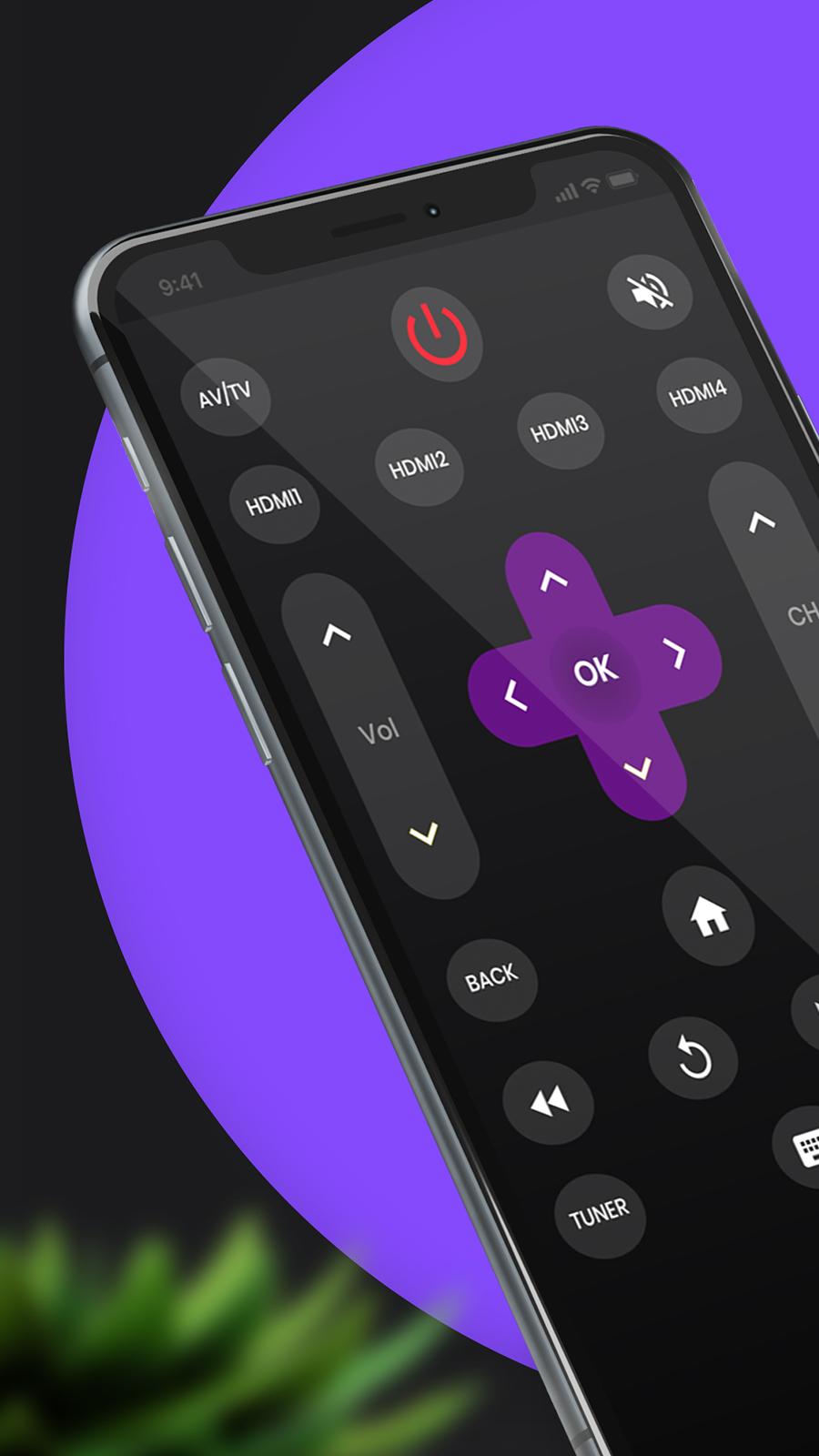
Roku Remote Control helps you control your TVs from the comfort of your phone.
Roku Remote Control is compatible with all Roku TVs with full Remote Controller Access.
Enjoy quick access to your favorite TV Streaming media channels like HBONow, Chill TLC, Shattered channel, YouTube, Rookie and others.
This Roku TV Remote app is the prime way for you to watch, cast to TV and play games on TV conveniently.
Features:
- Intuitive remote control.
- Quick access to your favorite apps and channels.
Setup: Please connect both devices to the same WiFi network. Select your Roku TV in the app and, when prompted, ""Allow"" the app. That's it! Simple, quick, with complete features.
(Please note that this application cannot turn on your TV. Your TV is not connected to WiFi when it is OFF, so it can't accept the commands.)
DISCLAIMER:
This application is not affiliated nor endorsed by Roku Inc. and it is not an official product of Roku Inc. or its affiliates.
معاينة
العلامات
أدواتمعلومة
مطور
GreenForestApps
احدث اصدار
2.02.25
آخر تحديث
2022-02-24
فئة
أدوات
متاح على
Google Play
أظهر المزيد
كيف تلعب Roku Remote Control (WiFi, IR) مع GameLoop على جهاز الكمبيوتر
1. قم بتنزيل GameLoop من الموقع الرسمي ، ثم قم بتشغيل ملف exe لتثبيت GameLoop.
2. افتح GameLoop وابحث عن "Roku Remote Control (WiFi, IR)" ، وابحث عن Roku Remote Control (WiFi, IR) في نتائج البحث وانقر على "تثبيت".
3. استمتع بلعب Roku Remote Control (WiFi, IR) على GameLoop.
Minimum requirements
OS
Windows 8.1 64-bit or Windows 10 64-bit
GPU
GTX 1050
CPU
i3-8300
Memory
8GB RAM
Storage
1GB available space
Recommended requirements
OS
Windows 8.1 64-bit or Windows 10 64-bit
GPU
GTX 1050
CPU
i3-9320
Memory
16GB RAM
Storage
1GB available space