
FBOX PC
FUN FORTUNE LIMITED
قم بتنزيل FBOX على جهاز الكمبيوتر باستخدام GameLoop Emulator
FBOX على الكمبيوتر الشخصي
FBOX ، القادم من المطور FUN FORTUNE LIMITED ، يعمل على نظام Android في الماضي.
الآن ، يمكنك لعب FBOX على جهاز الكمبيوتر باستخدام GameLoop بسلاسة.
قم بتنزيله في مكتبة GameLoop أو في نتائج البحث. لا مزيد من الانتباه إلى البطارية أو المكالمات المحبطة في الوقت الخطأ بعد الآن.
ما عليك سوى الاستمتاع بجهاز FBOX على الشاشة الكبيرة مجانًا!
FBOX مقدمة
FBOX is a professional bitcoin mining integrated hardware equipment provider.
FBOX Intelligent Liquid Cooling Data Center has the following features:
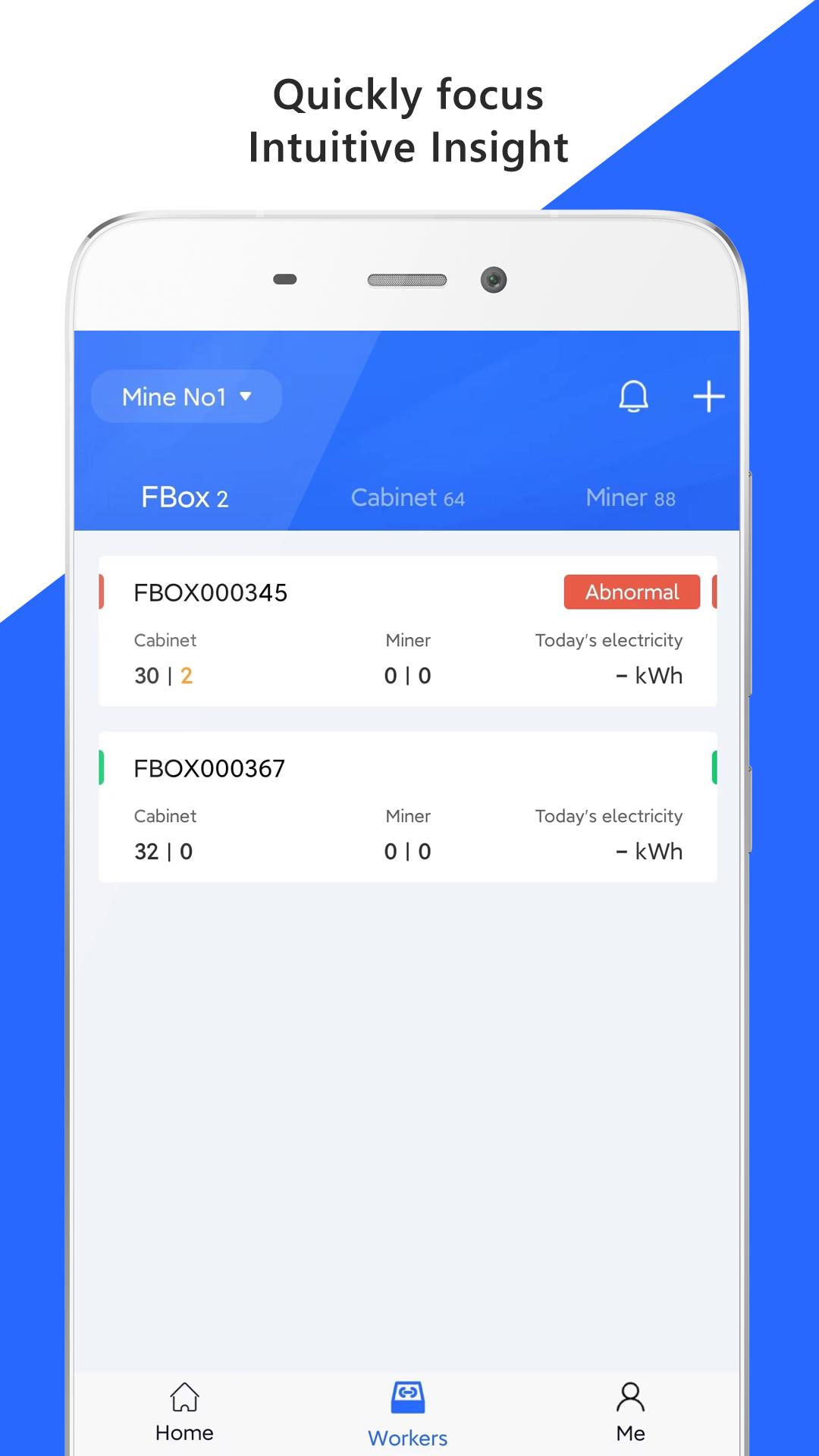
Visual monitoring to locate faults.
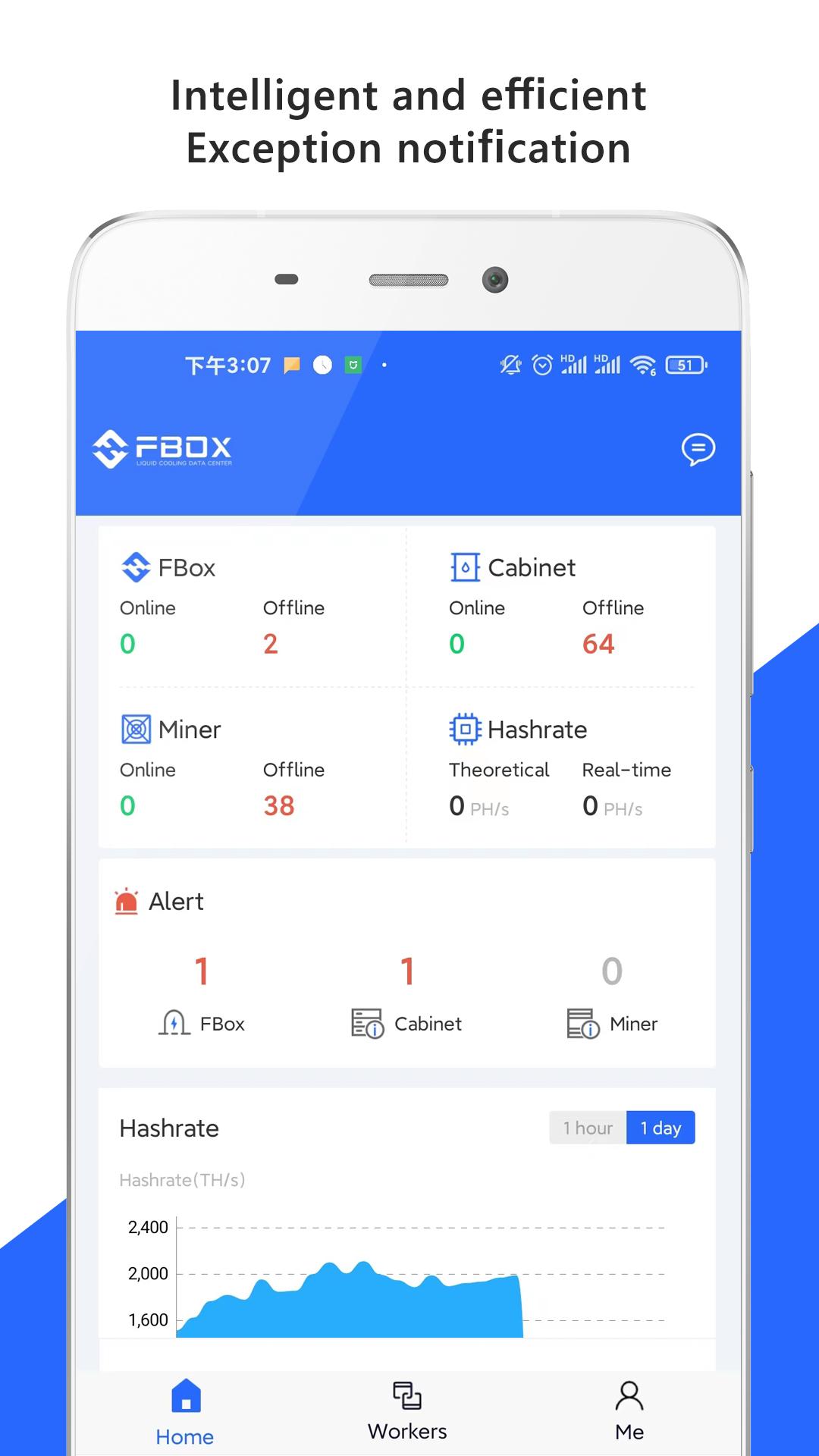
Miners running data can be displayed in various types of diagrams, revealing the operation status, hashrates, and fault situation.
Real-time alarm of abnormal conditions.
Real-time monitoring and refreshing of miners running data.
Real-time alarm for various type of abnormal conditions, and the notification frequency and mode can be flexibly configured.
The optimal strategy to achieves the intelligent mining farms, FBOX give you a security, efficient and intelligent mining farm by flexibly configure parameters, automatically restart the abnormal miner and so on.
Contact us
Website: Website: www.fboxdata.com
WhatsApp: +971 2 550 1910
Email: bd@fboxdata.com
Community
Twitter: @fboxdata
YouTube: @fboxdata
Medium: @fboxdata
Reddit: @fboxdata
معاينة
العلامات
أدواتمعلومة
مطور
FUN FORTUNE LIMITED
احدث اصدار
2.1.8
آخر تحديث
2025-04-17
فئة
أدوات
متاح على
Google Play
أظهر المزيد
كيف تلعب FBOX مع GameLoop على جهاز الكمبيوتر
1. قم بتنزيل GameLoop من الموقع الرسمي ، ثم قم بتشغيل ملف exe لتثبيت GameLoop.
2. افتح GameLoop وابحث عن "FBOX" ، وابحث عن FBOX في نتائج البحث وانقر على "تثبيت".
3. استمتع بلعب FBOX على GameLoop.
Minimum requirements
OS
Windows 8.1 64-bit or Windows 10 64-bit
GPU
GTX 1050
CPU
i3-8300
Memory
8GB RAM
Storage
1GB available space
Recommended requirements
OS
Windows 8.1 64-bit or Windows 10 64-bit
GPU
GTX 1050
CPU
i3-9320
Memory
16GB RAM
Storage
1GB available space