
SI Connect (SSH/WS/DNS) PC
Edgar Singui
قم بتنزيل SI Connect (SSH/WS/DNS) على جهاز الكمبيوتر باستخدام GameLoop Emulator
SI Connect (SSH/WS/DNS) على الكمبيوتر الشخصي
SI Connect (SSH/WS/DNS) ، القادم من المطور Edgar Singui ، يعمل على نظام Android في الماضي.
الآن ، يمكنك لعب SI Connect (SSH/WS/DNS) على جهاز الكمبيوتر باستخدام GameLoop بسلاسة.
قم بتنزيله في مكتبة GameLoop أو في نتائج البحث. لا مزيد من الانتباه إلى البطارية أو المكالمات المحبطة في الوقت الخطأ بعد الآن.
ما عليك سوى الاستمتاع بجهاز SI Connect (SSH/WS/DNS) على الشاشة الكبيرة مجانًا!
SI Connect (SSH/WS/DNS) مقدمة
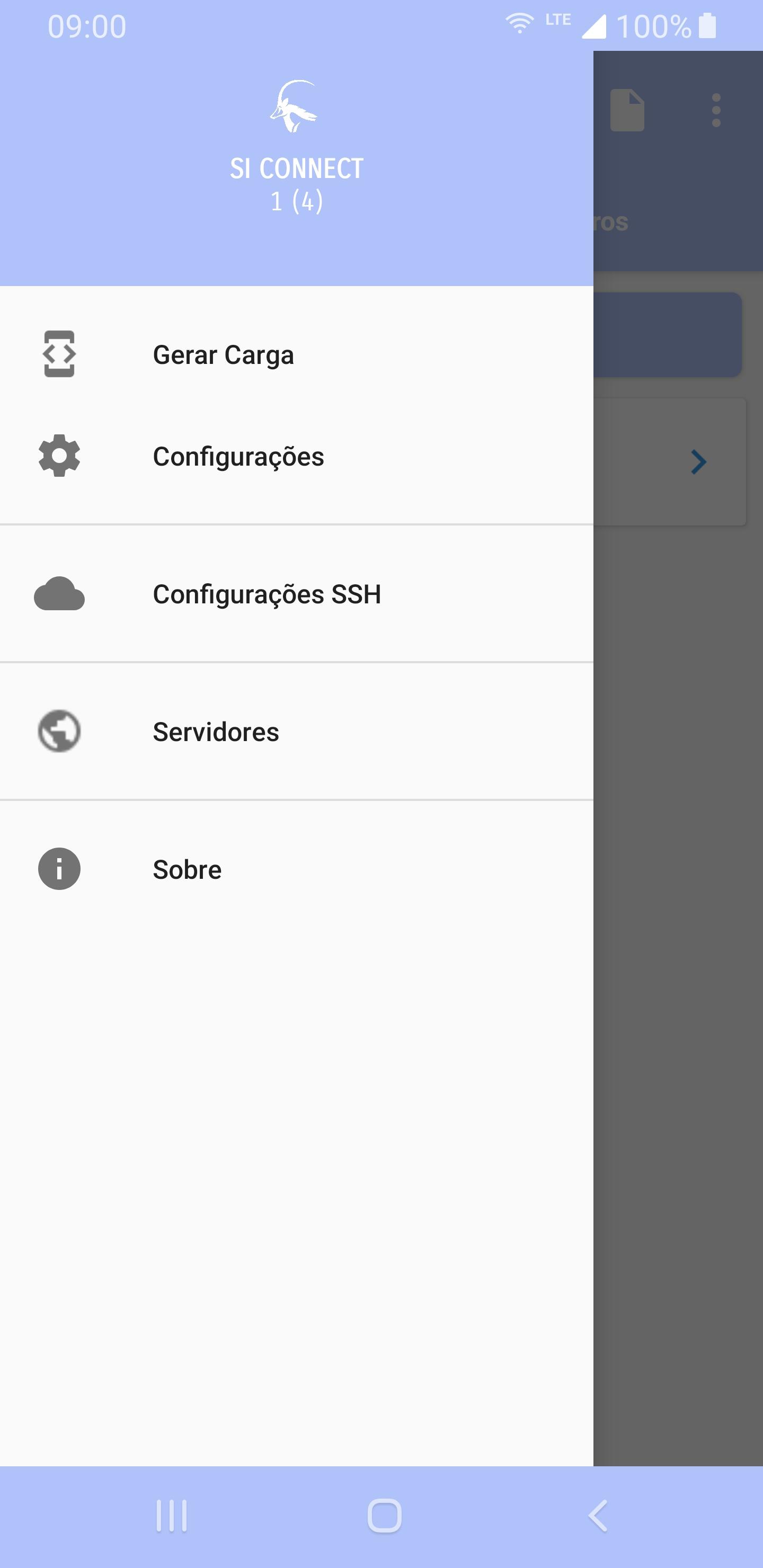
SI Connect is a versatile and powerful application that offers a complete solution for secure connections over SSH, WS and DNS protocols. With an intuitive and easy-to-use interface, SI Connect allows you to establish encrypted connections quickly and reliably, ensuring the privacy and security of your data.
With support for SSH, SI Connect allows you to securely connect to remote servers, whether for system management, file transfer or command execution. In addition, the application offers support for the WS (WebSocket) protocol, allowing you to establish persistent and bidirectional connections, ideal for real-time applications.
SI Connect also incorporates advanced DNS features, allowing you to easily create and manage custom records for your network configurations, giving you complete control over name resolution.
معاينة

العلامات
أدواتمعلومة
مطور
Edgar Singui
احدث اصدار
T2zDoSBBbWFuZGE=
آخر تحديث
2025-03-12
فئة
أدوات
متاح على
Google Play
أظهر المزيد
كيف تلعب SI Connect (SSH/WS/DNS) مع GameLoop على جهاز الكمبيوتر
1. قم بتنزيل GameLoop من الموقع الرسمي ، ثم قم بتشغيل ملف exe لتثبيت GameLoop.
2. افتح GameLoop وابحث عن "SI Connect (SSH/WS/DNS)" ، وابحث عن SI Connect (SSH/WS/DNS) في نتائج البحث وانقر على "تثبيت".
3. استمتع بلعب SI Connect (SSH/WS/DNS) على GameLoop.
Minimum requirements
OS
Windows 8.1 64-bit or Windows 10 64-bit
GPU
GTX 1050
CPU
i3-8300
Memory
8GB RAM
Storage
1GB available space
Recommended requirements
OS
Windows 8.1 64-bit or Windows 10 64-bit
GPU
GTX 1050
CPU
i3-9320
Memory
16GB RAM
Storage
1GB available space