Chargy – Battery Health PC
Văn Ưởng
قم بتنزيل Chargy – Battery Health على جهاز الكمبيوتر باستخدام GameLoop Emulator
Chargy – Battery Health على الكمبيوتر الشخصي
Chargy – Battery Health ، القادم من المطور Văn Ưởng ، يعمل على نظام Android في الماضي.
الآن ، يمكنك لعب Chargy – Battery Health على جهاز الكمبيوتر باستخدام GameLoop بسلاسة.
قم بتنزيله في مكتبة GameLoop أو في نتائج البحث. لا مزيد من الانتباه إلى البطارية أو المكالمات المحبطة في الوقت الخطأ بعد الآن.
ما عليك سوى الاستمتاع بجهاز Chargy – Battery Health على الشاشة الكبيرة مجانًا!
Chargy – Battery Health مقدمة
🔋 Chargy – Battery Health
Chargy – Battery Health helps you monitor detailed battery information on your Android device in real time.
The app provides reference-based battery data to help you understand your battery condition and charging behavior during daily usage.
Key Features
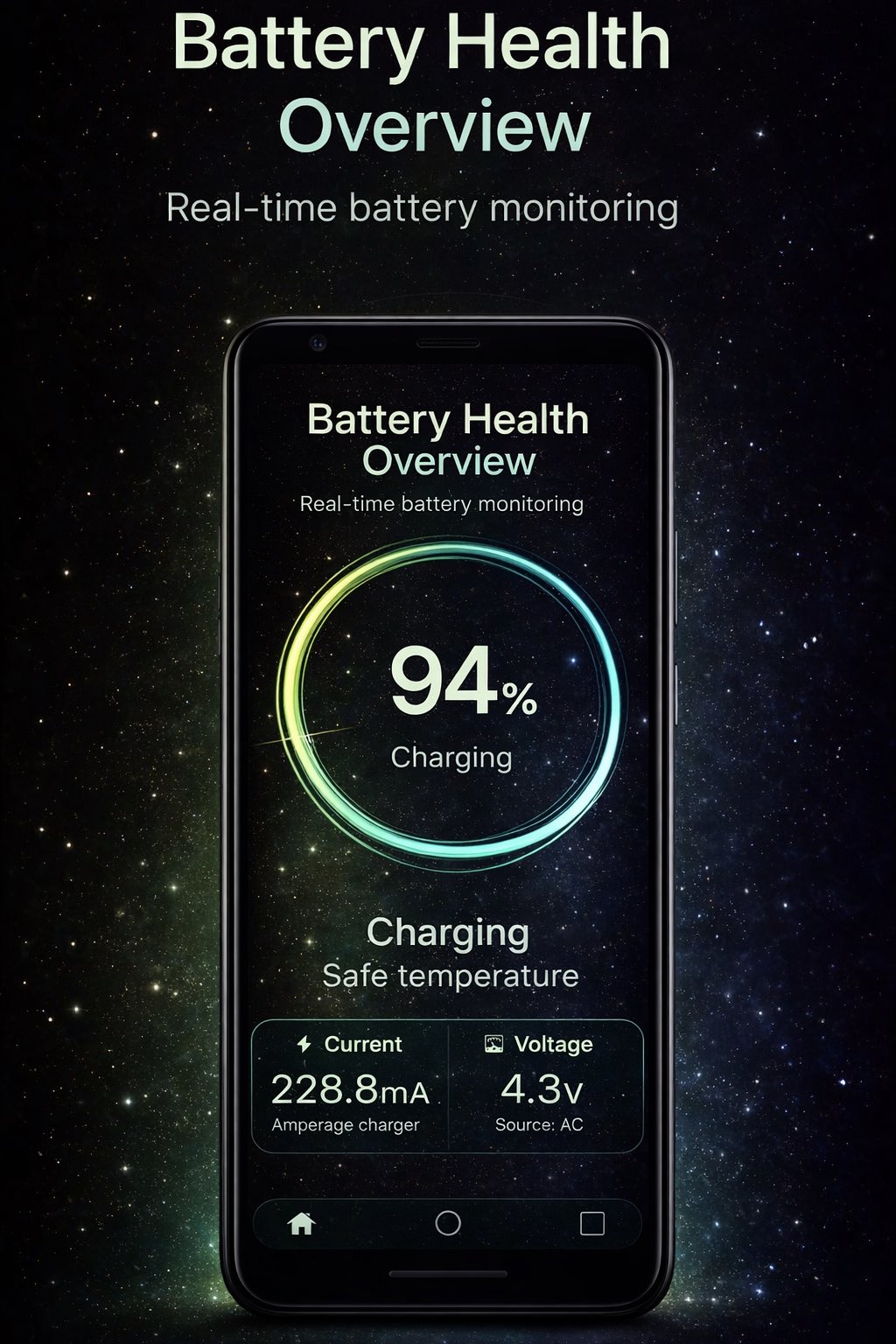
• Battery information: level, voltage, temperature, and charging status
• Battery health overview (reference-based)
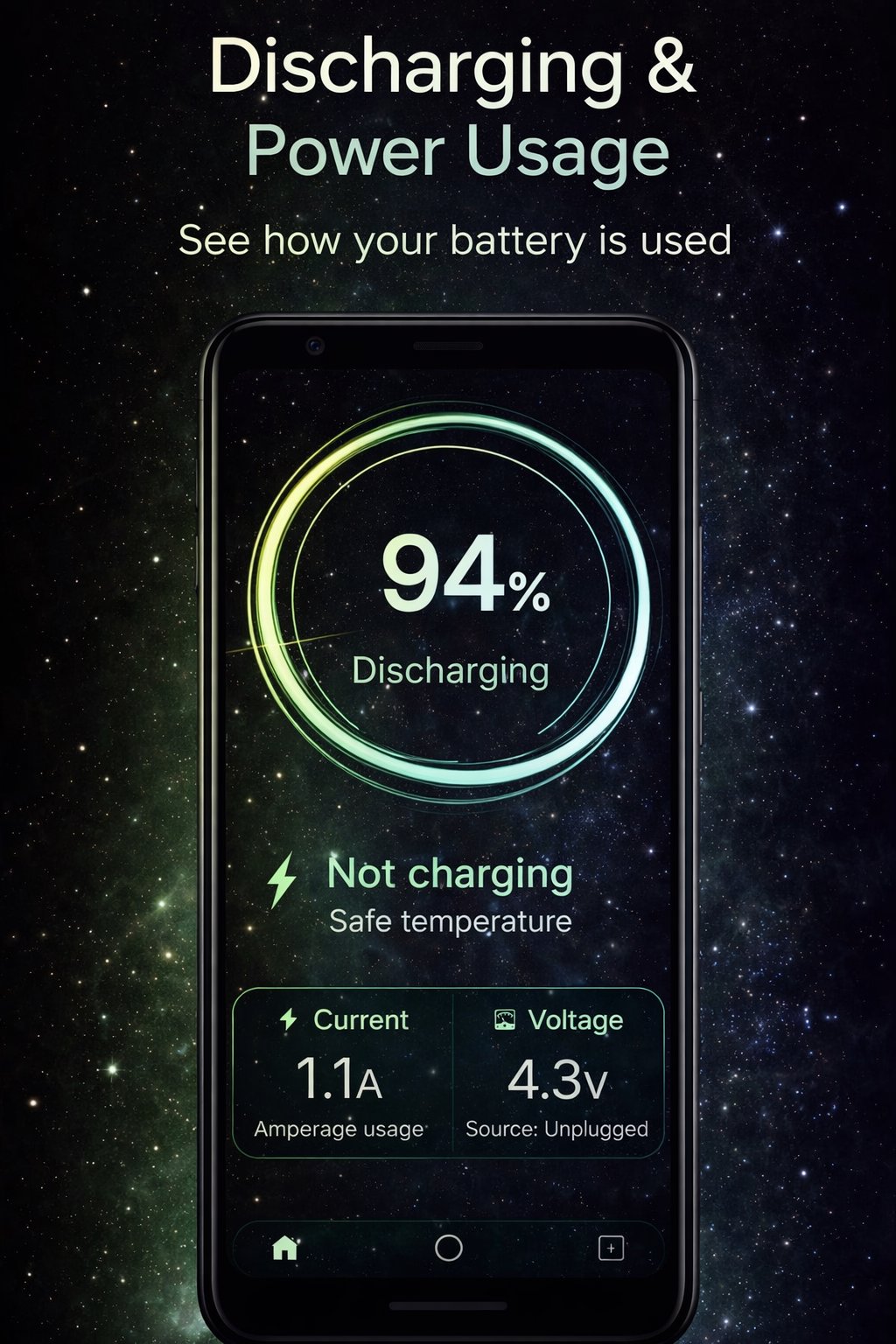
• Real-time charging and discharging current monitoring
• Charging graph to observe current stability and fluctuations
• Power source detection: Battery, USB, AC, or Wireless
• Optional persistent notification for quick access
• Lightweight, clean, and easy-to-use interface
How It Works
When the device is not charging, Chargy displays the battery discharge current.
When charging, it shows the net charging current based on Android system readings.
Battery values may vary depending on:
• Charger type and cable quality
• Device hardware and firmware
• Screen usage, network activity, and background processes
Technical Notes
• Battery data is estimated using information provided by the Android system
• Battery health values are for reference only
• Not all devices support accurate battery measurement
• Some devices may return limited or averaged values due to hardware or firmware restrictions
Important Disclaimer
Chargy – Battery Health is a monitoring and reference tool only.
It does NOT modify, repair, or improve battery performance or health.
All displayed values are for informational purposes and should not be considered exact or diagnostic measurements.
The app does not collect or share any personal data.
معاينة
العلامات
أدواتمعلومة
مطور
Văn Ưởng
احدث اصدار
2.2
آخر تحديث
2026-02-06
فئة
أدوات
متاح على
Google Play
أظهر المزيد
كيف تلعب Chargy – Battery Health مع GameLoop على جهاز الكمبيوتر
1. قم بتنزيل GameLoop من الموقع الرسمي ، ثم قم بتشغيل ملف exe لتثبيت GameLoop.
2. افتح GameLoop وابحث عن "Chargy – Battery Health" ، وابحث عن Chargy – Battery Health في نتائج البحث وانقر على "تثبيت".
3. استمتع بلعب Chargy – Battery Health على GameLoop.
Minimum requirements
OS
Windows 8.1 64-bit or Windows 10 64-bit
GPU
GTX 1050
CPU
i3-8300
Memory
8GB RAM
Storage
1GB available space
Recommended requirements
OS
Windows 8.1 64-bit or Windows 10 64-bit
GPU
GTX 1050
CPU
i3-9320
Memory
16GB RAM
Storage
1GB available space