
PicArt PC
GREATMOBI
قم بتنزيل PicArt على جهاز الكمبيوتر باستخدام GameLoop Emulator
PicArt على الكمبيوتر الشخصي
PicArt ، القادم من المطور GREATMOBI ، يعمل على نظام Android في الماضي.
الآن ، يمكنك لعب PicArt على جهاز الكمبيوتر باستخدام GameLoop بسلاسة.
قم بتنزيله في مكتبة GameLoop أو في نتائج البحث. لا مزيد من الانتباه إلى البطارية أو المكالمات المحبطة في الوقت الخطأ بعد الآن.
ما عليك سوى الاستمتاع بجهاز PicArt على الشاشة الكبيرة مجانًا!
PicArt مقدمة
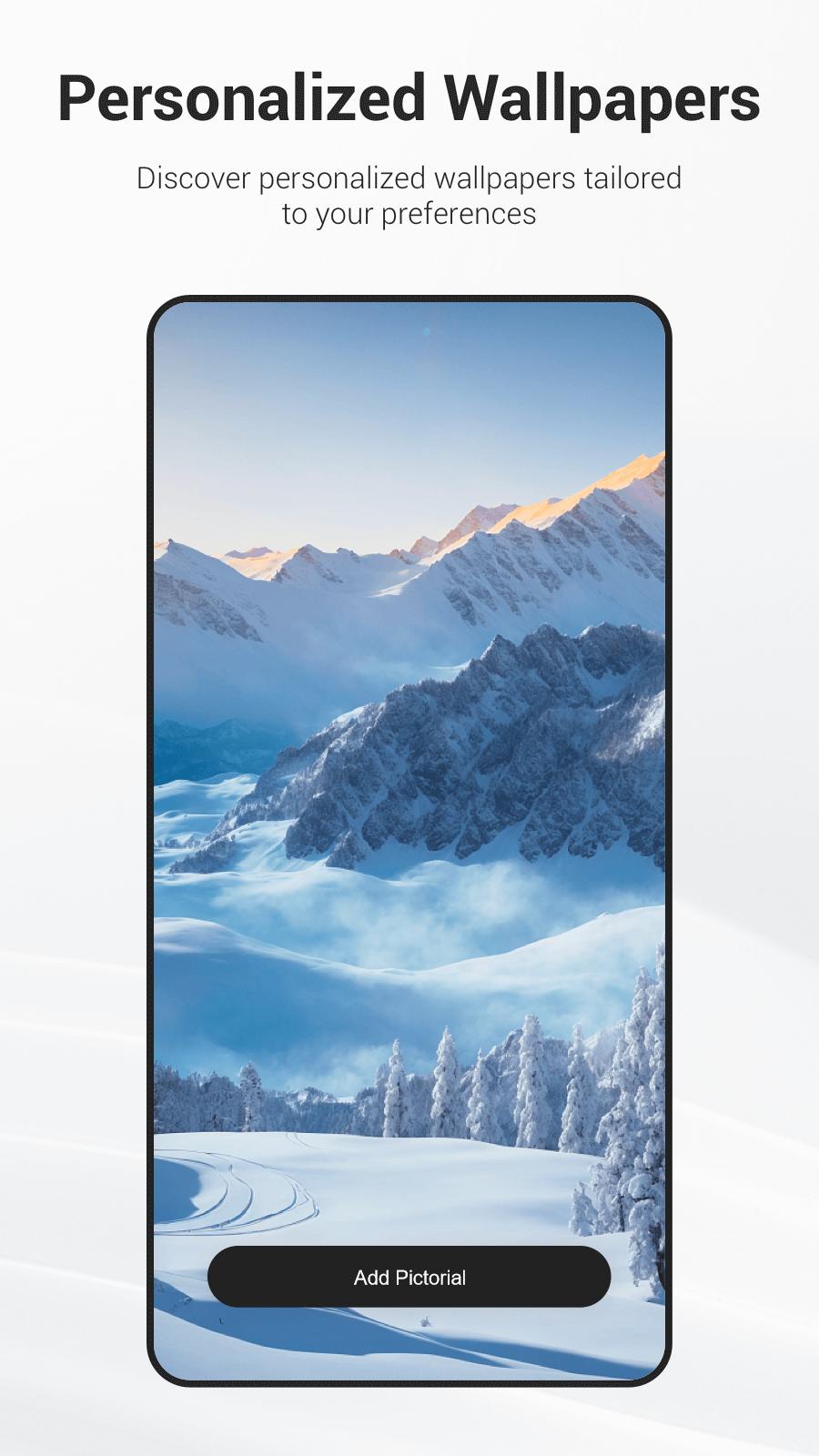
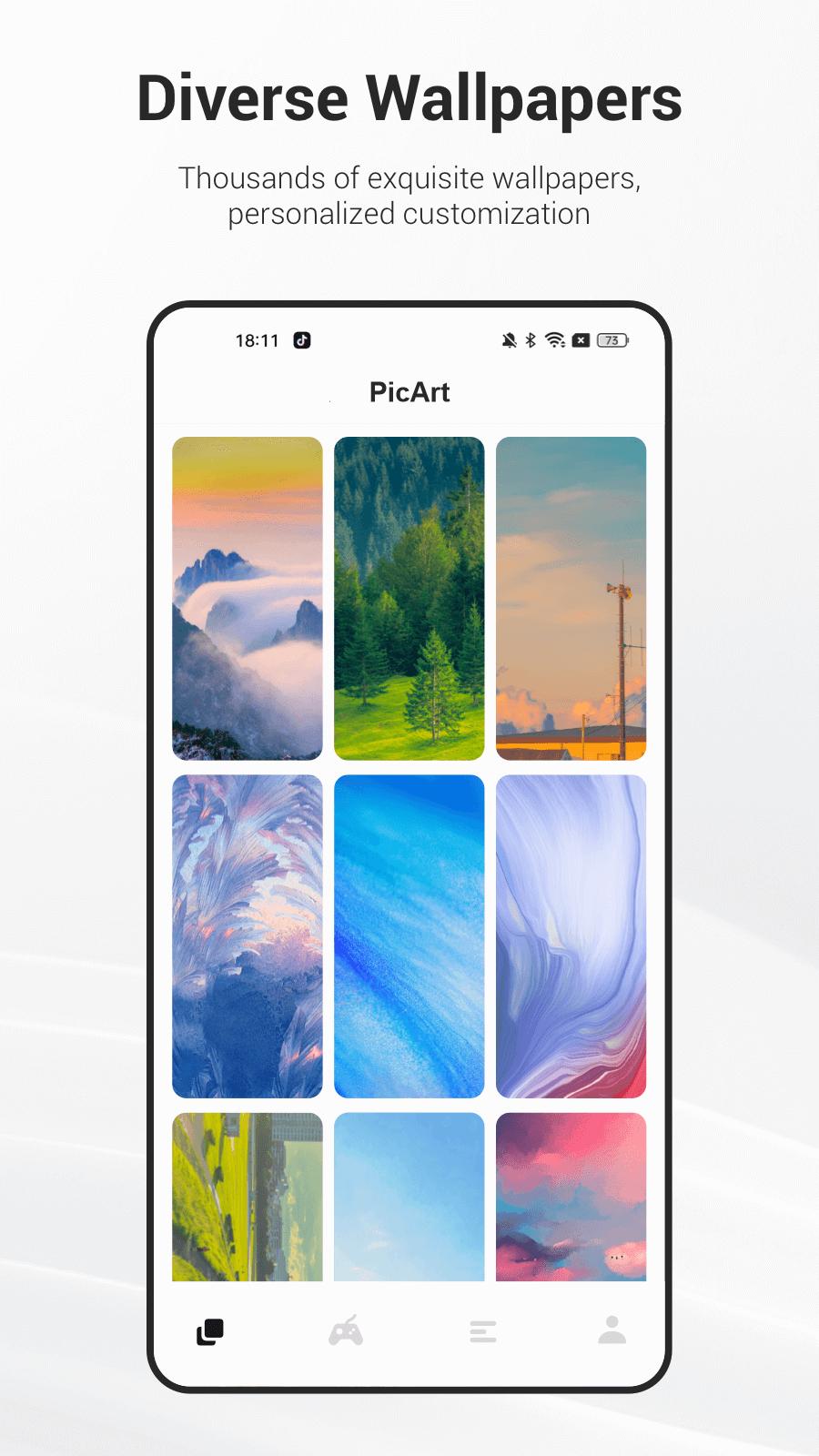
PicArt is an application dedicated to providing various exquisite wallpapers, aiming to enhance users' visual experience on their devices. Here are the main features of PicArt:
1. Curated Wallpaper Library:
PicArt boasts a vast and continuously updated wallpaper library, comprising wallpapers of various styles and themes, ranging from natural landscapes to abstract art, from classic designs to trendy fashion, catering to users' diverse aesthetic preferences.
2. User Favorites:
Users can bookmark their favorite wallpapers for easy access and change. The favorites folder feature allows users to keep track of their most loved wallpapers.
3. Daily Updates:
PicArt adds new wallpapers daily, ensuring users always have access to the latest and trendiest designs. The daily recommendations feature provides users with the hottest and newest wallpaper selections for the day.
4. Casual Games:
Various types of games, endless fun experiences. PicArt offers a diverse range of games covering various genres and themes, providing you with endless enjoyment.
5. Latest fun facts:
Provides real-time updates on the latest fun facts, allowing you to stay informed anytime, anywhere.
معاينة
العلامات
أدواتمعلومة
مطور
GREATMOBI
احدث اصدار
3.83
آخر تحديث
2025-08-28
فئة
أدوات
متاح على
Google Play
أظهر المزيد
كيف تلعب PicArt مع GameLoop على جهاز الكمبيوتر
1. قم بتنزيل GameLoop من الموقع الرسمي ، ثم قم بتشغيل ملف exe لتثبيت GameLoop.
2. افتح GameLoop وابحث عن "PicArt" ، وابحث عن PicArt في نتائج البحث وانقر على "تثبيت".
3. استمتع بلعب PicArt على GameLoop.
Minimum requirements
OS
Windows 8.1 64-bit or Windows 10 64-bit
GPU
GTX 1050
CPU
i3-8300
Memory
8GB RAM
Storage
1GB available space
Recommended requirements
OS
Windows 8.1 64-bit or Windows 10 64-bit
GPU
GTX 1050
CPU
i3-9320
Memory
16GB RAM
Storage
1GB available space