Calibrate Touch Screen Repair PC
Protection Apps
قم بتنزيل Calibrate Touch Screen Repair على جهاز الكمبيوتر باستخدام GameLoop Emulator
Calibrate Touch Screen Repair على الكمبيوتر الشخصي
Calibrate Touch Screen Repair ، القادم من المطور Protection Apps ، يعمل على نظام Android في الماضي.
الآن ، يمكنك لعب Calibrate Touch Screen Repair على جهاز الكمبيوتر باستخدام GameLoop بسلاسة.
قم بتنزيله في مكتبة GameLoop أو في نتائج البحث. لا مزيد من الانتباه إلى البطارية أو المكالمات المحبطة في الوقت الخطأ بعد الآن.
ما عليك سوى الاستمتاع بجهاز Calibrate Touch Screen Repair على الشاشة الكبيرة مجانًا!
Calibrate Touch Screen Repair مقدمة
Now we use our phones very actively, and because of this, problems with the screen can very quickly appear on the device. And problems with the screen and broken pixels definitely should not be a reason to buy a new device. But screen problems are definitely the reason why you download this touchscreen repair tool and calibration app.
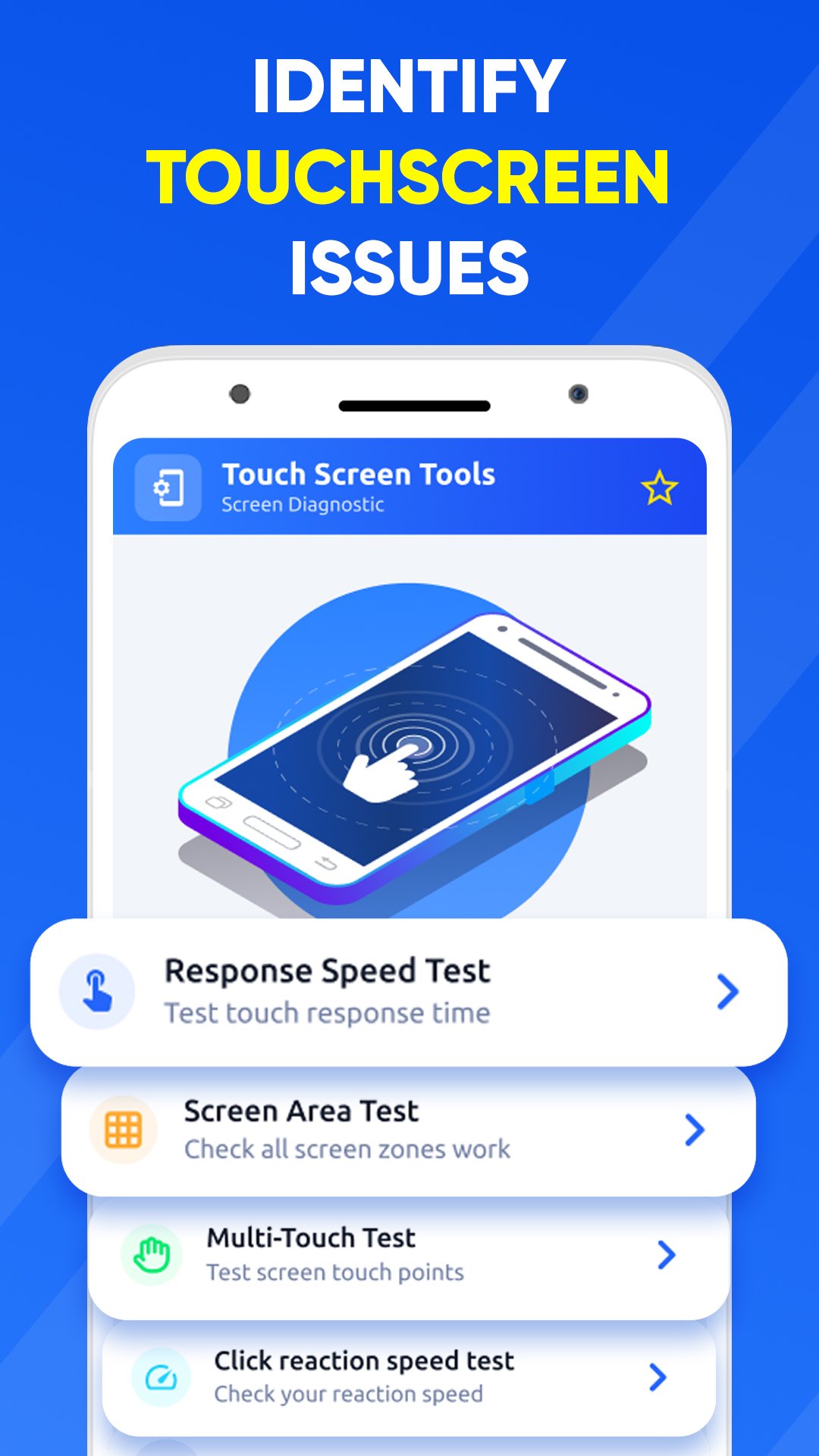
Common screen problems usually can be determined by screen repair tool its a simple touch screen lags and screen stop responding. Touchscreen test function and touchscreen test app helps you to find touchscreen problems and identify your perfect screen sensitivity. After using the screen tool features you will easily identify all the problematic things in the screen of your device and you will know how to fix them, so the application will help you determine the ideal touchscreen sensitivity for you.
Main features and benefits of screen repair tool
📱 Calibrate and repair touch screen helps you to identify and in further remove screen lags or dead pixels and will help in the future with the gaming experience in any game
📱 Screen repair tool will provide to you all screen tests wich will help you to identify most screen problems
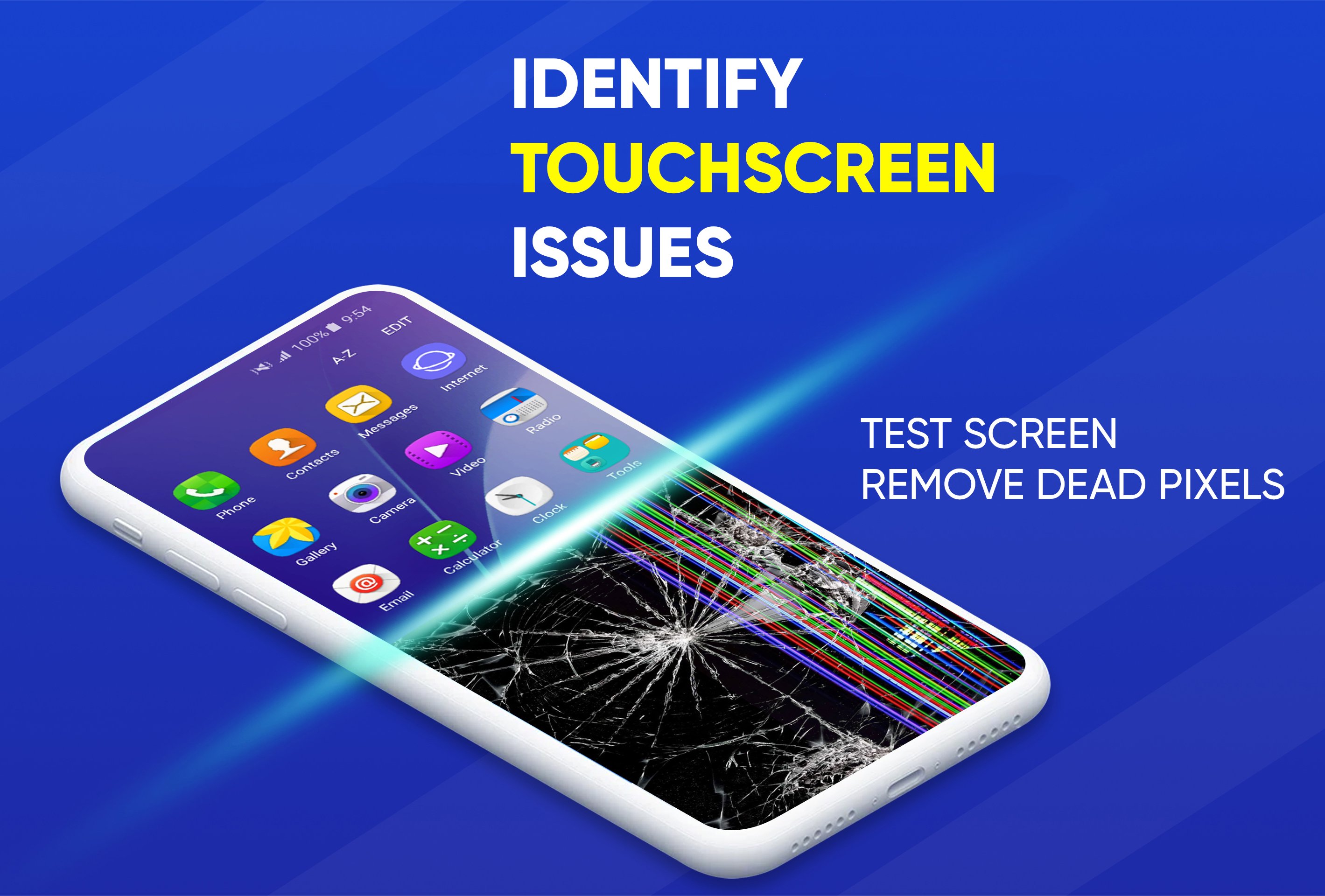
📱 Main feature of touch screen test app will help you to fix dead pixels on the screen - the app allows you to set a frame on a specific point on the screen to try to fix the problematic point or try to fix the entire screen if there are a lot of such pixels. Flickering and abrupt color switching can actually be fixed by fixing the screen, but not always
📱 Screen tool will help you to identify the comfortable touch screen response time for you device
📱 Simple and user friendly interface in screen repair tool app
📱 Very light application - does not take up much space and will periodically help you with phone screen diagnostics
How broken pixels diagnostics works? Touchscreen calibration app set a frame. It puts a frame on the screen in which the colors change abruptly, and this flickering can help fix the dead pixels, or there is the option of trying to fix the entire screen. Thus, screen repair tool and calibration app will help you with diagnosing most problems with the phone screen, helps you diagnose the touchscreen and suggest the best solutions for your device touchscreen.
معاينة
العلامات
أدواتمعلومة
مطور
Protection Apps
احدث اصدار
2.0.2
آخر تحديث
2026-03-28
فئة
أدوات
متاح على
Google Play
أظهر المزيد
كيف تلعب Calibrate Touch Screen Repair مع GameLoop على جهاز الكمبيوتر
1. قم بتنزيل GameLoop من الموقع الرسمي ، ثم قم بتشغيل ملف exe لتثبيت GameLoop.
2. افتح GameLoop وابحث عن "Calibrate Touch Screen Repair" ، وابحث عن Calibrate Touch Screen Repair في نتائج البحث وانقر على "تثبيت".
3. استمتع بلعب Calibrate Touch Screen Repair على GameLoop.
Minimum requirements
OS
Windows 8.1 64-bit or Windows 10 64-bit
GPU
GTX 1050
CPU
i3-8300
Memory
8GB RAM
Storage
1GB available space
Recommended requirements
OS
Windows 8.1 64-bit or Windows 10 64-bit
GPU
GTX 1050
CPU
i3-9320
Memory
16GB RAM
Storage
1GB available space