
Braurechner PC
Stefan Maaß
قم بتنزيل Braurechner على جهاز الكمبيوتر باستخدام GameLoop Emulator
Braurechner على الكمبيوتر الشخصي
Braurechner ، القادم من المطور Stefan Maaß ، يعمل على نظام Android في الماضي.
الآن ، يمكنك لعب Braurechner على جهاز الكمبيوتر باستخدام GameLoop بسلاسة.
قم بتنزيله في مكتبة GameLoop أو في نتائج البحث. لا مزيد من الانتباه إلى البطارية أو المكالمات المحبطة في الوقت الخطأ بعد الآن.
ما عليك سوى الاستمتاع بجهاز Braurechner على الشاشة الكبيرة مجانًا!
Braurechner مقدمة
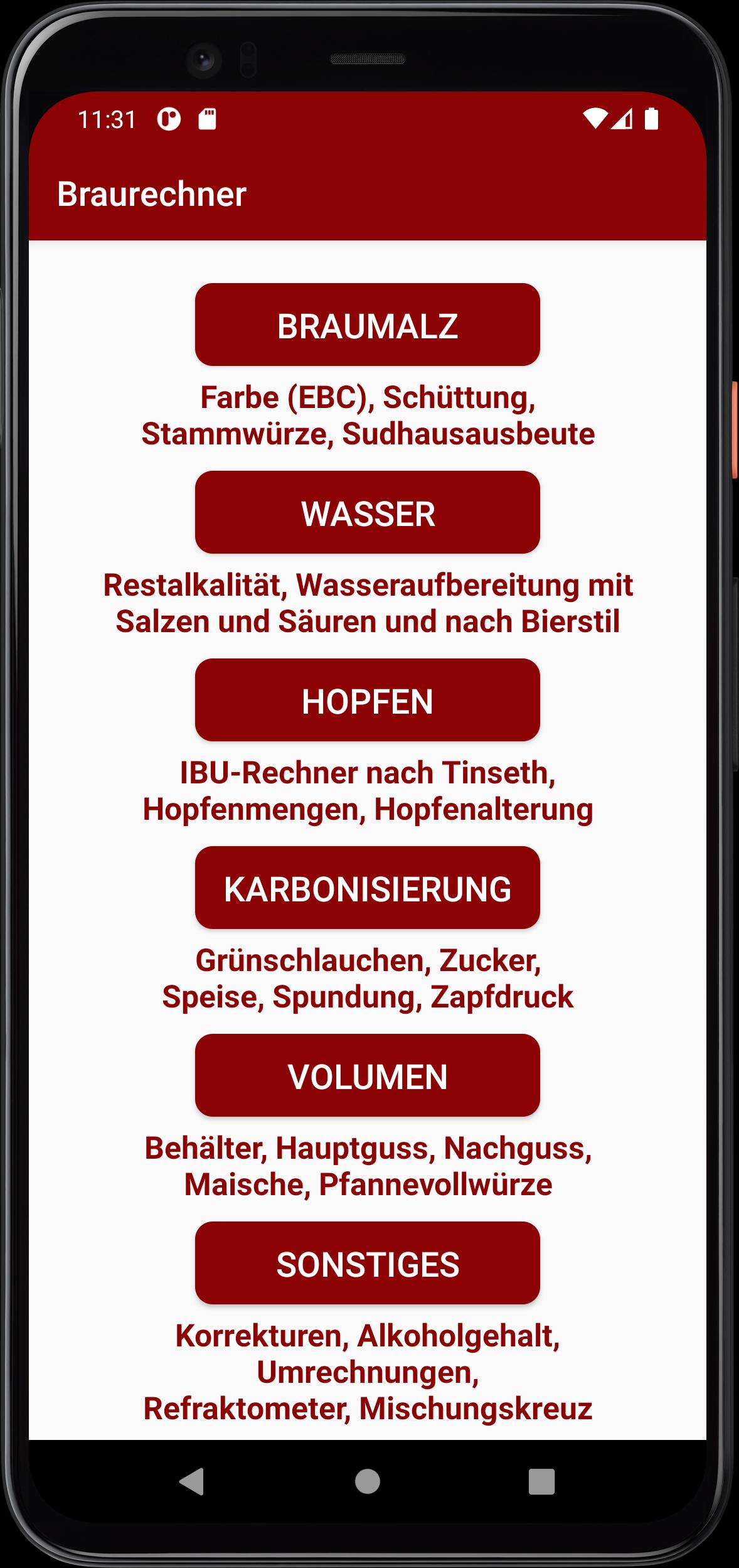
The app is compact, ad-free and self-explanatory. Specifically, it includes the following calculations:
On the topic of “brewing malt”:
- Beer color (EBC)
- amount of malt
- Original wort
- Brewhouse yield
On the subject of “water”:
- residual alkalinity
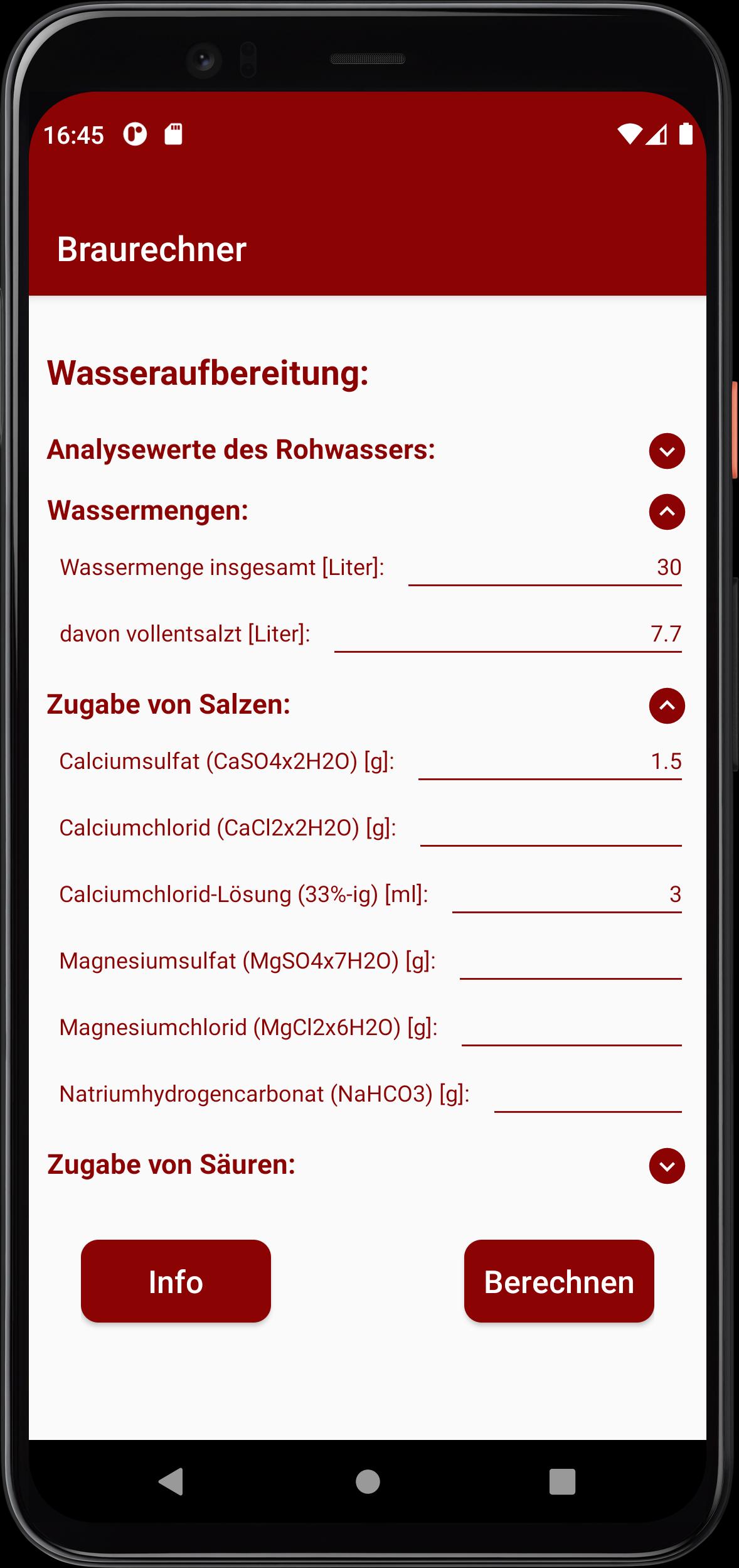
- Water treatment with salts and acids
- Blend with fully desalinated water
- Calculation of water treatment required for a chosen beer style
On the topic of “hops”:
- IBU calculator
- Post-isomerization
- amount of hops
- Hop aging (decrease in alpha acid)
On the subject of “carbonization”:
- Filling time (“green tubes”)
- Carbonation with glucose/table sugar (also as a solution) or “food”
- Bung pressure and CO2 calculator
- Tap pressure calculation
Volume calculation:
- cylindrical and conical containers
- Main casting and secondary casting
- Total mash volume
- Pan full seasoning amount
Other “Calculations”:
- Plato correction for spindle measurements
- Original wort correction
- Alcohol content and calorific value
- Conversion Plato / Brix / Specific Gravity (SG)
- Conversion EBC / SRM / Lovibond (°L)
- Refractometer calculation according to the Bonham, Terrill and Novotny models
- Mixture cross
معاينة
العلامات
أدواتمعلومة
مطور
Stefan Maaß
احدث اصدار
3.5
آخر تحديث
2024-10-20
فئة
أدوات
متاح على
Google Play
أظهر المزيد
كيف تلعب Braurechner مع GameLoop على جهاز الكمبيوتر
1. قم بتنزيل GameLoop من الموقع الرسمي ، ثم قم بتشغيل ملف exe لتثبيت GameLoop.
2. افتح GameLoop وابحث عن "Braurechner" ، وابحث عن Braurechner في نتائج البحث وانقر على "تثبيت".
3. استمتع بلعب Braurechner على GameLoop.
Minimum requirements
OS
Windows 8.1 64-bit or Windows 10 64-bit
GPU
GTX 1050
CPU
i3-8300
Memory
8GB RAM
Storage
1GB available space
Recommended requirements
OS
Windows 8.1 64-bit or Windows 10 64-bit
GPU
GTX 1050
CPU
i3-9320
Memory
16GB RAM
Storage
1GB available space