BedrockTogether for Minecraft PC
BedrockTogether
قم بتنزيل BedrockTogether for Minecraft على جهاز الكمبيوتر باستخدام GameLoop Emulator
BedrockTogether for Minecraft على الكمبيوتر الشخصي
BedrockTogether for Minecraft ، القادم من المطور BedrockTogether ، يعمل على نظام Android في الماضي.
الآن ، يمكنك لعب BedrockTogether for Minecraft على جهاز الكمبيوتر باستخدام GameLoop بسلاسة.
قم بتنزيله في مكتبة GameLoop أو في نتائج البحث. لا مزيد من الانتباه إلى البطارية أو المكالمات المحبطة في الوقت الخطأ بعد الآن.
ما عليك سوى الاستمتاع بجهاز BedrockTogether for Minecraft على الشاشة الكبيرة مجانًا!
BedrockTogether for Minecraft مقدمة
BedrockTogether is the easiest way to join any Minecraft Bedrock Edition server on Xbox, PlayStation, Nintendo Switch, and other console platforms. It makes any Bedrock server appear as a LAN game inside Minecraft, so you can connect to your favourite multiplayer servers in seconds — no PC and no DNS rerouting required.
Play on thousands of Minecraft Bedrock servers straight from your console. Whether you're on Xbox, PlayStation 4, PlayStation 5, or Nintendo Switch, BedrockTogether lets you connect to survival servers, minigames, and SMP worlds. Compatible with Minecraft Bedrock Edition (MCPE / Pocket Edition) servers.
Note: Realms are currently not supported by BedrockTogether.
How to connect to a server:
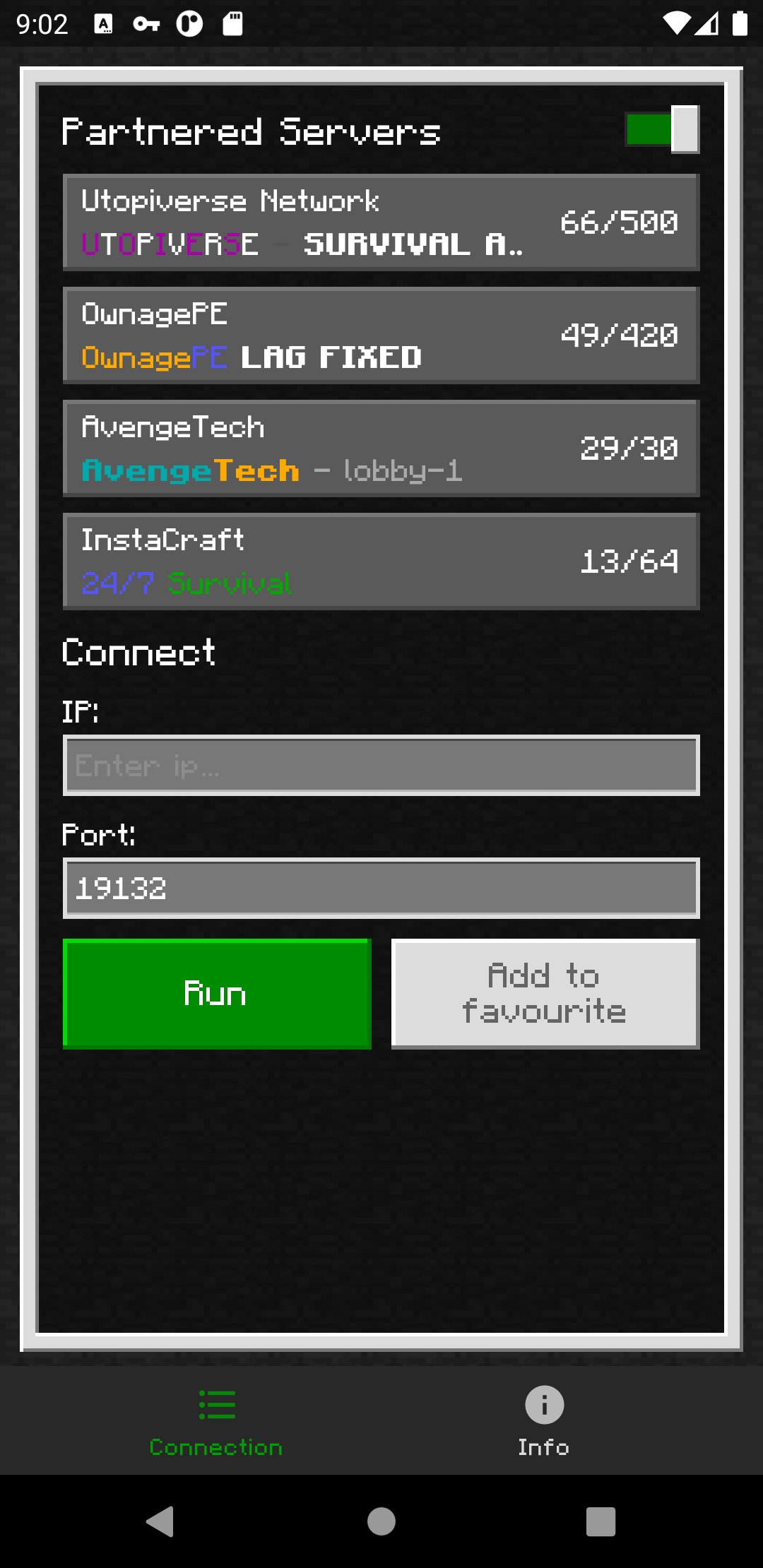
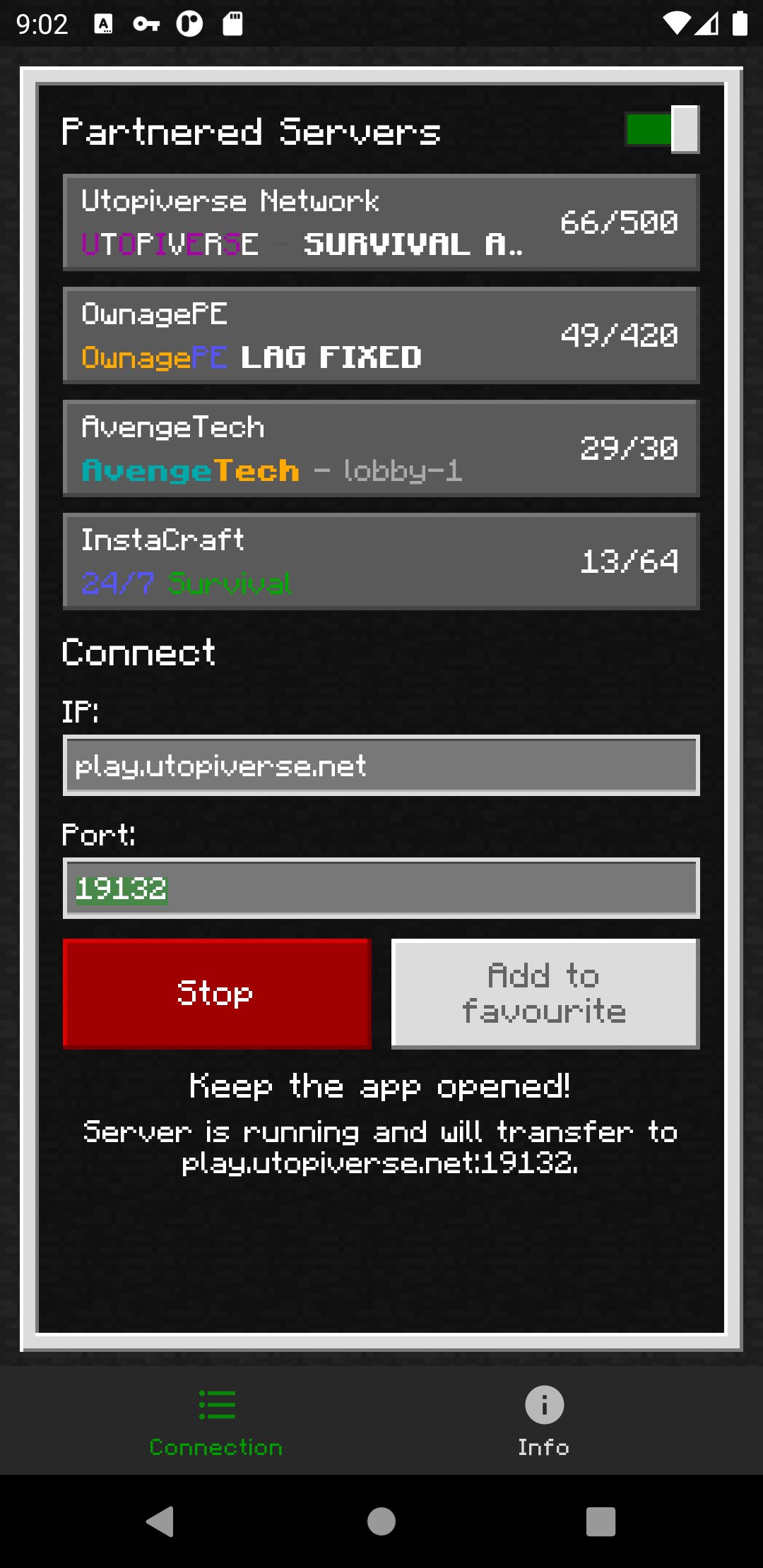
1. Enter your desired server IP and port.
2. Tap the "Run" button.
3. Open Minecraft and go to the "Friends" tab.
4. Join the server from the LAN games list.
5. Close BedrockTogether once your console has joined the server.
Troubleshooting:
- Make sure your gaming console and your mobile device are on the same Wi-Fi / LAN network.
- Make sure "Visible to LAN Players" is turned on in Minecraft's multiplayer settings.
Why BedrockTogether?
- Join any Minecraft Bedrock server on Xbox, PlayStation and Nintendo Switch
- Simple LAN connection — no DNS, no PC, no complicated setup
- Works with survival, SMP, multiplayer minigames and community servers
- Trusted by millions of Minecraft players
Found a bug? Join our Discord and report it in the #bugs channel:
https://discord.gg/3NxZEt8
Or reach us on Telegram: t.me/extollite
Application icon made by nataliagemel.pl
Disclaimer: BedrockTogether is a third-party application. BedrockTogether is not an endorsed extension of, or affiliated with, Minecraft, its creators or proprietors, Mojang AB, Microsoft, Xbox, or Xbox Live in any way.
NOT AN OFFICIAL MINECRAFT PRODUCT. NOT APPROVED BY OR ASSOCIATED WITH MOJANG OR MICROSOFT.
معاينة
العلامات
أدواتمعلومة
مطور
BedrockTogether
احدث اصدار
1.26.50.4
آخر تحديث
2026-09-17
فئة
أدوات
متاح على
Google Play
أظهر المزيد
كيف تلعب BedrockTogether for Minecraft مع GameLoop على جهاز الكمبيوتر
1. قم بتنزيل GameLoop من الموقع الرسمي ، ثم قم بتشغيل ملف exe لتثبيت GameLoop.
2. افتح GameLoop وابحث عن "BedrockTogether for Minecraft" ، وابحث عن BedrockTogether for Minecraft في نتائج البحث وانقر على "تثبيت".
3. استمتع بلعب BedrockTogether for Minecraft على GameLoop.
Minimum requirements
OS
Windows 8.1 64-bit or Windows 10 64-bit
GPU
GTX 1050
CPU
i3-8300
Memory
8GB RAM
Storage
1GB available space
Recommended requirements
OS
Windows 8.1 64-bit or Windows 10 64-bit
GPU
GTX 1050
CPU
i3-9320
Memory
16GB RAM
Storage
1GB available space