Backup and Restore - APP PC
Trustlook Security Lab
قم بتنزيل Backup and Restore - APP على جهاز الكمبيوتر باستخدام GameLoop Emulator
Backup and Restore - APP على الكمبيوتر الشخصي
Backup and Restore - APP ، القادم من المطور Trustlook Security Lab ، يعمل على نظام Android في الماضي.
الآن ، يمكنك لعب Backup and Restore - APP على جهاز الكمبيوتر باستخدام GameLoop بسلاسة.
قم بتنزيله في مكتبة GameLoop أو في نتائج البحث. لا مزيد من الانتباه إلى البطارية أو المكالمات المحبطة في الوقت الخطأ بعد الآن.
ما عليك سوى الاستمتاع بجهاز Backup and Restore - APP على الشاشة الكبيرة مجانًا!
Backup and Restore - APP مقدمة
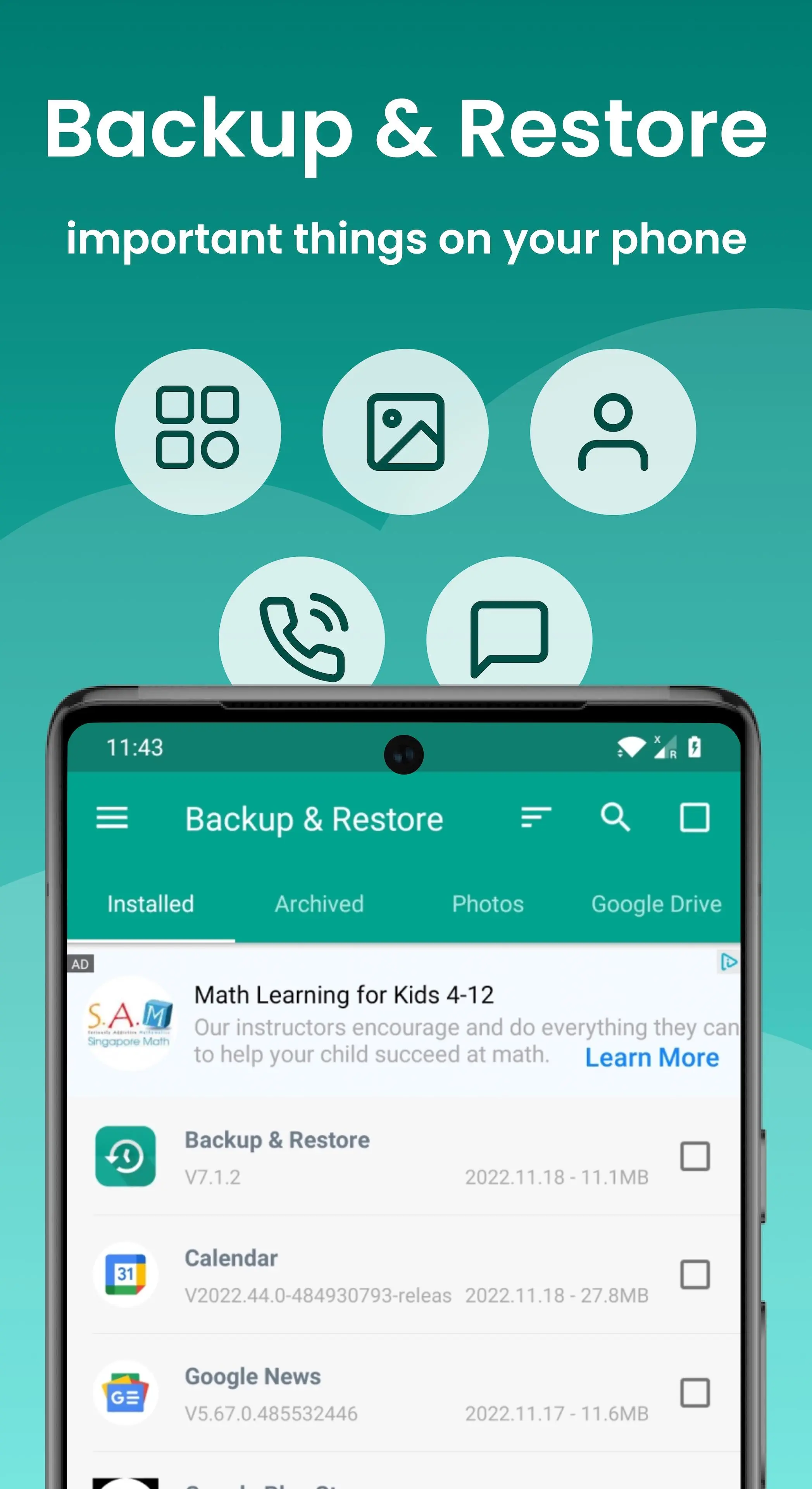
App Backup Restore can Backup & Restore APK files of apps that are not frequently used to save storage of a phone. Easiest Backup & Restore multi versions to avoid unnecessary updates.
Transfer & Share APK files between Android devices.
★ Editor's Choice
No.1 in "10 best Android backup apps ... to backup Android, save storage of phone !” - Android Authority
No.1 Easy Backup & Restore APK assistant in “10 Best Android Backup Apk assistant” - Tom’s Guide
◈ Local / Cloud Backup & Restore
✓ APK backup & restore
✓ Photo backup & restore
◈ Transfer & Share in Seconds
✓ APK send & receive
✓ Photos send & receive
◈ Features
• Batch backup, restore, transfer, share
• Batch Backup & Restore to internal storage of phone by default
• Batch Backup & Restore to SD card or USB
• Upload & Download to/from Google Drive, Dropbox, etc.
• Easiest Backup & Restore apks, photos data
• Auto Backup & Send files to the third party platforms
• Extract & Retrieve APK files
• Transfer & Share Backups
• Overwrite, downgrade app versions
• Auto app-backup tool at all times
• Set auto backup list to back up apks automatically
• Transfer & Share by building private Wifi-hotspot
• Wireless Transfer & Share with dizzying speed
• Auto backup & update with notifications
• Google Drive upload/download with notifications
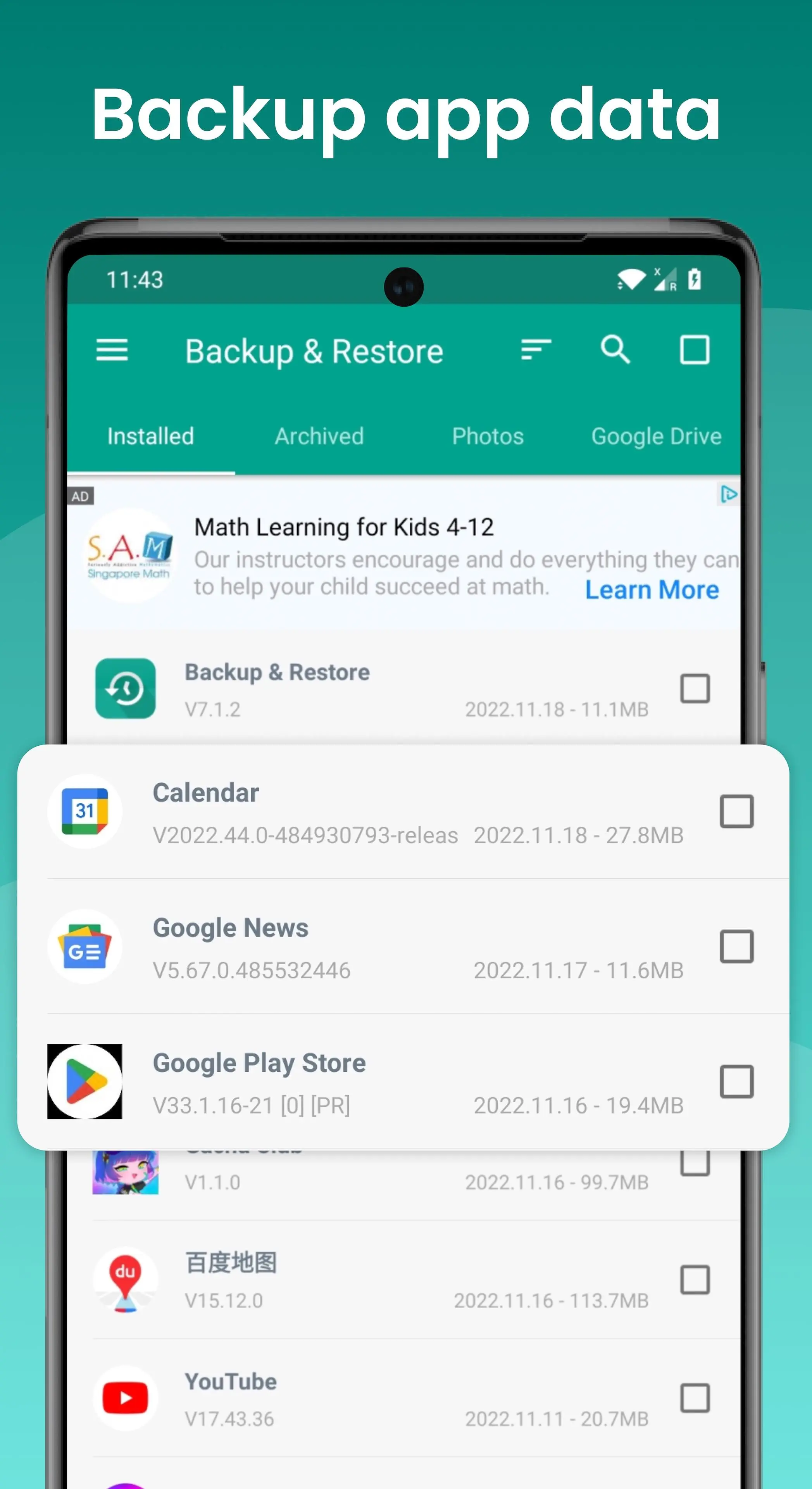
• Easiest backup & restore system applications
• Scan APK files stored in your phone
• Scan virus for more protection
• Touch & Hold app to check details
• Manage apps by installed, archived, Drive
• Apk assistant to sort apps by name, date, size
• Show backups’ size & time & version
• Show used & total system & file storage
• All types of app supported including Game, Tool, Social Media etc.
Notice:
App Backup Restore - Transfer CANNOT back-up, restore, transfer data or settings of apps, it only batch backup & restore apk files to save storage of phone.
App Backup Restore - Transfer can only restore app files that have been backed up BEFORE.
App Backup Restore - Transfer CANNOT auto back up personal data, auto back-up apks only.
App Backup Restore - Transfer can only auto back-up to RAM & SD card, auto backup to cloud CANNOT be achieved .
Please back up to sd card or cloud before factory reset, or all backups will be deleted due to system restriction.
For Android 4.4 and above, Google reserved the permission to write in SD card. It is now granted only to Google and cell phone manufacturers.
Requested Permissions:
READ WIFI/BLUETOOTH/GPS to enable transfer & share feature
REQUEST CERTAIN PRIVACY PERMISSIONS to enable virus scan & Google Drive back-up
FOREGROUND_SERVICE:Dear users, the FOREGROUND_SERVICE permission will be used in this application to automatically back up newly installed apps and to remind you that you can restore apps when you uninstall apps by mistake, so as to prevent unnecessary losses caused by misoperation. We will only use the foreground service permission when we install apps and uninstall apps. Ensure that this permission is not abused. We promise that the use of front desk service permissions will be strictly in accordance with Google policies to ensure that your interests are protected to the greatest extent possible. Thank you for your understanding and support!
Contact us if you want to help making the app into your language: support@trustlook.com
معاينة
العلامات
أدواتمعلومة
مطور
Trustlook Security Lab
احدث اصدار
7.6.4
آخر تحديث
2025-08-26
فئة
أدوات
متاح على
Google Play
أظهر المزيد
كيف تلعب Backup and Restore - APP مع GameLoop على جهاز الكمبيوتر
1. قم بتنزيل GameLoop من الموقع الرسمي ، ثم قم بتشغيل ملف exe لتثبيت GameLoop.
2. افتح GameLoop وابحث عن "Backup and Restore - APP" ، وابحث عن Backup and Restore - APP في نتائج البحث وانقر على "تثبيت".
3. استمتع بلعب Backup and Restore - APP على GameLoop.
Minimum requirements
OS
Windows 8.1 64-bit or Windows 10 64-bit
GPU
GTX 1050
CPU
i3-8300
Memory
8GB RAM
Storage
1GB available space
Recommended requirements
OS
Windows 8.1 64-bit or Windows 10 64-bit
GPU
GTX 1050
CPU
i3-9320
Memory
16GB RAM
Storage
1GB available space